
OpenDialog AI
Automates customer interactions with advanced conversational AI.
Key Takeaways
- What it is
- Automates customer interactions with advanced conversational AI.
- Best for
- Sector-Specific Solutions
- Safe Generative AI
- Advanced Integration Capabilities
- Rating
- 4.6/5
What is OpenDialog AI?
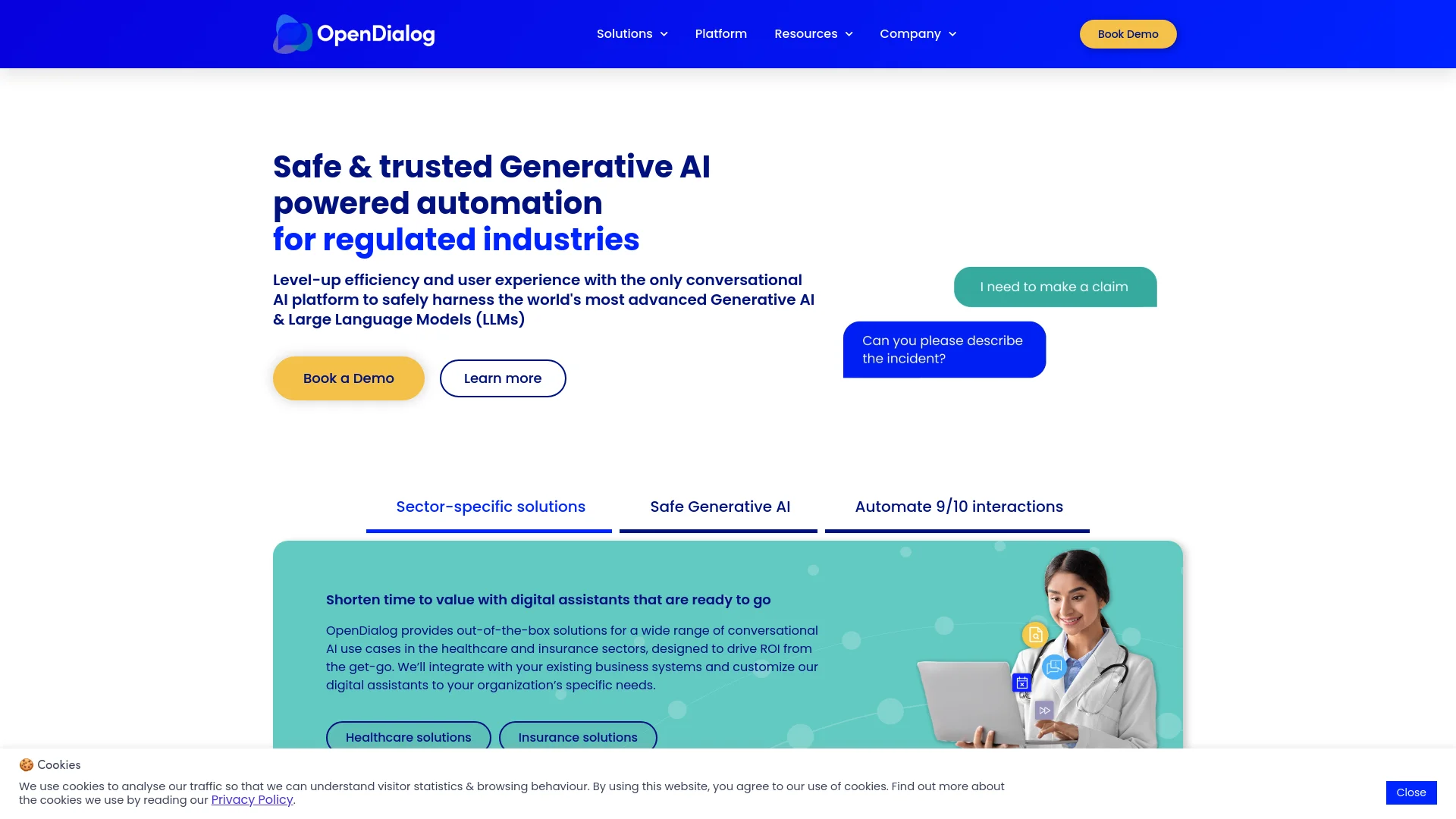
Exploring the realm of conversational AI, OpenDialog AI emerges as a groundbreaking platform designed specifically for regulated industries like healthcare and insurance. This tool isn't just about automating conversations; it's about transforming them into meaningful, safe, and efficient interactions that comply with industry standards. Its core functionality revolves around leveraging advanced Generative AI and Large Language Models (LLMs) to automate up to 90% of interactions, thereby enhancing efficiency and user experience across various sectors.
OpenDialog AI stands out by offering a conversational AI platform that's not only advanced in terms of technology but also finely tuned to meet the stringent requirements of regulated industries. Its ability to provide safe, transparent, and highly customizable conversational experiences sets it apart in the market.
OpenDialog AI excels in delivering safe and efficient conversational AI solutions tailored for regulated industries. Its standout feature, the safe Generative AI, provides businesses in healthcare and insurance the ability to automate interactions while adhering to strict compliance standards. This tool is an essential asset for any organization looking to enhance its digital transformation journey with a focus on security, compliance, and user satisfaction.
Who is Using OpenDialog AI?
Healthcare Providers
Utilizing the platform for patient engagement, appointment scheduling, and patient onboarding automation.
Insurance Companies
Employing the tool for automating interactions across the customer journey from quotes to claims.
Customer Service Departments
Leveraging the tool to handle high volumes of queries with consistent quality and compliance.
Compliance Teams
Using the AI to ensure that all customer interactions are within regulatory guidelines.
Uncommon Use Cases
Academic institutions use it for training medical students in patient interaction; legal firms utilize it for client intake automation.
Key Features
Rating Breakdown
Pricing Plans
Custom Pricing Model
- Since OpenDialog AI serves highly specialized sectors
- Pricing is typically customized based on specific business needs and scale of deployment
Which OpenDialog AI plan should you pick?
Start with the AI Accelerator if you qualify for its two-month, one-user program; upgrade to ongoing access when you need continued usage beyond the program limits.
AI Accelerator Program
Good for individuals or teams who need a two-month, one-user introduction with platform access, mentorship, and limited API and LLM usage.
Ongoing access
Good for users who need continued OpenDialog access after the Accelerator; pricing starts at $50 per month and includes up to 2,000 ChatAPI calls and 500,000 OpenAI LLM tokens monthly.
OpenDialog AI Use Cases
Document-based question answering
Build chatbots that answer questions using the organization's own documents and RAG knowledge sources.
Outcome: Users receive answers grounded in business content.
Structured process conversations
Guide users through predefined, multi-step processes with a conversational agent.
Outcome: Users complete required steps through a controlled dialogue.
API-connected AI agents
Call external applications and decision engines through actions, webhooks, and APIs during conversations.
Outcome: The agent can use live application data and execute connected tasks.
Multilingual conversational applications
Translate user-facing conversational content and publish applications for multiple locales.
Outcome: Users can interact with the application in their preferred language.
Website customer assistance
Publish an AI agent through an embeddable WebChat widget on a website or application.
Outcome: Organizations can provide conversational support directly in their digital journey.
Workflow Ideas with OpenDialog AI
Build and publish a website AI agent
- 1Design the conversation scenario
- 2Create an alias and generate embed code
- 3Add the embed code to the website
Process uploaded documents
- 1Add a file-upload message to the conversation
- 2Pass the uploaded file attribute to an LLM action
- 3Use the model output to continue or route the conversation
Connect an external business system
- 1Create a webhook or other third-party action
- 2Map conversation attributes to action inputs and outputs
- 3Attach the action to the relevant conversation intent
How OpenDialog AI fits into your stack
Business System Integration
Easily integrates with existing healthcare and insurance systems.
API Access
Offers APIs for creating custom integrations and extensions.
Multi-Language Support
Facilitates interactions in multiple languages, essential for global operations.
Mobile and Web Compatibility
Ensures seamless operation across all digital interfaces.
Pros
- +High Automation Rate: Capable of automating 90% of interactions, significantly reducing the need for human intervention.
- +Regulation Compliance: Built specifically for regulated industries, ensuring that all interactions are safe and compliant.
- +User Experience Enhancement: Improves customer interactions with natural, context-aware conversational capabilities.
- +Data Insights: Provides detailed analytics that help in making informed decisions and improving services continuously.
Cons
- −Industry Limitation: Primarily focused on healthcare and insurance sectors, which might not cater to all business needs.
- −Complexity in Setup: Might require initial setup and customization efforts to fully align with specific business processes.
- −Resource Intensity: Potentially high resource requirement for maintaining and updating AI models to ensure compliance and efficiency.
Limitations & when to consider alternatives
Known limitations
- File-based LLM actions may require enablement. The file attribute feature for LLM actions is currently available on demand and may require contacting OpenDialog support.
- Translation is in alpha. OpenDialog Translate is described as an alpha feature and may need to be enabled by the OpenDialog team.
- Default data retention is limited. Customer data and conversational history are stored for a maximum of 90 days by default, although the retention period can be configured.
- API usage is rate-limited. Public API access uses configured rate limits and bearer-token authentication.
- Some integrations are on demand. Features such as WhatsApp and SMS integration may require contacting OpenDialog to enable them.
How to Use OpenDialog AI
- 1
Explore the extensive range of tutorials available on the OpenDialog AI website, covering everything from initial setup to advanced feature utilization.
Who is OpenDialog AI For?
Non-technical people
OpenDialog provides a no-code interface for prompt engineering, user-experience design, and conversational application management.
Developer teams
Developer teams can use APIs, SDKs, webhooks, and integrations to connect AI agents with existing applications and services.
Business teams
Business users can build, monitor, and improve conversational AI applications with analytics, auditing, and visual design tools.
Regulated industries
The platform is positioned for enterprise-grade conversational AI where governance, compliance, and auditable interactions matter.
Frequently Asked Questions
How does OpenDialog store data?
Data is stored in the UK and EU. Customer data and conversational history are retained for a maximum of 90 days by default, with configurable retention and API export options.
Is OpenDialog GDPR compliant?
OpenDialog states that it follows GDPR best practices and acts as the processor while the client is the data controller.
How can I add users to a workspace?
Administrators can add users through the workspace user-management area. New users set their password through the Forgot password link.
Can teams collaborate on a scenario?
Team members can share a workspace, while scenario-level comments, change notes, versioning, and utterance comments support collaboration.
Community reviews
Be the first to share your experience.
Sign in to leave a review for OpenDialog AI.
OpenDialog AI Alternatives
Looking for alternatives to OpenDialog AI? Here are similar tools in the same category:
Learn to Master OpenDialog AI
With Skill Leap courses
Get in-depth training on OpenDialog AI and 50+ other AI tools with our expert-led video courses.
Start 7-Day Free Trial