
echowin
AI-powered receptionist revolutionizes 24/7 multilingual customer interactions.
Key Takeaways
- What it is
- AI-powered receptionist revolutionizes 24/7 multilingual customer interactions.
- Pricing
- Freemium
- Best for
- 24/7 Availability
- Multilingual Support
- Smart Call Routing
- Rating
- 4.6/5
What is echowin?
Echowin is a cutting-edge AI tool designed to revolutionize customer interaction by providing a virtual AI receptionist and phone answering service. It aims to transform how businesses handle calls and manage customer inquiries, ensuring no opportunity is missed. With its advanced AI capabilities, Echowin is tailored for businesses that require efficient, round-the-clock call handling and multilingual support, simplifying the complexities of customer engagement.
Echowin stands out with its ability to provide a proactive AI receptionist that not only responds but also thinks, decides, and acts, making it a true partner in business growth. Its omnichannel presence ensures that customer interactions are handled professionally across multiple platforms, from phone to web chat.
Echowin offers a transformative solution for businesses seeking to enhance their customer service operations. By providing an AI-powered receptionist that operates 24/7 with multilingual capabilities, Echowin ensures that no call goes unanswered and every customer interaction is optimized. Businesses looking to integrate advanced AI solutions into their customer engagement strategies will find Echowin to be an invaluable asset.
Who is Using echowin?
Law Firms
For managing high volumes of daily calls with fast, personal responses.
Automotive Services
Like Jiffy Lube, for increasing customer appointments.
Property Management Companies
Such as Shoreline Parking, to free up admin staff for critical tasks.
Internet Service Providers
Like Swift-Net.ca, to enhance customer engagement.
Educational institutions for administrative call handling.
Non-profit organizations for donor and volunteer inquiries.
Key Features
Rating Breakdown
Pricing Plans
Free Tier
Free
- Start with a free trial to explore Echowin's capabilities
Which echowin plan should you pick?
Start with Pay as you go to build and test without a subscription; upgrade to a monthly bundle for predictable volume or Grey Label/White Label for agency deployments.
Pay as you go
Good for builders who need full platform access, free credits, and usage-based voice or chat deployment.
Bundle 1
Good for teams expecting about 250 voice minutes monthly who want a lower per-minute rate.
Bundle 2
Good for teams expecting about 500 voice minutes monthly and wanting a larger usage discount.
Bundle 3
Good for teams expecting about 1,000 voice minutes monthly and needing stronger volume savings.
Bundle 4
Good for teams expecting about 2,500 voice minutes monthly and seeking the maximum listed bundle discount.
Grey Label
Good for agencies needing client workspaces and mixed branding.
echowin Use Cases
Inbound receptionist
Answer calls, respond to FAQs, capture caller details, and route callers to the right person or team.
Outcome: More calls answered and fewer missed inquiries.
Appointment booking
Check live calendar availability, book or reschedule appointments, and send confirmations.
Outcome: Appointments are scheduled without manual handling.
Lead qualification
Ask qualifying questions, score prospects, capture contact information, and transfer qualified leads.
Outcome: Sales teams receive better-qualified opportunities.
Support triage
Answer repetitive support questions, use knowledge and connected tools, and escalate complex cases with context.
Outcome: Routine support is handled automatically while difficult cases reach humans.
Outbound collections
Run personalized outbound campaigns, handle objections, send payment links, record outcomes, and transfer callers when needed.
Outcome: Collections conversations are scaled with structured records and follow-up.
Workflow Ideas with echowin
Post-call CRM follow-up
- 1Configure a post-call workflow trigger
- 2Read the transcript, customer information, and call outcome
- 3Update the CRM and send follow-up notifications
Appointment booking
- 1Collect the caller's preferred date and time
- 2Check calendar availability through the scheduling tool
- 3Book the appointment and send confirmation by email or SMS
Support ticket automation
- 1Collect the customer's issue and required details
- 2Call the ticketing system through a webhook or API tool
- 3Confirm ticket creation and provide the next steps
How echowin fits into your stack
Browser
echowin is used through its web portal to build, configure, test, deploy, and monitor AI phone and chat agents.
Team chat and tickets
Agents can operate across chat and messaging channels, while integrations support Slack notifications and automatic support-ticket workflows.
Automation and APIs
The platform provides REST APIs, webhooks, Zapier workflows, scheduling tools, and multi-step post-call or post-chat automations.
Knowledge and files
Teams add websites, PDFs, text references, and FAQ pairs to an agent knowledgebase for customer-facing conversations.
Pros
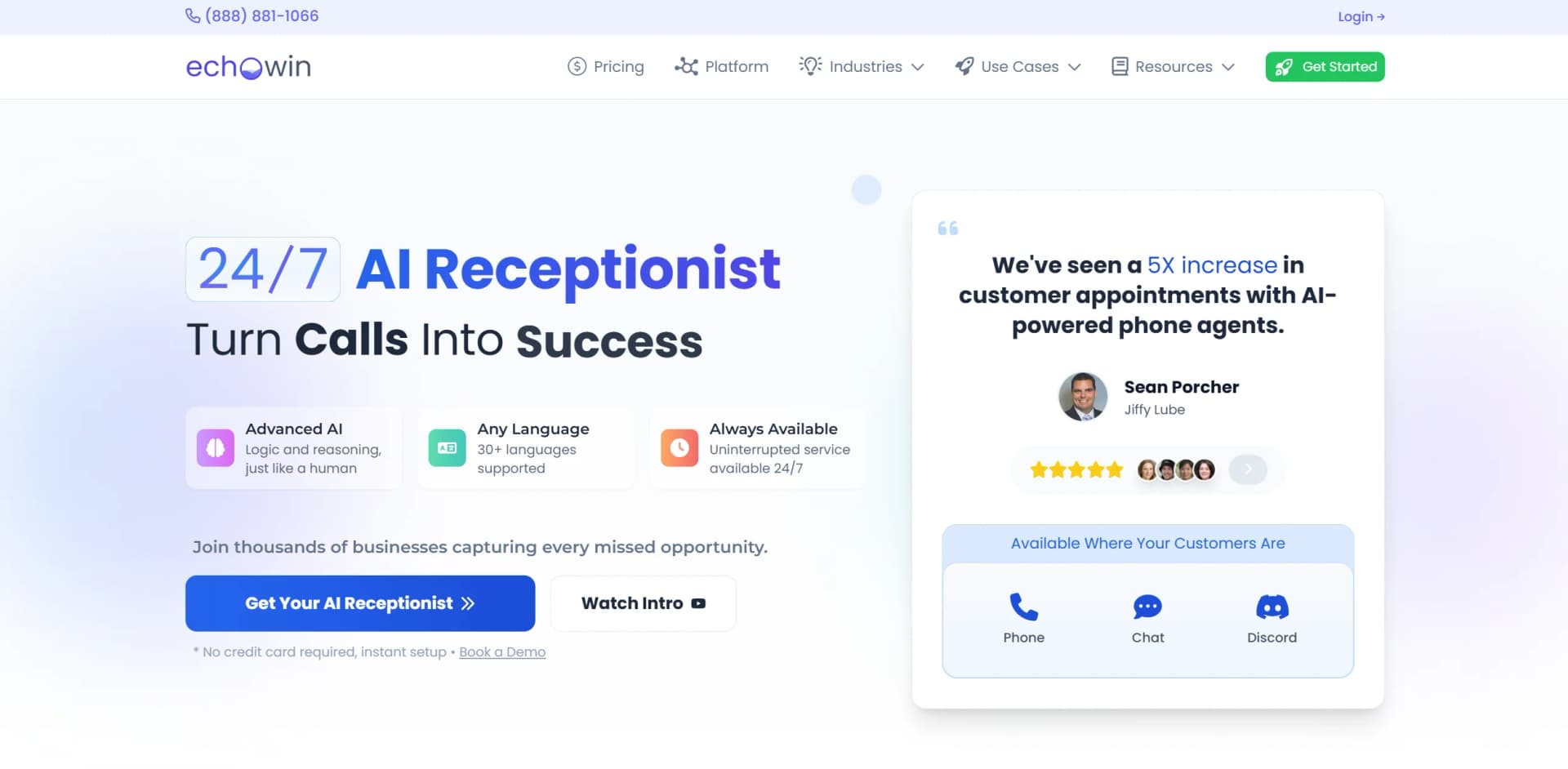
- +Increased Efficiency: Businesses report up to a 5X increase in customer appointments with AI-powered phone agents.
- +Cost-Effective: Eliminates overtime costs with 24/7 availability.
- +Scalability: Seamlessly handles unlimited concurrent calls, ensuring no missed opportunities.
- +Integration Capability: Connects with over 7000 apps via Zapier, including native integrations with tools like Google Calendar.
Cons
- −Initial Setup Time: While setup is straightforward, customization for specific business needs may require additional time.
- −Complex Inquiries: Handling highly complex inquiries might still need human intervention.
- −Voice Customization: While customizable, finding the perfect voice match for your brand could require some trial and error.
Limitations & when to consider alternatives
Known limitations
- Usage-based live billing. Building and testing are free, but live voice and chat usage is billed by minute or message.
- Free credits are limited. The pricing page provides free credits to start; usage beyond those credits is charged at production rates.
- Monthly bundle minutes expire. Included minutes reset each billing cycle and do not carry over.
- Workflow triggers are required. A workflow with no assigned trigger will not run automatically.
- Tool calls add latency. The documentation says real-time tool calls can make responses feel slower during conversations.
How to Use echowin
- 1
Create an account
Start with the free signup and no credit card requirement so you can build before going live.
- 2
Write agent instructions
Describe the agent's behavior, tone, procedures, routing rules, and tool usage in plain English.
- 3
Add knowledge
Import website pages, upload PDF or document references, and create FAQ pairs for business-specific answers.
- 4
Enable tools and integrations
Turn on email, SMS, scheduling, CRM, transfer, Zapier, or webhook actions based on the workflow.
- 5
Test the agent
Use phone or chat testing to validate responses, language behavior, tool calls, and escalation paths.
- 6
Deploy and monitor
Launch on phone, website chat, WhatsApp, or other supported channels, then review transcripts, analytics, sentiment, and outcomes.
Who is echowin For?
Customer support teams
Use AI agents to answer questions, resolve repetitive requests, collect information, and escalate complex cases.
Agency operators and automation consultants
Create isolated client workspaces, configure client agents, connect tools, and manage multi-tenant deployments.
Real estate businesses
Use phone and chat agents for lead qualification, appointment booking, routing, and customer inquiries.
Healthcare and medical practices
Automate reception, scheduling, common questions, intake, and human handoffs.
E-commerce operators
Connect agents to commerce, support, marketing, subscription, and order systems for customer service and sales workflows.
Frequently Asked Questions
What is echowin?
echowin is a platform for building, deploying, and running AI phone and chat agents across channels such as phone, web chat, WhatsApp, Discord, and Slack.
How much does echowin cost?
The platform starts free with free credits. Live usage is billed pay-as-you-go at published voice and chat rates, with monthly bundles and agency plans also available.
How do I train an AI agent?
Write instructions in plain English, add website or document knowledge, enable tools, test the agent, and deploy it.
What integrations does echowin support?
echowin supports built-in tools, webhooks, REST APIs, Zapier, calendars, CRM workflows, SMS, email, and other external systems.
Which languages does echowin support?
The language documentation lists support for more than 70 human languages, with language switching during conversations.
Can echowin automate follow-up work?
Yes. Workflows can run from pre-call, post-call, and post-widget triggers, including CRM updates, notifications, ticket creation, and multi-step automations.
Community reviews
1 review from people who use echowin.
Sign in to leave a review for echowin.
Aye L
echowin Alternatives
Looking for alternatives to echowin? Here are similar tools in the same category:
Learn to Master echowin
With Skill Leap courses
Get in-depth training on echowin and 50+ other AI tools with our expert-led video courses.
Start 7-Day Free Trial