
Boostbot
Automate mobile gaming tasks, enhancing efficiency and focus.
Key Takeaways
- What it is
- Automate mobile gaming tasks, enhancing efficiency and focus.
- Best for
- Auto Farm
- Auto Build
- Auto Tasks
- Rating
- 4.6/5
What is Boostbot?
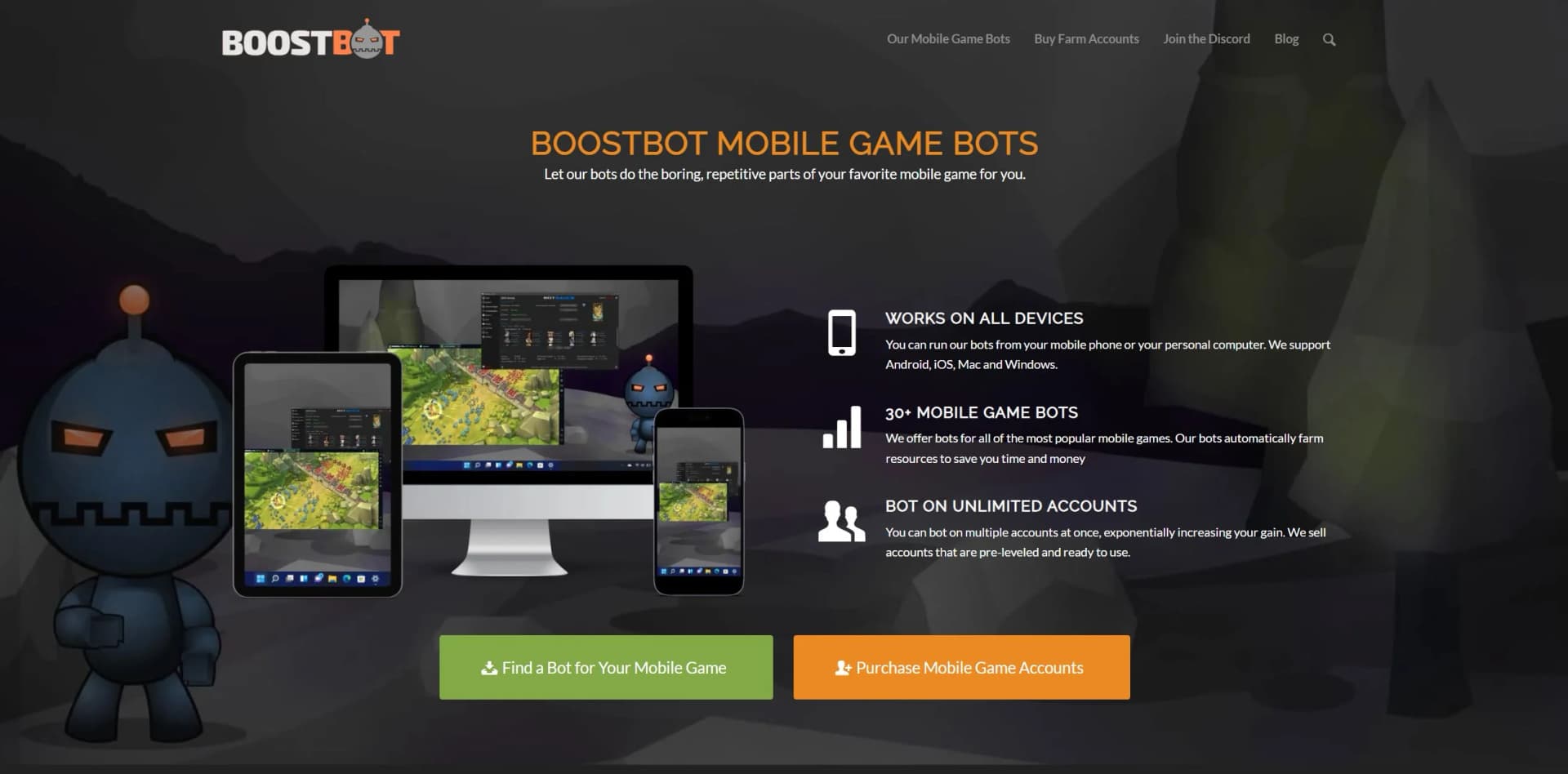
Boostbot revolutionizes mobile gaming automation, offering a comprehensive suite of bots for popular mobile games. Designed for avid gamers and professionals alike, it simplifies resource gathering, task completion, and account management, allowing users to focus on strategic gameplay instead of repetitive tasks. Since its inception in 2015, Boostbot has been the leading provider of mobile game bots, enabling 24/7 game progress without the need for constant human intervention.
Boostbot stands out with its comprehensive automation features, a game-changer for mobile gamers. Its ability to manage multiple game accounts simultaneously with minimal user input sets it apart from other bot providers. The platform's adaptability to different gaming environments and its commitment to user feedback for continuous improvement further enhance its uniqueness.
Boostbot offers a robust solution for gamers looking to automate tedious tasks and optimize their gaming experience. With its extensive feature set and user-centric design, it provides significant value for both casual and competitive players. Whether you're managing multiple accounts or simply looking to enhance your gameplay efficiency, Boostbot is a reliable partner in your gaming journey.
Who is Using Boostbot?
Avid Gamers
Utilizing Boostbot to enhance gameplay without the grind.
Game Streamers
Employing the tool to manage multiple accounts and showcase diverse content.
Mobile Game Developers
Analyzing how bots interact with their games for better security measures.
Competitive Players
Leveraging the bot to maintain top rankings with minimal manual input.
Uncommon Use Cases
Used by educational platforms to demonstrate AI applications in gaming; adopted by market analysts to study gaming trends.
Key Features
Rating Breakdown
Pricing Plans
Free Trial
- Experience Boostbot with a limited free trial to test its capabilities
Which Boostbot plan should you pick?
Start with the Free Version on Windows, upgrade to Pro for premium settings, choose Cloud Bot Server for hosted access, or use Farm for Me for hands-off operation.
Free Version
Good for Windows users who need basic settings and want to test the bot without entering payment details.
Pro License
Good for Windows users who need all premium settings and unlimited-account support on their own PC.
Cloud Bot Server
Good for users who need hosted operation and remote access from Android, iOS, Mac, Linux, or PC.
Farm for Me
Good for users who want BoostBot to configure and operate farming accounts on their behalf.
Boostbot Use Cases
Farm resources
Automatically gather resources and materials in supported mobile games.
Outcome: Resources accumulate while the user is away.
Complete recurring tasks
Run daily tasks, missions, and other routine in-game actions automatically.
Outcome: Routine gameplay requires less manual effort.
Upgrade game buildings
Automate building upgrades and related progression tasks.
Outcome: Game progression continues around the clock.
Manage multiple accounts
Create emulator instances and assign different game accounts to bot instances.
Outcome: Users can operate multiple farming accounts simultaneously.
Outsource farming
Provide account details and settings for the Farm for Me service.
Outcome: BoostBot operates the farming accounts on its own hardware.
Workflow Ideas with Boostbot
Windows bot setup
- 1Install Java and the BoostBot launcher
- 2Install and configure a supported Android emulator
- 3Select a game, configure scripts, and press Play
Multiple-account farming
- 1Create separate emulator instances
- 2Log each game account into its emulator
- 3Select the instances in BoostBot and run the desired scripts
Farm for Me service
- 1Purchase farm accounts or prepare eligible farming accounts
- 2Open a support ticket with the order ID, logins, and settings
- 3Let BoostBot configure and operate the accounts
How Boostbot fits into your stack
Browser
Hosted Bot Server and Farm for Me options can be controlled from a browser on a phone, tablet, Mac, or PC.
Desktop / IDE
The downloadable product is a Windows desktop bot running with an Android emulator on Windows 10 or 11.
Automation and APIs
BoostBot automates mobile-game activities such as resource gathering, building, training, research, and daily tasks through configurable scripts and schedules.
Team chat and tickets
Discord is the primary support desk, with tickets and staff assistance for setup, troubleshooting, and Farm for Me configuration.
Pros
- +Time Efficiency: Significantly reduces the need for manual gameplay, allowing users to focus on more engaging aspects of the game.
- +Cost-Effective: Eliminates the need for in-game purchases by efficiently managing resources.
- +User-Friendly: Offers a straightforward setup process with options to run bots on personal PCs, remote servers, or completely managed by Boostbot.
- +Scalability: Supports running multiple accounts simultaneously, perfect for players managing large gaming networks.
Cons
- −Initial Learning Curve: New users may require some time to fully understand and optimize the bot's capabilities.
- −Game Support Limitations: While extensive, the list of supported games may not include every mobile game on the market.
- −Dependence on Internet Connection: Requires a stable internet connection for optimal performance.
Limitations & when to consider alternatives
Known limitations
- Windows requirement for local use. The downloadable BoostBot program requires Windows 10 or 11 and an Android emulator.
- Game-account ban risk. Game publishers may suspend, ban, wipe, or delete accounts for using automation.
- Game compatibility can change. Game updates, anti-cheat updates, operating-system changes, or device changes can stop the software from working.
- Farm for Me is limited to farming accounts. The managed service is intended for farm accounts and is not for the account the user plays personally.
- No guaranteed outcomes. BoostBot does not guarantee specific results, resource totals, ranks, win rates, or in-game outcomes.
Look elsewhere when
- You need a native iOS or Android app.
- You need a documented developer API.
- You need team workspace collaboration.
How to Use Boostbot
- 1
Choose a package
Select Free Version or Pro for local Windows operation, Cloud Bot Server for hosted access, or Farm for Me for managed farming.
- 2
Install the required software
For local use, install Java and a supported Android emulator such as LDPlayer, Nox, or MEmu.
- 3
Create or access your BoostBot account
Log in to BoostBot before selecting an emulator and game.
- 4
Configure the bot
Create emulator instances, add game accounts, select scripts, and adjust operational settings or schedules.
- 5
Start automation
Press Play to run farming, building, task, shielding, or other supported game scripts.
- 6
Get help when needed
Use the guides, Discord support, email, or a support ticket for setup and troubleshooting.
Who is Boostbot For?
Windows PC gamers
The Windows bot is intended for users who can run an Android emulator and BoostBot locally.
Large-scale farmers
Cloud Bot Server supports multiple emulators and many game accounts for high-volume farming.
Mobile, tablet, Mac, and Linux users
These users can access the hosted Bot Server remotely without running the bot locally.
Non-technical or busy users
Farm for Me provides a managed service where BoostBot runs the accounts and handles the setup.
Players managing farm accounts
Farm for Me and the farm-account products are designed for dedicated farming accounts rather than a primary account.
Frequently Asked Questions
Does BoostBot work on iPhone, Android, or Mac?
The downloadable software requires Windows 10 or 11. Users on mobile devices or Mac can use the cloud Bot Server or Farm for Me service.
Do I need an Android emulator?
Yes. The Windows bot runs through a supported Android emulator. BoostBot recommends LDPlayer 9; Nox and MEmu are also supported.
How many accounts can I run?
The Windows and hosted plans support unlimited accounts, subject to the relevant hardware or server capacity.
Can BoostBot run continuously?
The service is designed for 24/7 automated farming. Cloud Bot Server and Farm for Me run on BoostBot hardware.
What happens if a game account is banned?
BoostBot warns that automation may result in suspension or bans and does not promise that accounts will remain undetected.
How do I get support?
BoostBot provides setup guides, Discord support, email support, and support tickets.
Community reviews
Be the first to share your experience.
Sign in to leave a review for Boostbot.
Boostbot Alternatives
Looking for alternatives to Boostbot? Here are similar tools in the same category:
Learn to Master Boostbot
With Skill Leap courses
Get in-depth training on Boostbot and 50+ other AI tools with our expert-led video courses.
Start 7-Day Free Trial