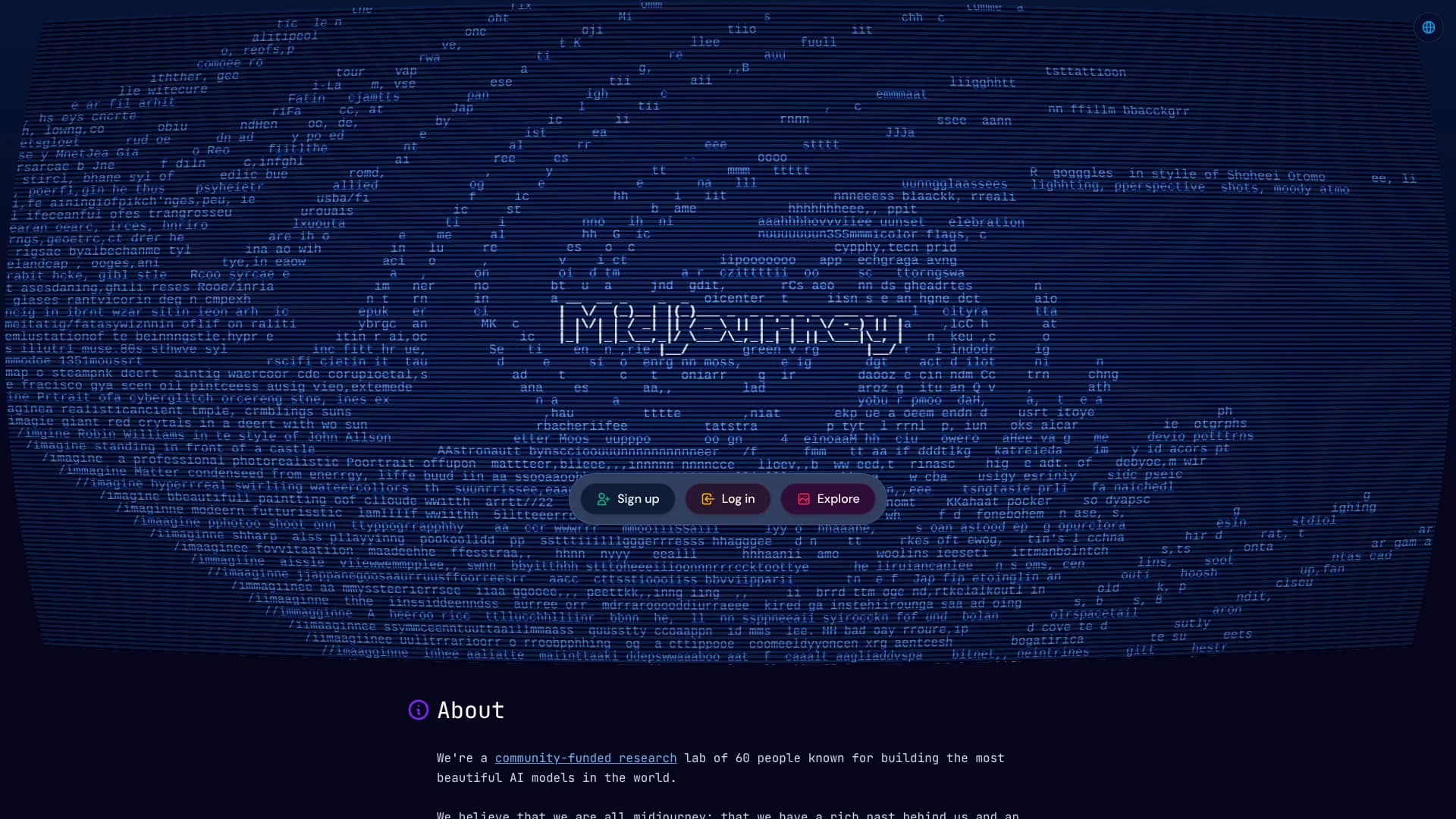
Midjourney
Highly stylized visuals for artists developing distinctive creative worlds.
Watch Midjourney in Action
Key Takeaways
- What it is
- Highly stylized visuals for artists developing distinctive creative worlds.
- Pricing
- $10 per month · $30 per month · $60 per month · $120 per month · $4 per hour
- Best for
- Conversational Mode
- Web Editor
- Personalization and Moodboards
- Rating
- 4.2/5
What is Midjourney?
Midjourney turns written ideas, reference images, or voice descriptions into highly stylized images and short videos. It runs on midjourney.com and through Discord, giving visual creators a way to explore concepts, build consistent aesthetics, and refine finished work without managing local graphics hardware.
A single Midjourney image can become a 5-second video, with options for low or high motion, looping, an ending frame, and extensions up to 21 seconds.
Midjourney suits artists, designers, marketers, filmmakers, and other people who need strong visual directions quickly. Its open-by-default galleries and lack of an official API make it less suitable for private client work by default or automated production pipelines, but its image quality, style controls, and Editor make it a strong choice for visual ideation and production.
Who is Using Midjourney?
Art Directors
A defined moodboard or Personalization profile gives visual direction to early concept exploration.
Graphic Designers
The Editor helps refine generated compositions, add layers, erase areas, and prepare downloadable assets.
Marketing Designers
Campaign concepts and social graphics can start from a text brief, reference image, or conversational prompt.
Filmmakers
Image-to-video tools turn concept frames into short motion studies with controllable movement.
Illustrators
Image prompts, style references, and moodboards help explore variations while keeping a recognizable visual direction.
Uncommon Use Cases
Voice-led prompt development for people who think visually but do not write detailed prompts; searchable folders and saved searches for managing large visual research libraries.
Key Features
Rating Breakdown
Pricing Plans
Basic
$10 per month
- 3.3 hours of Fast GPU time per month, or 200 minutes
- SD video generation
- Annual billing is $96.00 upfront, equivalent to $8.00 per month
Standard
$30 per month
- 15 hours of Fast GPU time per month
- Unlimited image generations in Relax Mode
- SD and HD video generation
- Annual billing is $288.00 upfront, equivalent to $24.00 per month
Pro
$60 per month
- 30 hours of Fast GPU time per month
- Unlimited image and SD video generations in Relax Mode
- Stealth Mode
- Annual billing is $576.00 upfront, equivalent to $48.00 per month
Mega
$120 per month
- 60 hours of Fast GPU time per month
- Unlimited image and SD video generations in Relax Mode
- Stealth Mode
- Annual billing is $1,152.00 upfront, equivalent to $96.00 per month
Additional GPU Time
$4 per hour
- Available for every subscription plan
- Adds Fast GPU time before the next subscription renewal
Which Midjourney plan should you pick?
Start with Basic for occasional image work, move to Standard for unlimited relaxed image generation, and choose Pro or Mega when you need Stealth Mode or higher video capacity.
Basic
Good for occasional image exploration with 3.3 hours of Fast GPU time each month.
Standard
Good for frequent image creation when unlimited image generation in Relax Mode matters.
Pro
Good for heavier image and video work, Stealth Mode, and unlimited SD video generation in Relax Mode.
Mega
Good for high-volume creators who need the largest monthly Fast GPU allowance and the highest video concurrency.
Midjourney Use Cases
Concept Development
Early visual exploration turns a written creative brief into multiple directions for review.
Outcome: A wider set of visual options before detailed production begins.
Brand Style Exploration
Moodboards and Personalization profiles help test a repeatable look across new prompts.
Outcome: More consistent visual references for a campaign or project.
Image Editing
The Editor changes selected areas, expands the canvas, adds layers, or retextures an existing image.
Outcome: A revised image without rebuilding the entire composition.
Short Motion Assets
A still image becomes a short clip with selectable motion, looping, end frames, and extensions.
Outcome: A downloadable video up to 21 seconds.
Visual Asset Library
Folders, filters, saved searches, and bulk actions keep a growing set of creations findable.
Outcome: Faster retrieval of past images, prompts, and project references.
Workflow Ideas with Midjourney
Brief to Visual Direction
- 1Describe the project in Conversational Mode.
- 2Generate several image directions with different aspect ratios and styles.
- 3Save the strongest references in a Moodboard or folder.
Reference Image to Final Concept
- 1Upload a reference image as an Image Prompt or Style Reference.
- 2Generate variations that preserve the desired subject or visual treatment.
- 3Refine the chosen result in the Editor and download it.
Still Image to Motion Test
- 1Choose a Midjourney image or upload an image.
- 2Select low or high motion and generate a video.
- 3Extend, loop, or download the resulting clip.
How Midjourney fits into your stack
Web Creation
Midjourney's website is the main workspace for prompting, editing, personalization, moodboards, folders, and organizing creations.
Discord
The Midjourney Bot brings image and video generation into Discord channels, direct messages, and servers where the bot is invited.
Reference Images
Uploaded images can guide a prompt, provide a style reference, support editing, or serve as the starting frame for a video.
Creative Library
Organize stores prompts, images, and videos with folders, filters, saved searches, timelines, and bulk actions.
Production Handoff
Downloaded images and MP4 videos can move into design, presentation, social, or video-editing tools, but Midjourney does not provide an official API for automated handoffs.
Pros
- +Visual quality: Produces polished, art-directed images from natural-language prompts.
- +Style control: Moodboards and Personalization profiles help repeat a preferred visual look.
- +Editing depth: The web Editor supports masking, layers, custom aspect ratios, and retexturing.
- +Video path: Turns still images into short videos with motion, looping, and extension controls.
- +Commercial rights: Subscribers can generally use their creations commercially, subject to Midjourney's terms.
Cons
- −No free website tier: Midjourney requires a paid subscription for its main service.
- −Public by default: Creations can appear on the website unless Stealth Mode is used on Pro or Mega.
- −No official API: Automated workflows and third-party scripts are not supported.
Limitations & when to consider alternatives
Known limitations
- No official API. Midjourney says it does not provide an API in most cases, and automating interactions or using unauthorized scripts is prohibited.
- Public visibility. Creations may appear on the Midjourney website by default; Stealth Mode is limited to Pro and Mega plans and does not hide work made in public Discord channels.
- GPU-based usage. Fast GPU time resets with each subscription cycle and unused time does not carry over; Relax Mode is limited by plan and can involve queue waits.
- Commercial plan rule. Companies making more than $1,000,000 in annual gross revenue need a Pro or Mega plan to use their assets commercially for the company.
- Video limits. Videos begin at 5 seconds, can be extended up to 21 seconds, and use more GPU time than regular image prompts.
Look elsewhere when
- You need an official API for automated image generation.
- Your team needs shared workspaces with roles, invites, or SSO.
- Your client work requires private creation by default on the entry plan.
- You need a native mobile or desktop Midjourney application.
How to Use Midjourney
- 1
Choose Your Workspace
Start on midjourney.com for the Editor, Moodboards, Personalization, and Conversational Mode, or connect Discord if you prefer the Midjourney Bot.
- 2
Describe the Visual
Write a prompt or explain the idea in Conversational Mode so Midjourney can turn it into a usable image prompt.
- 3
Add References
Upload an image when composition, subject, color, or style needs more guidance than text can provide.
- 4
Refine the Direction
Adjust aspect ratio, stylization, variety, model, or GPU speed before generating more versions.
- 5
Edit the Result
Open the Editor to erase areas, expand the canvas, add layers, change the aspect ratio, or retexture the image.
- 6
Organize and Export
Place finished work in folders, find it with search, then download the image or animate it into a video.
Who is Midjourney For?
Visual Creators
Artists and image-makers get a fast way to explore styles, compositions, characters, and environments.
Designers
Designers can develop visual directions, reference boards, campaign concepts, and early compositions.
Marketing and Content Teams
Content teams can produce campaign imagery, social visuals, and short animated assets from a shared visual brief.
Filmmakers and Creative Producers
Story teams can turn visual ideas into concept frames, mood references, and short motion tests.
Anime and Illustration Creators
Niji models provide Midjourney workflows focused on anime aesthetics and illustrative styles.
Frequently Asked Questions
Does Midjourney have a free plan?
No free trial is currently available on Discord or midjourney.com. A limited trial is available through the separate niji·journey app.
Can Midjourney generate video?
Yes. Midjourney can turn an image into a 5-second video, with motion controls, looping, end frames, and extensions up to 21 seconds.
Can I use Midjourney in Discord?
Yes. All subscription plans support both midjourney.com and Discord after you connect a Discord account.
Does Midjourney have an API?
Midjourney says it does not provide an API in most cases and prohibits unauthorized automation or third-party scripts.
Which plans include private creations?
Stealth Mode is available only with Pro and Mega plans. Public Discord channels can still expose creations to people in those channels.
Can I use Midjourney creations commercially?
Subscribers can generally use their creations commercially, but companies earning more than $1,000,000 in annual gross revenue need a Pro or Mega plan.
Community reviews
4 reviews from people who use Midjourney.
Sign in to leave a review for Midjourney.
Vivek Varma
Jason kung
Austin Levine
Nitin Sarkar
Midjourney Alternatives
Looking for alternatives to Midjourney? Here are similar tools in the same category: