
DeepMotion
Revolutionize animation with AI-driven motion capture and body tracking for all creators.
Key Takeaways
- What it is
- Revolutionize animation with AI-driven motion capture and body tracking for all creators.
- Best for
- AI Motion Capture
- Body Tracking
- SayMotion™ Open Beta
- Rating
- 4.6/5
What is DeepMotion?
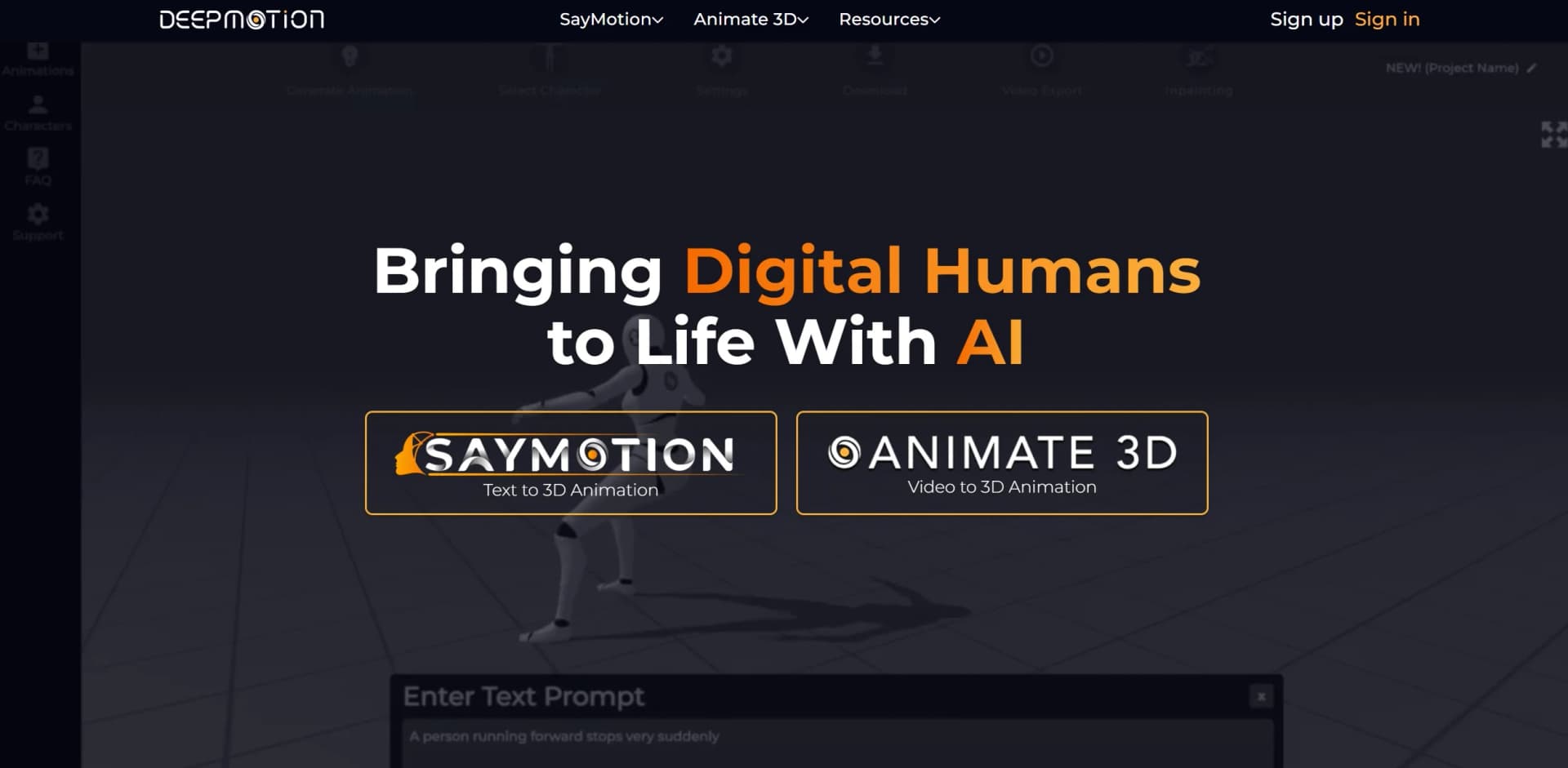
DeepMotion is a groundbreaking tool revolutionizing motion capture and body tracking, offering a seamless and highly accurate way to animate digital humans with its cutting-edge AI technology. Designed for users ranging from indie creators to industry veterans, it simplifies the process of animating 3D characters, making it more accessible and efficient than ever before. Whether animating characters for games, films, or any digital content, DeepMotion's text-to-3D animation and video-to-3D animation capabilities make it a game-changer in the industry.
DeepMotion stands out with its innovative AI-powered markerless motion capture and real-time 3D body tracking technology, democratizing the animation process for indie creators while enhancing efficiency and accuracy for all users. Its SayMotion™ Open Beta, enabling text-to-3D animation, is particularly revolutionary, opening new possibilities in digital storytelling and content creation.
DeepMotion excels in providing highly accurate and quality motion capture and animation, making it indispensable for a wide range of users, from game developers to filmmakers and digital artists. Its AI-driven technology, especially the SayMotion™ Open Beta, offers unmatched advantages in accessibility, efficiency, and creativity. Whether an indie creator or an industry veteran, DeepMotion opens up a world of possibilities for animating digital humans and characters, transforming the landscape of digital content creation.
Who is Using DeepMotion?
Game Developers
Employing DeepMotion for creating realistic character animations in games.
Filmmakers
Utilizing DeepMotion to animate characters and scenes in films, particularly in the indie film sector.
Digital Artists
Bringing virtual reality creations to life with seamless animation using DeepMotion.
Educational Institutions
Institutions like Georgia State University using DeepMotion in designing new master programs for visual production.
Uncommon Use Cases
Indie studios and individuals utilizing DeepMotion for animating martial arts moves and other specialized animations.
Key Features
Rating Breakdown
Pricing Plans
Free Trial
- DeepMotion offers a free trial for users to test features before committing to a purchase
Subscription Plans
- Detailed pricing available on their website
- Offering various tiers to suit different needs and budgets
Which DeepMotion plan should you pick?
Start with Freemium to test video-to-3D or text-to-3D animation; upgrade to Starter, Innovator, Professional, or Animation Studio when you need more credits, longer clips, higher limits, commercial licensing, or faster processing.
Freemium
Good for personal experimentation and testing the core animation workflows without a credit card.
Starter
Good for light recurring use that needs more monthly credits, downloads, and custom-character capacity.
Innovator
Good for creators who need higher frame rates, longer clips, and additional reruns.
Professional
Good for professional projects requiring commercial licensing, 4K output, hand and face tracking, and higher processing limits.
Animation Studio
Good for high-volume production requiring unlimited credits, 8K output, long clips, many characters, and the highest job priority.
DeepMotion Use Cases
Convert video into 3D animation
Upload a video of a person moving, select a character and motion settings, and process the clip with Animate 3D.
Outcome: A downloadable animation in formats such as FBX, BVH, GLB, or MP4.
Animate a MetaHuman
Create motion from a video, download an FBX animation, and retarget it to a MetaHuman in Unreal Engine.
Outcome: A video-driven animated MetaHuman without traditional motion-capture equipment.
Create Roblox animations
Use Animate 3D's Roblox default character to turn a video into motion and import it into Roblox Studio.
Outcome: Custom motion for Roblox characters and experiences.
Generate animation from text
Enter a natural-language motion prompt in SayMotion and select from generated animation variants.
Outcome: Text-directed 3D animation exported for a companion tool.
Analyze human movement
Generate DMPE files containing 3D skeletal joint positions for every frame.
Outcome: Motion data usable for sports analytics, biomechanics, and performance research.
Workflow Ideas with DeepMotion
Video to game-engine animation
- 1Record a person performing the desired motion
- 2Upload the video to Animate 3D and generate the animation
- 3Download FBX or BVH and retarget it in Unity or Unreal Engine
Text prompt to multi-scene animation
- 1Generate separate motions from text prompts in SayMotion
- 2Use Merge, Refine, or Inpainting to combine and improve scenes
- 3Export the completed animation as FBX, GLB, BVH, or MP4
Earn credits while refining motion
- 1Upload a video and add a detailed motion description
- 2Process the animation and review its quality score
- 3Correct poses in the Rotoscope Pose Editor to earn additional credits
How DeepMotion fits into your stack
Web and Mobile Solutions
Accessible through web and mobile platforms, ensuring flexibility in usage.
API Access
Provides API access for developers to integrate DeepMotion's capabilities into their applications.
Cross-Platform Compatibility
Ensures seamless operation across various operating systems and devices.
Pros
- +High Accuracy and Quality: Delivers highly accurate and quality animations, praised by users and professionals.
- +Ease of Use: User-friendly interface makes it accessible for novices and industry veterans alike.
- +Time and Cost Efficiency: Significantly reduces time and costs associated with traditional motion capture and animation techniques.
- +Versatility: Suitable for various applications, from game development to digital art and filmmaking.
Cons
- −Learning Curve: New users may require time to fully grasp the depth of features available.
- −Internet Dependency: As a web and mobile solution, stable internet connection is necessary for optimal performance.
- −Limited to Digital Outputs: Primarily focused on digital animation, may not cater to all creative needs.
Limitations & when to consider alternatives
Known limitations
- Freemium output is non-commercial. Freemium accounts are intended for personal, non-commercial use; commercial licensing requires a premium subscription.
- Freemium processing limits. The Freemium Animate 3D plan provides 25 credits per month, 20-second clips, 1080p maximum resolution, 30 FPS maximum, and 100 MB uploads.
- Humanoid characters are required. DeepMotion supports human motion and requires full-body, rigged humanoid characters for custom-character workflows.
- SayMotion is desktop-only during beta. SayMotion documentation states that the platform is optimized for desktop and that mobile versions are not supported.
- Some hand motions are not optimized. Hand tracking may be less effective when hands touch the face or interact with each other, such as during clapping.
Look elsewhere when
- You need a native iOS or Android app.
- Your project requires commercial rights on a free plan.
- You need mobile text-to-3D animation.
How to Use DeepMotion
- 1
Comprehensive tutorials and documentation available through their website help users get started and maximize their features.
Who is DeepMotion For?
General and technical animation users
Animate 3D documentation is designed for both general users and technical users who need video-to-3D motion capture.
Creators and animation enthusiasts
SayMotion is positioned for creators of all experience levels who want to generate 3D animation from text prompts.
Game developers
DeepMotion provides companion workflows for Unity, Unreal Engine, Roblox, and MetaHuman projects.
Entertainment and social-media creators
DeepMotion identifies entertainment, social media, and the Metaverse as target areas for its digital-human animation platform.
Athletes, coaches, researchers, and fitness enthusiasts
The DMPE pose-estimation output is documented for sports analytics, biomechanics, performance analysis, and training.
Frequently Asked Questions
How does the Freemium account work?
Freemium accounts require no credit card, do not expire, and provide up to 60 seconds of animation per month for personal, non-commercial use.
What video files are supported?
Animate 3D supports MP4, MOV, and AVI input videos. Outputs include formats such as FBX, BVH, MP4, and GLB.
Can I upload custom characters?
Users can upload their own FBX or GLB humanoid models or use built-in characters and avatar creators.
How do Animation Credits work?
One credit represents one second of animation or one 3D pose. Face and hand tracking each add 0.5 credit per second or pose.
Can users earn free credits?
Users can earn credits by labeling uploaded motion videos and correcting animation outputs in the Rotoscope Pose Editor.
Is multi-person labeling available on mobile?
Multi-person labeling is not currently available on mobile.
Community reviews
Be the first to share your experience.
Sign in to leave a review for DeepMotion.
DeepMotion Alternatives
Looking for alternatives to DeepMotion? Here are similar tools in the same category:
Learn to Master DeepMotion
With Skill Leap courses
Get in-depth training on DeepMotion and 50+ other AI tools with our expert-led video courses.
Start 7-Day Free Trial