
YT Copycat
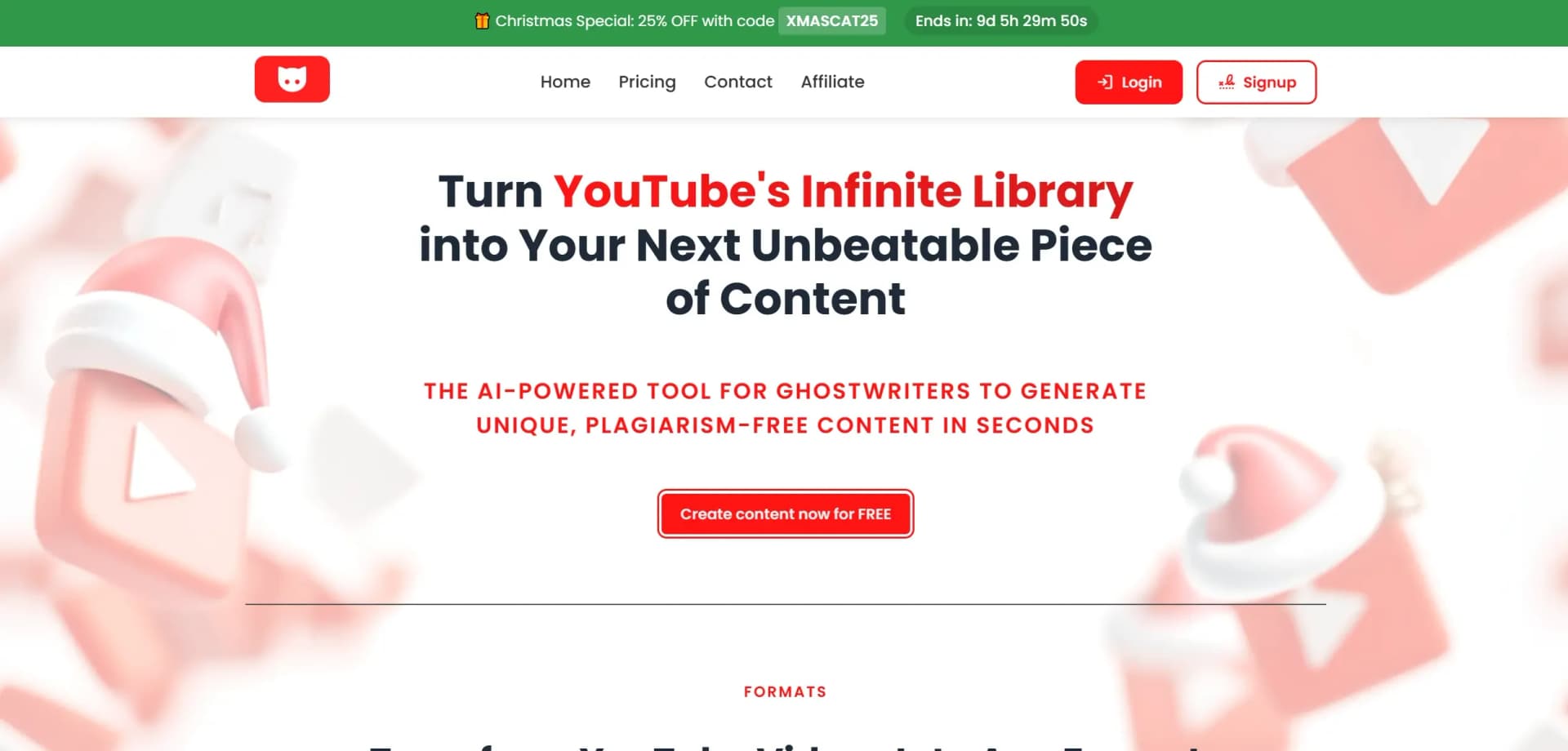
AI boosts YouTube content creation with scripts, SEO, insights.
Key Takeaways
- What it is
- AI boosts YouTube content creation with scripts, SEO, insights.
- Pricing
- $19.99 per month · $49.99 per month
- Best for
- AI-Driven Script Generation
- SEO Optimization Tools
- Title and Description Crafting
- Rating
- 4.4/5
What is YT Copycat?
YT Copycat redefines how content creators can leverage AI to enhance video production and marketing on YouTube. Designed for digital marketers, YouTubers, and content strategists, YT Copycat simplifies the process of generating engaging video scripts, optimizing titles, and crafting compelling descriptions. By harnessing the power of AI, this tool aims to elevate content visibility and viewer engagement, making it an essential asset for anyone looking to grow their YouTube presence.
YT Copycat stands out with its comprehensive AI-driven content creation suite specifically designed for YouTube. Its ability to seamlessly integrate SEO optimization with content generation makes it a game-changer for digital marketers and YouTubers alike. The platform's focus on enhancing both the creative and strategic aspects of video production sets it apart from other content tools.
YT Copycat offers a robust suite of features that empowers content creators to optimize their YouTube presence with ease and efficiency. Its AI-driven tools not only save time but also enhance content quality, making it an indispensable ally for anyone serious about succeeding on YouTube. While there is a learning curve, the benefits it provides in boosting visibility and engagement far outweigh the initial setup efforts. Whether you're a seasoned marketer or a burgeoning YouTuber, YT Copycat is a worthy investment in your digital strategy toolkit.
Who is Using YT Copycat?
Digital Marketers
Utilizing the tool to enhance video marketing strategies.
YouTube Influencers
Leveraging AI to create more engaging content and grow their channels.
Content Strategists
Employing the tool to optimize video content and increase audience engagement.
Small Business Owners
Using the platform to effectively market products and services via YouTube.
Uncommon Use Cases
Educational institutions using it for teaching digital marketing courses; Non-profit organizations leveraging it for awareness campaigns.
Key Features
Rating Breakdown
Pricing Plans
Basic Plan
$19.99 per month
- Access to core features
Pro Plan
$49.99 per month
- Offering advanced analytics and priority support
Enterprise Plan
- Larger organizations with specific needs
Which YT Copycat plan should you pick?
Because the current site disables new account creation, existing users should use the legacy Productivity plan for light use and upgrade to Content Creator or Pro only when higher word or channel limits are needed.
Productivity
Good for lighter content production requiring up to 40,000 generated words and 10 channel subscriptions.
Content Creator
Good for creators needing up to 200,000 generated words and 20 channel subscriptions.
Pro
Good for high-volume production requiring up to 1,000,000 generated words and 50 channel subscriptions.
Unlimited Content
Good for users wanting a one-time purchase with their own OpenAI API key and no recurring YT Copycat fee.
YT Copycat Use Cases
Create blog articles
Convert a YouTube video into an SEO-oriented blog article.
Outcome: A draft article generated from the video's content.
Create newsletters
Transform video content into newsletter copy for an audience.
Outcome: A newsletter draft based on the source video.
Create tweets and threads
Turn a YouTube video into tweets or an engaging X thread.
Outcome: Short-form social media content.
Summarize videos
Generate concise summaries of lengthy YouTube videos.
Outcome: A faster way to understand the video's main points.
Generate custom content
Apply a custom prompt to extract or produce a desired output from a video.
Outcome: Prompt-specific written content.
Workflow Ideas with YT Copycat
Turn a channel into blog posts
- 1Subscribe to a YouTube channel
- 2Let YT Copycat monitor fresh videos
- 3Generate blog posts from new videos
Repurpose one video across channels
- 1Enter a YouTube video URL
- 2Generate a blog article or newsletter
- 3Generate tweets or an X thread
Create a custom extraction
- 1Enter the YouTube video URL
- 2Write a custom prompt
- 3Generate the requested text output
How YT Copycat fits into your stack
Browser
YT Copycat is a browser-based SaaS: users enter a YouTube URL, then receive generated textual content such as blogs, newsletters, tweets, or summaries.
Pros
- +Time Efficiency: Streamlines the content creation process, allowing creators to focus more on production and less on writing.
- +Enhanced Visibility: Improves search rankings through effective SEO tools, increasing video reach.
- +User-Friendly Interface: Intuitive design makes it accessible even for those with minimal technical expertise.
- +Cost-Effective: Reduces the need for hiring additional content writers or marketers.
Cons
- −Initial Learning Curve: Users may require some time to fully understand and utilize all features.
- −Limited to YouTube: Primarily focuses on YouTube content, which may not be suitable for creators on other platforms.
- −Dependence on AI: Over-reliance on AI-generated content might lead to a lack of personal touch in videos.
Limitations & when to consider alternatives
Known limitations
- New account creation is disabled. The current official site says new account creation is currently disabled; existing lifetime-license users can still access the private platform.
- Legacy plans have usage limits. The legacy pricing page limits generated content to 40,000, 200,000, or 1,000,000 words depending on the plan.
- Channel subscriptions are capped. Legacy plans list limits of 10, 20, or 50 subscribed channels.
- Automation is restricted by the terms. The terms prohibit bots, scripts, or other automated processes from interacting with YT Copycat.
- Technical support from previous management ended. The current notice says technical support from the previous management concluded during the ownership transition.
Look elsewhere when
- You need a newly created account
- You need a native mobile or desktop application
- You need a documented YT Copycat API
How to Use YT Copycat
- 1
Open the platform
Use an existing account to access the private platform; new account creation is currently disabled.
- 2
Provide a YouTube video
Enter the URL of the YouTube video you want to convert.
- 3
Choose an output
Select a blog article, newsletter, tweets/X content, summary, or custom prompt output.
- 4
Review the generated text
Check the extracted and generated content before publishing or repurposing it.
- 5
Use channel subscriptions
For supported legacy accounts, subscribe to channels to receive fresh video summaries or automated blog content.
Who is YT Copycat For?
Ghostwriters
The site positions YT Copycat as an AI tool for ghostwriters creating original content from YouTube videos.
Content creators
Content creators can transform videos into articles, newsletters, tweets, summaries, and other written formats.
Blog publishers
The blog automation feature turns fresh videos from selected YouTube channels into blog posts.
Newsletter publishers
Users can generate newsletter content from YouTube videos and receive summaries from subscribed channels.
Frequently Asked Questions
What does YT Copycat do?
YT Copycat converts YouTube videos into textual content, including summaries, blog articles, newsletters, tweets, and custom outputs.
How does YT Copycat work?
Enter a YouTube video URL, let the service extract the content, and receive generated text within seconds.
Does YT Copycat support multiple languages?
The pricing page lists support for more than 30 languages.
Is there a free trial?
The legacy service advertised a seven-day free trial before charging the applicable monthly subscription.
Can I use my own OpenAI API key?
The lifetime option advertised unlimited content generation using the customer's own OpenAI API key.
Can I subscribe to YouTube channels?
Plans included channel subscriptions, with limits ranging from 10 to 50 channels depending on the plan.
Community reviews
1 review from people who use YT Copycat.
Sign in to leave a review for YT Copycat.
Thibault BM
YT Copycat Alternatives
Looking for alternatives to YT Copycat? Here are similar tools in the same category:
Learn to Master YT Copycat
With Skill Leap courses
Get in-depth training on YT Copycat and 50+ other AI tools with our expert-led video courses.
Start 7-Day Free Trial