Audyo
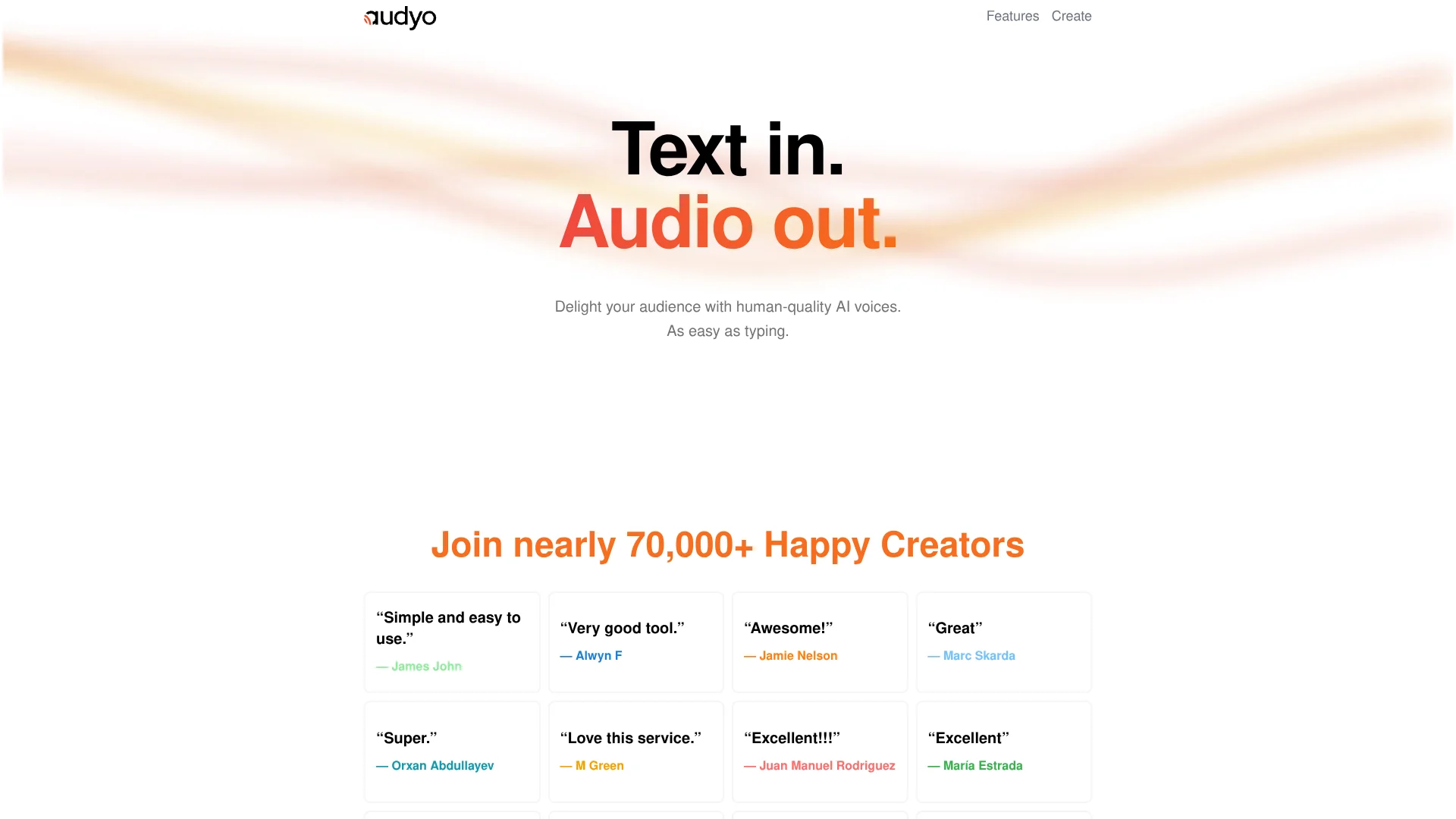
Write scripts, instantly create natural multilingual voiceovers.
Key Takeaways
- What it is
- Write scripts, instantly create natural multilingual voiceovers.
- Pricing
- $3 · $7 · $12 · Freemium · $29
- Best for
- Doc-style text editor
- 100+ AI voices
- Multilingual output
- Rating
- 4.3/5
What is Audyo?
Audyo converts written text into natural-sounding speech through an online, document-style editor. Users type or paste scripts, choose from over 100 AI voices in multiple languages, fine tune pronunciation, then download audio for videos, podcasts, audiobooks, and presentations. The focus is on writing and revising words, not editing waveforms, which makes voice production feel closer to word processing than traditional audio work.
Audyo stands out by treating text to speech as a writing-first activity rather than a technical pipeline. The mix of doc-style editing, multilingual support, phonetic tuning, Markdown-aware pacing, and an integrated AI helper gives creators fine control over delivery while still feeling lightweight enough for everyday, quick-turn projects.
Audyo fits creators and teams who want convincing AI voiceovers without hiring voice talent or learning complex audio software. Its editor-first approach, solid voice library, and language coverage make it well suited to video, podcast, and learning workflows, while still being lightweight enough for quick marketing assets, prototypes, and internal content.
Who is Using Audyo?
Video creators and YouTubers
Generating narration for explainers, product demos, shorts, and trailers.
Podcast and audio producers
Creating intros, ads, episode segments, and backup narration.
E-learning teams and educators
Turning lessons, onboarding flows, and quizzes into spoken modules.
Marketing and product teams
Producing brand-safe voiceovers for campaigns, feature announcements, and in-app content.
Uncommon Use Cases
Used by indie game developers to prototype character dialogue; Adopted by researchers to create spoken surveys and accessible study materials.
Key Features
Rating Breakdown
Pricing Plans
Audio by the Hour (1 Hour)
$3
- One-time
- 1 hour of audio
- No subscription, no expiry
Audio by the Hour (3 Hours)
$7
- One-time (discounted from $9)
- 3 hours of audio
- No subscription, no expiry
Audio by the Hour (6 Hours)
$12
- One-time
- 6 hours of audio
- No subscription, no expiry
Free (Pro account)
Free
- 15 minutes of audio, audio watermark, unlimited downloads, unlimited listening, embeddable player, and sharable web player
Pro (Lifetime Deal)
$29
- One-time (discounted from $49)
- Everything in Free plus no audio watermark, custom embed player colors, subtitle downloads, custom intro creation, multilingual translation, MP3 upload, ZIP download for block MP3s, and +3 hours of audio free
Which Audyo plan should you pick?
Start with Free to test Audyo with 15 minutes of audio; upgrade to Pro for branding, translation, uploads, and watermark removal.
Free
Good for trying Audyo with 15 minutes of audio, unlimited downloads and listening, and shareable or embeddable playback.
Pro
Good for professional creators who need no watermark, multilingual translation, MP3 uploads, custom branding, subtitles, and custom intros.
Audio by the Hour
Good for occasional users who need one-time audio capacity without a subscription or expiration.
Audyo Use Cases
Create shareable audio
Generate audio and publish it through an embeddable player or sharable web player.
Outcome: Audio that can be embedded or shared on the web.
Produce multilingual audio
Use Pro’s multilingual translation capability to create translated audio content.
Outcome: Audio content available in multiple languages.
Upload MP3 source files
Upload MP3 files in the Pro plan and manage generated audio outputs.
Outcome: MP3-based audio projects inside Audyo.
Add branded introductions
Create a custom intro for audio projects with Pro.
Outcome: Audio with a custom opening segment.
Workflow Ideas with Audyo
Create and share audio
- 1Create audio in Audyo
- 2Download or embed the result
- 3Share it through Audyo’s web player
Create multilingual content
- 1Prepare audio content in Audyo
- 2Use multilingual translation
- 3Download or share the translated result
Publish branded audio
- 1Upload an MP3 with Pro
- 2Create a custom intro
- 3Export or share the finished audio
How Audyo fits into your stack
Browser
Audyo is accessed through its web login and provides a sharable web player plus an embeddable player for publishing audio.
Audio publishing
Use Audyo to create audio, download outputs, embed a player, or share a web-based player.
Content localization
Pro’s multilingual translation supports producing audio content for multiple language audiences.
Pros
- +Simple learning curve: Browser editor feels familiar to anyone used to word processors.
- +Rich voice variety: Many accents and styles suit everything from tutorials to ads.
- +Strong for dialogue: Quick switching between speakers speeds up scripting of conversations.
- +Quick iteration: Small text edits regenerate updated audio instead of re-recording.
Cons
- −Unclear automation story: Public site highlights the editor more than API or integration options.
- −Pronunciation tweaking knowledge: Phonetic editing can feel technical to users who prefer pure point-and-click.
- −Still synthetic at times: Like other neural voices, some phrases may sound slightly artificial.
Limitations & when to consider alternatives
Known limitations
- Free usage is limited. The Free plan includes 15 minutes of audio.
- Free outputs have an audio watermark. The Free plan includes an audio watermark; Pro is required to remove it.
- Custom branding requires Pro. Custom embed player colors and custom intros are Pro features.
- MP3 upload requires Pro. MP3 file upload is listed only under the Pro plan.
- Some exports require Pro. Subtitle downloads and ZIP downloads of block MP3s are Pro features.
Look elsewhere when
- You need a documented developer API
- You need a native mobile application
- You need shared team workspaces
How to Use Audyo
- 1
Start with the Free plan
Create an Audyo account through the web login and use the $0 plan to create up to 15 minutes of audio.
- 2
Choose a paid option
Buy an audio-hour package for flexible usage, or choose Pro for expanded creator features.
- 3
Upload MP3 content
On Pro, upload an MP3 file when you need to work with existing audio content.
- 4
Customize and publish
Use Pro features such as custom intros, subtitle downloads, embed colors, and sharable web players.
Who is Audyo For?
Professional creators
Audyo’s Pro plan is explicitly positioned for professional creators who need watermark-free audio and expanded publishing features.
Frequently Asked Questions
Does Audyo have a free plan?
Yes. The Free plan costs $0, requires no credit card, and includes 15 minutes of audio.
Does Audyo require a subscription?
Audyo offers audio-hour purchases with no subscription, expiry, or commitment, plus a lifetime Pro deal.
What does the Free plan include?
The Free plan includes 15 minutes of audio, an audio watermark, unlimited downloads and listening, an embeddable player, and a sharable web player.
What does Pro add?
Pro removes the audio watermark and adds custom embed colors, subtitle downloads, custom intros, multilingual translation, MP3 uploads, and ZIP downloads of block MP3s.
Community reviews
Be the first to share your experience.
Sign in to leave a review for Audyo.
Audyo Alternatives
Looking for alternatives to Audyo? Here are similar tools in the same category: