
Easy Peasy AI
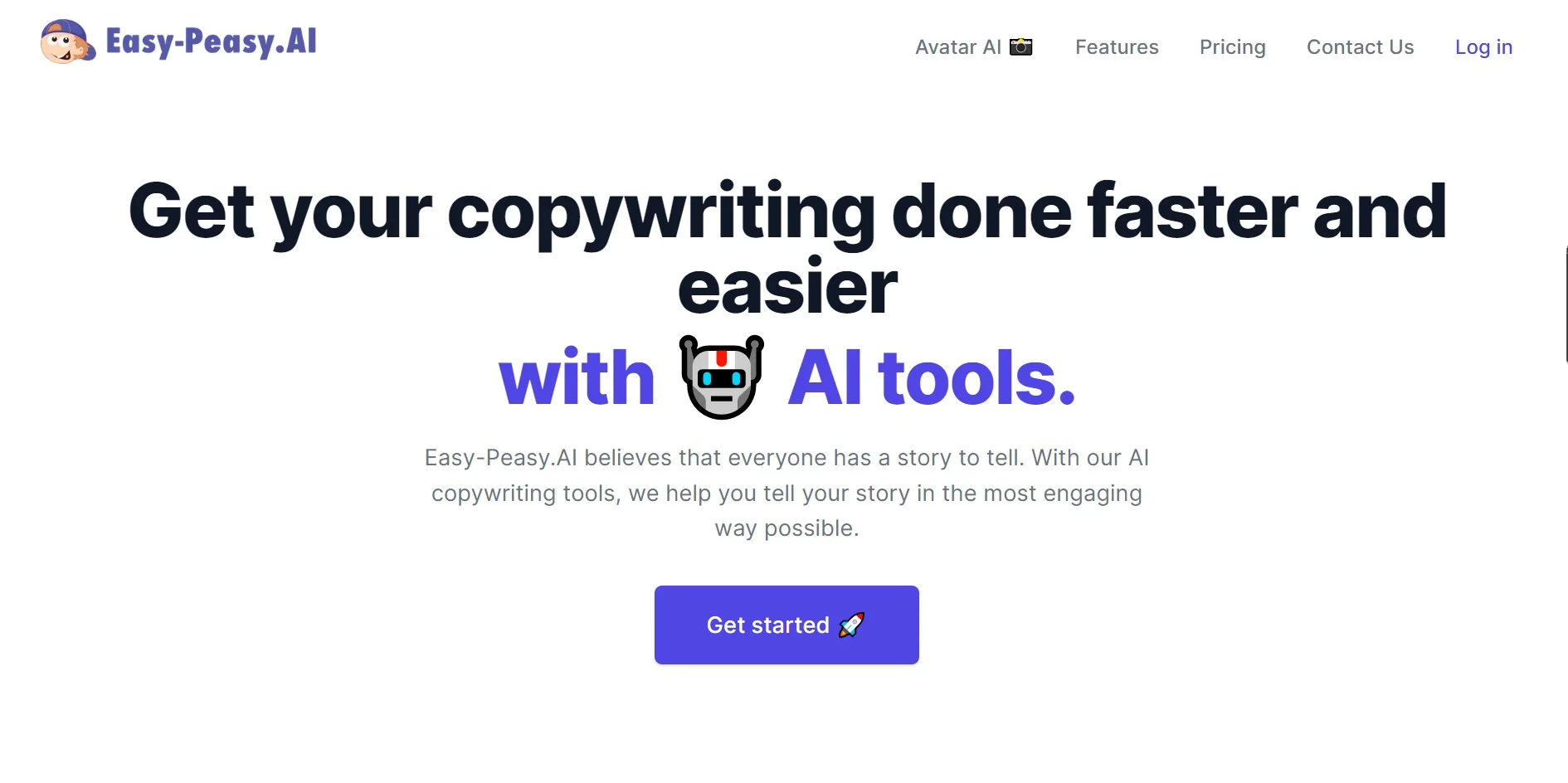
Unleash creativity with AI: write, design, transcribe, and speak globally.
Watch Easy Peasy AI in Action
Key Takeaways
- What it is
- Unleash creativity with AI: write, design, transcribe, and speak globally.
- Pricing
- Freemium · $4.99 per month · $20 per month
- Best for
- Diverse AI Models
- No-Code AI Bots
- AI-Powered Transcription
- Rating
- 4.4/5
What is Easy Peasy AI?
In a digital age where content creation and efficiency are paramount, Easy Peasy AI stands as a beacon of innovation and convenience. This tool is not just another AI platform; it is a versatile companion for professionals and creatives alike. From crafting compelling copy to generating stunning visuals and transcribing audio, Easy Peasy AI is designed to streamline a myriad of tasks. Its intuitive interface and powerful features cater to a diverse audience, including marketers, writers, and anyone in need of a creative boost.
Easy Peasy AI distinguishes itself with a commitment to user-friendly design and a comprehensive suite of tools. Its unique selling point lies in the seamless integration of different AI models, providing versatility and customization options that cater to a wide array of needs and preferences.
Easy Peasy AI excels in providing a multifaceted platform that caters to a broad spectrum of content creation needs. Its ability to combine various AI models into a single, cohesive experience offers an unmatched advantage for users looking to enhance their creative processes. With its thoughtful design and robust feature set, Easy Peasy AI proves to be an indispensable tool for all businesses and individuals aiming to stay ahead in the fast-paced world of digital content.
Who is Using Easy Peasy AI?
Content Creators
Enhancing productivity in writing blogs, social media posts, and more.
Marketers
Crafting persuasive copy and generating engaging visual content.
Podcasters
Utilizing AI transcription services for efficient content repurposing.
Educational Institutions
Leveraging the tool to teach about AI applications in various fields.
Uncommon Use Cases
Assisting individuals with disabilities through text-to-speech services; aiding in personalizing messages for special occasions.
Key Features
Rating Breakdown
Pricing Plans
Free Tier
Free
Basic Tier
$4.99 per month
Unlimited Tier
$20 per month
Which Easy Peasy AI plan should you pick?
Start with Free to test the platform; upgrade to Starter or Unlimited when you need more usage, bots, credits, languages, or API access.
Free
Good for individuals who need to test basic AI generation with limited words, images, transcription, text-to-speech, and one bot.
Starter
Good for individual creators who need higher usage limits, 200 image/video credits, two bots, brand voices, and 35+ languages.
Unlimited 50
Good for heavier users who need unlimited standard-model usage, more words, 300 image/video credits, and three bots.
Unlimited
Good for power users who need the highest individual limits, enhanced transcription, four bots, priority support, and API access.
Teams
Good for organizations that need multiple seats, shared prompts, chats, documents, brand voices, images, API access, and team administration.
Easy Peasy AI Use Cases
Create a finished marketing video
Describe a video, optionally add photos or clips, and let the Video Agent create scenes, narration, music, and captions.
Outcome: A polished video ready for editing and sharing.
Build a support chatbot
Train an agent on website content, PDFs, help documents, Q&A pairs, or YouTube videos, then deploy it across customer channels.
Outcome: A branded support agent that answers questions from company knowledge.
Automate creative production
Chain image generation, image editing, video creation, audio synthesis, and other AI operations in a reusable workflow.
Outcome: Repeatable multi-step production pipelines.
Analyze business files
Upload documents, spreadsheets, PDFs, images, audio, or videos and ask Marky to summarize, compare, extract, or analyze them.
Outcome: Faster insight extraction from business files.
Generate websites with code
Describe a website or application and use Marky’s code editor, live preview, terminal, file management, and deployment tools.
Outcome: A functional website with downloadable source code.
Workflow Ideas with Easy Peasy AI
Product video pipeline
- 1Upload product images or reference assets
- 2Generate product scenes and visual variations
- 3Create video clips, voiceover, music, and captions
Interior design visualization
- 1Upload a 2D floor plan or room sketch
- 2Configure style, materials, and color palette
- 3Generate 3D renders and an animated walkthrough
Automated support response
- 1Receive a question through Slack, WhatsApp, email, or a form
- 2Send the question to an Easy-Peasy.AI bot through Zapier
- 3Return the bot's answer to the originating channel
How Easy Peasy AI fits into your stack
Custom AI Bots
Can be embedded on any website or shared via URL.
Multiple File Formats
Supports various file types for upload and processing.
Cross-Platform Use
Accessible from different devices and platforms for a consistent experience.
Data Privacy
Prioritizes user privacy and data protection throughout its services.
Pros
- +Time-Saving: Automates and accelerates content creation processes.
- +User-Centric Design: An intuitive interface that simplifies navigation and task execution.
- +Broad Language Support: Offers services across multiple languages, enhancing its global usability.
- +Versatility: Wide array of functionalities suitable for different content needs.
Cons
- −Overwhelming Options: The vast number of features might be daunting for new users.
- −Learning Curve: Getting the most out of AI models requires some learning and experimentation.
- −Integration Limitations: May not seamlessly integrate with all existing workflows or third-party tools.
Limitations & when to consider alternatives
Known limitations
- Free plan usage limits. The Free plan includes 1,000 words, one image credit, one audio transcription, 1,000 text-to-speech characters, and one bot.
- Free-generated images are public. The pricing page states that images generated on the Free plan are public.
- Free workflows cannot run. Free users can explore the workflow builder, but must upgrade to run workflows.
- File size and conversation limits. Marky supports up to 30 files per conversation, with a maximum of 50 MB per file.
- Zapier calls are stateless. Each Zapier bot call is standalone and does not retain conversation history.
How to Use Easy Peasy AI
- 1
The platform offers a range of tutorials and support materials to help users get the most out of its features. These resources are designed to assist with everything from basic setup to leveraging advanced functionalities.
Who is Easy Peasy AI For?
Content creators
They can batch-process videos, generate images, create social content, and produce creative variations.
E-commerce businesses
They can create product videos, virtual try-ons, lifestyle imagery, and promotional assets at scale.
Marketing teams
They can produce consistent branded content across multiple campaigns and automate content pipelines.
Designers
They can experiment with style transfers, variations, interior visualizations, and AI-generated media.
Business teams
Teams can share chats, prompts, documents, brand voices, images, workflows, and custom agents.
Frequently Asked Questions
Is Easy-Peasy.AI free to use?
Yes. The Free plan costs $0 per month and does not require a credit card. It includes limited words, image credits, transcription, text-to-speech, one bot, and templates.
What can the Easy-Peasy.AI API do?
The documented API supports text, image, and video generation, transcription, text-to-speech, chat completions, presets, and custom bots.
Can I upload files?
Yes. Marky supports PDFs, Word documents, spreadsheets, images, CSVs, audio/video files, ZIP archives, and other files for analysis or processing.
Can I create custom AI agents?
Yes. Custom agents can use uploaded files, websites, text, Q&A pairs, sitemaps, and YouTube videos as knowledge sources.
Can Easy-Peasy.AI connect to business tools?
Yes. Documented integrations include Slack, WhatsApp, Telegram, Facebook Messenger, Google Calendar, Zapier, WordPress, and HTML embedding.
Can I build automated workflows?
Yes. The workflow builder chains multiple AI operations, including text, image, video, audio, and utility nodes. Free users can explore workflows but must upgrade to run them.
Community reviews
4 reviews from people who use Easy Peasy AI.
Sign in to leave a review for Easy Peasy AI.
Mary Elo
Dmytro Olefyrenko
DMYTRO OLEFYRENKO
gokhan torlak
Easy Peasy AI Alternatives
Looking for alternatives to Easy Peasy AI? Here are similar tools in the same category:
Learn to Master Easy Peasy AI
With Skill Leap courses
Get in-depth training on Easy Peasy AI and 50+ other AI tools with our expert-led video courses.
Start 7-Day Free Trial