Tekst.ai
See how enterprise work actually flows through messages and business systems.
Key Takeaways
- What it is
- See how enterprise work actually flows through messages and business systems.
- Best for
- Process Explorer
- AI-Powered Activity Detection
- Unified Tracing
- Rating
- 4.0/5
What is Tekst.ai?
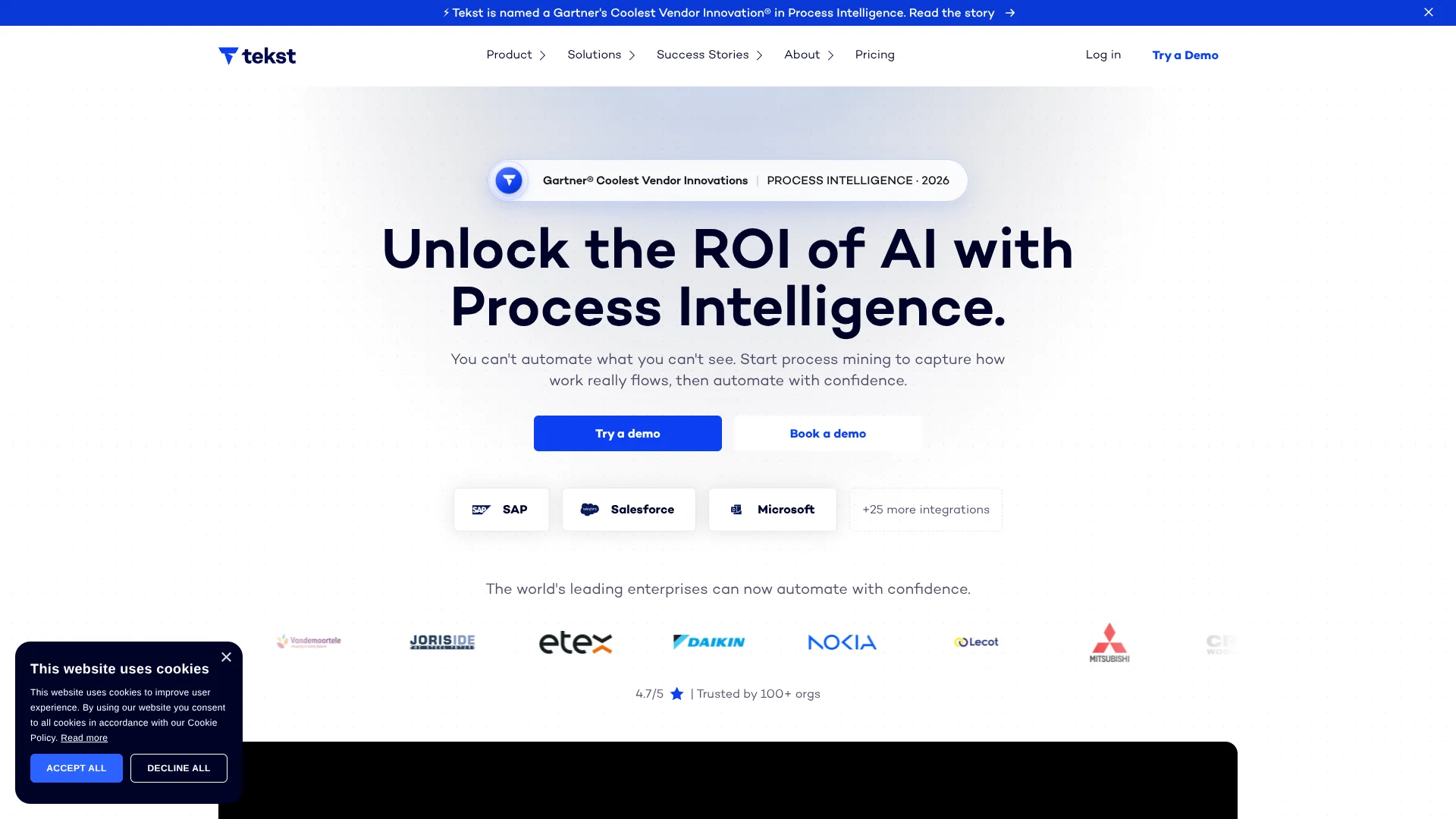
Tekst turns messages, documents, and system activity into a map of how work moves across an enterprise. Operations teams can see where requests stall, then set up AI automations for tasks such as classifying shared-inbox emails or creating orders in an ERP system. This helps companies understand a process before automating it, especially when the work spans several teams and business systems.
Tekst links activity across messages and business systems to trace a process from its first trigger through completion, including the detours that standard process maps can miss. Its Process Intelligence can identify workflow steps from existing signals without requiring teams to manually model or log each step.
Tekst is best suited to larger organizations with high volumes of operational email, cases, or orders and the staff to plan enterprise automations. It is not a self-serve tool with public subscription prices, and the platform interface is English-only. Consider Tekst when you need AI automation grounded in a view of how your processes actually run.
Who is Using Tekst.ai?
Customer service managers
Inbox activity and routing insights help them monitor response workloads and service-level risks.
Accounts payable specialists
Invoice emails and attachments can be processed for key details and matching purchase-order references.
Order operations coordinators
AI classification separates new orders, changes, and delivery questions for the right workflow.
Business process analysts
Process Explorer helps them compare workflow paths and locate delays or repeated work.
Uncommon Use Cases
Finding recurring product incidents in incoming messages; comparing process variations across teams or regions.
Key Features
Rating Breakdown
Pricing Plans
Usage-based pricing
- Process Intelligence is priced based on event volume.
- Agentic Automations use credits, with costs depending on the automation step.
- Credits are purchased upfront on an annual contract; test runs are free.
- Request a quote based on your volumes and use cases.
Which Tekst.ai plan should you pick?
Request a tailored quote after choosing the process and volumes you want Tekst to analyze or automate.
Tekst.ai Use Cases
Shared inbox triage
Incoming requests are labeled and routed by topic, urgency, and language rather than manually sorted.
Outcome: Fewer misrouted emails and clearer workload visibility.
Accounts payable intake
Invoice emails and attachments are read for key details and checked for purchase-order references.
Outcome: Less manual invoice handling.
Order and request classification
New orders, changes, cancellations, and delivery questions are identified as they arrive.
Outcome: Requests reach the appropriate workflow or owner.
Process bottleneck discovery
Real workflow paths reveal where cases slow down, loop, or vary across teams.
Outcome: A factual view of where improvement or automation may help.
Email-to-case processing
Customer or logistics emails become structured cases for the appropriate team.
Outcome: Faster, more consistent case handling.
Workflow Ideas with Tekst.ai
Turn a shared inbox email into an ERP order
- 1Connect the relevant inbox and business systems.
- 2Have Tekst extract order details and match customer and product data.
- 3Create the order in the ERP for validation.
Find delays in a support process
- 1Connect the inboxes and systems involved in case handling.
- 2Review the process map, routes, and throughput times.
- 3Investigate bottlenecks and choose a workflow to improve.
Route urgent service requests
- 1Set up the shared inbox connection.
- 2Classify incoming messages by topic and urgency.
- 3Route urgent cases to the appropriate team or system.
How Tekst.ai fits into your stack
Inbox and communication
Tekst connects to Outlook or Gmail shared inboxes to classify and route operational messages. It can also process email attachments.
CRM, ERP, and ticketing
Named integrations include Salesforce, SAP, Zendesk, and HubSpot. Tekst can link communication to business records and automate related steps.
Process analysis
Process Intelligence maps activities and routes across connected systems, helping teams see where work slows down.
Custom connections
A REST API supports programmatic message delivery, and FTP or SFTP supports bulk file processing.
Pros
- +Process visibility: Shows how work actually moves across teams and systems before you automate it.
- +Cross-system tracing: Connects messages and system activity into one process view.
- +Inbox triage: Routes and prioritizes shared-inbox messages using their topic and urgency.
- +Volume-based pricing: Pricing is based on analyzed work and automation credits rather than per-seat licenses.
Cons
- −Enterprise focus: Its process setup and automation are aimed at organizations with complex operations.
- −No public list prices: You need to share your use case and volumes to receive a quote.
- −English-only interface: The product interface is not available in other languages.
Limitations & when to consider alternatives
Known limitations
- English-only interface. Tekst says the product interface is English-only, even though the service supports processing content in multiple languages.
- Quote-based pricing. The amount depends on event volume and automation credits, and Tekst asks prospective customers to request a tailored quote.
- No per-step automation price list. The credit cost varies by automation step, so teams need to review their expected usage with Tekst.
Look elsewhere when
- You need a self-serve product with public subscription prices.
- Your team needs a product interface in a language other than English.
- You need a general-purpose chatbot or a tool for generating code.
How to Use Tekst.ai
- 1
Choose a process to examine
Start with a high-volume workflow such as shared-inbox support, order intake, or accounts payable.
- 2
Request a demo and quote
Share the process and its volumes with Tekst to discuss a tailored setup and pricing.
- 3
Connect the relevant systems
Link inboxes, ERP, CRM, or document sources so Tekst can capture operational activity.
- 4
Review the process map
Explore detected activities, routes, and throughput times to find bottlenecks and exceptions.
- 5
Set up a targeted automation
Choose a repetitive step, such as classifying or routing a message, and configure its system actions.
- 6
Track outcomes
Review process insights and automation activity to decide what to improve next.
Who is Tekst.ai For?
Enterprise operations teams
Process Intelligence helps teams see bottlenecks and handoffs across high-volume workflows.
Customer service and support
Shared inbox automation can classify and route incoming requests to the right team.
Finance and procurement
Automations can handle work such as invoice intake, order processing, and accounts payable.
Transformation leaders
Process maps help identify where AI automation could address real operational delays.
Frequently Asked Questions
Does Tekst have a free plan?
Tekst does not list a free plan. Its pricing page says test runs are free, while credits for production use are bought upfront on an annual contract.
How does Tekst pricing work?
Process Intelligence pricing is based on event volume, and Agentic Automations use credits based on the value of each step. Tekst provides a quote based on your volumes and use cases.
Which systems does Tekst connect to?
Named integrations include Outlook or Microsoft 365, Salesforce, Zendesk, and HubSpot. Tekst also documents a REST API and FTP or SFTP options.
Can Tekst process multiple languages?
Tekst says it supports content in all languages, while the product interface itself is English-only.
Can Tekst read attachments?
Yes. Its help center lists PDF, CSV, Excel, Word, image, and ZIP attachments among supported file types.
Community reviews
1 review from people who use Tekst.ai.
Sign in to leave a review for Tekst.ai.
Thibault BM
Tekst.ai Alternatives
Looking for alternatives to Tekst.ai? Here are similar tools in the same category: