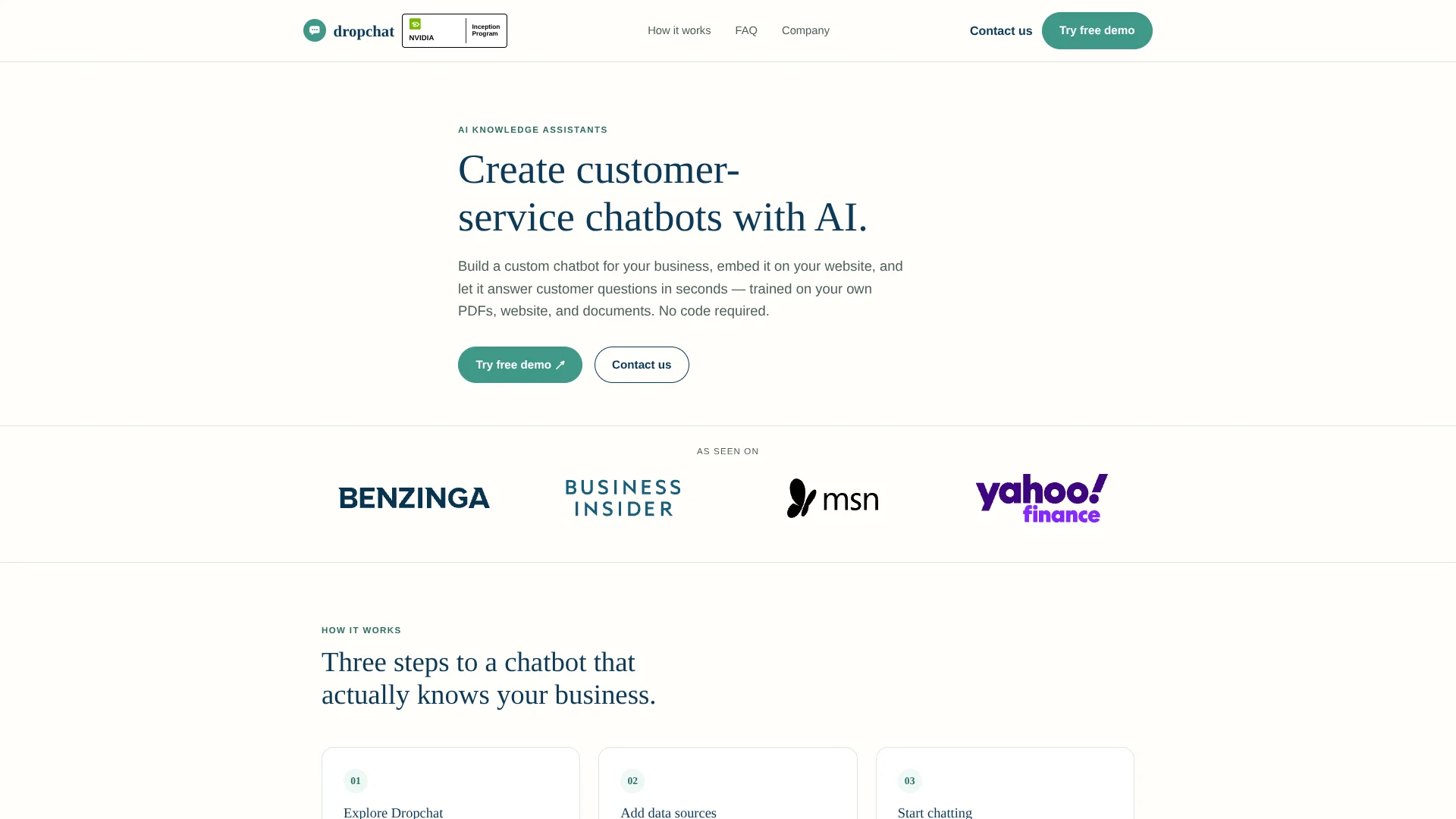
Dropchat
Turn your business documents and website into a customer-service chatbot.
Key Takeaways
- What it is
- Turn your business documents and website into a customer-service chatbot.
- Pricing
- Freemium · $24 per month · $99 per month · $499 per month
- Best for
- Website Chatbots
- PDF and Text Chatbots
- YouTube Sources
- Rating
- 4.0/5
What is Dropchat?
Dropchat helps businesses build customer-service chatbots from their own PDFs, websites, text files, and YouTube content. Its no-code interface turns that material into a conversational knowledge source that can answer customer questions, support lead qualification, or help employees find information. Finished chatbots can be shared by link or embedded on a website.
Dropchat can escalate questions it cannot answer to email or a live agent, giving businesses a human handoff instead of leaving visitors at a dead end.
It fits small businesses, support teams, educators, and organizations with information-heavy websites or documents. The main limitation is that its public materials focus on website deployment and guided setup rather than a documented self-serve developer API. Dropchat is strongest when the goal is to turn existing business knowledge into a customer-facing chatbot quickly.
Who is Using Dropchat?
Customer-Service Manager
The support manager uses a website chatbot to answer common questions before they reach a live agent.
Marketing Manager
Product and service information becomes a conversational lead-qualification experience for website visitors.
Knowledge Manager
A collection of PDFs and text files becomes easier for employees or customers to search through natural-language questions.
Course Creator
Learners can question course documents or supporting web content instead of searching through every page manually.
Website Administrator
The administrator adds Dropchat to platforms such as WordPress, Shopify, Webflow, Wix, or Squarespace through the available integration instructions.
Uncommon Use Cases
A public agency can turn official web content into an around-the-clock information chatbot; a hotel can answer guest questions about rooms, dining, and amenities.
Key Features
Rating Breakdown
Pricing Plans
Free
Free
Starter
$24 per month
Growth
$99 per month
Professional
$499 per month
Which Dropchat plan should you pick?
Start with Free Tier to test a source and deployment, move to Starter Tier for regular business use, and choose Growth Tier when you need more capacity and support.
Free Tier
Good for evaluating chatbot creation and deployment with a small initial project.
Starter Tier
Good for small businesses and support teams ready to use a document-grounded chatbot in daily work.
Growth Tier
Good for organizations that need more capacity, customization, and support as chatbot usage expands.
Dropchat Use Cases
Website Support
Customer questions are answered from the organization’s own website content in a chat interface.
Outcome: Faster answers for visitors and fewer repeated questions for support staff.
Document Q&A
PDFs and text files become conversational sources for policies, guides, manuals, or reference material.
Outcome: People can find specific information without reading every document from beginning to end.
Lead Qualification
A chatbot can explain products or services and help qualify website visitors before a sales conversation.
Outcome: More useful first conversations with potential customers.
Internal Knowledge Search
Employees can ask questions about internal documents through a chatbot shared by link or placed inside an internal site.
Outcome: Quicker access to organizational information.
Learning From Source Material
Course files, public documents, or video content can support a question-based learning experience.
Outcome: A more interactive way to review and explore source material.
Workflow Ideas with Dropchat
Website Support Bot
- 1Choose the website URL or support material that should supply answers.
- 2Wait for Dropchat to index the source and show the chatbot as ready.
- 3Embed the chat bubble on the website and route difficult questions to a person.
Internal Document Helper
- 1Upload the relevant PDF or text file.
- 2Open the ready chatbot and test questions against the source.
- 3Share the chatbot URL with employees who need the information.
Lead Qualification Flow
- 1Create a chatbot from product or service information.
- 2Place it on the sales website using the integration instructions.
- 3Let the chatbot answer early questions and pass complex conversations to the team.
How Dropchat fits into your stack
Website and CMS
Dropchat sits on top of an existing website through a JavaScript snippet or iframe. Official integration guidance covers platforms including WordPress, Shopify, Webflow, Wix, Squarespace, HubSpot, and Zendesk.
Knowledge and Files
PDFs, text files, website pages, and other supported sources provide the material behind the chatbot’s answers.
Customer Support
The chatbot handles recurring questions first, while email or live-agent escalation covers cases that need human judgment.
Sales and Lead Capture
HubSpot integration guidance describes capturing lead information from chatbot users, making Dropchat useful near the top of a sales process.
Ecommerce
Shopify integration guidance supports training a chatbot on product inventory and adding a chatbot to a Shopify website.
Pros
- +Document grounding: Answers can come from the PDFs, websites, and text your organization already owns.
- +No-code setup: A working chatbot does not require a developer to create or embed.
- +Flexible deployment: Share a chatbot link or place it inside a website chat bubble.
- +Human handoff: Unresolved questions can move to email or a live agent.
- +Free entry point: The free plan lets new users create and deploy a chatbot before paying.
Cons
- −Public API clarity: The site mentions custom API solutions but does not publish a self-serve API reference.
- −Website-first focus: The clearest deployment path is a website embed or shareable link.
- −Source dependence: Answer quality depends on the information Dropchat can index from the supplied material.
Limitations & when to consider alternatives
Known limitations
- Website Embedding Requires Code Placement. Embedding a chatbot requires adding a JavaScript snippet to the website or placing iframe code in the page HTML.
- Indexing Takes Time. The quick-start guide says PDF and website sources may take a minute or two to process before the chatbot is ready.
- Complex Questions Need Escalation. Dropchat states that questions it cannot solve may need to move to email or a live agent.
Look elsewhere when
- You need a documented self-serve API with published endpoints and developer keys.
- You need a native iOS or Android app for chatbot management.
- Your team needs built-in shared workspaces with roles, invitations, and collaborative editing.
How to Use Dropchat
- 1
Start with the Free Plan
Create an account or request a demo to explore the chatbot builder before choosing a paid tier.
- 2
Choose a Source
Select a PDF file, website URL, text file, or supported video source that contains the information the chatbot should use.
- 3
Wait for Indexing
Give Dropchat time to process the material, then look for the green Ready status before testing the bot.
- 4
Test Real Questions
Ask the questions customers or employees are likely to ask and check whether the answers reflect the source material.
- 5
Share or Embed
Copy the chatbot URL for direct sharing, or add the JavaScript snippet or iframe code to a website.
- 6
Set a Human Handoff
Use email or a live agent for questions that are too complex for the chatbot to resolve.
Who is Dropchat For?
Customer-Service Teams
Support teams can automate answers to repeated questions while sending harder cases to people.
Small Businesses
Small companies can add a business-specific chatbot without building an AI system from scratch.
Website Owners
Organizations with information-heavy websites can make key answers available through conversation.
Educators and Learners
People can turn PDFs, websites, or video content into question-and-answer experiences.
Internal Teams
Employees can find answers in internal documents through a shared chatbot link or internal tool.
Frequently Asked Questions
Does Dropchat have a free plan?
Yes. Dropchat offers a free plan for creating and deploying a chatbot, while paid plans add more capacity, customization, and support.
How much does Dropchat cost?
The published plans are Free Tier at $0 per month, Starter Tier at $24 per month, and Growth Tier at $99 per month.
What can a Dropchat chatbot learn from?
Dropchat can use PDFs, websites, text files, YouTube content, and other supported source material.
Can I put a Dropchat chatbot on my website?
Yes. You can embed a chatbot as a chat bubble using JavaScript or iframe code, or share it through a public URL.
Which integrations does Dropchat support?
Official integration guidance covers HubSpot, Zendesk, Shopify, Discord, WordPress, Webflow, Framer, Joomla, Wix, Squarespace, Weebly, Carrd, Typedream, ConvertKit, Square, and HTML websites.
What happens when the chatbot cannot answer?
Dropchat can escalate a difficult question to email or a live agent.
Community reviews
Be the first to share your experience.
Sign in to leave a review for Dropchat.
Dropchat Alternatives
Looking for alternatives to Dropchat? Here are similar tools in the same category: