
Setapp
Unleash Mac/iOS potential: curated apps, one subscription, seamless productivity.
Key Takeaways
- What it is
- Unleash Mac/iOS potential: curated apps, one subscription, seamless productivity.
- Pricing
- $9.99 per month
- Best for
- Diverse App Collection
- AI Assistant
- One Subscription Model
- Rating
- 4.7/5
What is Setapp?
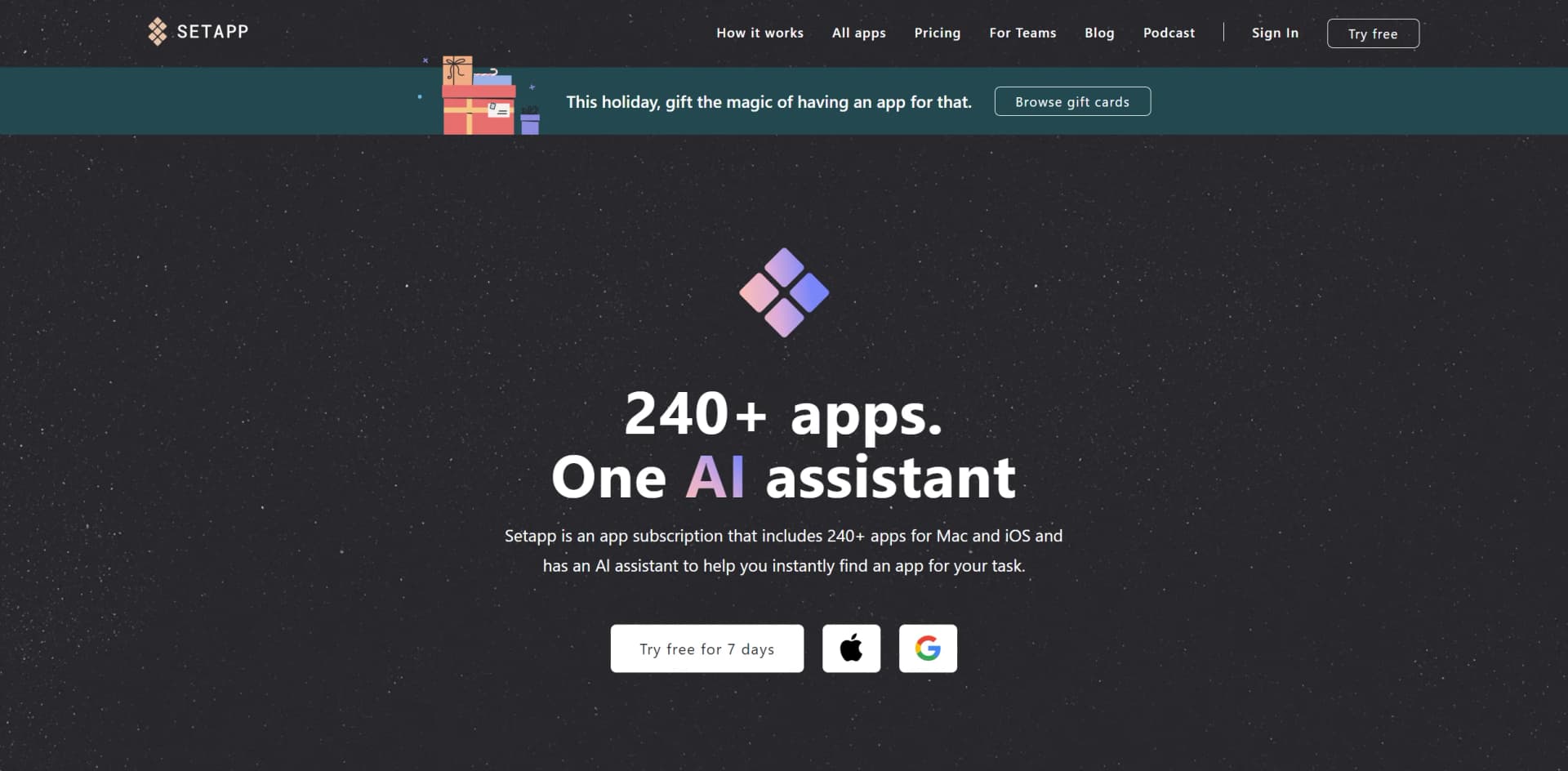
When I first stumbled upon Setapp, it immediately piqued my interest as a unified platform offering a suite of 240+ apps designed to cater to various needs for Mac and iOS users. Think of it as a treasure chest for productivity, where for a single subscription fee, you gain access to an array of applications that can streamline tasks, enhance creativity, and organize workflows. But Setapp isn't just about the quantity of apps; it's the quality and the ease of discovery, thanks to its AI assistant, that makes it stand out.
Setapp's unique offering lies in its comprehensive approach to software management. Instead of purchasing individual apps, users can save time and money with a subscription that covers a wide range of quality applications. The AI assistant feature that helps in finding the right app for any task is a particular highlight, making it a one-stop solution for many.
Setapp excels in providing an expansive range of quality apps, ensuring that users have the right tool for almost any task at their fingertips. Its AI assistant and the one-subscription model offer an unmatched advantage for Mac and iOS users looking for convenience and value. While it might not cater to all platforms, for those in its ecosystem, Setapp is an essential service that promises to keep your workflow smooth and integrated.
Who is Using Setapp?
Freelancers
Streamlining their workflow with a variety of productivity tools.
Small Business Owners
Managing business operations efficiently with specialized apps.
Students
Utilizing educational and research apps to aid in their studies.
Creative Professionals
Enhancing their creative processes with design and editing tools.
Uncommon Use Cases
Non-profits organizing their initiatives; Home users managing their personal finances and household tasks.
Key Features
Rating Breakdown
Pricing Plans
Free Trial
- A 7-day free trial to test the full capabilities of Setapp
Monthly Subscription
$9.99 per month
Which Setapp plan should you pick?
Start with Mac for one Mac, choose Mac + iOS for Apple mobile access, and upgrade to Power User or AI+ plans when you need more devices or AI credits.
Mac
Good for one Mac user who wants access to the core Setapp catalog and included AI credits.
Mac + iOS
Good for users who need Setapp membership apps on one Mac and multiple iPhone or iPad devices.
Power User
Good for users with several Macs and multiple iOS devices who need broader device coverage.
AI Enthusiast
Good for one Mac user who needs a larger monthly AI-credit allowance.
AI Expert
Good for heavy AI users who need higher AI credits and coverage for multiple Macs and iOS devices.
Setapp Use Cases
Discover apps by task
Search for a need such as PDF compression, storage cleanup, or writing and receive app recommendations.
Outcome: Find a suitable tool without comparing individual app stores.
Install a curated app collection
Browse categories and install Mac, iOS, or web apps included in the membership.
Outcome: Access many applications through one subscription.
Generate and refine code
Use Setapp's AI Code Generator to describe, generate, debug, and refine code.
Outcome: Produce working code snippets and implementation starting points.
Summarize documents
Paste text or upload PDFs to extract key points, action items, and summaries.
Outcome: Understand long documents more quickly.
Translate content
Use the AI Translator to translate text into more than 50 languages.
Outcome: Create translated content across many human languages.
Workflow Ideas with Setapp
Find and install an app
- 1Open Setapp on your Mac
- 2Search by task or browse a category
- 3Install the selected app with your membership
Create a document summary
- 1Open the Setapp AI Summarizer
- 2Paste text or upload a PDF
- 3Review and refine the generated summary
Generate code with AI
- 1Describe the function, component, or script
- 2Generate the code
- 3Refine the result by changing the prompt or requesting debugging help
How Setapp fits into your stack
iOS Synchronization
Use Setapp apps across both Mac and iOS devices.
Regular Software Updates
Ensures compatibility with the latest macOS versions.
Cloud Services Integration
Some apps within Setapp offer integration with popular cloud services.
App Interconnectivity
Several apps within the suite can work in tandem, offering a more cohesive experience.
Pros
- +Streamlined Software Discovery: No more scouring the internet for the right tool; Setapp's AI does it for you.
- +Cost-Efficiency: A flat monthly rate can potentially save users money compared to purchasing individual apps.
- +Quality Assurance: Each app is hand-picked and vetted, ensuring a high-quality selection.
- +No Additional Charges: All updates and new app additions are included without extra fees.
Cons
- −Platform Limitation: Currently, Setapp is available only for Mac and iOS, leaving out Windows and Android users.
- −Overwhelming Choice: With so many apps, users might feel overwhelmed by the options.
- −Subscription Dependency: You lose access to the apps if you cancel the subscription.
Limitations & when to consider alternatives
Known limitations
- Mac-centered desktop experience. The Setapp desktop client requires macOS; the documented desktop system requirements are for Mac computers.
- Not every app has an iOS version. Setapp states that not all apps in its catalog have iOS versions.
- No watchOS or tvOS catalog apps. Setapp currently does not provide watchOS or tvOS apps in its library.
- AI usage is credit-limited on regular plans. Regular plans include a limited monthly number of AI credits, while higher AI+ plans provide larger allowances.
- Existing teams only. Setapp stopped supporting creation of new teams in May 2025; existing teams continue functioning.
Look elsewhere when
- You want a native Setapp app from the App Store.
- You need shared documents or a collaborative workspace.
- You need image analysis rather than text-to-image generation.
How to Use Setapp
- 1
Setapp offers a variety of resources to help users get the most out of their subscription, including a comprehensive knowledge base and customer support for any queries or issues.
Who is Setapp For?
Mac users
Setapp is designed around a large catalog of Mac applications installed through its desktop client.
Power users
Power User plans support multiple Macs and iOS devices for people who use several devices.
AI users
AI+ plans provide credits or broader access to AI tools, models, and workflows.
Developers and app vendors
Setapp provides vendor APIs, SDK documentation, app submission tools, and usage reporting.
Frequently Asked Questions
What is Setapp?
Setapp is a curated platform providing access to hundreds of Mac, iOS, web, and AI apps through membership plans.
How does Setapp Membership work?
Install the Setapp desktop app, browse the catalog, and install included apps with one subscription.
Does Setapp have a free trial?
New members can try Setapp free for seven days; a payment method is required and the subscription renews unless canceled.
Can I use Setapp on iPhone or iPad?
Membership plans can include iPhone and iPad app access, depending on the selected plan and app availability.
Can I use my own OpenAI API key?
Yes. Setapp says users can add their personal OpenAI key to compatible AI apps.
Are Setapp apps safe?
Setapp reviews apps for quality, functionality, safety, privacy, and malware-related concerns before inclusion.
Community reviews
Be the first to share your experience.
Sign in to leave a review for Setapp.
Setapp Alternatives
Looking for alternatives to Setapp? Here are similar tools in the same category:
Learn to Master Setapp
With Skill Leap courses
Get in-depth training on Setapp and 50+ other AI tools with our expert-led video courses.
Start 7-Day Free Trial