
Louisa AI
AI-driven tool connects internal experts, enhances sales and networking.
Key Takeaways
- What it is
- AI-driven tool connects internal experts, enhances sales and networking.
- Best for
- AI-Powered Deal Prompts
- Relationship Mapping
- Expertise Identification
- Rating
- 4.5/5
What is Louisa AI?
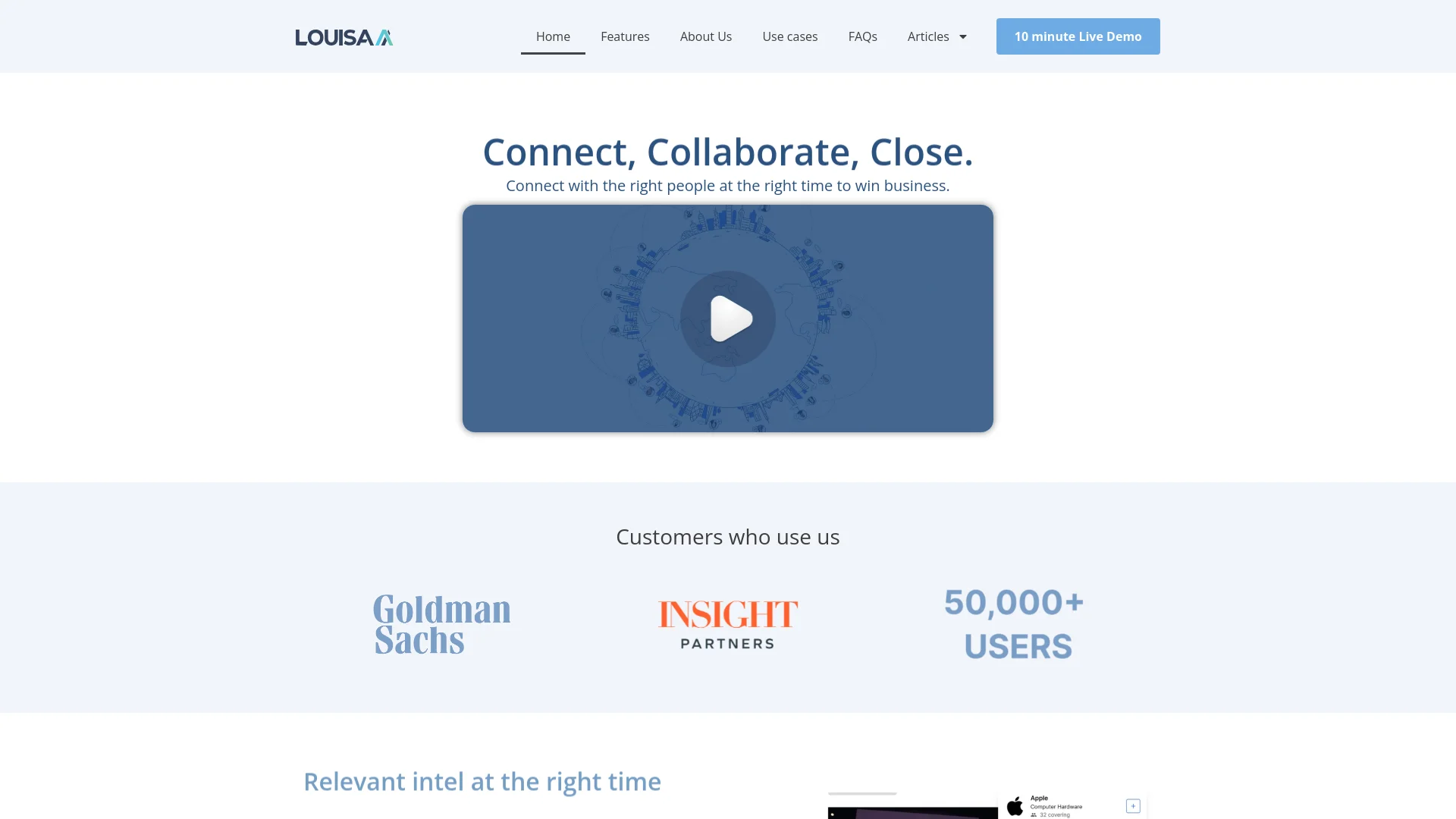
Louisa AI is a revolutionary artificial intelligence tool designed to enhance sales enablement and internal networking within organizations. By leveraging AI to analyze global news and internal communication patterns, Louisa AI offers tailored suggestions to connect employees with relevant experts and opportunities. Its primary goal is to streamline the process of finding and utilizing the right connections to drive business development, particularly in financial institutions and large corporate environments.
Louisa AI is unique in its approach to enhancing internal networking and sales enablement by combining AI-driven insights with strategic connection suggestions. Its ability to analyze real-time global news and internal communication patterns to recommend connections and opportunities sets it apart from traditional networking tools. This proactive, data-informed approach can significantly boost business development and operational efficiency within organizations.
Louisa AI stands out by revolutionizing internal networking and sales enablement through AI-driven insights and strategic connection recommendations. Its innovative approach to leveraging real-time data for enhancing business development and internal collaboration makes it an essential tool for large enterprises and financial institutions. With its robust features and user-friendly design, Louisa AI offers significant value for organizations aiming to optimize their internal networking and sales processes.
Who is Using Louisa AI?
Financial Institutions
Banks and financial service companies use Louisa AI to identify in-house expertise and gain insights related to clients.
Corporate Enterprises
Large corporations employ it to enhance internal networking and better utilize organizational knowledge.
Sales Teams
Utilize the tool to find leads and necessary internal support to close deals more efficiently.
Human Resources
Leverages Louisa AI for mapping internal strengths and connections, improving team compositions and project assignments.
Uncommon Use Cases
Non-profits use it to connect with potential donors and partners; educational institutions use it to connect researchers with similar interests.
Key Features
Rating Breakdown
Pricing Plans
Free Trial
- Offers a 10-minute live demo for prospective users to explore the tool's capabilities
Subscription Plans
- Detailed pricing information is available upon request through the official Louisa AI website
Louisa AI Use Cases
Deal origination
Louisa maps market or news signals to target companies, relevant expertise, and the strongest internal relationship.
Outcome: A named opportunity with a warm path before competitors act.
CRM enrichment
The platform identifies duplicate, stale, and incomplete relationship records and enriches CRM data from connected sources.
Outcome: Cleaner and more current relationship data.
Meeting intelligence
Louisa prepares briefs covering attendees, recent news, mutual connections, role changes, and prior interactions.
Outcome: Meetings begin with relevant relationship and market context.
Expert-network discovery
Users search across the firm to find people with relevant sector, functional, client, or engagement experience.
Outcome: The right internal expert is identified quickly.
Alumni intelligence
Louisa tracks alumni career moves and maps them to target accounts and current internal relationships.
Outcome: Former colleagues and clients become actionable business-development paths.
Workflow Ideas with Louisa AI
Turn a market signal into a warm opportunity
- 1Monitor news and other market signals
- 2Map the signal to target accounts and relevant expertise
- 3Identify the strongest internal relationship and alert the appropriate partner
Prepare for a client meeting
- 1Identify upcoming meeting attendees
- 2Summarize recent news, role changes, mutual connections, and prior interactions
- 3Deliver a pre-meeting intelligence brief
Clean and enrich CRM relationship data
- 1Ingest relationship metadata from connected email, calendar, social, and CRM sources
- 2Resolve duplicate and stale records
- 3Enrich the CRM with current relationship information
How Louisa AI fits into your stack
Email Systems Compatibility
Fully integrates with existing corporate email systems to enhance functionality.
Slack Integration
Works seamlessly within Slack, streamlining communication and connection management.
Custom API Access
Provides API access for custom integrations, allowing organizations to tailor Louisa AI’s features to their specific needs.
Pros
- +Enhanced Networking Efficiency: Streamlines the process of finding the right contacts, saving time and improving productivity.
- +Increased Revenue Opportunities: Facilitates strategic introductions and connections, potentially leading to new deals and business growth.
- +Cost-Effective: Reduces resource wastage by improving internal communication and leveraging institutional knowledge more effectively.
- +User-Friendly Interface: Designed to be intuitive, making it accessible to users across different organizational levels.
Cons
- −Initial Learning Curve: Users may need time to fully understand and utilize all of the tool’s functionalities effectively.
- −Dependency on Internal Data Quality: The tool's effectiveness is reliant on the accuracy and completeness of the internal data it uses.
- −Limited to Organizational Use: Primarily focused on enhancing internal company networks, which may not be as beneficial for freelancers or smaller teams.
Limitations & when to consider alternatives
Known limitations
- Custom enterprise deployment. Louisa describes deployments as scoped engagements rather than standardized self-serve plans.
- Read-only integrations. The site describes Louisa’s integrations as read-only, which limits direct write-back or transactional automation.
- Requires connected organizational data. The quality of the relationship graph depends on connected CRM, email, calendar, social-network, or alumni data sources.
- Typical deployment takes four weeks. Louisa states that deployment occurs in approximately four weeks on the firm’s data.
Look elsewhere when
- You need a coding assistant that generates or edits programming code.
- You need a general-purpose image-understanding tool.
- You need a downloadable Windows, Mac, or Linux desktop application.
How to Use Louisa AI
- 1
Explore a variety of tutorials and case studies on the Louisa AI website to learn how to make the most of its features and capabilities.
Who is Louisa AI For?
Investment banks
Louisa helps investment-banking teams find warm paths, originate deals, and identify cross-sell opportunities.
Private equity and venture capital firms
The platform makes investor, advisor, portfolio, and broader firm relationships visible for sourcing and fundraising.
Asset managers
Asset-management teams can use relationship intelligence and market signals to identify relevant contacts and opportunities.
Management consulting firms
Consulting firms use Louisa for engagement origination, expert networks, alumni intelligence, and meeting preparation.
Law firms
Law firms use Louisa to surface mandate opportunities, alumni and in-house connections, lateral relationships, and cross-practice expansion.
Frequently Asked Questions
What is relationship intelligence?
Relationship intelligence maps an organization’s professional network across email, calendar, CRM, and related sources to reveal who knows whom and the warmest path to a prospect.
How is Louisa different from a CRM?
Louisa acts as an intelligence layer over CRM data, surfacing warm introductions, expertise, and opportunities that may not have been manually logged.
How does Louisa protect enterprise data?
Louisa states that it is SOC 2 Type II certified, GDPR and CCPA compliant, read-only, and does not use customer data to train external models.
Which CRM platforms does Louisa integrate with?
The site names Salesforce, HubSpot, Zoho, and Affinity as supported CRM platforms.
How is Louisa deployed?
Louisa says deployment takes about four weeks using existing email, calendar, social-network, and CRM data.
What is the MCP connector used for?
The MCP connector connects Louisa’s relationship graph to AI assistants such as Claude, ChatGPT, and Microsoft Copilot.
Community reviews
Be the first to share your experience.
Sign in to leave a review for Louisa AI.
Louisa AI Alternatives
Looking for alternatives to Louisa AI? Here are similar tools in the same category:
Learn to Master Louisa AI
With Skill Leap courses
Get in-depth training on Louisa AI and 50+ other AI tools with our expert-led video courses.
Start 7-Day Free Trial