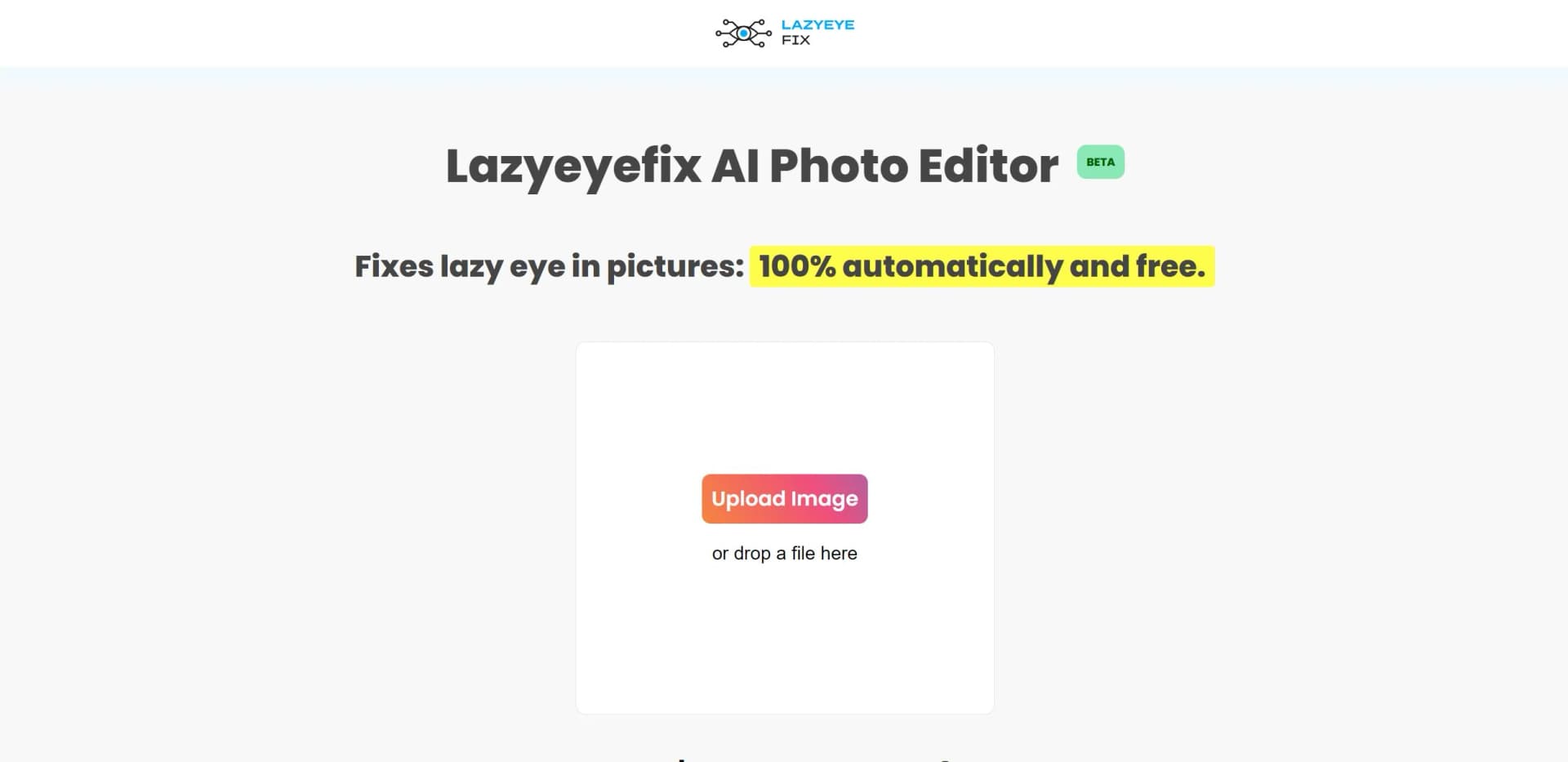
Lazyeyefix AI Photo Editor
Effortlessly corrects lazy eyes in photos using AI.
Key Takeaways
- What it is
- Effortlessly corrects lazy eyes in photos using AI.
- Pricing
- Freemium
- Best for
- AI Eye Detection
- Lazy Eye Identification
- Eye Cloning Technique
- Rating
- 4.5/5
What is Lazyeyefix AI Photo Editor?
Lazyeyefix AI Photo Editor is a revolutionary tool designed to tackle a specific yet common issue in photography—correcting lazy eyes in images. This AI-powered photo editor offers a seamless solution for individuals who wish to enhance their photos by automatically fixing lazy eyes without the need for advanced editing skills. Whether you're a casual user or a professional photographer, Lazyeyefix simplifies the task of correcting eye misalignment with just a few clicks.
Lazyeyefix AI Photo Editor stands out with its laser-focused functionality on lazy eye correction, a game-changer for individuals with strabismus. Its ability to provide instant, automatic corrections with zero cost sets it apart in the realm of specialized photo editing tools.
Lazyeyefix AI Photo Editor delivers a specialized, user-friendly solution for correcting lazy eyes in photographs. With its automated process and cost-free access, it offers an invaluable tool for anyone seeking to enhance their images quickly and effortlessly. While its functionality is niche, it excels in its dedicated purpose, providing a reliable and efficient solution for those affected by strabismus. For anyone needing a quick fix for lazy eye issues in photos, Lazyeyefix is a must-try tool.
Who is Using Lazyeyefix AI Photo Editor?
Individuals with Strabismus
Seeking to enhance personal photos without professional assistance.
Professional Photographers
Utilizing the tool to quickly correct client photos that feature lazy eye issues.
Social Media Enthusiasts
Leveraging the tool to perfect selfies and portraits for online sharing.
Family Photo Editors
Using the tool to improve family photos for albums and keepsakes.
Key Features
Rating Breakdown
Pricing Plans
Free Tier
Free
- Experience Lazyeyefix AI Photo Editor for free
- No hidden costs or subscription fees
Which Lazyeyefix AI Photo Editor plan should you pick?
Start with the free editor for basic corrections; upgrade to Starter, Pro, or Premium when you need the pro model, batch uploads, glasses and head-angle support, group-shot detection, or saved downloads.
Starter
Good for occasional users who need 20 pro-model photo corrections; the listed early-bird price is $7.99.
Pro
Good for regular users who need 50 pro-model photo corrections; the listed early-bird price is $14.99.
Premium
Good for high-volume users who need 100 pro-model photo corrections; the listed early-bird price is $19.99.
Lazyeyefix AI Photo Editor Use Cases
Employed by medical professionals for educational illustrations; Adopted by artists for creating symmetrical portrait art.
Workflow Ideas with Lazyeyefix AI Photo Editor
Correct a personal portrait
- 1Open the Lazyeyefix Photo Editor in a browser
- 2Upload a JPG, JPEG, PNG, or WEBP photo
- 3Download the automatically corrected result
Correct an image stored in Google Drive
- 1Install the Lazyeyefix AI Photo Editor for Google Drive extension
- 2Right-click an image in Google Drive
- 3Send it to Lazyeyefix Pro and download the corrected version
How Lazyeyefix AI Photo Editor fits into your stack
Browser
The Photo Editor runs entirely online in a browser: users upload JPG, JPEG, PNG, or WEBP images, receive automatic eye correction, and download the result. A Chrome extension also sends Google Drive images to Lazyeyefix Pro for correction.
Pros
- +User-Friendly: Requires no prior editing skills, making it accessible to everyone.
- +Quick Processing: Offers rapid results, perfect for users needing immediate corrections.
- +Cost-Free Solution: Available at no cost, making it an economical choice for everyone.
- +Specialized Focus: Specifically designed for addressing lazy eye issues, offering a tailored solution for those affected by strabismus.
Cons
- −Limited Functionality: Focuses solely on correcting lazy eyes, lacking broader photo editing features.
- −Optimal Conditions Required: Works best when subjects are looking directly at the camera, which may limit usability in some situations.
- −Beta Version Limitations: As a beta tool, it may still have some undiscovered bugs or limitations.
Limitations & when to consider alternatives
Known limitations
- Best results require a near-camera gaze. The identification method works best when the subject looks at the camera and the eye whites are visible.
- The free method has narrower support. The free version works only with a straight head position and copies the good eye over the misaligned eye.
- Supported uploads are image formats. The documented supported formats are JPG, JPEG, PNG, and WEBP.
- Processing can occasionally take longer. Most images process within seconds, but large files or heavy traffic can take up to 30 seconds.
Look elsewhere when
- You need a native iOS or Android app.
- You need a documented developer API.
How to Use Lazyeyefix AI Photo Editor
- 1
Open the web editor
Use the Lazyeyefix Photo Editor in a browser; no installation is required.
- 2
Upload a supported image
Choose a JPG, JPEG, PNG, or WEBP photo, preferably with the subject looking toward the camera.
- 3
Choose the editing mode
Use the free correction for basic alignment or select the pro option when you need enhanced detail and support for difficult angles.
- 4
Select a face if needed
For group photos, choose which detected face should be corrected.
- 5
Download the result
Save the corrected image after processing; pro-plan photos are also saved for later download.
Who is Lazyeyefix AI Photo Editor For?
People with strabismus or lazy eye
The editor was created specifically for people who want to correct misaligned eyes in photos.
People sharing personal or social-media photos
It provides fast, share-ready photo corrections without requiring Photoshop skills or manual retouching.
Frequently Asked Questions
What does the Lazy Eye Photo Editor do?
It automatically straightens and corrects lazy or misaligned eyes in uploaded photos.
Is the photo editor free?
The basic editor is free. Paid Starter, Pro, and Premium credit plans provide the proprietary pro model.
Are photos kept private?
Photos are processed automatically and deleted from the servers immediately after editing. Results are provided through a unique download link.
Do I need to install software?
No. The photo editor works entirely online in a browser.
Does it work with group photos?
Yes. The editor detects multiple faces and lets you choose which face to edit.
What file types are supported?
The editor accepts JPG, JPEG, PNG, and WEBP images.
Community reviews
1 review from people who use Lazyeyefix AI Photo Editor.
Sign in to leave a review for Lazyeyefix AI Photo Editor.
Florian Wüest
Lazyeyefix AI Photo Editor Alternatives
Looking for alternatives to Lazyeyefix AI Photo Editor? Here are similar tools in the same category: