
Pixela AI
Enhance and analyze images with AI-driven precision and scalability.
Key Takeaways
- What it is
- Enhance and analyze images with AI-driven precision and scalability.
- Pricing
- Freemium
- Best for
- Advanced Image Processing
- Machine Learning Capabilities
- Scalability
- Rating
- 4.4/5
What is Pixela AI?
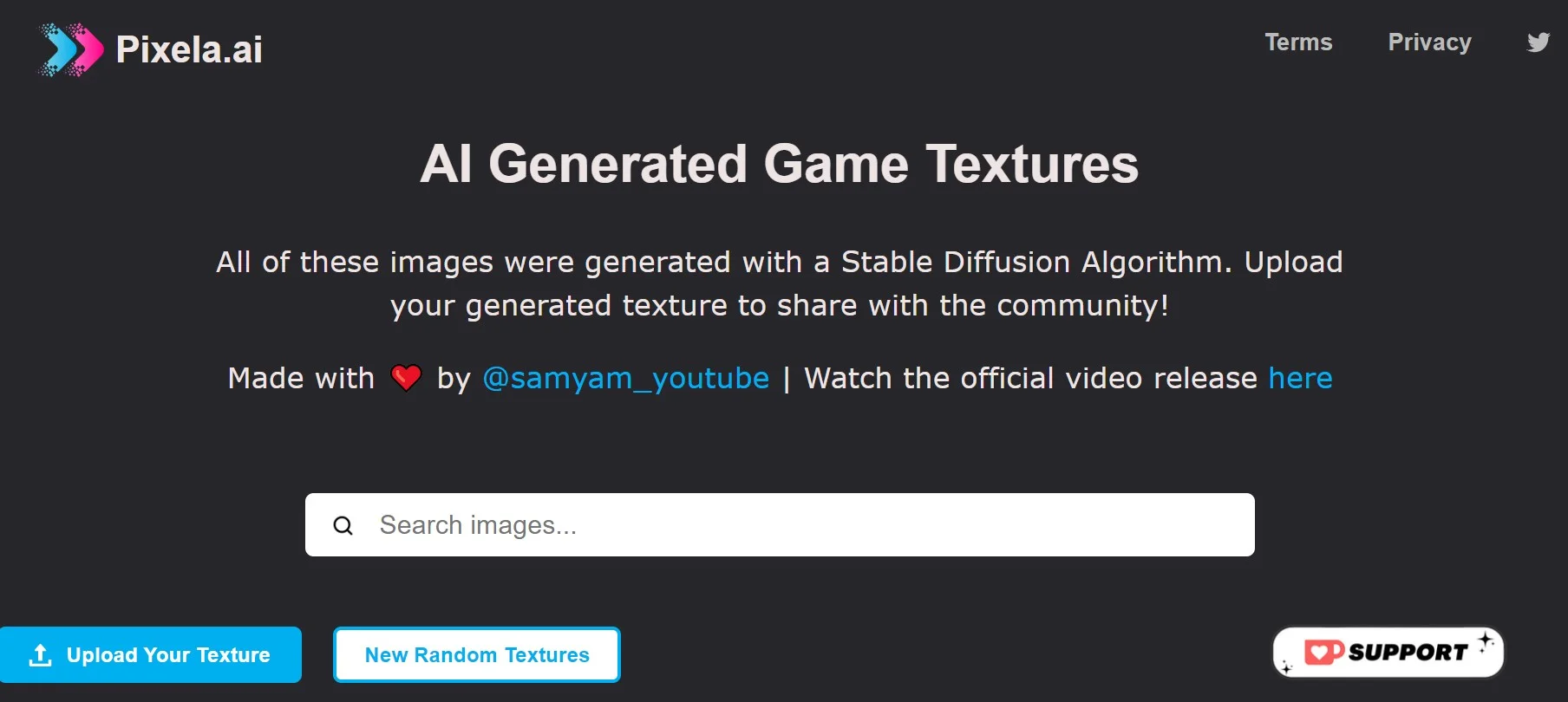
Pixela AI is a cutting-edge artificial intelligence tool that promises to transform the way we interact with visual data. At its core, Pixela AI specializes in image recognition and processing, leveraging advanced algorithms to deliver insights and enhancements that were previously unattainable. Designed for a broad spectrum of users, from tech enthusiasts to professional graphic designers, Pixela AI aims to streamline complex tasks, making image-related workflows more efficient and effective.
Pixela AI distinguishes itself with its robust machine learning framework, which not only enhances images but also learns from each interaction to provide better results over time. Its unique selling point lies in its ability to adapt to various user inputs, making it a versatile tool across numerous applications.
Pixela AI excels in providing a robust suite of image processing and enhancement tools, making it an indispensable resource for anyone working with visual data. Its adaptability and learning capabilities offer a significant advantage, ensuring that the tool remains relevant and powerful over time. Whether you're a developer, content creator, or researcher, Pixela AI is equipped to elevate the quality and efficiency of your imagery-related tasks.
Who is Using Pixela AI?
Web Developers
Integrating Pixela AI for dynamic image processing within web applications.
Content Creators
Employing the tool to enhance digital content with high-quality imagery.
Retailers
Using Pixela AI to improve product photos for online stores.
Researchers
Leveraging the tool for analyzing visual data in various scientific studies.
Uncommon Use Cases
Non-profit organizations use Pixela AI for creating impactful visual reports; Event organizers utilize it to automatically process and enhance event photos in real-time.
Key Features
Rating Breakdown
Pricing Plans
Free Tier
Free
- Pixela AI offers essential features in its free version
- Allowing users to get acquainted with its capabilities
Subscription Plans
- Detailed pricing plans are available on the Pixela AI website
- Ensuring options for different user needs
Which Pixela AI plan should you pick?
Start with the free tools for background removal, upscaling, and basic image generation; choose Premium when you need logo generation, unlimited editing, the broader design suite, premium downloads, or brand kits.
Premium
Good for creators, marketers, businesses, and professionals who need unlimited logo generation and customization, AI image generation, premium background removal, 4x and 8x upscaling, design tools, and brand kits.
Pixela AI Use Cases
Create marketing and social visuals
Generate images, edit visuals, and create videos for websites, campaigns, social posts, and advertising.
Outcome: Shareable creative assets produced quickly from prompts or references.
Build a logo and brand materials
Generate a logo, customize colors, fonts, spacing, layout, and tagline, then create coordinated business cards and letterheads.
Outcome: A reusable visual identity and supporting brand collateral.
Prepare e-commerce product imagery
Upload product images, remove backgrounds, upscale low-resolution files, and resize or compress assets.
Outcome: Cleaner, appropriately sized product assets for stores and marketing.
Create AI videos
Describe a video or upload a reference image, configure the model and settings, then generate and export the result.
Outcome: Short videos for social media, advertising, presentations, and storytelling.
Restore or improve images
Use image upscaling to reconstruct detail and improve low-resolution photos, print assets, product imagery, and older pictures.
Outcome: Larger, sharper images with improved detail.
Workflow Ideas with Pixela AI
Generate a video from a concept
- 1Describe the video idea or upload a reference.
- 2Configure the model, duration, resolution, and other settings.
- 3Preview, refine, render, and download the final video.
Create a reference-based image
- 1Upload a reference image.
- 2Describe the desired subject, style, or changes.
- 3Generate and download the resulting image.
Prepare a product image
- 1Upload or drag a product image into the Background Remover or Image Upscaler.
- 2Remove the background or select an enlargement setting.
- 3Download the processed PNG or enhanced image.
How Pixela AI fits into your stack
Browser-Based Functionality
Pixela AI is accessible through modern web browsers, ensuring broad compatibility.
API Access
Developers can integrate Pixela AI's functionalities into their applications via a well-documented API.
Cloud Integration
The tool can connect with cloud storage services for seamless workflow integration.
Third-Party Tools
Pixela AI supports various third-party tools to complement its core features.
Pros
- +Enhanced Productivity: By automating routine image processing tasks, Pixela AI allows users to focus on more creative aspects of their work.
- +Quality Improvements: The AI-driven enhancements can significantly boost the quality of the final imagery.
- +Customizable Workflows: Pixela AI provides flexibility, allowing users to tailor the tool to their specific project requirements.
- +Time-Saving: With its quick processing times, Pixela AI can reduce the turnaround time for image-related projects.
Cons
- −Dependency on JavaScript: Users must have JavaScript enabled to use Pixela AI effectively, which might be a hindrance in some environments.
- −Learning Curve: While user-friendly, new users may still need to invest time to fully leverage all of Pixela AI's features.
- −Internet Reliance: Being an online tool, a stable internet connection is necessary for uninterrupted usage.
Limitations & when to consider alternatives
Known limitations
- Full logo and design-suite access requires premium. The Logo Maker and complete design suite require premium access for full generation, editing, and download capabilities.
- Premium access is designed for one person. Each collaborator should generally use an individual account; multi-user arrangements require contacting support.
- Account assets depend on active premium access. Stored logos and related assets remain available while premium access is active, so important finished files should be downloaded separately.
- Images and logos are downloaded individually. Pixella currently downloads images and logos individually from their relevant brand kits.
- Credits expire. Subscription credits do not carry over to the next billing cycle, and purchased credit packs are forfeited when the subscription ends.
Look elsewhere when
- You need a documented developer API.
- You need native iOS or Android apps.
- You need shared multi-user editing.
- You need named third-party integrations.
How to Use Pixela AI
- 1
Pixela AI provides users with a comprehensive set of tutorials and guides, ensuring that even those new to image processing can quickly become proficient with the tool.
Who is Pixela AI For?
Creators
Creators can turn prompts and reference images into artwork, social visuals, videos, and other creative assets.
Individuals
Individuals can use guided AI tools to create logos, images, edits, and other visuals without advanced design experience.
Businesses
Businesses can create brand assets, marketing graphics, product imagery, social content, and client-facing materials.
E-commerce users
E-commerce users can create product imagery, resize and compress assets, remove backgrounds, and prepare visuals for online stores.
Marketing and creative professionals
Professionals can produce campaign concepts, advertisements, client work, logos, videos, and branded collateral.
Frequently Asked Questions
What is Pixella?
Pixella is an AI-powered creative platform for individuals and businesses, offering logo generation, image generation, background removal, image upscaling, editing, and related design tools.
Which Pixella tools are free to use?
The Background Remover, Image Upscaler, and web or mobile text-to-image generator have free access. The Logo Maker and complete design suite require premium access for full functionality.
Can I use a reference image when generating images?
Yes. Users can upload a reference image, describe the desired result, and generate an image that retains selected aspects of the source.
Can I use Pixella outputs commercially?
Pixella says outputs can be used for personal and commercial projects, including marketing, client work, e-commerce, social media, and business materials.
Do I need an account to use Pixella?
The Background Remover and Image Upscaler do not require an account. The Logo Maker and full design suite require an account with premium access.
How does Pixella protect uploaded images?
Pixella says uploads are encrypted, temporary files are normally removed within 24 hours, and uploaded content is not shared without permission.
Community reviews
Be the first to share your experience.
Sign in to leave a review for Pixela AI.
Pixela AI Alternatives
Looking for alternatives to Pixela AI? Here are similar tools in the same category:
Learn to Master Pixela AI
With Skill Leap courses
Get in-depth training on Pixela AI and 50+ other AI tools with our expert-led video courses.
Start 7-Day Free Trial