
BMC Helix
Streamline IT management with AI-driven insights and workflow automation.
Key Takeaways
- What it is
- Streamline IT management with AI-driven insights and workflow automation.
- Best for
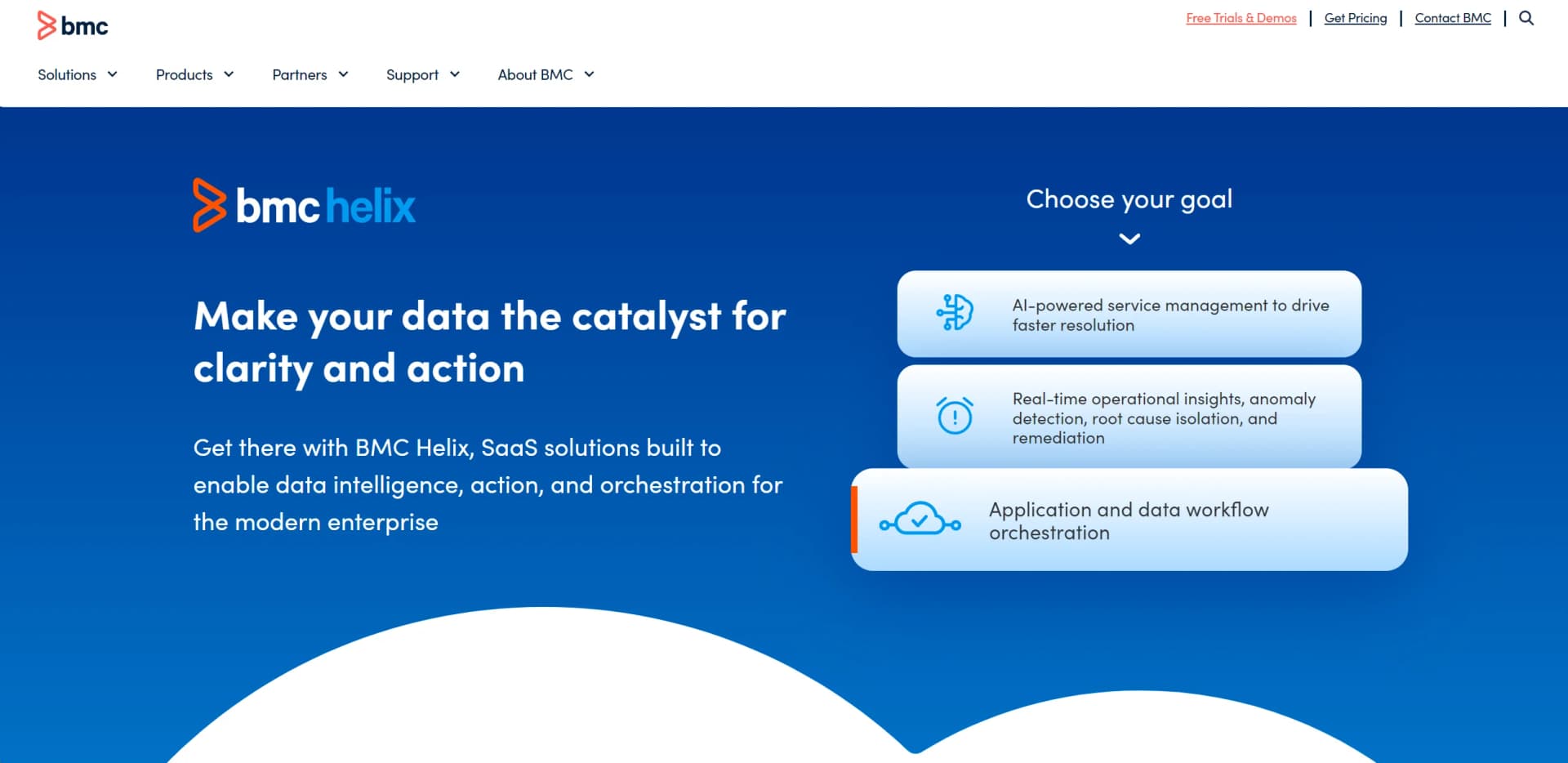
- AI-Powered Service Management
- Real-Time Operational Insights
- Application and Data Workflow Orchestration
- Rating
- 4.4/5
What is BMC Helix?
BMC Helix is a cutting-edge platform designed to transform IT service management and operations through AI-driven capabilities. It revolutionizes how enterprises manage their IT environments by offering comprehensive solutions such as AIOps, service management, and workflow orchestration. Tailored for IT professionals and businesses aiming to optimize their digital operations, BMC Helix simplifies complex IT processes, enhances service delivery, and accelerates innovation.
BMC Helix stands out with its intelligence-enriched, integrated service and operations platform. Its AI-driven approach to IT service management and operations sets a new standard in the industry, offering unmatched capabilities for real-time insights and automated workflows. The ability to seamlessly integrate with various IT environments and its cloud-native architecture further distinguish it as a leader in digital enterprise transformation.
BMC Helix offers a comprehensive suite of AI-driven tools that transform how enterprises manage IT services and operations. Its ability to deliver real-time insights, streamline workflows, and enhance service delivery makes it an invaluable asset for IT professionals. While the initial setup can be challenging, the long-term benefits in efficiency, visibility, and integration capabilities make BMC Helix a standout choice for organizations looking to excel in their digital transformation journey.
Who is Using BMC Helix?
IT Operations Teams
Utilizing BMC Helix for real-time monitoring and anomaly detection to optimize performance.
Service Management Professionals
Employing the tool for AI-powered service management to enhance service delivery.
DevOps Teams
Leveraging orchestration capabilities to streamline workflows across diverse environments.
Enterprise IT Departments
Using the platform to unify service and operations management for improved efficiency.
Key Features
Rating Breakdown
Pricing Plans
Contact for Pricing
- BMC Helix offers customizable pricing plans based on specific enterprise needs and requirements. For detailed pricing information
- Visit the official BMC Helix website
BMC Helix Use Cases
Adopted by healthcare institutions for IT service management.
Utilized by financial services for data workflow orchestration.
Workflow Ideas with BMC Helix
Automated incident triage
- 1Collect incident and observability data through BMC Helix connectors
- 2Correlate events and organize data into a service model
- 3Use AI recommendations and automated remediation workflows
Employee self-service request handling
- 1Expose services through BMC Helix Digital Workplace
- 2Use BMC HelixGPT to gather required request information
- 3Submit or route the completed request to the appropriate service process
Knowledge article translation
- 1Enable the BMC HelixGPT translation skill for a line of business
- 2Select or add the target locale
- 3Translate and publish the knowledge article in the selected language
How BMC Helix fits into your stack
Browser
BMC Helix Digital Workplace and related Helix services are accessed through desktop and mobile web browsers.
Team chat and tickets
Helix Chatbot can expose service interactions through Slack, Microsoft Teams, Skype for Business, SMS, and its web UI.
Automation and APIs
Teams can connect Helix to REST services and automate multi-step processes across Jira, Azure, Jenkins, RPA tools, and cloud platforms.
Desktop / IDE
Developers can connect BMC Helix environments to Visual Studio Code and IntelliJ IDEA through BMC Helix plugins.
Pros
- +Efficiency Boost: Significantly reduces the mean time to resolution (MTTR) by automating event correlation and management.
- +Enhanced Visibility: Offers clear visibility into critical issues through reduced event noise and service-centric monitoring.
- +Comprehensive Integration: Seamlessly integrates with any DevOps automation tool chain using 'as-code' interfaces.
- +Scalability: Supports growth and scalability with its cloud-native architecture and flexible deployment options.
Cons
- −Complex Setup: Initial setup can be complex and time-consuming, especially for large enterprises.
- −Cost Consideration: May be cost-prohibitive for smaller businesses due to its comprehensive features.
Limitations & when to consider alternatives
Known limitations
- Image uploads are constrained. The Image prompt supports a maximum of three images per session and defaults to a 2 MB maximum image size.
- Employee Navigator attachments are limited. Only one file can be attached to each question in BMC HelixGPT-powered Employee Navigator.
- Some service request question types are unsupported. Tables, conditional questions, and questionnaire actions are listed as unsupported in the documented chat experience.
- Language quality depends on the underlying model. BMC states that third-party LLM and embedding providers may not disclose complete language-support details, so customers should validate languages.
- Some capabilities require specific licenses. Examples include BMC HelixGPT localization and Digital Workplace Advanced collaboration features.
Look elsewhere when
- You need a dedicated native mobile app for the full BMC Helix suite.
- You need a dedicated desktop application rather than a SaaS service.
- You need an AI tool with broad general-purpose document ingestion.
How to Use BMC Helix
- 1
Choose the Helix workload
Start with the relevant BMC Helix product area, such as ITSM, Digital Workplace, AIOps, Business Workflows, or HelixGPT.
- 2
Configure users and access
Create users or API users, assign groups and roles, and configure SAML or another supported identity provider when needed.
- 3
Connect data sources
Configure built-in connectors or create custom third-party integrations to ingest events, metrics, topology, tickets, or business data.
- 4
Build automation
Create workflows with triggers, conditions, transformations, connector actions, testing, and deployment.
- 5
Enable HelixGPT capabilities
Configure prompts, skills, localization, image prompts, summaries, translations, or case-response generation for the applicable application.
- 6
Monitor and refine
Review dashboards, audit records, workflow results, AI output quality, and integration behavior, then adjust roles, prompts, and automation.
Who is BMC Helix For?
IT service management teams
BMC Helix ITSM supports incident, problem, knowledge, configuration, service request, and service-level management.
IT operations teams
BMC Helix AIOps and Operations Management provide observability, event management, root-cause analysis, and remediation capabilities.
Enterprise service management teams
BMC Helix supports employee engagement, digital workplace services, business workflows, and cross-line-of-business service delivery.
IT administrators
Administrators configure users, roles, connectors, workflows, integrations, tenants, and AI capabilities.
Service desk and support agents
HelixGPT features assist with ticket entry, knowledge, summaries, follow-up messages, recommendations, and case resolution.
Frequently Asked Questions
What is BMC Helix?
BMC Helix is a portfolio covering service management, employee engagement, AIOps, observability, SecOps, and compliance.
Does BMC Helix provide APIs?
Yes. BMC documents REST APIs, API users, access keys, endpoints, HTTP verbs, and JSON request and response bodies.
Can BMC Helix automate workflows?
Yes. Workflow tools support event or condition triggers, conditional logic, transformations, external integrations, testing, and deployment.
Can BMC HelixGPT process images?
Yes. Administrators can enable an Image prompt that accepts JPEG, GIF, PNG, and WEBP images for analysis.
Does BMC HelixGPT support multiple languages?
Yes, although BMC notes that language support depends on the underlying third-party LLM and should be validated.
Is BMC Helix available as a free product?
BMC offers trials for some Helix products, but its pricing process is based on business requirements rather than a published free tier.
Community reviews
Be the first to share your experience.
Sign in to leave a review for BMC Helix.
BMC Helix Alternatives
Looking for alternatives to BMC Helix? Here are similar tools in the same category:
Learn to Master BMC Helix
With Skill Leap courses
Get in-depth training on BMC Helix and 50+ other AI tools with our expert-led video courses.
Start 7-Day Free Trial