Appypie
Turn a small-business website into a companion mobile app without coding.
Watch Appypie in Action
Key Takeaways
- What it is
- Turn a small-business website into a companion mobile app without coding.
- Pricing
- $36 per month · $60 per month
- Best for
- AI Website Generation
- Visual Drag-and-Drop Editor
- Website-to-App Conversion
- Rating
- 4.1/5
What is Appypie?
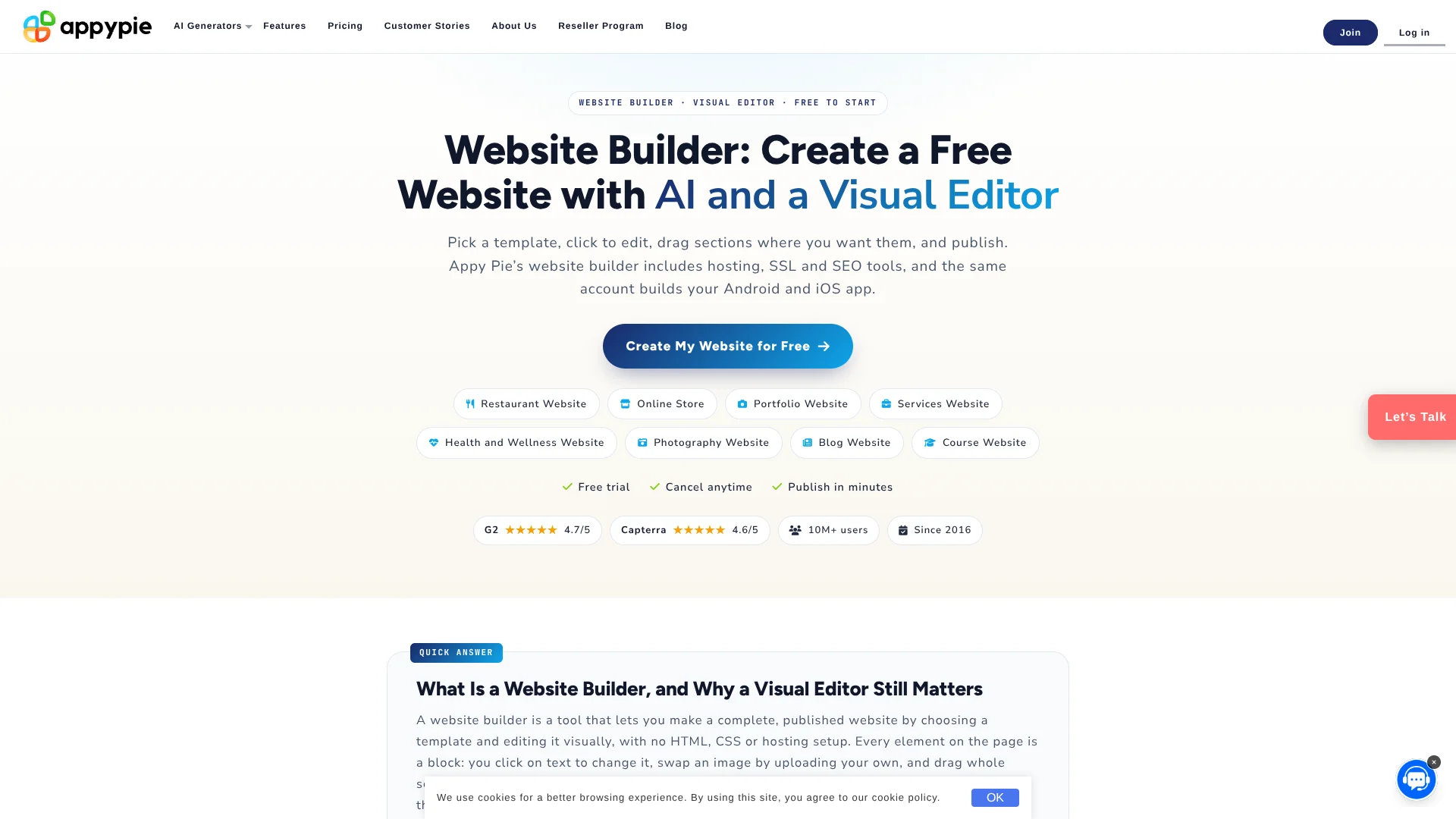
Appy Pie Website Builder creates a working website from a plain-English description or a template, then lets you edit the result visually. It handles page layouts, copy, images, SEO fields, hosting, SSL, and mobile-ready pages. Small businesses, creators, bloggers, and store owners can build without writing code.
The standout capability is turning the finished website into a native Android and iOS app from the same Appy Pie account, with publishing support for Google Play and the App Store.
Appy Pie fits people who need a business site online quickly and may later want a companion mobile app. It is less suitable for custom web applications, self-hosting, large marketplaces, or highly precise agency design. Its strongest case is a fast website launch that can grow into an app.
Who is Using Appypie?
Small Business Owners
A quick AI draft gives them a starting point for services, testimonials, contact details, and location information.
Restaurant Owners
Restaurant templates organize menus, hours, reservations, maps, and customer contact details.
Online Sellers
The Grow plan supports catalogs, carts, payments, inventory, coupons, and order emails.
Blog Writers
Blog templates provide posts, categories, author pages, and newsletter signup areas.
Coaches and Course Creators
Course and coaching templates support programs, schedules, bookings, and payments.
Uncommon Use Cases
A website can become a branded mobile app for a local service; multilingual pages can serve audiences using right-to-left languages.
Key Features
Rating Breakdown
Pricing Plans
Starter
$36 per month
- Perfect for your personal project
- Unlimited storage
- 2 moderators
- Connect your own domain
- Hosting, SSL, and mobile-optimized pages
- Some premium blocks and website-to-app features
Grow
$60 per month
- Perfect for your small business
- Unlimited storage
- 2 moderators
- Online store and payment features
- Stripe and PayPal checkout
- Up to 1,000 web push notifications per month
- All premium features
Which Appypie plan should you pick?
Start with Starter for a branded business site and custom domain, then choose Grow when you need a full online store, customer accounts, or advanced commerce features.
Starter
Good for personal projects and business sites that need a custom domain, hosting, SSL, payments, and removed Appy Pie branding.
Grow
Good for small businesses that need product sales, checkout, inventory, coupons, order emails, and the full commerce feature set.
Appypie Use Cases
Launch a Local Business Site
A service business can start with a template, replace the sample content, add a map and contact form, then publish.
Outcome: A mobile-ready business website with hosting, SSL, and contact tools.
Create an AI-Generated Store
Store pages can begin from a business description before products, payments, inventory, and order emails are added.
Outcome: An online store on the Grow plan.
Publish a Blog
Blog templates organize articles, categories, author information, and newsletter signup content.
Outcome: A hosted blog with basic SEO and a publishing structure.
Build a Portfolio
Portfolio templates present galleries, project pages, and an inquiry form for creative work.
Outcome: A public portfolio site that works across phones, tablets, and desktops.
Turn a Website Into an App
Existing website content can be converted into a native Android and iOS app from the Appy Pie dashboard.
Outcome: A companion mobile app that can be published to Google Play and the App Store.
Workflow Ideas with Appypie
AI Draft to Published Site
- 1Describe the business, audience, and site goal in plain English.
- 2Review the generated pages, copy, images, and SEO fields.
- 3Edit the result visually, connect a domain, and publish.
Template to Online Store
- 1Choose an online store template.
- 2Add products, prices, inventory, coupons, and checkout settings.
- 3Connect Stripe or PayPal and publish on Grow.
Website to Mobile App
- 1Build and publish the website in Appy Pie.
- 2Select the website-to-app conversion option.
- 3Prepare the native Android and iOS app for store publishing.
How Appypie fits into your stack
Website and Hosting
Appy Pie provides the visual editor, cloud hosting, HTTPS, responsive layouts, and domain connection in the website workflow.
Marketing and Analytics
The builder includes SEO fields and can connect Google Analytics, Google Search Console, and Meta Pixel for traffic measurement.
Payments and Commerce
Grow supports product catalogs, carts, inventory, coupons, order emails, and Stripe or PayPal checkout.
Content and Localization
Templates cover business sites, stores, portfolios, restaurants, blogs, courses, and health services, with support for 18 or more languages.
Mobile App Expansion
The same account can extend a website into a native Android and iOS app, with separate app publishing requirements.
Pros
- +Free building: Create and edit a site without paying or entering a card.
- +Fast first draft: AI can produce a previewable website in about 60 seconds.
- +Website plus app: The same account can turn site content into native Android and iOS apps.
- +Built-in hosting: Paid published sites include hosting, HTTPS, and mobile-ready pages.
- +Store support: Grow includes product sales, payments, inventory, coupons, and order emails.
Cons
- −Limited design range: The template and editor choices are narrower than Wix or Squarespace.
- −Paid publishing: A custom domain, removed branding, and full store features require a paid plan.
- −Cloud lock-in: Sites cannot be exported and hosted on another provider.
Limitations & when to consider alternatives
Known limitations
- No Custom Backend. The website builder does not provide custom APIs, databases, or server code for web applications with their own backend logic.
- No Self-Hosting. Sites run on Appy Pie's cloud and cannot be exported for hosting elsewhere.
- Limited Pixel-Level Control. The editor is built for fast visual editing rather than handcrafted, code-level design control.
- Large Store Limits. Appy Pie recommends another commerce system for thousands of products or marketplace-scale operations.
- Free Site Branding. The free plan publishes with an Appy Pie subdomain and Appy Pie branding.
Look elsewhere when
- You need custom APIs, databases, or server-side application logic.
- You need to export the site and host it on your own infrastructure.
- You need a very large product catalog or marketplace features.
- Your agency requires precise Figma-to-code control.
How to Use Appypie
- 1
Choose a Starting Point
Begin with a business template, a blank page, or an AI description that explains what the site should do.
- 2
Review the AI Draft
Check the generated copy, images, page structure, and SEO fields before visitors see them.
- 3
Edit Visually
Replace sample text and images, move sections, change colors and fonts, and add forms, maps, galleries, or booking blocks.
- 4
Connect Site Services
Add a custom domain on Starter or above, connect analytics, and configure payments if the site sells something.
- 5
Check Mobile Layouts
Preview the responsive site on phone, tablet, and desktop layouts before publishing.
- 6
Publish or Convert
Publish the website on a paid plan, then use the website-to-app option if you also need native Android and iOS apps.
Who is Appypie For?
Small Businesses
Local companies can publish service pages, contact forms, maps, booking blocks, and payment options.
Online Stores
Store owners can add products, checkout, inventory, coupons, and customer order features on Grow.
Bloggers and Publishers
Writers can launch a blog with posts, categories, newsletter signups, hosting, and basic SEO.
Creators and Portfolio Owners
Photographers, designers, coaches, and consultants can present work through visual templates and galleries.
App-Building Businesses
Businesses that want both a website and a mobile app can manage the two from one Appy Pie account.
Frequently Asked Questions
Can I build a website for free with Appy Pie?
Yes. You can build and edit for free, with no expiry. The free site uses an Appy Pie subdomain and shows Appy Pie branding.
How much do the paid website plans cost?
Starter costs $36 per month and Grow costs $60 per month. Prices exclude taxes.
Can I connect my own domain?
Yes. Custom domains are available on Starter and Grow. The free plan uses an Appy Pie subdomain.
Which plan supports an online store?
Grow supports an online store with products, cart, checkout, inventory, coupons, order emails, and Stripe or PayPal payments.
Can Appy Pie turn my website into a mobile app?
Yes. Website content can be converted into a native Android and iOS app from the same Appy Pie account. App publishing is priced separately.
What languages does the builder support?
The AI website builder supports 18 or more languages, including English, Spanish, French, German, Arabic, Hindi, Portuguese, Japanese, and Korean.
Community reviews
Be the first to share your experience.
Sign in to leave a review for Appypie.
Appypie Alternatives
Looking for alternatives to Appypie? Here are similar tools in the same category: