Twee
Revolutionize English teaching with AI: create, personalize, engage.
Key Takeaways
- What it is
- Revolutionize English teaching with AI: create, personalize, engage.
- Pricing
- Freemium
- Best for
- AI-Powered Lesson Creation
- Versatile Content Generation
- YouTube Integration
- Rating
- 4.6/5
What is Twee?
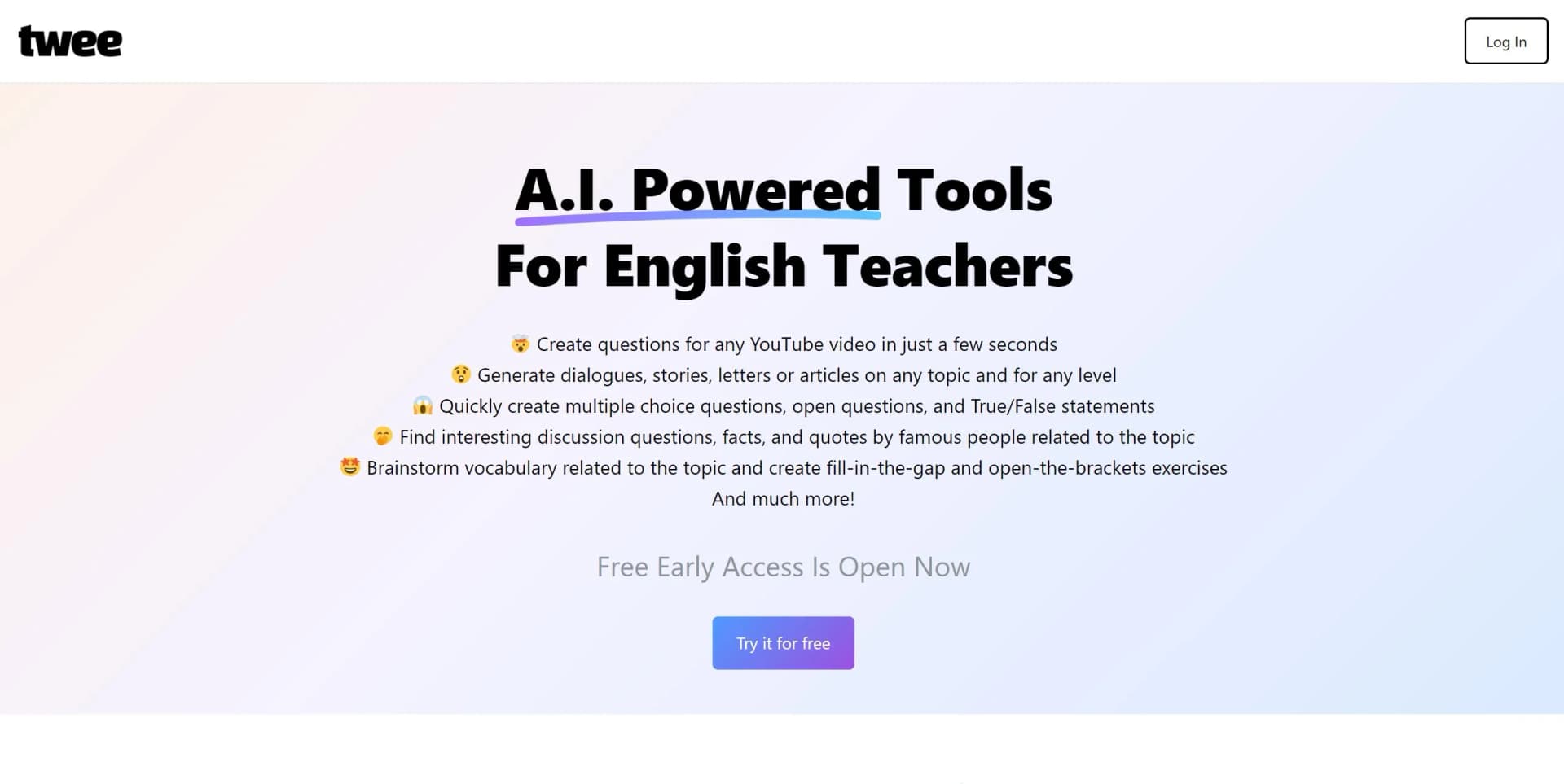
Twee is an innovative AI-powered tool designed specifically for English teachers. It revolutionizes the way educational content is created and personalized, offering a suite of features that streamline lesson planning and material preparation. With Twee, educators can generate questions for YouTube videos, create dialogues, stories, letters, or articles on any topic, and develop various exercises like multiple-choice questions, open questions, and true/false statements. Aimed at enhancing the learning and teaching experience, Twee simplifies the process of creating engaging and customized educational materials, saving educators a significant amount of time and effort.
Twee stands out with its ability to significantly cut down lesson planning time, a game-changer for busy educators. Its comprehensive approach to creating a wide range of educational materials, from reading exercises to interactive speaking activities, sets it apart. The integration with YouTube for creating lesson content around videos offers an unmatched advantage in making lessons more engaging and relevant to students.
Twee excels in providing time-efficient and highly customizable lesson planning solutions, making it an essential tool for English teachers. Its unique feature of integrating with YouTube videos to create engaging lesson content offers an unparalleled advantage in the educational field. With its user-friendly interface and a wide range of functionalities, Twee is poised to transform the way educators prepare and deliver lessons, enhancing both teaching efficiency and learning outcomes.
Who is Using Twee?
English Teachers
Utilizing the tool to create comprehensive lesson plans and exercises.
Language Schools
Employing Twee for creating engaging and interactive language learning materials.
Online Educators
Leveraging the tool to enhance virtual teaching with customized content.
Content Creators
Using Twee for generating educational content for platforms like YouTube and TikTok.
Uncommon Use Cases
Adopted by educational bloggers for creating engaging posts; Utilized by parents homeschooling their children to create tailored learning activities.
Key Features
Rating Breakdown
Pricing Plans
Free Tier
Free
- Experience Twee with a generous free trial to explore its functionalities
Pro Tier
- Detailed pricing for the Pro Tier is available on the Twee website
Which Twee plan should you pick?
Start with Twee Trial to test the tools; choose Twee Basic for regular basic-tool usage, Twee Pro for advanced tools and assessment, or Twee Schools for multiple teachers and school-wide management.
Twee Trial
Good for teachers who want to test the platform with limited runs, audio credits, and free resources.
Twee Basic
Good for individual teachers who need 100 monthly runs across basic tools and recurring audio credits.
Twee Pro
Good for teachers who need Pro tools, AI response assessment, CEFR checking, media transcription, and expanded exports.
Twee Schools
Good for schools that need multiple teacher seats, classroom management, Pro tools, and shared school administration.
Twee Use Cases
Create CEFR-aligned lesson materials
Enter a topic, text, link, vocabulary list, or media source and generate differentiated language activities.
Outcome: Ready-to-use lesson content for selected proficiency levels.
Build reading comprehension exercises
Provide text, a webpage, or an image and generate open questions, summaries, or other reading tasks.
Outcome: Structured reading practice with editable questions and suggested answers.
Convert audio or video into lessons
Upload media or paste a YouTube link to create transcripts, questions, summaries, or gap-fill activities.
Outcome: Listening activities based on teacher-selected media.
Assign and assess student work
Share interactive lessons with classes or external platforms and use AI to evaluate student responses.
Outcome: Centralized assignments, results, and feedback.
Export lessons for offline or Google use
Export created lessons to PDF, Google Docs, or Google Forms.
Outcome: Printable materials or digitally shareable assignments.
Workflow Ideas with Twee
Create a complete lesson from a topic
- 1Start a new lesson in My Library
- 2Choose a tool and enter the topic, level, and language
- 3Use the next tool to automatically transfer the previous result and continue building
Turn an image into a reading activity
- 1Upload a PNG or JPG image or screenshot
- 2Highlight the text area and extract editable text
- 3Use the extracted text in a reading tool to generate questions
Assign a lesson to students
- 1Open a lesson in Interactive mode
- 2Choose students, a link, QR code, Google Classroom, or Microsoft Teams
- 3Share the assignment and review student responses
How Twee fits into your stack
YouTube Integration
Seamlessly generate educational content based on YouTube videos.
Social Media Connectivity
Easily share educational materials and insights on platforms like Instagram and TikTok.
Cloud-Based
Access Twee from anywhere, ensuring flexibility in lesson planning and preparation.
Pros
- +Time-Saving: Dramatically reduces lesson planning time, allowing teachers to focus more on teaching and less on preparation.
- +Customization: Offers highly personalized content creation, catering to different learning levels and styles.
- +Engagement: Enhances student engagement through diverse and interactive materials.
- +Ease of Use: Intuitive interface and straightforward functionalities make it accessible to all educators, regardless of their tech proficiency.
Cons
- −Niche Focus: Primarily designed for English teachers, which might limit its applicability for educators in other subjects.
- −Connectivity Dependency: Requires a stable internet connection for optimal use.
- −Learning Curve: New users may need some time to fully explore and utilize all features effectively.
Limitations & when to consider alternatives
Known limitations
- Trial usage is limited. The Twee Trial plan provides 5 runs for tools except Pro tools and 500 audio-generation credits.
- Media inputs are limited. The pricing comparison lists a 10-minute media input limit for applicable plans.
- Text input limits apply. The Open Questions tool allows up to 1,000 words in its text field.
- Image uploads are limited. The Add Your Images tool supports up to 3 images at a time in PNG, JPG, or JPEG format.
- Fair-use caps apply to unlimited plans. Twee says paid plans marketed as unlimited remain subject to daily fair-use limits.
How to Use Twee
- 1
Explore the comprehensive tutorial series on YouTube, covering everything from basic setup to advanced features of Twee.
Who is Twee For?
English teachers
Twee provides AI tools for creating CEFR-aligned ESL lessons, worksheets, exercises, and assignments.
Language teachers
Teachers can generate materials in multiple languages and adapt content for different proficiency levels.
Schools
School plans support multiple teachers, classroom management, student assignments, and AI assessment.
Students
Students can join classes, complete interactive assignments, and receive feedback through Twee.
Frequently Asked Questions
How does Twee know different proficiency levels?
Twee says its AI is trained by teachers to align generated content with CEFR levels.
Who creates the content when I request it?
Content is created by Twee’s own AI, refined using teacher feedback and teaching standards.
How is Twee different from ChatGPT?
Twee is designed specifically for teachers, with CEFR-aligned tools and ready-to-use lesson materials.
Can I use Twee together with my students?
Teachers can create assignments and share them with students through accounts or anonymously.
Can I export my lessons?
Lessons can be exported to PDF, Google Docs, and Google Forms, depending on the plan.
What kinds of activities can Twee create?
Twee generates texts, dialogues, gap-fill exercises, questions, writing prompts, vocabulary activities, and more.
Community reviews
1 review from people who use Twee.
Sign in to leave a review for Twee.
Dennis G D
Twee Alternatives
Looking for alternatives to Twee? Here are similar tools in the same category: