
Taja AI
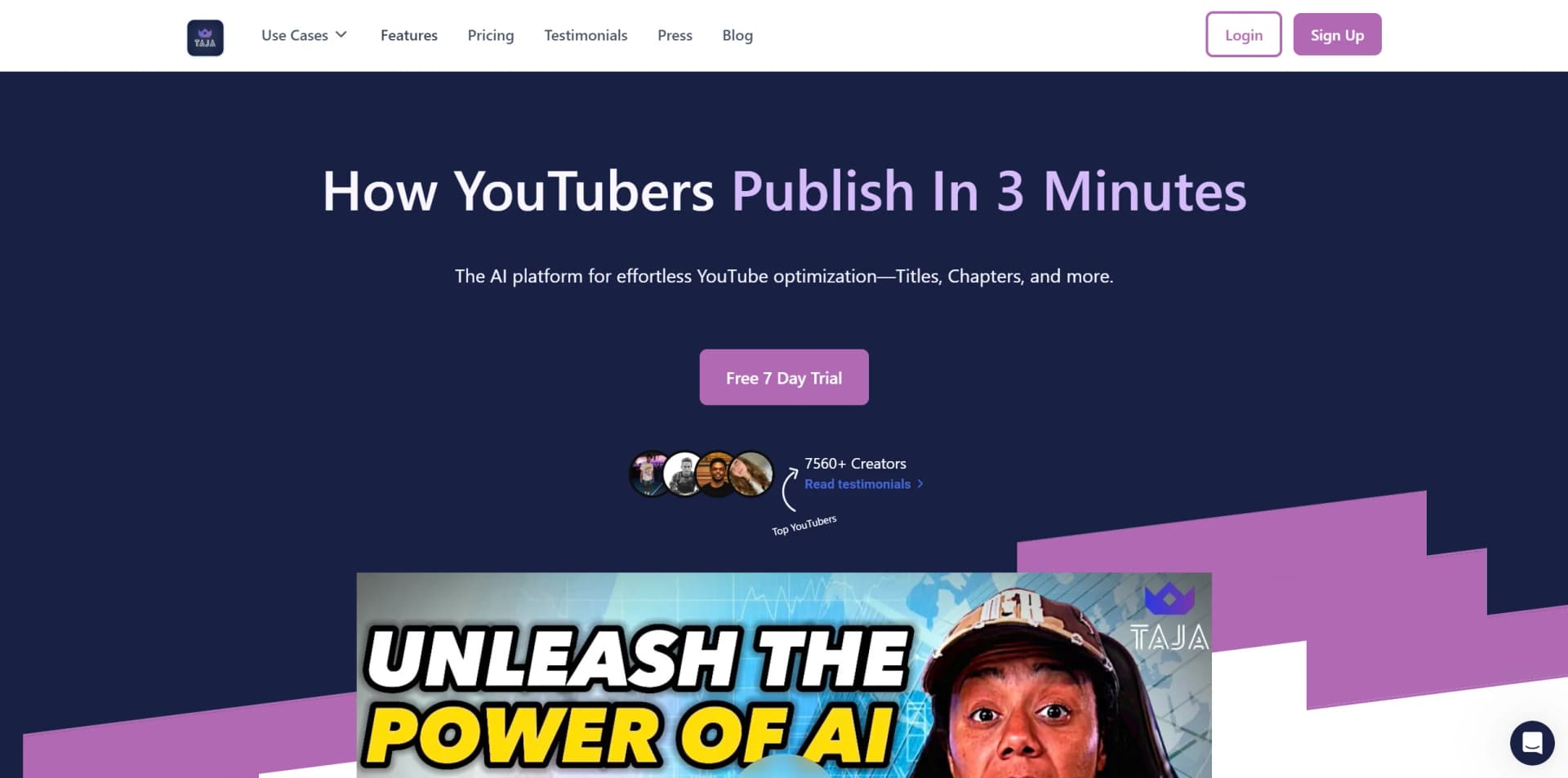
Boost YouTube reach with AI-driven metadata optimization and analytics.
Watch Taja AI in Action
Key Takeaways
- What it is
- Boost YouTube reach with AI-driven metadata optimization and analytics.
- Pricing
- $19.99 per month · $49.99 per month · $89.99 per month
- Best for
- Instant Title Creation
- SEO Optimization
- Chapter and Thumbnail Generation
- Rating
- 4.4/5
What is Taja AI?
Taja AI emerges as an innovative platform designed to turbocharge the YouTube presence of content creators. It's a sophisticated AI tool that specializes in optimizing video metadata for YouTube channels, ensuring that videos are algorithm-friendly and have a better chance at achieving organic engagement. The platform offers an array of features, including title generation, SEO optimization, chapter creation, and more, tailored to save creators time and enhance their viewership.
Taja AI distinguishes itself with its deep audience understanding and channel-optimized content. It's not just about generating metadata; it's about creating a personalized strategy that resonates with a specific audience and maintains the creator's unique voice, all while delivering results that can significantly increase viewership.
Taja AI excels as a metadata optimization powerhouse for YouTube content creators. Its capabilities in title generation, SEO, and real-time analytics make it an indispensable tool for those aiming to enhance their digital presence. The platform's ability to save creators significant time while boosting reach and engagement underscores its value proposition, affirming its standing as a leading solution in the content optimization space.
Who is Using Taja AI?
Full-Time Creators
Individuals making a living off YouTube content.
Real Estate Experts
Realtors leveraging YouTube for property showcases and market insights.
Business Owners
Enterprises aiming to increase brand awareness and sales through YouTube.
YouTubers
Influencers and vloggers seeking to boost their channel's performance.
Uncommon Use Cases
Podcast networks using Taja AI to enhance the discoverability of their shows; educational institutions incorporating the tool into digital media curriculums.
Key Features
Rating Breakdown
Pricing Plans
Knight Plan
$19.99 per month
- Suitable for growing YouTube channels
Queen Plan
$49.99 per month
- Tailored for ambitious creators
King Plan
$89.99 per month
- Designed for businesses and enterprises
Which Taja AI plan should you pick?
Start with Starter for individual creators; upgrade to Professional for higher volume and team features, or Teams / Agency for unlimited production and collaboration.
Starter
Good for individual creators who need basic video optimization, shorts, social posts, scheduling, and up to four monthly videos.
Professional
Good for advanced creators, podcasters, and influencers who need more monthly videos, shorts, social sets, and team workspace features.
Teams / Agency
Good for collaborative teams and agencies needing unlimited videos and shorts, permissions, and up to five user seats.
Taja AI Use Cases
Repurpose long-form video
Upload or link a long-form video and generate clips, captions, thumbnails, blogs, and social posts.
Outcome: A complete suite of short-form and text content from one video.
Generate short clips
Taja identifies highlights and converts long-form videos into vertical clips with captions and hooks.
Outcome: Ready-to-share Shorts, Reels, TikToks, and other short-form assets.
Create video-based blogs
Taja transcribes and summarizes videos, then generates SEO-focused blog posts and social captions.
Outcome: Written content derived from spoken video content.
Schedule social content
Create platform-specific posts and schedule them across supported social networks.
Outcome: Weeks of content organized and scheduled from one dashboard.
Find the next video idea
Use niche keywords, competition scores, search volume, and outlier videos to identify topics.
Outcome: Data-informed ideas for future videos.
Workflow Ideas with Taja AI
Long-form video to social campaign
- 1Upload a video or add a YouTube link
- 2Generate clips, captions, thumbnails, blogs, and social posts
- 3Review and schedule the content across supported platforms
Video to SEO blog
- 1Upload or link a webinar, podcast, interview, or tutorial
- 2Let Taja transcribe and summarize the recording
- 3Edit and publish or schedule the generated blog and captions
Backlog optimization
- 1Identify existing videos that need re-optimization
- 2Apply updated SEO and repurposing outputs
- 3Schedule the refreshed content for publication
How Taja AI fits into your stack
YouTube Integration
Directly tailored to enhance YouTube video performance.
Language Support
Works with the top 10+ most spoken languages, expanding compatibility for a global user base.
Pros
- +Time-Saving: Automates several aspects of video publishing, saving creators an average of 43 minutes per video.
- +Increased Reach: Optimizes metadata for better algorithm ranking, leading to a reported 87% increase in organic reach.
- +User-Friendly Interface: Intuitive design that simplifies the optimization process for creators.
- +Continuous Improvement: Offers suggestions for refreshing old videos and planning future content.
Cons
- −Niche Limitations: Currently best serves channels with commentary; may not be ideal for music or gaming channels with little to no transcription.
- −Learning Curve: Some users may need time to familiarize themselves with the tool's full capabilities.
- −Dependence on Platform Changes: As with any tool relying on algorithms, changes in YouTube's system could affect optimization results.
Limitations & when to consider alternatives
Known limitations
- No permanent free plan. The official pricing page says Taja offers a seven-day free trial rather than a free tier.
- Plan-based video limits. Starter and Professional limit the number of videos per month, while video length and upload size also vary by plan.
- Team access is limited to Teams/Agency. Starter and Professional are single-user plans; multi-user access is provided through Teams/Agency.
- Shorts limits vary by plan. Plans impose different limits on the number of shorts generated per video, with unlimited generation reserved for Teams/Agency.
- Some exports and features are plan-dependent. Watermark-free exports, downloadable shorts, processing speed, and other capabilities vary across plans.
How to Use Taja AI
- 1
Taja AI likely provides tutorials and resources to help users get the most out of the platform, although specific details about these resources are not provided.
Who is Taja AI For?
Solopreneurs
Taja helps individual operators turn long-form videos into clips, posts, blogs, and scheduled content.
Realtors
Realtors can repurpose market updates and other long-form recordings into platform-ready content.
Congregations
Congregations can turn sermons and other recordings into clips, blogs, captions, and social posts.
Podcasters
Podcasters can convert episodes into short-form clips, blog content, and social posts.
Influencers
Influencers can generate and schedule multi-platform content from long-form videos.
Frequently Asked Questions
Is Taja AI free?
No. Taja offers a seven-day free trial, after which users upgrade to a paid plan.
Can multiple users access the same plan?
Starter and Professional are single-user plans. Teams/Agency supports up to five users.
What types of content can Taja create?
Taja can create short clips, captions, thumbnails, blog posts, hashtags, and social posts from long-form video.
Can Taja use YouTube videos?
Yes. Taja supports YouTube links as well as direct uploads.
Can Taja schedule social content?
Yes. Taja can publish or schedule content across platforms including YouTube, X, Instagram, Facebook, TikTok, and LinkedIn.
How do I cancel my subscription?
Open Profile, select Cancel My Subscription, and follow the prompts. Access remains available through the current billing cycle.
Community reviews
4 reviews from people who use Taja AI.
Sign in to leave a review for Taja AI.
Greg Miller
Ibrahim Mohmed
Luminitza Florea
Brian Duffoo
Taja AI Alternatives
Looking for alternatives to Taja AI? Here are similar tools in the same category:
Learn to Master Taja AI
With Skill Leap courses
Get in-depth training on Taja AI and 50+ other AI tools with our expert-led video courses.
Start 7-Day Free Trial