Glasp
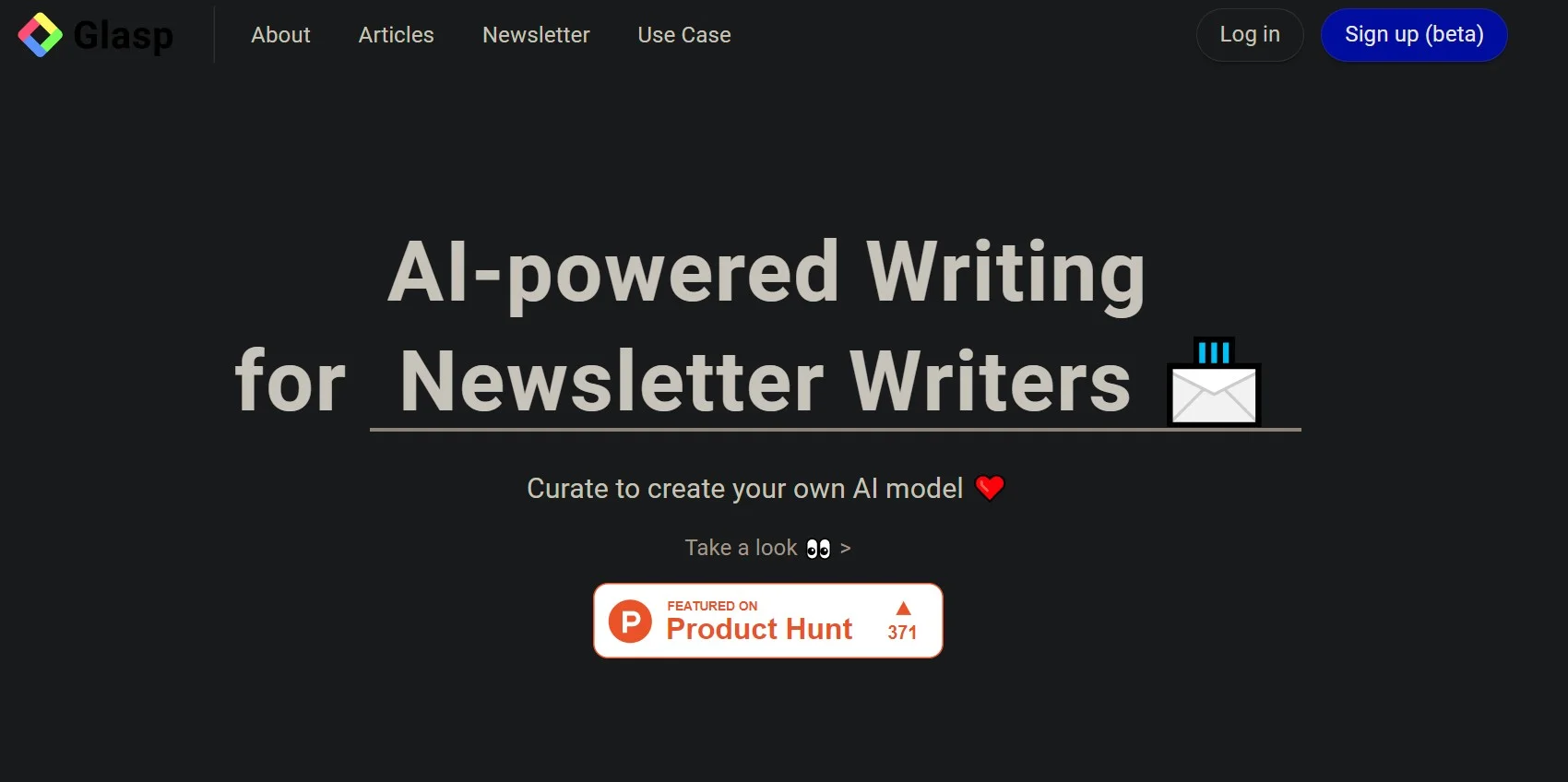
Turn your reading highlights into source-linked material for writing.
Watch Glasp in Action
Key Takeaways
- What it is
- Turn your reading highlights into source-linked material for writing.
- Pricing
- Freemium · $15 per month · $36 per month
- Best for
- Source-linked highlights
- Chat with your highlights
- AI writing from research
- Rating
- 4.3/5
What is Glasp?
Glasp keeps research passages from webpages, PDFs, YouTube videos, and Kindle books together with their source links, author, and date. Writers can search those saved passages, ask AI questions across their reading, and draft with ChatGPT or Claude using material they have already collected. It is built for people who want to turn reading into writing without losing track of where a quote came from.
A Glasp draft can be grounded in passages you selected, with a link back to the source for each claim. Its MCP connector also lets compatible AI tools search your Glasp library and use a ready-made writing workflow that attaches cited passages to claims.
Glasp fits writers, researchers, students, and frequent readers who collect information across many sources. It is less suited to people who want a private shared workspace for a group, since Glasp does not offer group features; its strength is keeping an individual's reading searchable and ready to cite.
Who is Using Glasp?
Bloggers
Source-linked notes give bloggers material to shape into drafts and publish with supporting highlights.
Academic researchers
Search and group saved passages by source or tag when preparing a literature review.
Students
Questions across saved reading help students review PDFs, videos, and article highlights.
Authors
A searchable collection of cited passages helps authors recover research while drafting.
Uncommon Use Cases
Compare passages that different readers highlighted on the same page; connect Glasp to a compatible AI tool to review older notes by theme.
Key Features
Rating Breakdown
Pricing Plans
Free
Free
- Unlimited highlights and exports.
- 30 PDF uploads, 20 AI chat credits per month, and 30 minutes of audio transcription per month.
- Three Glasp AI summaries every seven days.
Pro
$15 per month
- $150.00 billed yearly, equivalent to $12.50 per month.
- 1,000 advanced summaries every 30 days, 100 PDF uploads, and 500 AI chat credits per month.
- 300 minutes of audio transcription per month.
Unlimited
$36 per month
- $360.00 billed yearly, equivalent to $30.00 per month.
- 5,000 advanced summaries every 30 days and unlimited PDF uploads.
- 2,000 AI chat credits and 1,500 minutes of audio transcription per month.
Which Glasp plan should you pick?
Start with Free to collect and export highlights; choose Pro or Unlimited when your AI usage or monthly limits call for more capacity.
Free
Good for readers who want unlimited highlights, exports, and a limited monthly allowance for AI features.
Pro
Good for regular writers and researchers who need higher AI limits, more PDF capacity, and access to all chat models.
Unlimited
Good for heavy users who need the highest published limits for AI chat, summaries, PDF uploads, and transcription.
Glasp Use Cases
Draft from research
A collection of tagged, source-linked passages gives writers evidence to draw on before drafting.
Outcome: A draft grounded in passages the writer has already read, with source links available for checking.
Review a PDF
PDF chat answers questions about a document and cites the relevant pages.
Outcome: Faster access to specific information in a PDF.
Find a saved quote
Search across highlights by text, tag, source, or author to recover a passage.
Outcome: The quote and its source are easier to find again.
Summarize a YouTube video
AI summaries and transcript highlights help readers capture the main ideas and return to a specific moment.
Outcome: A saved summary and timestamped passages for later reference.
Connect ideas across reading
AI can find connections between passages already in a reader's library.
Outcome: New links between sources the reader has collected.
Workflow Ideas with Glasp
Research to cited draft
- 1Highlight useful passages while reading and add tags for the topic.
- 2Search the library to gather the passages relevant to the piece.
- 3Draft with ChatGPT or Claude using those passages and retain their source links.
Review a PDF with AI
- 1Upload or open the PDF in Glasp.
- 2Highlight important sections and ask questions in PDF chat.
- 3Check the cited page references before using information in your work.
Move reading notes into your writing setup
- 1Import existing highlights from a supported service or file.
- 2Organize passages with tags and notes in Glasp.
- 3Export the material to Notion, Obsidian, or a supported file format.
How Glasp fits into your stack
Reading in a browser
The browser extension captures highlights from webpages and PDFs while retaining their source details.
Mobile reading
The iOS and Android apps provide a Reader for articles, PDFs, and YouTube, with highlights synced to the same library.
AI writing and research
ChatGPT, Claude, and compatible AI tools can work from your saved passages through Glasp's writing features and MCP connector.
Notes and knowledge apps
Highlights can be exported to services including Notion and Obsidian, or downloaded in formats such as Markdown, CSV, and JSON.
Developer workflows
Glasp's documented REST API supports programmatic creation and export of highlights; Zapier also offers triggers for new documents and highlights.
Pros
- +Citations stay attached: Highlights keep source details, making it easier to trace a quote back to what you read.
- +Research spans formats: Web pages, PDFs, videos, and Kindle highlights can feed the same library.
- +Free capture and export: The free plan includes unlimited highlights and exports, plus a monthly AI allowance.
- +AI access to your library: The MCP connector lets supported AI tools search your saved passages.
Cons
- −Writing relies on collected material: The strongest drafts depend on the passages and sources you save first.
- −Free AI allowances are limited: Frequent summaries, chat, and transcription may require a paid plan.
- −Public by default: Highlights are public unless you set a page to private.
Limitations & when to consider alternatives
Known limitations
- Some page text cannot be highlighted. The support documentation says text inside a canvas or cross-origin iframe cannot be highlighted because of browser limitations.
- AI summaries have plan limits. The free plan allows three Glasp AI summaries every seven days, shared across YouTube, web pages, and PDFs.
- YouTube summaries are not available through the API. Glasp documents a REST API for highlights and notes but says there is no public endpoint for YouTube transcripts or summaries.
- No group feature. Glasp's FAQ says it does not provide a group feature for sharing highlights and notes among group members.
Look elsewhere when
- You need a shared team workspace with group-only highlights and member collaboration.
- You need an API endpoint for Glasp's YouTube transcripts or summaries.
- Your research depends on highlighting text inside canvas content or cross-origin frames.
How to Use Glasp
- 1
Create a Glasp account
Sign in to start a library that can sync across the website, browser extension, and mobile app.
- 2
Install the reading tool for your device
Choose a supported browser extension or the iOS or Android app based on where you read.
- 3
Collect passages as you read
Highlight text in webpages, PDFs, YouTube videos, or Kindle books and add notes or tags for later search.
- 4
Find and question your material
Search your library or ask AI questions across saved highlights before drafting.
- 5
Draft with source links nearby
Use your selected passages with ChatGPT or Claude, or connect a compatible tool through the MCP connector.
- 6
Export or publish your work
Send highlights to a supported notes app or publish a Glasp post with its source highlights attached.
Who is Glasp For?
Writers and bloggers
Research passages remain linked to their sources, making them ready to use in drafts.
Researchers
A searchable library helps bring evidence together across articles, PDFs, videos, and books.
Students
Highlights and AI chat can help review course reading and find passages for writing.
Lifelong learners
Saved reading can be revisited through search, AI questions, and daily Kindle highlight reviews.
Frequently Asked Questions
Does Glasp have a free plan?
Yes. The Free plan has unlimited highlights, 30 PDF uploads, 20 AI chat credits per month, and 30 minutes of audio transcription per month, among other features.
What does Glasp Pro cost?
Pro costs $15 per month, or $150 billed yearly. The yearly price works out to $12.50 per month.
Can I use Glasp with ChatGPT or Claude?
Yes. Glasp's MCP connector lets compatible AI tools search your highlights and summaries. Glasp's writing page also describes drafting with ChatGPT or Claude using your saved passages.
Can I use Glasp on my phone?
Yes. Glasp offers iOS and Android apps, and highlights sync with the web app and browser extension.
Can I keep my highlights private?
Yes. Highlights are public by default, but you can make individual pages private on every plan, including Free.
Community reviews
Be the first to share your experience.
Sign in to leave a review for Glasp.
Glasp Alternatives
Looking for alternatives to Glasp? Here are similar tools in the same category: