
Storyboard Hero
Turn video scripts into client-ready storyboards before production begins.
Key Takeaways
- What it is
- Turn video scripts into client-ready storyboards before production begins.
- Pricing
- $19 per month · $59 per month · $199 per month
- Best for
- AI Concepts and Scripts
- Character Consistency
- Filmmaker Shot Controls
- Rating
- 4.1/5
What is Storyboard Hero?
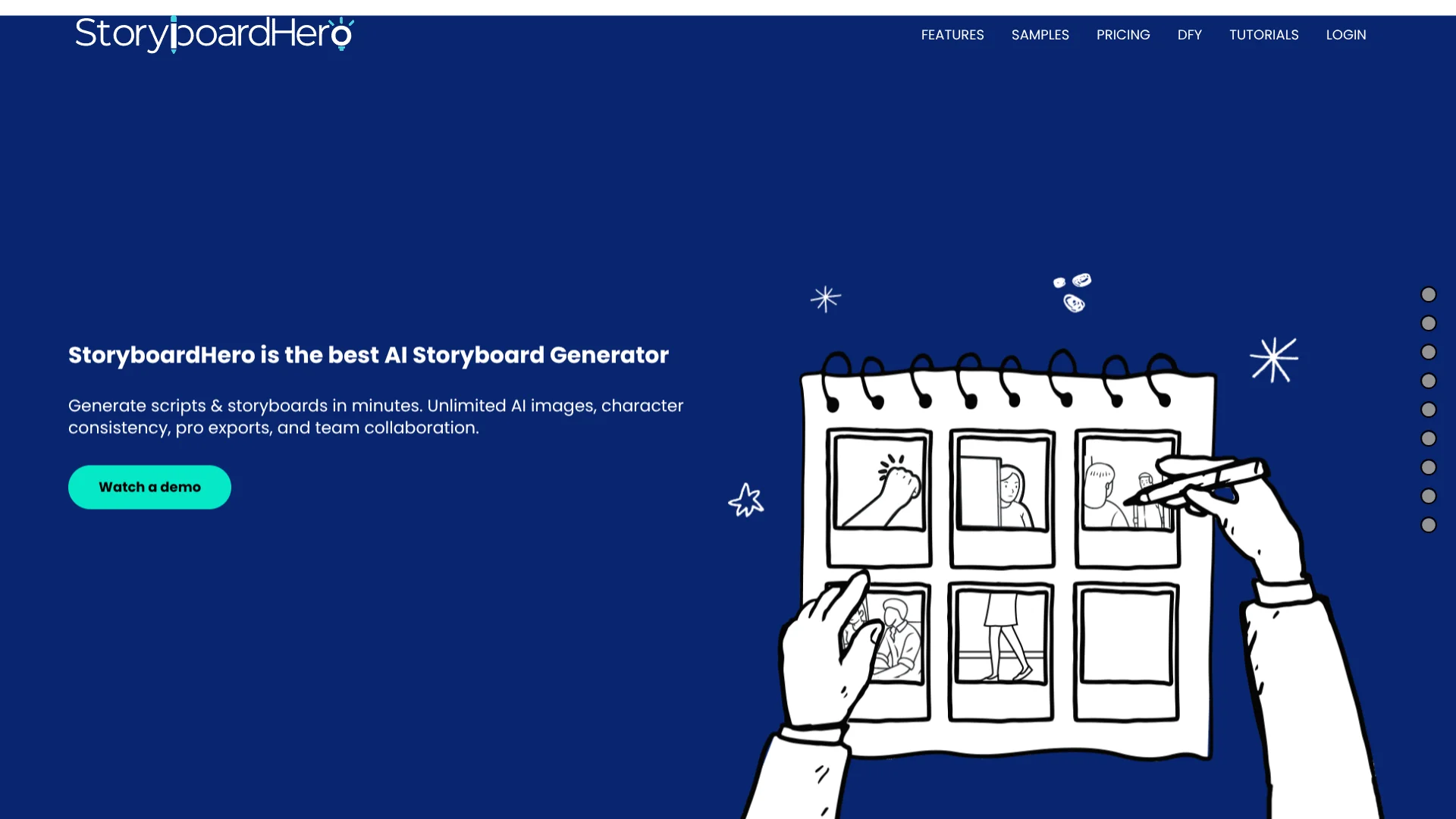
StoryboardHero turns a brief or imported script into structured scenes, shots, voice-over text, camera directions, and visual frames. It is built for video agencies, filmmakers, marketers, and creative teams that need to show clients what a video could look like before production. The tool also supports manual editing when the first AI draft needs changes.
Its defining capability is the direct path from structured script to storyboard, with scene details such as camera angle, movement, focus, lighting, and transitions carried into the visual plan. When AI images are not suitable, StoryboardHero also lets subscribers request hand-drawn frames from its sketch artists.
StoryboardHero is strongest for teams pitching video concepts, planning shoots, and collecting client feedback through shareable storyboards. It is less suited to users who need AI feedback on story quality, since the company says its AI does not currently suggest story improvements. The tool is most valuable when visual planning and client approval are central to the production process.
Who is Using Storyboard Hero?
Creative Directors
A visual draft gives them a faster way to shape the concept and align the team before production.
Video Producers
Structured scenes, shot settings, and exports help producers move from script approval into production planning.
Filmmakers
Detailed camera, lighting, focus, and movement fields support practical shot preparation.
Storyboard Artists
Artists can refine AI-generated frames or provide hand-drawn images when a scene needs more control.
Account and Client-Facing Teams
Shareable storyboards and guest comments make it easier to collect approvals before expensive production work begins.
Uncommon Use Cases
Testing character continuity across an animated sequence; turning a shot list into an MP4 animatic for early review
Key Features
Rating Breakdown
Pricing Plans
Solo
$19 per month
- 1 seat
- Unlimited concepts and scripts
- Unlimited storyboards and frames
- Unlimited AI images plus 100 Premium AI images per month
- PDF export or online sharing
- Guest commenting and optional password protection
- MP4 video export
- Commercial use
- 7-day money-back guarantee
Starter
$59 per month
- 5 seats
- Unlimited concepts and scripts
- Unlimited storyboards and frames
- Unlimited AI images plus 350 Premium AI images per month
- PDF export or online sharing
- Guest commenting and optional password protection
- MP4 video export
- Commercial use
Advanced
$199 per month
- 10 seats
- Unlimited concepts and scripts
- Unlimited storyboards and frames
- Unlimited AI images plus 1,200 Premium AI images per month
- PDF export or online sharing
- Guest commenting and optional password protection
- MP4 video export
- Commercial use
Enterprise
- Unlimited seats
- Unlimited concepts and scripts
- Unlimited storyboards and frames
- Unlimited AI images
- PDF export or online sharing
- Guest commenting and optional password protection
- MP4 video export
- Dedicated account manager
- Custom billing
- Commercial use
Hand-Drawn Image Credits
- 10 credits cost $99
- Credits are used when requesting hand-drawn images or revisions from StoryboardHero's sketch artists
- Credits never expire while you keep an active StoryboardHero subscription
Which Storyboard Hero plan should you pick?
Start with Solo for individual work, move to Starter when five seats or more premium images are needed, and choose Advanced for larger teams and higher monthly image volume.
Solo
Good for one creator who needs unlimited storyboards, commercial use, and 100 Premium AI images each month.
Starter
Good for teams of up to five people that need shared production work and 350 Premium AI images each month.
Advanced
Good for teams of up to ten people handling larger storyboard workloads with 1,200 Premium AI images each month.
Enterprise
Good for organizations that need unlimited seats, dedicated account management, and custom billing.
Storyboard Hero Use Cases
Client Video Pitches
A visual concept gives prospects something concrete to review before they approve a production budget.
Outcome: A branded storyboard that can be shared online or exported as a PDF.
Script-to-Storyboard Planning
A written brief becomes scenes, shots, voice-over, camera directions, and generated images.
Outcome: A structured storyboard ready for review and revision.
Film and Animation Pre-Production
Shot-level controls capture perspective, movement, focus, lighting, and camera choices before filming or animation.
Outcome: A detailed storyboard and shot list for production planning.
Client Review and Approval
Shareable links and guest comments keep feedback attached to the relevant storyboard scenes.
Outcome: A clearer approval process before production begins.
Storyboard Animatics
Images, music, and AI voice-over can be combined into a video preview of the storyboard.
Outcome: An MP4 animatic for early project review.
Workflow Ideas with Storyboard Hero
Brief to Client Pitch
- 1Enter the project brief and generate concepts
- 2Refine the script, scenes, characters, and images
- 3Share the storyboard link or export a branded PDF
Script to Shot List
- 1Import a formatted PDF or CSV script
- 2Review the AI-created scenes and shot details
- 3Export the finished shot list as CSV or PDF
Storyboard to Animatic
- 1Add images to every shot
- 2Add music and voice-over by scene or for the full video
- 3Export the storyboard as an MP4 video
How Storyboard Hero fits into your stack
Briefs and Scripts
StoryboardHero sits after the creative brief or script. You can enter the project directly or import a formatted PDF or CSV.
Visual Planning
The platform becomes the working space for scenes, shots, characters, AI images, camera details, and revisions.
Client Review
Shareable storyboard links let clients and guests comment on scenes before the team commits to filming or animation.
Production Handoff
Branded PDFs, shot lists, downloadable images, and MP4 exports carry the approved visual plan into production.
Human Artwork Support
When an AI frame misses the intended scene, credits provide a path to request a hand-drawn image from StoryboardHero's sketch artists.
Pros
- +Script-to-storyboard workflow: Turns a brief into organized scenes, shots, voice-over, and images.
- +Character continuity: Keeps saved character details consistent across different frames and camera angles.
- +Client-ready exports: Produces branded PDFs, shot lists, online share links, and MP4 videos.
- +Flexible image options: Combines unlimited standard AI images, premium images, and optional hand-drawn artwork.
- +Team plans: Starter and Advanced include five and ten seats for shared production work.
Cons
- −No story coaching: The company says the AI does not currently suggest improvements to the story.
- −Premium image allowance: Paid plans limit premium AI images to a monthly amount.
- −Extra artist costs: Hand-drawn frames require separate credits beyond the subscription.
Limitations & when to consider alternatives
Known limitations
- Premium Image Limits. The Solo plan includes 100 Premium AI images per month, Starter includes 350, and Advanced includes 1,200.
- AI Story Suggestions. StoryboardHero says its AI is not currently able to suggest improvements to the story.
- MP4 Export Requirement. Every shot must contain an image before the platform can generate an MP4 video.
- Hand-Drawn Art Uses Credits. Sketch artist requests are separate from the included AI images and require credits.
- Export Permissions. The tutorial states that only team members can export storyboards; non-team members do not see the export buttons.
Look elsewhere when
- You need AI story critique or narrative suggestions inside the writing workflow.
- Your team needs a documented third-party integration or developer API.
- Your production process depends on a native mobile or desktop application.
- Your projects require more premium AI images than your plan includes.
How to Use Storyboard Hero
- 1
Start with a Brief or Script
Enter a project brief, write scenes manually, or import a formatted PDF or CSV so StoryboardHero can identify scenes and shots.
- 2
Generate the Concept
Let the AI create a structured concept, then review the scene descriptions, voice-over, camera details, and transitions.
- 3
Build the Visual Frames
Choose an image style and generate standard or premium AI images for the storyboard scenes.
- 4
Refine Characters and Shots
Save character details, adjust prompts, edit the script, reorder frames, and regenerate individual images or the full project.
- 5
Share for Feedback
Send a share link to clients or teammates, add optional password protection, and collect comments on scenes.
- 6
Export the Approved Version
Create a branded PDF, a CSV or PDF shot list, or an MP4 video once every shot has an image.
Who is Storyboard Hero For?
Video Agencies
Agencies can turn client briefs into polished concepts and storyboards before production begins.
Filmmakers
Filmmakers get detailed shot planning for camera angle, movement, focus, lighting, and perspective.
Video Creators
Creators can visualize scripts quickly without drawing every frame themselves.
Creative Teams
Teams can review shared storyboards, collect comments, and maintain consistent characters across revisions.
Marketing and Corporate Video Teams
Marketing and corporate video teams can pitch visual directions and align stakeholders before filming or animation.
Frequently Asked Questions
Does StoryboardHero have a free plan?
No free plan is listed, but the company offers a 7-day free trial without requiring a credit card.
Can StoryboardHero import scripts?
Yes. The features page says you can import a formatted PDF or CSV, and the AI identifies scenes and shots from the imported script.
Can clients comment on a storyboard?
Yes. You can share a storyboard online, optionally protect it with a password, and let guests comment on scenes.
What happens when an AI image is not good enough?
You can regenerate the image, edit the prompt, or buy credits to request a hand-drawn image from StoryboardHero's sketch artists.
Can StoryboardHero create a video?
Yes. After adding images, music, and voice-over, you can export the storyboard as an MP4 video.
Can I use the storyboards with clients?
Yes. The pricing page says subscribers have full rights to use generated storyboards with clients, and exported PDFs contain the user's branding.
Community reviews
3 reviews from people who use Storyboard Hero.
Sign in to leave a review for Storyboard Hero.
JC Bougle
JC Bougle
Atokad Scip
Storyboard Hero Alternatives
Looking for alternatives to Storyboard Hero? Here are similar tools in the same category:
Learn to Master Storyboard Hero
With Skill Leap courses
Get in-depth training on Storyboard Hero and 50+ other AI tools with our expert-led video courses.
Start 7-Day Free Trial