
Scholarcy
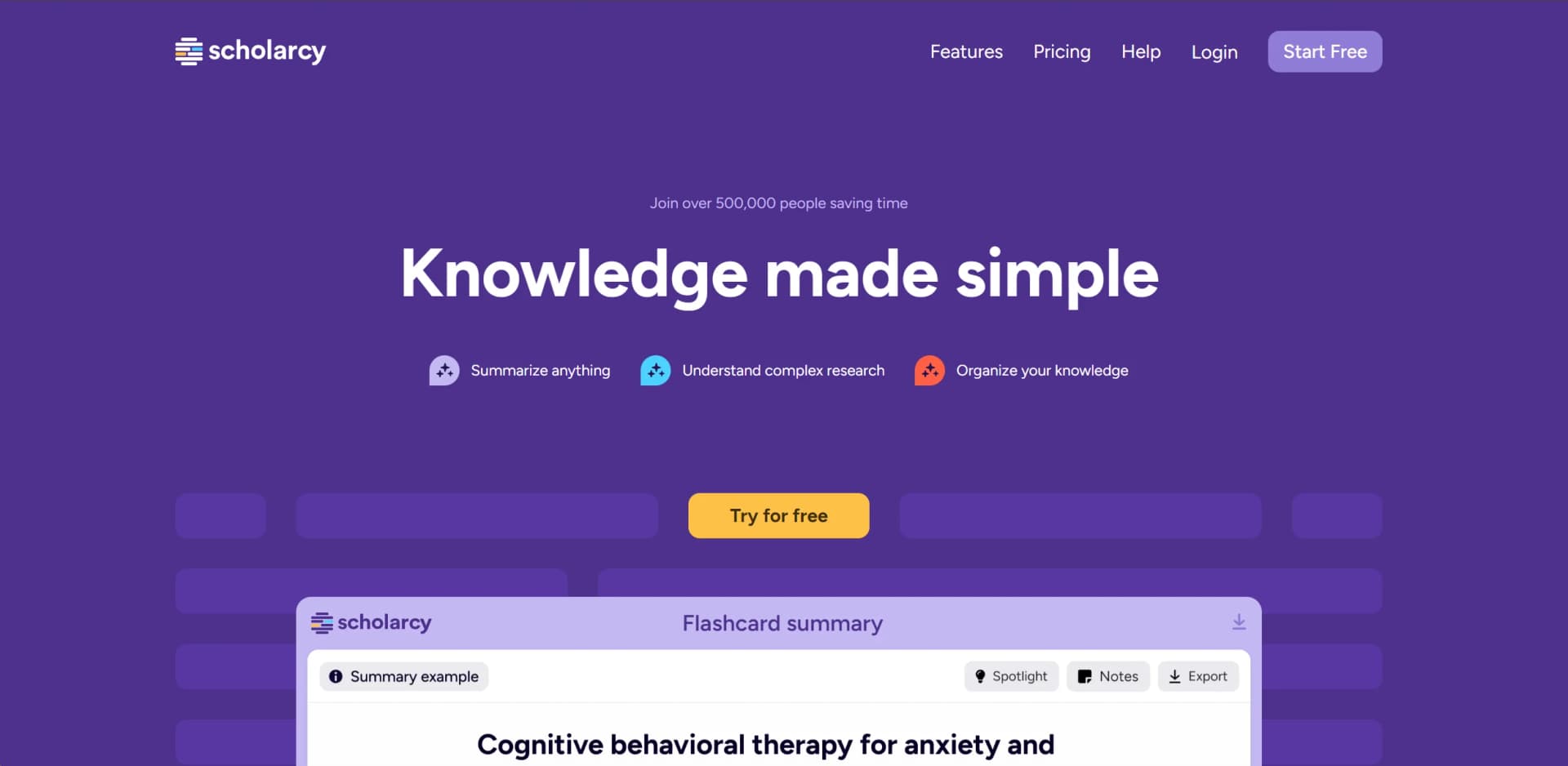
Revolutionizes research by turning complex texts into concise, interactive flashcards.
Watch Scholarcy in Action
Key Takeaways
- What it is
- Revolutionizes research by turning complex texts into concise, interactive flashcards.
- Pricing
- Freemium
- Best for
- Flashcard Summaries
- Enhance Feature
- Spotlight on Key Findings
- Rating
- 4.3/5
What is Scholarcy?
Scholarcy is an AI-driven tool designed to revolutionize the consumption of complex texts and research material. By converting lengthy documents, articles, and videos into interactive summary flashcards, Scholarcy simplifies studying and researching while significantly reducing the time needed to grasp key concepts and findings. Targeted at students, researchers, and academics of all levels, Scholarcy aims to streamline knowledge acquisition, making it simpler, faster, and more efficient.
Scholarcy stands out with its ability to distill complex information into easily digestible flashcards, making it invaluable for intensive research or study. Its smart highlighting, customizable summaries, and compatibility with various document types and sources make it indispensable for knowledge management and acquisition.
Scholarcy simplifies the arduous task of digesting complex research into a streamlined process. Its innovative approach to summarization and organization offers significant advantages for students and researchers alike. The tool's unique features, such as flashcard summaries and spotlight on key findings, save time and enhance understanding. With comprehensive integration capabilities and customizable reading experiences, Scholarcy represents a significant advancement in digital learning and research tools.
Who is Using Scholarcy?
Students
For efficient reading and summarization of study materials.
Researchers
To quickly grasp the essence of complex research papers and articles.
Academics
For organizing and recalling key findings and concepts for lectures or further research.
Librarians
Assisting patrons in navigating and understanding vast amounts of literature.
Uncommon Use Cases
Non-academic professionals using the tool to digest industry reports and whitepapers; hobbyists exploring scientific material related to their interests.
Key Features
Rating Breakdown
Pricing Plans
Free Tier
Free
- Experience Scholarcy with limited features at no cost
Subscription Plans
- Detailed pricing is available on the Scholarcy website
- Offering various tiers suited to different user needs
Which Scholarcy plan should you pick?
Start with Free Article Summarizer for occasional summaries; upgrade to Monthly plan or Scholarcy Plus for unlimited summaries, saved libraries, and advanced research features.
Free Article Summarizer
Good for users who need occasional document summaries and one-at-a-time flashcard exports.
Monthly plan
Good for active students and researchers who need unlimited summarization, saved flashcards, notes, collections, and bulk exports.
Scholarcy Plus
Good for users who want the same full feature set with annual billing and the listed 25% discount.
Scholarcy Use Cases
Screen a literature collection
Import multiple papers or research results and review structured flashcard summaries.
Outcome: Identify relevant papers faster.
Create a literature matrix
Export selected flashcards to Excel for side-by-side comparison.
Outcome: Compare methods, findings, and results across studies.
Prepare an essay or literature review
Highlight findings, take notes, organize papers, and export summaries and references.
Outcome: Structure ideas and supporting evidence before writing.
Stay updated on new research
Subscribe to an RSS feed and automatically convert new articles into flashcards.
Outcome: Keep a research library current.
Generate bibliographies
Export references or create a formatted bibliography in Word.
Outcome: Speed up academic referencing.
Workflow Ideas with Scholarcy
RSS-to-research-library workflow
- 1Create a folder in a Scholarcy library
- 2Subscribe to an academic RSS feed
- 3Review the automatically generated flashcards
Literature-review screening workflow
- 1Export search results from a research platform
- 2Import the RIS, NBIB, or paper files into Scholarcy
- 3Screen summaries and export selected flashcards to Excel
Browser-to-library workflow
- 1Open a research article in a supported browser
- 2Run the Scholarcy Browser Extension
- 3Save the resulting flashcard to a Scholarcy library
How Scholarcy fits into your stack
Wide File Format Support
Supports PDFs, videos, and other formats for summarization.
Export Capabilities
Allows exporting summaries to various formats and apps, enhancing research workflows.
Integration with Zotero
Simplifies article screening and organization for Zotero users.
Browser Extensions
Offers extensions for easy integration into daily research activities.
Pros
- +Efficiency in Learning: Reduces the time needed to understand complex research from hours to minutes.
- +Customizable Reading Experience: Offers tailored summary enhancements to fit various research and study needs.
- +Comprehensive Integration: Seamlessly works with numerous file formats and sources, ensuring flexibility in research workflows.
- +Enhanced Organization and Recall: Simplifies tracking and revisiting of key research materials and insights.
Cons
- −Learning Curve: New users may need time to fully utilize all features effectively.
- −Dependency on Quality of Source Material: The effectiveness of summaries may vary with the quality and complexity of the original documents.
- −Limited Free Version: Some advanced features may only be available in the paid version.
Limitations & when to consider alternatives
Known limitations
- Free-account file size. Free Scholarcy accounts can import files up to 11 MB; premium accounts support files up to 50 MB.
- Scanned PDFs. Scholarcy does not currently support scanned PDFs without extractable text; OCR is required first.
- Paywalled webpage articles. Scholarcy cannot process articles behind a paywall directly from the webpage; users must download and import the PDF.
- Large or complex documents. Very large documents, entire textbooks, and PDFs with many images or tables may fail or produce better results when split into smaller files.
- Language output differences. Although most European-language articles can be summarized in their original language, synopsis and enhanced-summary modes are rewritten in English.
Look elsewhere when
- You need a native iOS or Android application.
- You need a public developer API for new integrations.
- You need SSO or SAML authentication.
- You need AI-generated programming code.
How to Use Scholarcy
- 1
Scholarcy provides tutorials on its website and YouTube channel, covering basic setup to advanced features, ensuring users can maximize the tool's potential.
Who is Scholarcy For?
Students
Turn complex academic texts into structured summaries, identify key information, organize reading, and prepare essays or assessments.
International students
Use highlighted facts and definitions to understand academic texts without becoming overwhelmed.
Researchers
Bulk-import, screen, compare, organize, and synthesize collections of research papers.
Students with specific learning difficulties
Use predictable flashcards and focused highlights to make dense academic reading more accessible.
Assessors and trainers
Support students with reading, referencing, organization, and Scholarcy training resources.
Frequently Asked Questions
Can Scholarcy summarize non-English articles?
Scholarcy summarizes articles in most European languages. Highlights, summaries, comparative analysis, and full text remain in the original language, while synopsis and enhanced summaries are rewritten in English.
Can Scholarcy import papers from Zotero?
Yes. Papers saved in a Zotero library can be imported into Scholarcy.
Can Scholarcy extract images from PDFs?
Yes. Image and figure extraction is available in the Chrome Extension and Scholarcy Library, but it is disabled by default.
Can Scholarcy write my literature review for me?
No. Scholarcy is not a writing tool, but it helps users read, synthesize, and structure research papers before writing.
Can Scholarcy summarize video content?
Yes. Scholarcy can generate flashcards from videos, although results vary with the available transcription and content.
Can Scholarcy show me papers from my university library?
Not directly. Paywalled articles cannot be processed from the webpage; users should download and import the PDF.
Community reviews
Be the first to share your experience.
Sign in to leave a review for Scholarcy.
Scholarcy Alternatives
Looking for alternatives to Scholarcy? Here are similar tools in the same category:
Learn to Master Scholarcy
With Skill Leap courses
Get in-depth training on Scholarcy and 50+ other AI tools with our expert-led video courses.
Start 7-Day Free Trial