
Casper AI
AI tool for summarizing content, enhancing productivity seamlessly.
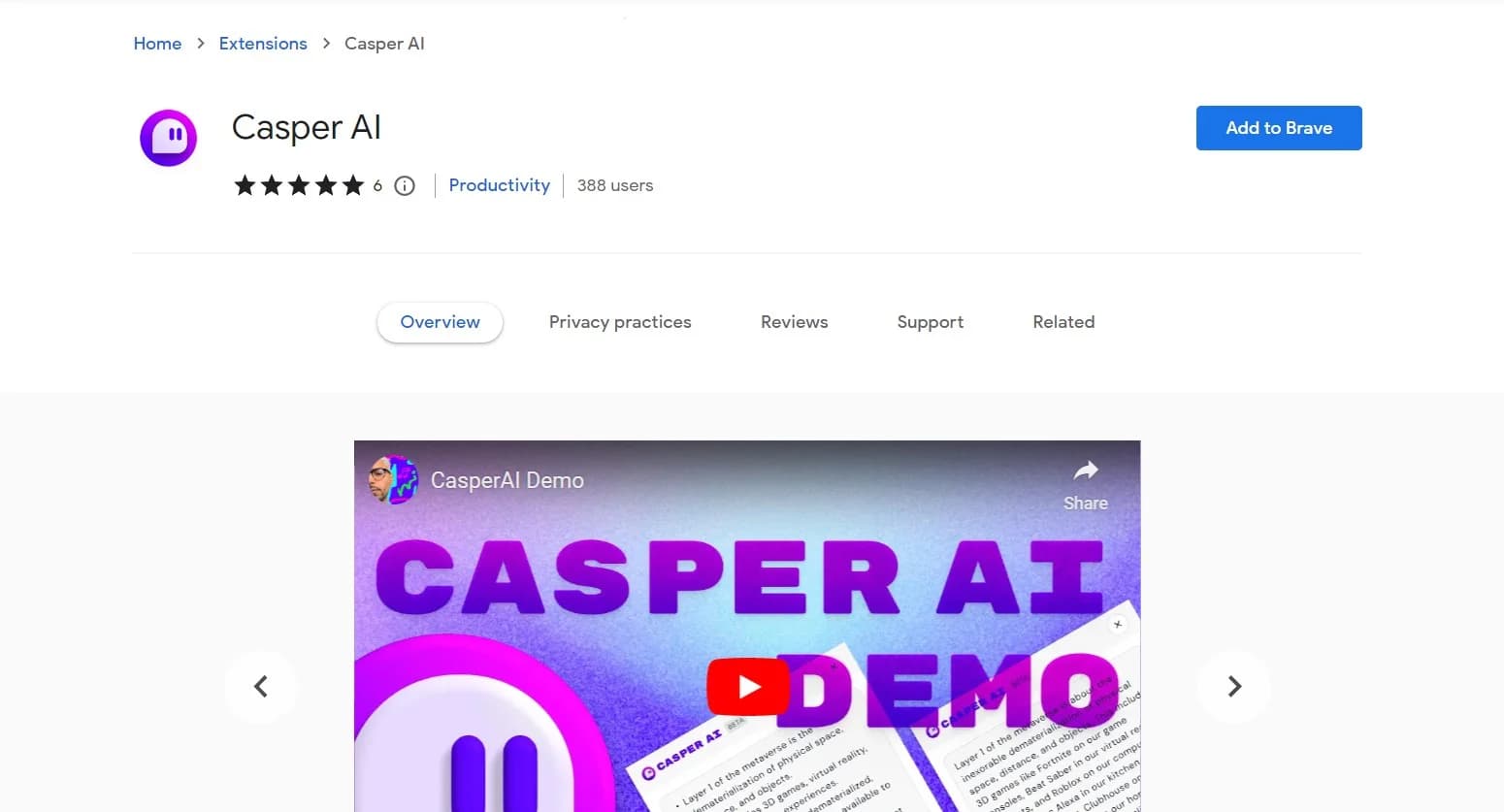
Watch Casper AI in Action
Key Takeaways
- What it is
- AI tool for summarizing content, enhancing productivity seamlessly.
- Pricing
- Freemium
- Best for
- AI-Powered Summarization
- Seamless Integration
- Data Collection and Analysis
- Rating
- 4.4/5
What is Casper AI?
Casper AI revolutionizes the way professionals digest and manage information, offering a seamless experience in summarizing articles, creating content, and sharing insights. As a Chrome extension, it is specifically designed for analysts, strategists, policymakers, and business developers, aiming to simplify their workflow and enhance productivity. By enabling users to quickly understand web pages and PDFs without reading every detail, Casper AI helps individuals stay updated on industry news, prepare for exams, research investments, and comprehend new laws effectively.
Casper AI stands out with its ability to seamlessly integrate AI-driven summarization into everyday workflows, especially for professionals dealing with large volumes of information. Its unique capability to gather and analyze data from multiple sources and deliver personalized, actionable insights sets it apart from other tools.
Casper AI brings a transformative edge to how professionals engage with information, making it an invaluable tool for those looking to enhance their productivity and decision-making processes. Its AI-driven summarization capabilities and intuitive design make it a standout choice for anyone needing to manage large amounts of information efficiently. Whether you're an analyst, strategist, or business developer, Casper AI empowers you to focus on what truly matters by freeing up time from mundane tasks.
Who is Using Casper AI?
Analysts
Leveraging the tool to quickly digest and summarize complex data.
Business Developers
Using Casper AI to stay informed on market trends and developments.
Policymakers
Employing the tool to understand new laws and policies efficiently.
Strategists
Utilizing it to analyze industry news and derive strategic insights.
Uncommon Use Cases
Adopted by legal professionals for summarizing case laws; utilized by academic researchers to streamline literature reviews.
Key Features
Rating Breakdown
Pricing Plans
Free Tier
Free
- Experience Casper AI with a limited free trial
Casper AI Use Cases
Market research
Analyze news, reports, and competitor data with AI.
Outcome: Stay ahead of market trends.
Investment analysis
Process financial reports, market data, and industry research.
Outcome: Support better investment decisions.
Policy analysis
Review legislation, regulatory documents, and impact assessments.
Outcome: Understand policy effects more efficiently.
Legal research
Review documents and conduct case research with AI-powered analysis.
Outcome: Streamline document review and research.
Competitive intelligence
Monitor competitor movements, market trends, and industry developments.
Workflow Ideas with Casper AI
Turn a report into a briefing
- 1Open the written report or PDF in Chrome
- 2Use Instant Summaries to create a concise briefing
- 3Apply Flexible Format Control for bullets or citations
Research an investment
- 1Open financial reports and market research in Chrome
- 2Use Custom Intelligence Commands to ask targeted questions
- 3Create a shareable summary for stakeholders
Prepare a policy update
- 1Review legislation and regulatory documents
- 2Summarize the key provisions and impact assessments
- 3Use One-Click Sharing to create an email or social post
How Casper AI fits into your stack
Browser
Casper AI lives as a Chrome extension that summarizes and analyzes written web content directly in the browser.
Knowledge and files
It processes web pages, PDFs, research papers, reports, market analysis, legislation, and other written documents into summaries and insights.
Docs and writing
Its format controls reshape analyzed content into bullet points, simplified explanations, citations, emails, and social posts.
Pros
- +Time Efficiency: Drastically reduces the time spent on reading and understanding complex information.
- +Enhanced Productivity: Streamlines workflow by automating the summarization of content.
- +User-Centric Design: Offers a flexible and easy-to-navigate interface that adapts to user needs.
- +Actionable Insights: Provides clear, concise summaries that facilitate informed decision-making.
Cons
- −Initial Learning Curve: New users may require some time to fully utilize all features effectively.
- −Limited Offline Capabilities: Primarily functions as a Chrome extension, limiting its use offline.
- −Integration Limitations: May not seamlessly integrate with all third-party applications or platforms.
Limitations & when to consider alternatives
Known limitations
- Chrome-based access. The official product is documented as a Chrome extension rather than a native mobile or desktop application.
- Written-content focus. The documented product focuses on web pages, PDFs, documents, reports, and other written content.
- English store listing. The Chrome Web Store lists English (United States) as the extension language.
- Vague encryption disclosure. The privacy policy mentions industry-standard encryption but does not specify encryption at rest, encryption in transit, TLS, or AES-256.
- Refund window. The fulfillment policy states that initial-purchase refunds may be requested within 14 days.
Look elsewhere when
- You need a native iOS or Android app.
- You need a dedicated Windows, Mac, or Linux installer.
- You need a documented developer API.
- You need vision-based image analysis.
How to Use Casper AI
- 1
Install the Chrome extension
Install Casper AI from the Chrome Web Store to access its research and summarization features in Chrome.
- 2
Open written content
Navigate to a web page, PDF, report, or other written content you want to understand.
- 3
Create an instant summary
Use Instant Summaries to turn lengthy documents into concise briefings.
- 4
Ask targeted questions
Use Custom Intelligence Commands with natural-language prompts to investigate specific details.
- 5
Control the format
Reshape the result into bullet points, simplified explanations, citations, or an audience-specific format.
- 6
Share the result
Use One-Click Sharing to turn insights into ready-to-send emails or social posts.
Who is Casper AI For?
Analysts
Casper AI helps analysts process industry news, reports, financial information, and market analysis.
Strategists
Strategists can use it to monitor industry developments and turn research into shareable insights.
Policymakers
It supports analysis of legislation, regulatory documents, and policy impact assessments.
Business developers
Business developers can analyze competitor movements, market trends, and deal-related information.
Students and researchers
The extension helps condense research articles and other written study materials into concise briefings.
Frequently Asked Questions
What is Casper AI?
Casper AI is a Chrome extension for summarizing, understanding, and sharing written content from the web.
What can Casper AI summarize?
It is designed to summarize web pages, PDFs, lengthy documents, research papers, industry reports, and market analysis.
Can Casper AI answer questions about documents?
Custom Intelligence Commands let users use natural-language prompts to dig deeper into documents and answer specific questions.
Can Casper AI change the output format?
Flexible Format Control reshapes content into bullet points, simplified explanations, professional citations, or audience-appropriate formats.
Can Casper AI create emails or social posts?
One-Click Sharing creates ready-to-send emails and social posts from key insights.
Does Casper AI have a free option?
The official product page invites users to try Casper AI for free and summarize their first written web content.
Community reviews
2 reviews from people who use Casper AI.
Sign in to leave a review for Casper AI.
William Burton (Will)
Nicole Ahmed
Casper AI Alternatives
Looking for alternatives to Casper AI? Here are similar tools in the same category:
Learn to Master Casper AI
With Skill Leap courses
Get in-depth training on Casper AI and 50+ other AI tools with our expert-led video courses.
Start 7-Day Free Trial