
Receiptor AI
Streamline receipt management with AI: Extract, categorize, analyze expenses effortlessly.
Key Takeaways
- What it is
- Streamline receipt management with AI: Extract, categorize, analyze expenses effortlessly.
- Pricing
- Freemium
- Best for
- Automated Extraction
- Retroactive Email Analysis
- Comprehensive Information Capture
- Rating
- 4.5/5
What is Receiptor AI?
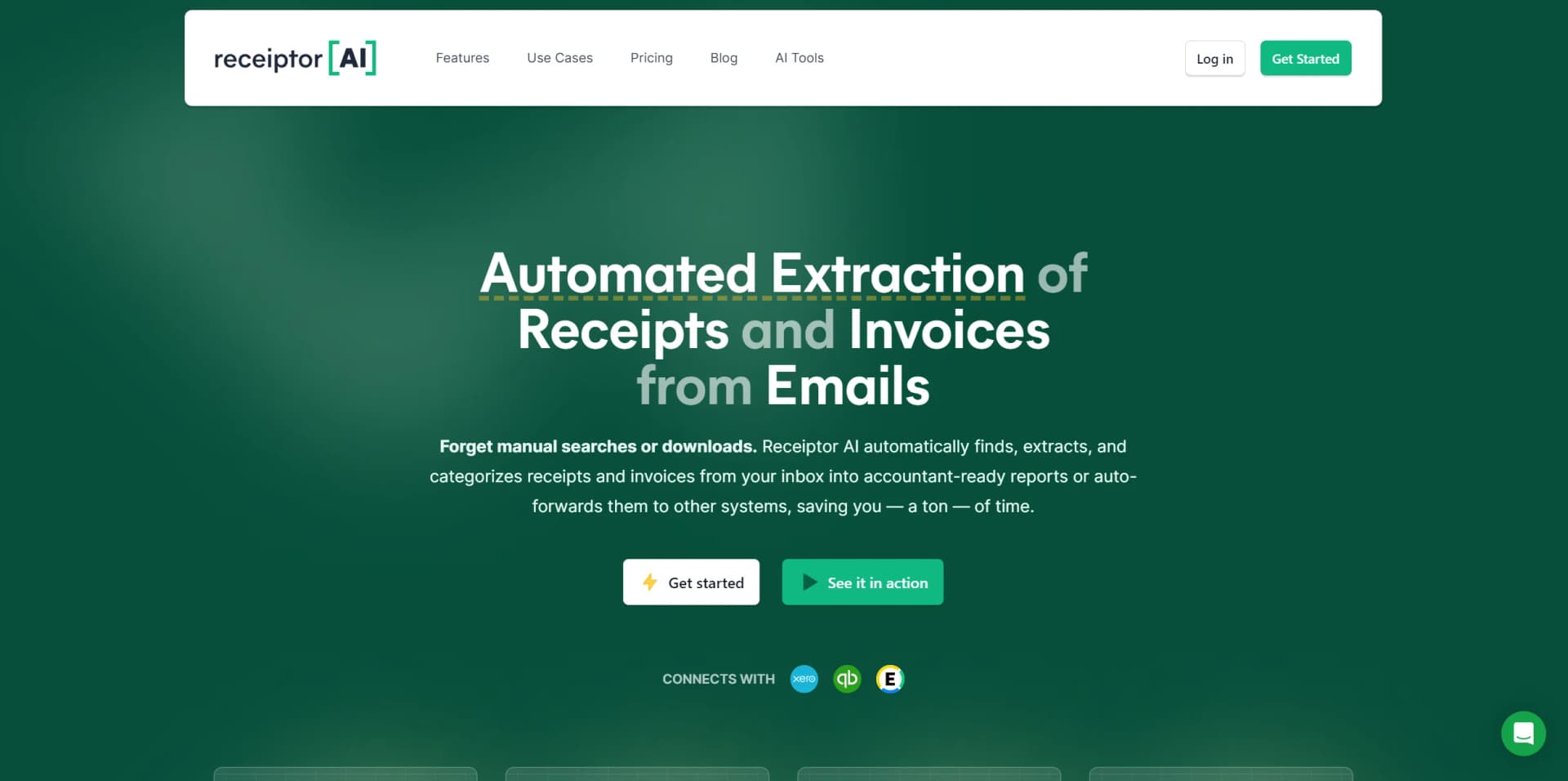
In today's fast-paced digital world, managing receipts and invoices can be a cumbersome task, especially for businesses and professionals who deal with a plethora of transactions. Enter Receiptor AI, an innovative tool designed to automate the extraction and categorization of receipts and invoices from emails. This AI-powered solution promises to transform the mundane chore of tracking financial documents into a streamlined and efficient process.
Receiptor AI stands out with its comprehensive document capture and retroactive email analysis, a boon for users who need to consolidate financial records from the past. Its intelligent contextual categorization ensures that the financial tracking is not just keyword-based but deeply rooted in the context of transactions.
Receiptor AI excels in delivering an automated solution for the extraction and management of financial documents. With its unique features like retroactive email analysis and intelligent contextual categorization, it offers an exceptional advantage to a broad range of users. The tool's ability to save time, enhance organization, and integrate with existing accounting software makes it an indispensable asset for anyone looking to streamline their financial document management process.
Who is Using Receiptor AI?
Accounting & Bookkeeping Services
Integrating the tool to enhance service offerings and client satisfaction.
E-commerce Operators
For automating supplier invoice and receipt management.
Digital Nomads
Keeping track of work-related expenses for tax purposes.
Event Planners
Managing multiple vendor and supplier financial documents with ease.
Uncommon Use Cases
Academic researchers utilizing the tool to manage grant-related expenses; Real estate investors employing it for efficient property expense management.
Key Features
Rating Breakdown
Pricing Plans
Free Tier
Free
- Get started with Receiptor AI at no cost to explore its capabilities
Subscription Plans
- Various tiers are available to accommodate the needs of different user bases
Which Receiptor AI plan should you pick?
Start with Starter for one business and standard automation; upgrade to Growth for custom automations, multiple workspaces, API access, and webhooks.
STARTER
Good for one business that needs email monitoring, mobile scanners, accounting exports, forward exports, and built-in automations.
GROWTH
Good for businesses that need storage exports, custom automations, workspaces, legal entity matching, API/MCP/CLI access, and webhooks.
SCALE
Good for multi-entity and team workflows with higher included usage allowances.
Enterprise
Good for complex operations requiring advanced security, custom authentication, custom integrations, or a custom SLA.
Receiptor AI Use Cases
Recover historical receipts
Run a Retroactive Scan over selected inboxes and date ranges.
Outcome: Backfill missing receipts and invoices.
Automate incoming receipt capture
Connect email accounts or mobile scanners so new financial documents are processed automatically.
Outcome: Reduce manual forwarding and inbox searches.
Categorize expenses
Use a chart of accounts, business entities, and saved decisions to categorize documents.
Outcome: Prepare cleaner bookkeeping records.
Sync documents with accounting software
Export bills or expenses to Xero or QuickBooks with the original document attached.
Outcome: Keep accounting data and supporting documents together.
Route documents automatically
Create rules that label, store, email, update, or export documents based on triggers and conditions.
Outcome: Continue multi-step bookkeeping workflows without repeated manual setup.
Workflow Ideas with Receiptor AI
Backfill and maintain bookkeeping records
- 1Run a Retroactive Scan over a selected inbox and date range
- 2Review extracted receipts and invoices
- 3Enable ongoing monitoring for new documents
Categorize and sync receipts to Xero
- 1Connect an email inbox or mobile scanner
- 2Configure a chart of accounts and categorization rules
- 3Send categorized documents to Xero with originals attached
Route documents by merchant
- 1Create a rule triggered when a document is created
- 2Add merchant or document-type conditions
- 3Label, store, email, or export matching documents
How Receiptor AI fits into your stack
Accounting Software Integration
Links with platforms like Xero and QuickBooks.
Multi-Platform Support
Works across various email providers, ensuring wide accessibility.
Export Flexibility
Allows exporting in multiple file formats, catering to different accounting requirements.
Multi-Language Functionality
Supports extraction in several languages, making it versatile for global use.
Pros
- +Time-Saving: Reduces hours spent on manual searches to moments of automated convenience.
- +Enhanced Organization: Categorizes and manages receipts and invoices for easy access and reporting.
- +Versatile Export Options: Supports exporting documents in PDF, CSV, and other formats for diverse accounting needs.
- +Integration with Accounting Software: Seamlessly works with systems like Xero, QuickBooks, and Expensify for a cohesive financial management experience.
Cons
- −Adaptation Period: Users may require time to get accustomed to the tool's features and capabilities.
- −Email Dependency: The efficiency of the tool is contingent on the receipt and invoice information being available within the email system.
Limitations & when to consider alternatives
Known limitations
- Free access is trial-based. Receiptor AI documents a 14-day free trial, while ongoing plans are paid subscriptions.
- Uploads are limited to 10 MB each. PDF and image uploads larger than 10 MB must be converted or reduced before uploading.
- Bank statements may extract incompletely. Receiptor AI is optimized for individual receipts and invoices rather than transaction-heavy statements.
- Historical scanning is separate. Subscriptions process new documents; past inbox contents require a separately priced Retroactive Scan.
- Full document translation is not provided. The system reads and extracts financial fields from many languages but does not perform full text translation.
Look elsewhere when
- You need a native iOS or Android application.
- You need model fine-tuning on your own data.
- You need full text translation of uploaded documents.
How to Use Receiptor AI
- 1
Users can access a range of tutorials and support materials to maximize the potential of Receiptor AI, from basic setup to advanced features.
Who is Receiptor AI For?
Business owners and finance teams
Receiptor AI keeps receipts moving from connected sources into accounting systems for one or multiple businesses.
Accountants and bookkeepers
It helps recover client documents, organize workspaces, and begin reconciliations with attached source documents.
E-commerce operators
The tool captures and categorizes receipts and invoices from online business activity.
Freelancers and contractors
It automates receipt collection, categorization, and export for independent business expenses.
Real estate investors
It supports multiple entities and routes documents according to business and accounting context.
Frequently Asked Questions
How does Receiptor AI find receipts and invoices?
It connects to Gmail, Outlook, IMAP inboxes, WhatsApp, or iMessage, and can also process uploaded files.
Can Receiptor AI recover older receipts?
Yes. A one-time Retroactive Scan can search selected inboxes and date ranges for historical documents.
What information does Receiptor AI extract?
It extracts supplier, date, currency, total, tax, document number, line items, payment status, and other fields when available.
Can Receiptor AI manage multiple businesses?
Yes. Users can configure multiple legal entities or separate businesses into multiple workspaces.
Where can documents be exported?
Documents can be sent to Xero, QuickBooks, Google Drive, Dropbox, email, CSV, PDF, or ZIP.
Does Receiptor AI support multiple languages?
Yes. It can recognize and extract financial data from documents in any language and currency, but it does not provide full text translation.
Community reviews
2 reviews from people who use Receiptor AI.
Sign in to leave a review for Receiptor AI.
Yueting Leow
Romeo Bellon
Receiptor AI Alternatives
Looking for alternatives to Receiptor AI? Here are similar tools in the same category:
Learn to Master Receiptor AI
With Skill Leap courses
Get in-depth training on Receiptor AI and 50+ other AI tools with our expert-led video courses.
Start 7-Day Free Trial