
Recall
Summarize Anything, Forget Nothing
Key Takeaways
- What it is
- Summarize Anything, Forget Nothing
- Pricing
- Freemium
- Best for
- Automatic Summarization
- Knowledge Repository
- Content Connections
- Rating
- 4.5/5
What is Recall?
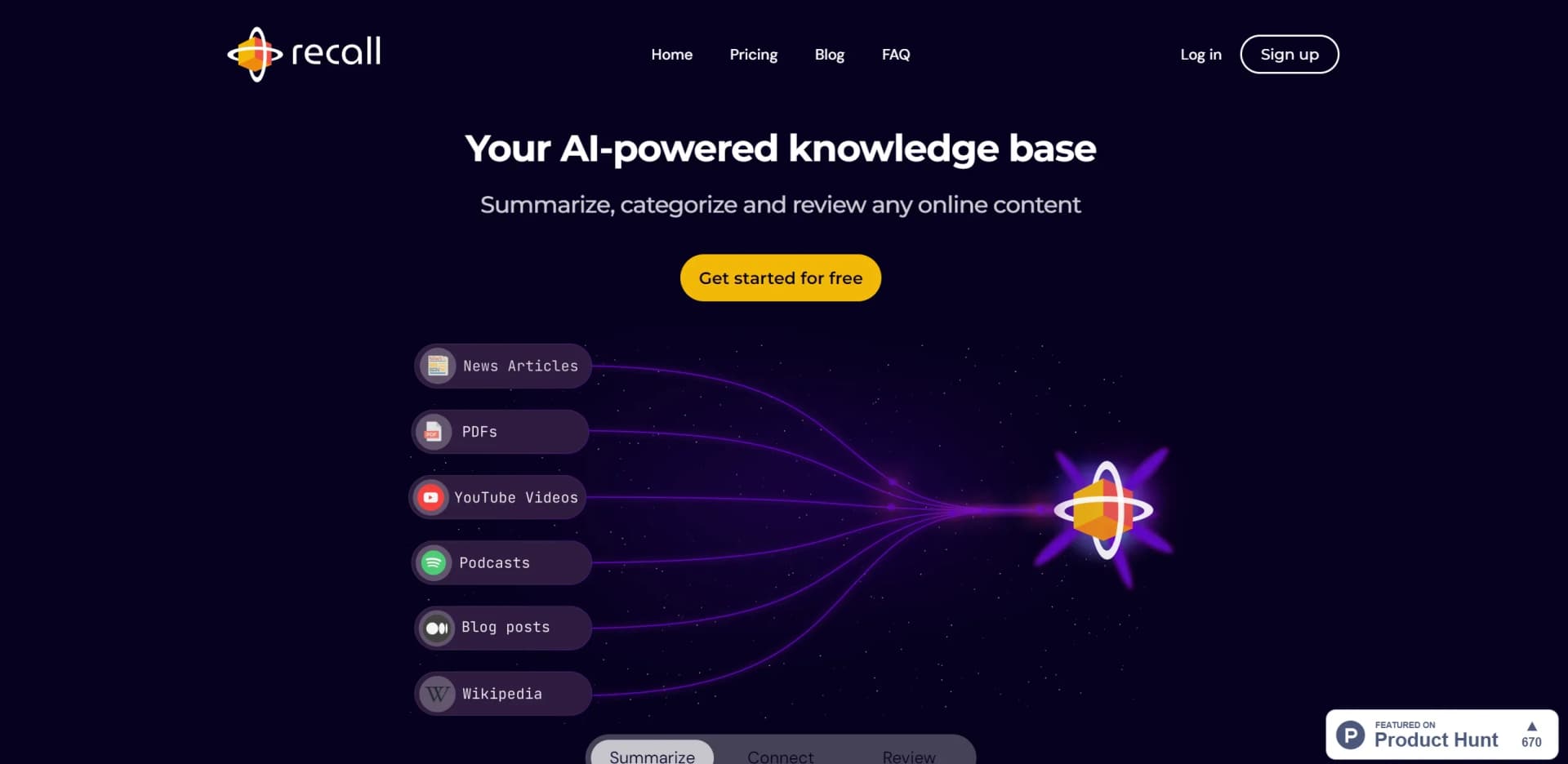
Recall is a tool that has completely transformed the way we interact with online content. Its primary function is to provide succinct summaries of various online materials—ranging from podcasts and YouTube videos to news articles and PDF documents. Designed with efficiency in mind, it caters to a broad audience, from students and researchers to professionals looking for a way to streamline their information intake. The core of Recall's offering lies in its ability to condense information into key points, saving users hours of reading and research time.
Recall distinguishes itself with its automatic content categorization and connection features, which are a significant departure from traditional manual organization methods. This AI-driven approach not only saves time but also uncovers relationships between stored information, enhancing the user's ability to build a comprehensive knowledge base.
Recall stands out as an indispensable tool for those inundated with digital information. Its ability to swiftly summarize and organize content into a personal knowledge base offers an unmatched advantage for users across various fields. With its cutting-edge features like automatic categorization and content connections, Recall not only saves time but also enriches the learning and research process.
Who is Using Recall?
Researchers
To quickly gather and organize information from a plethora of online sources.
Students
For efficient study and revision of academic materials.
Business Professionals
To stay updated with industry news and insights without spending excessive time reading.
Content Creators
For summarizing research and background information for their content.
Uncommon Use Cases
Utilized by hobbyists to compile and revisit information about their interests; Adopted by retirees looking to keep up with technology and learn at their own pace.
Key Features
Rating Breakdown
Pricing Plans
Free Tier
Free
- Get started with Recall for free and explore its core features
Subscription Plans
- Additional features and capabilities are available with subscription plans
- Details of which can be found on the Recall website
Which Recall plan should you pick?
Start with Free to test personal knowledge capture; upgrade to Plus for unlimited AI summaries and the full knowledge-base workflow, or Max for model choice and bulk actions.
Free
Good for personal note-taking, unlimited saves and notes, and trying up to 10 AI summaries per month.
Plus
Good for lifelong learners who need unlimited summaries, AI chat, automatic organization, connections, quizzes, and multilingual support.
Max
Good for power users who need frontier-model choice, bulk actions, and higher usage limits.
Recall Use Cases
Research library
Save articles, PDFs, videos, and notes, then search and chat across the connected collection.
Outcome: A reusable personal research knowledge base.
Exam preparation
Save learning materials and generate quizzes with spaced-repetition review.
Outcome: Improved recall and retention.
Podcast and video learning
Summarize YouTube videos and podcasts, then save the results for later search and review.
Outcome: Faster understanding of long-form content.
Legal research
Save briefs, statutes, opinions, contracts, and research memos, then query them with citations.
Outcome: Document-grounded research across a matter library.
Personal knowledge management
Write notes, connect ideas, and let Recall automatically tag and visualize related content.
Outcome: A self-organizing knowledge base.
Workflow Ideas with Recall
Capture and remember research
- 1Save articles, PDFs, videos, or podcasts with Recall
- 2Review the generated summary and edit or extend the note
- 3Generate quizzes and revisit the material with spaced repetition
Research from mobile to desktop
- 1Share content to Recall from iOS or Android
- 2Let the content sync to the Recall knowledge base
- 3Search, organize, or chat with it later from the web app
Connect saved knowledge to an AI assistant
- 1Generate an API key or configure the Recall MCP server
- 2Connect Recall to a compatible client such as Cursor or Claude
- 3Search and read saved cards from the external assistant
How Recall fits into your stack
Browser Extensions
Available for Chrome and Firefox, integrating directly into your web browsing experience.
Mobile Apps
Offers applications for both iPhone and Android for summarizing and reviewing content on the go.
Data Export
Users can export notes to markdown, ensuring compatibility with other platforms and tools.
Privacy Focused
With an offline-first approach, Recall prioritizes user privacy and data security.
Pros
- +Time-Saving: Greatly reduces the time spent on research and content consumption.
- +Productivity Boost: Enhances efficiency by organizing and linking information, making it easier to find and use.
- +Learning Enhancement: Facilitates better retention of information with spaced repetition features.
- +User-Friendly: Offers a straightforward and intuitive user interface for a seamless experience.
Cons
- −Adaptation Period: New users may need some time to fully utilize the advanced organizational features.
- −Platform Limitations: While it supports a variety of content types, there may be specific formats or platforms not yet integrated.
- −Dependence on AI Summarization: The quality of summaries may vary depending on the complexity and nature of the source material.
Limitations & when to consider alternatives
Known limitations
- API access is read-only. The documented API supports listing, retrieving, and searching cards, while write access is still on the roadmap.
- Free AI usage is limited. The Free plan includes 10 AI summaries per month; unlimited AI summaries require a paid plan.
- No native desktop application. On macOS and Windows, Recall is accessed through the web app or browser extension.
- Personal rather than team-oriented. Recall describes itself as a personal knowledge base and says it is not designed for team project management.
- Paid plans have fair-use limits. Recall may pause, review, or adjust subscriptions when usage significantly exceeds reasonable levels.
Look elsewhere when
- You need a native macOS or Windows desktop app.
- You need shared team workspaces with roles and collaboration.
- You need a Notion integration rather than import or API workarounds.
- You need a write-enabled API for automated content changes.
How to Use Recall
- 1
For those looking to get the most out of Recall, there are a variety of tutorials and resources available online, including step-by-step guides and tips for advanced usage.
Who is Recall For?
Researchers
Save literature, papers, and field notes in a searchable knowledge base with summaries and connections.
Students
Use summaries, quizzes, and spaced repetition to prepare for exams and retain information.
Writers and creators
Build reference libraries and research archives connected through an automatic knowledge graph.
Lifelong learners
Save and revisit articles, videos, podcasts, PDFs, and notes over time.
Teachers
Organize educational content and use AI summaries, notes, and review features.
Frequently Asked Questions
What is Recall?
Recall is a personal AI knowledge base for saving, summarizing, organizing, and chatting with articles, videos, podcasts, PDFs, and notes.
Is Recall free?
Yes. Recall has a free-forever plan with unlimited saves and notes plus 10 AI summaries per month.
What platforms does Recall support?
Recall supports the web app, iOS, Android, Chrome, Firefox, Edge, and Safari extensions.
Does Recall train AI on my content?
No. Recall says it does not train AI models on user content.
Can Recall summarize PDFs and other documents?
Yes. Recall supports PDFs, uploaded files, articles, videos, podcasts, notes, and additional web content.
Can I export my Recall data?
Yes. Users can export their data as zipped Markdown files.
Community reviews
1 review from people who use Recall.
Sign in to leave a review for Recall.
Dmytro Snisarenko
Recall Alternatives
Looking for alternatives to Recall? Here are similar tools in the same category:
Learn to Master Recall
With Skill Leap courses
Get in-depth training on Recall and 50+ other AI tools with our expert-led video courses.
Start 7-Day Free Trial