
Plask
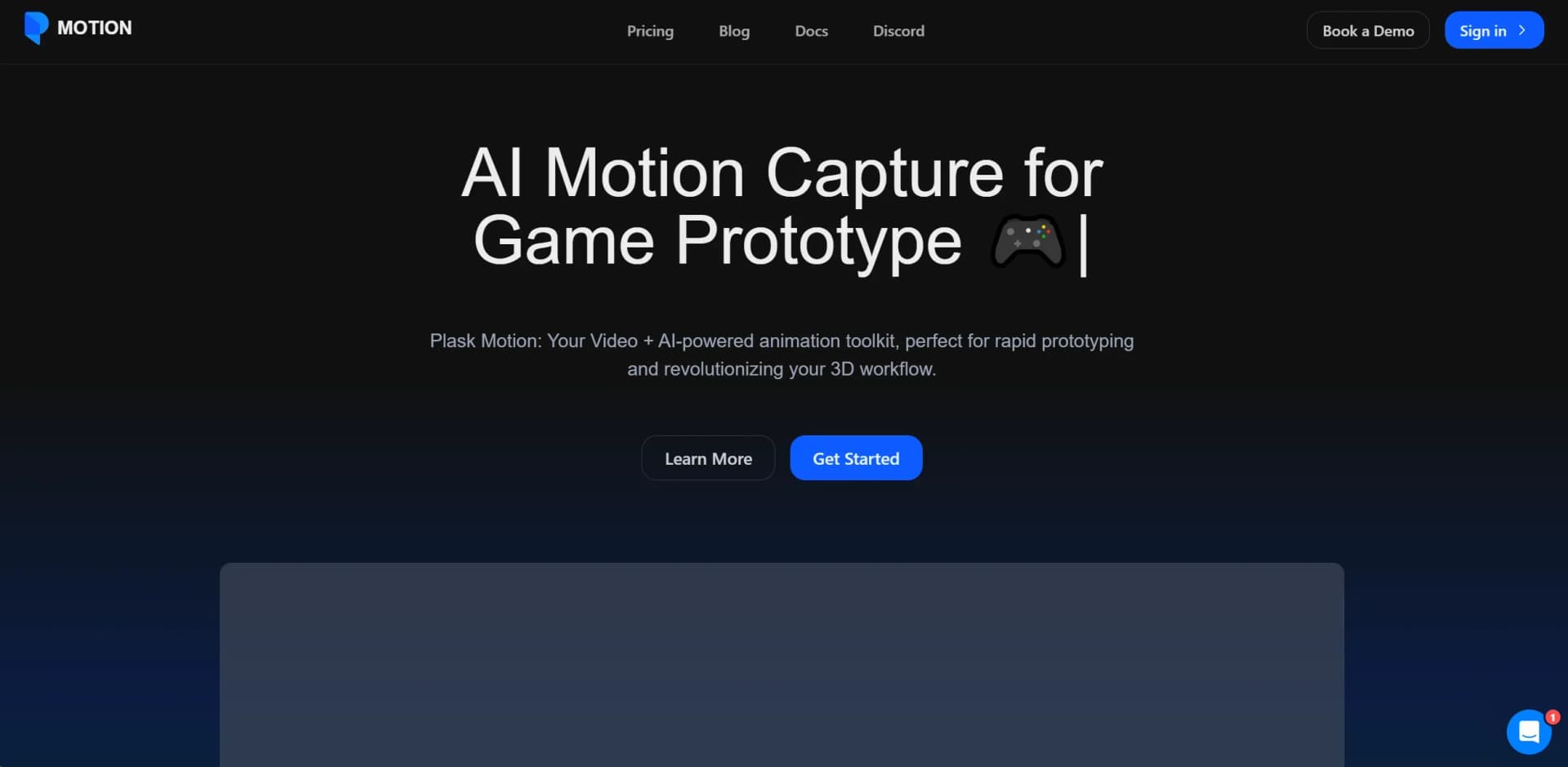
Revolutionize 3D animation with AI-powered, user-friendly motion capture.
Watch Plask in Action
Key Takeaways
- What it is
- Revolutionize 3D animation with AI-powered, user-friendly motion capture.
- Pricing
- Freemium
- Best for
- AI-Powered Motion Capture
- User-Friendly Interface
- Community Tutorials
- Rating
- 4.5/5
What is Plask?
Plask is an AI-powered motion capture (mocap) animation tool that is changing the game for 3D content creators. With its innovative technology, Plask enables rapid prototyping and a revolution in 3D workflow by allowing users to transform videos into detailed animations. Designed for game developers, animators, and digital artists, Plask simplifies the process of creating high-quality 3D animations, making it accessible and efficient.
Plask stands out for its AI-powered motion capture technology, which democratizes the creation of high-quality 3D animations. Its ability to convert simple video footage into detailed animations without the need for expensive hardware is a game-changer, making professional-grade animations accessible to a wider audience.
Plask excels in making high-quality 3D animation creation accessible and efficient for a broad spectrum of users. Its innovative AI-powered mocap technology, coupled with a user-friendly interface and a supportive community, offers unparalleled advantages for game developers, animators, and creators in various fields. Plask's versatility and cost-effectiveness make it an indispensable tool for anyone looking to enhance their 3D workflow and bring their creative visions to life.
Who is Using Plask?
Game Developers
For rapid prototyping and bringing game characters to life.
Animators and Digital Artists
To create detailed animations without the need for expensive equipment.
Virtual Reality Creators
Enhancing immersive experiences with lifelike animations.
Film and Media Producers
For quick and cost-effective animation solutions.
Uncommon Use Cases
Educational institutions are using it to teach animation courses; indie filmmakers are adopting it to streamline production processes.
Key Features
Rating Breakdown
Pricing Plans
Free Tier
Free
- Plask offers a free version with basic features
- Perfect for beginners
Pro Tier
- Advanced features are available for professional users
- Pricing available upon request
Which Plask plan should you pick?
Start with Freemium to test AI motion capture; upgrade to Standard for regular creation and collaboration, or Pro for higher-volume professional production.
FREEMIUM
Good for beginners who need free access to basic AI motion capture and limited scene collaboration.
STANDARD
Good for hobbyists and creators who need 10 minutes of monthly capture, more storage, and faster processing.
PRO
Good for professional users who need one hour of monthly capture, 10 GB storage, pre-release features, and organization benefits.
Plask Use Cases
Convert video into 3D motion
Upload or record a video, extract human motion, and apply it to a 3D model.
Outcome: A reusable 3D animation.
Animate custom characters
Import a GLB, FBX, VRM, or PMX character and retarget extracted motion.
Outcome: An animated custom character.
Create multi-person animations
Extract motion from multiple people in the same video.
Outcome: Separate motions for multiple performers.
Edit animation keyframes
Transform bones, add or delete keyframes, and organize animation layers.
Outcome: A refined animation sequence.
Export to production tools
Export animations in FBX, GLB, or BVH for use in 3D software and game engines.
Outcome: Animation assets ready for downstream production.
Workflow Ideas with Plask
Video-to-character animation
- 1Import or record a video
- 2Extract the desired motion
- 3Apply the motion to a 3D model and export it
Custom-model production
- 1Upload a compatible 3D model
- 2Import motion capture data
- 3Retarget, edit, and preview the animation
Collaborative scene editing
- 1Share or invite collaborators to a scene
- 2Edit the viewport, outliner, or timeline together
- 3Export the completed animation
How Plask fits into your stack
Export Options
Easily export animations to popular 3D and game development software.
Community Support
Access to a vibrant community for sharing tips and tutorials.
Flexible File Formats
Supports various file formats for seamless integration into existing workflows.
Pros
- +Time Efficiency: Dramatically reduces the time needed to create detailed 3D animations.
- +Cost-Effective: Eliminates the need for expensive mocap hardware, making high-quality animation accessible to more creators.
- +Ease of Use: Intuitive design and community support make it easy for newcomers to pick up.
- +Versatile Application: Can be used across a wide range of industries and project types, from gaming to VR.
Cons
- −Learning Curve: Despite being user-friendly, mastering all features can take time.
- −Internet Dependency: Requires a stable internet connection for optimal performance.
- −Compatibility: May require additional steps to integrate animations with certain third-party tools.
Limitations & when to consider alternatives
Known limitations
- Free-plan processing limit. The Freemium plan limits motion capture to 15 seconds per day.
- Video file limit. Uploaded videos can be no larger than 100 MB and should be between 3 seconds and 5 minutes.
- Human-pose recognition. The motion-capture system is designed for human forms and does not support non-human objects.
- 3D-model upload limit. Imported 3D models have a maximum upload size of 50 MB and require a mesh plus skinned skeleton.
- Collaborative assets are not shared. Scene state synchronizes between collaborators, but imported assets remain in each user's storage.
Look elsewhere when
- You need a documented developer API with endpoints and API keys.
- You need a native iOS or Android application.
- You need SSO or SAML authentication.
- You need code generation or editing.
How to Use Plask
- 1
Plask provides a range of tutorials to help users get started and make the most of its features, from basic setup to advanced animation techniques.
Who is Plask For?
Beginners
The Freemium plan is positioned for beginners exploring AI motion capture.
Hobbyists
The Standard plan is described as suitable for enhanced creation and collaboration.
Professional animators
The Pro plan targets professional-grade production needs with more processing, storage, and organization benefits.
Game developers
Plask exports animation to tools and engines including Unreal, Unity, Maya, and Blender.
Virtual-content creators
The product supports character animation, rendered videos, VRM and MMD models, and cinematic effects.
Frequently Asked Questions
How much does Plask cost?
Plask offers a free Freemium plan, Standard at $18 per month billed yearly, and Pro at $50 per month billed yearly.
What does Plask do?
Plask converts video motion into 3D animation using AI motion capture, then applies the motion to 3D models.
Can I upload my own 3D model?
Yes. Plask supports GLB, FBX, VRM, and PMX models, subject to file and skeleton requirements.
Can Plask capture multiple people?
Yes. Plask supports multi-person motion capture, although multi-person processing uses more credits and has capture limits.
Can I collaborate with other users?
Yes. Users can invite teammates and watch or edit the same scene in real time.
Which formats can Plask export?
Plask exports animated models in FBX, GLB, and BVH formats.
Community reviews
Be the first to share your experience.
Sign in to leave a review for Plask.
Plask Alternatives
Looking for alternatives to Plask? Here are similar tools in the same category:
Learn to Master Plask
With Skill Leap courses
Get in-depth training on Plask and 50+ other AI tools with our expert-led video courses.
Start 7-Day Free Trial