DigitalGenius
AI customer service that resolves online shoppers’ order issues directly.
Watch DigitalGenius in Action
Key Takeaways
- What it is
- AI customer service that resolves online shoppers’ order issues directly.
- Best for
- Genius Flows
- Specialist agents and Orchestrator
- Deep integrations
- Rating
- 4.2/5
What is DigitalGenius?
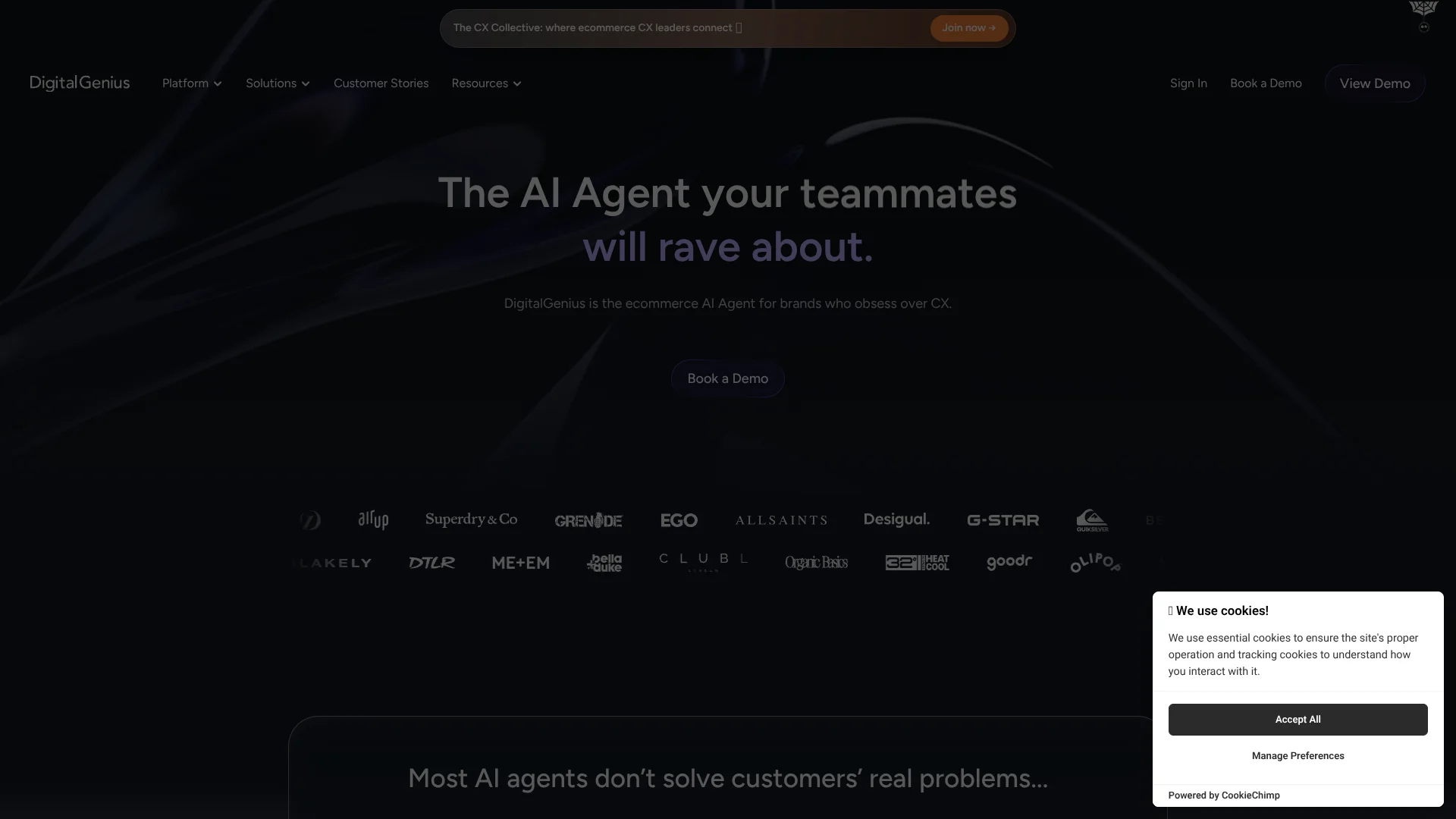
DigitalGenius investigates ecommerce customer questions and can take actions such as changing an order, processing a return, or arranging a replacement. Its AI agents connect to a retailer’s customer service and order systems, so they can use live information rather than rely only on public FAQs. Ecommerce brands use it to handle common support requests across chat, email, social, SMS, voice, and in-app channels.
Its specialist agents work with Genius Flows, which are workflows that retrieve information, apply a brand’s rules, and carry out actions in connected systems. The orchestrator can route different parts of a customer’s request to the right agent and workflow, including when one message covers multiple issues.
DigitalGenius is best suited to ecommerce customer experience teams handling frequent order, delivery, return, and warranty questions. It is not a self-serve tool with public plan prices, and setup involves connecting business systems and configuring workflows. Its strongest fit is for brands that want AI to resolve customer issues, not only draft replies.
Who is Using DigitalGenius?
Customer experience leaders
Their goal is to resolve more common customer issues through AI while reserving agent time for cases that need people.
Customer support operations managers
Flow Builder helps them map support processes to connected systems and brand rules.
Ecommerce support agents
They can focus on cases that need a human after automated workflows investigate the issue or pass along context.
Returns and warranty specialists
Their teams can automate return requests and use image analysis to review product-damage evidence.
Uncommon Use Cases
Product advice and recommendations through the Shopping Agent; proactive messages to customers affected by shipping delays.
Key Features
Rating Breakdown
Which DigitalGenius plan should you pick?
Book a demo to discuss your customer service channels, systems, and automation needs; DigitalGenius does not publish a self-serve plan price.
DigitalGenius Use Cases
Order status and delivery questions
Customers asking where an order is can receive an update based on order and carrier information.
Outcome: A reply with delivery information, or an appropriate next action for a delayed or lost package.
Returns
A return workflow can check order details and guide customers through a return request.
Outcome: Customers can start a return through chat.
Order changes
For an eligible order change, a flow can check the order and update it in the connected system.
Outcome: The requested order change can be completed through the workflow.
Warranty and quality claims
Customer-submitted product images can be checked for defects as part of a warranty process.
Outcome: The workflow can identify images with detected defects for the claim process.
Product discovery
The Shopping Agent helps shoppers compare products and get recommendations through a website conversation.
Outcome: Shoppers can receive product advice and add a product to their cart from the chat.
Workflow Ideas with DigitalGenius
Answer a delivery-status question
- 1Detect that the customer is asking about an order.
- 2Retrieve order and tracking details through connected systems.
- 3Send an update or route an unresolved delivery issue for follow-up.
Handle a return request
- 1Identify the return request and retrieve the relevant order.
- 2Apply the retailer’s return rules to the requested item.
- 3Send return instructions or pass the case to a human agent.
Review a product-damage claim
- 1Collect the customer’s product images and relevant order details.
- 2Run image checks for the configured defect types.
- 3Use the result to continue the warranty process or hand it to an agent.
How DigitalGenius fits into your stack
Customer service channels
DigitalGenius can handle requests through channels including chat, email, social, SMS, voice, and in-app. It works alongside a brand’s existing customer service setup.
Helpdesk and ecommerce systems
Connections such as Zendesk, Salesforce, and Shopify let workflows retrieve or update support and order information.
Shipping and returns tools
Carrier and returns integrations can supply information needed to answer delivery questions and process return requests.
Flow Builder and APIs
Flow Builder connects decisions, system actions, and customer messages. Documented API and webhook options support custom connections and flow execution.
Pros
- +Action-taking support: Flows can make order changes and process customer requests through connected systems.
- +Ecommerce focus: Specialist agents and ready-made Genius Flows address common retail support issues.
- +Broad customer channels: Brands can support customers across chat, email, SMS, social, voice, and in-app.
- +Custom integrations: DigitalGenius says it can build additional integrations for a brand’s existing systems.
Cons
- −Sales-led access: A team demo is the public route to discuss the platform, rather than self-serve signup.
- −Setup effort: Connecting business systems and configuring workflows takes coordination with the retailer’s team.
Limitations & when to consider alternatives
Known limitations
- Account access is arranged through a customer success manager. The getting-started documentation says the manager sets up the account and sends the user invitation.
- Flows depend on configured system connections. Actions in a workflow need a connected module to retrieve or update data in an external system.
- Ask Genie is in beta. The documentation labels Ask Genie as a public beta that is still being developed.
Look elsewhere when
- You need a self-serve product with public monthly plan prices.
- You need a general-purpose AI tool for work beyond ecommerce customer service.
How to Use DigitalGenius
- 1
Get platform access
A DigitalGenius customer success manager sets up the account and sends an invitation to the platform.
- 2
Connect your systems
Set up the relevant helpdesk, ecommerce, returns, or carrier connections so flows can use the data and actions they need.
- 3
Choose a customer request to automate
Start with a specific task, such as order status or returns, and select a suitable Genius Flow or build a workflow.
- 4
Set the flow rules
Configure the workflow’s steps, decisions, and response templates around your customer service policies.
- 5
Test and review executions
Check flow runs and their recorded steps to see how the automation handled requests and where it needs adjustment.
- 6
Expand to more requests or channels
After validating the first workflow, add other use cases or customer channels that fit your connected systems.
Who is DigitalGenius For?
Ecommerce brands
Retailers with recurring order, delivery, return, or warranty questions can automate those customer service tasks.
Customer experience leaders
CX leaders can use AI automation to reduce repetitive support work while keeping brand rules in the process.
Online retailers with multiple support channels
Brands serving customers through channels such as chat, email, SMS, and social can coordinate AI support across them.
Frequently Asked Questions
Does DigitalGenius publish its prices?
The public site directs prospective customers to book a demo and does not list plan prices. Contact the team to discuss pricing.
Which customer channels can DigitalGenius support?
The site lists chat, email, social, SMS, voice, and in-app channels.
Can DigitalGenius take actions, not only answer questions?
Yes. Its workflows can use connected systems to retrieve or update information and complete actions such as order changes or refunds, according to the configured process.
Can DigitalGenius analyze customer images?
Its Warranty Master action analyzes image URLs for configured product defects and can also detect labels, receipts, and other image types.
How do new users get access?
The getting-started documentation says a customer success manager sets up the account and sends an invitation.
Community reviews
Be the first to share your experience.
Sign in to leave a review for DigitalGenius.
DigitalGenius Alternatives
Looking for alternatives to DigitalGenius? Here are similar tools in the same category: