CopyMonkey
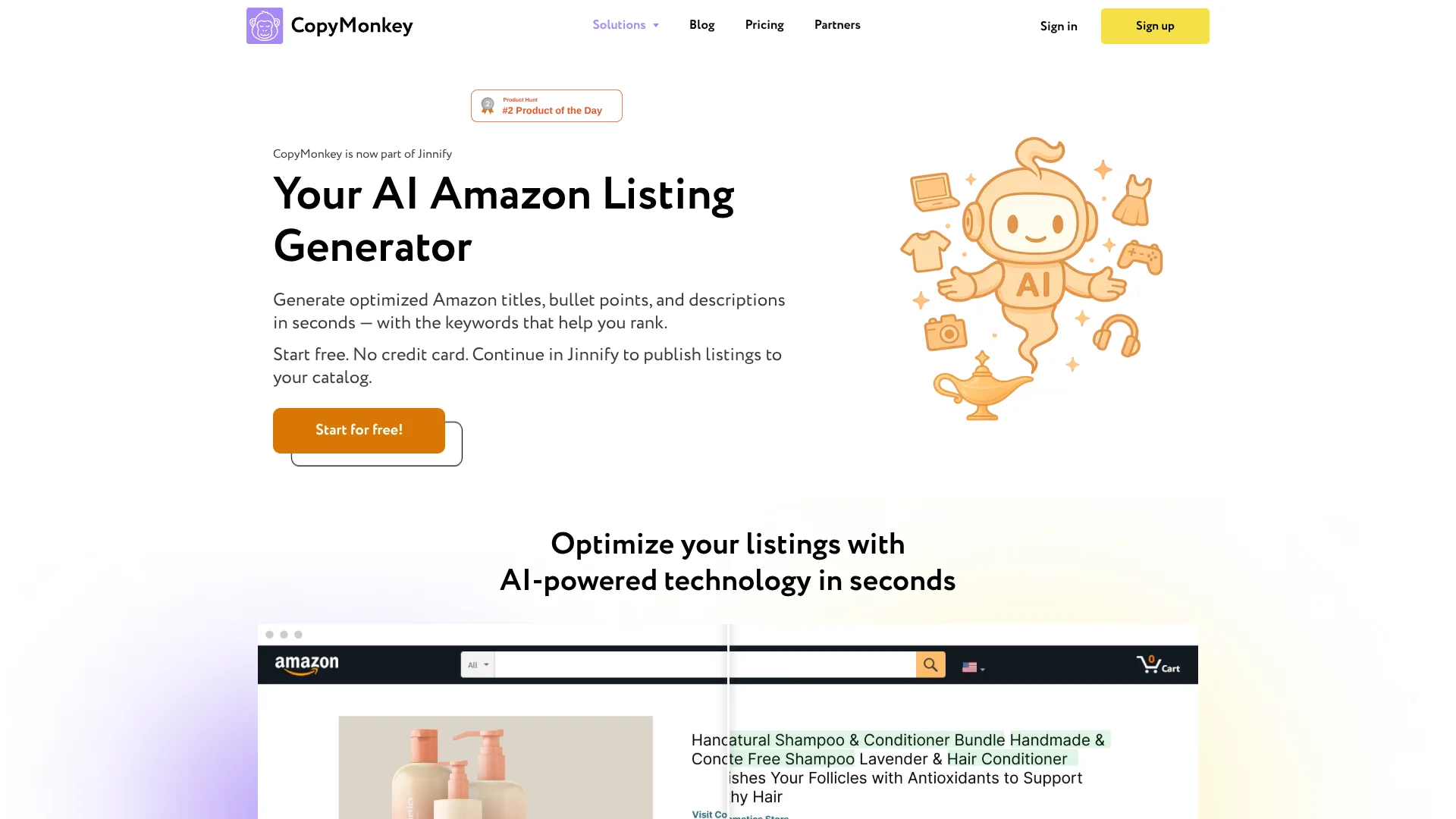
Amazon sellers create listing copy across their catalogs with AI.
Key Takeaways
- What it is
- Amazon sellers create listing copy across their catalogs with AI.
- Pricing
- $49 per month
- Best for
- Amazon Listing Generator
- Bulk Listing Edits
- Catalog Publishing
- Rating
- 4.0/5
What is CopyMonkey?
CopyMonkey now leads to Jinnify, a workspace for Amazon sellers that generates listing titles, bullet points, and descriptions. It helps sellers improve product copy and work through catalog changes without writing each listing from scratch. The former CopyMonkey app is discontinued.
Jinnify can send approved listing changes back to Amazon Seller Central, the seller account system where catalog updates are managed. Its AI also connects to external agents such as Claude and Cursor, which can work with authorized store data and prepare changes for review.
Amazon sellers and agencies managing active catalogs are the clearest fit, especially when many listings need attention. You need to connect an Amazon store to use live catalog workflows, and AI work uses credits. Think of CopyMonkey today as a doorway to Jinnify, not a separate active app.
Who is Using CopyMonkey?
Amazon Marketplace Manager
Listing audits and bulk edits help keep product copy current across a large catalog.
E-commerce Copywriter
AI-generated titles, bullets, and descriptions provide a draft to review and refine.
Catalog Operations Manager
The review inbox makes it easier to check proposed listing changes before publishing.
Amazon Agency Account Manager
Bulk listing workflows help move client catalog updates through a review process.
Uncommon Use Cases
Connecting an external AI agent to investigate store listing data; preparing a batch of approved copy changes for Seller Central.
Key Features
Rating Breakdown
Pricing Plans
Jinnify
$49 per month
- Billed monthly.
- Annual option: $399 per year, shown as $33 per month billed yearly.
- Includes Amazon listing generation, bulk edits, and connections to supported external AI agents.
- Free starter credits are available to try the product.
Which CopyMonkey plan should you pick?
Start with the free credits to test a listing workflow, then choose Jinnify if you need ongoing catalog work.
Jinnify
For Amazon sellers who need paid access to listing generation, bulk edits, and catalog publishing.
CopyMonkey Use Cases
Draft Amazon Listing Copy
New product listings get AI-written titles, bullet points, and descriptions to edit before use.
Outcome: A reviewable first draft of Amazon product copy.
Refresh a Large Catalog
Bulk editing brings listing updates across hundreds of products into one workflow.
Outcome: Multiple listings edited in one pass.
Publish Approved Changes
After review, listing updates can be sent to the connected Amazon store.
Outcome: Approved changes submitted to Seller Central.
Work Through an External AI Agent
An authorized agent such as Claude or Cursor can access permitted store data and prepare listing changes.
Outcome: Store-specific proposals ready for review.
Workflow Ideas with CopyMonkey
Refresh Listings in Bulk
- 1Connect an Amazon store to Jinnify.
- 2Choose listings for a bulk optimization workflow.
- 3Review the proposed copy and approve changes to publish.
Draft and Publish a New Listing
- 1Open the new listing workflow.
- 2Generate and review the title, bullets, and description.
- 3Submit the approved listing content to Amazon.
Connect an AI Agent
- 1Create an API token and limit it to the stores the agent needs.
- 2Connect a supported external agent and have it learn Jinnify's skills.
- 3Review its proposals in the Automate Inbox.
How CopyMonkey fits into your stack
Amazon Seller Central
Jinnify connects to the seller account and can submit approved catalog changes through the authorized connection.
Jinnify Web Workspace
Listing generation, bulk edits, and review workflows are handled in the Jinnify workspace reached from CopyMonkey.
External AI Agents
Claude, Cursor, and Grok can connect through scoped tokens to work with permitted store data and propose actions.
API Access
Jinnify provides API tokens and agent skills for connecting supported external agents to store workflows.
Pros
- +Amazon-ready copy: Generates listing titles, bullets, and descriptions in one place.
- +Bulk editing: Handles hundreds of listings in one pass.
- +Review before publishing: Proposed changes can be checked before they go live.
- +Agent connections: Claude, Cursor, and Grok can work with permitted store data.
Cons
- −Amazon-specific focus: Its central workflows are built around Amazon seller catalogs.
- −Credit-based AI work: Listing tasks draw from credits, so heavier batches can use them faster.
- −Name change: The old CopyMonkey app is discontinued, so users now need to continue in Jinnify.
Limitations & when to consider alternatives
Known limitations
- Amazon authorization is required. Live catalog, publishing, and bulk optimization workflows depend on an authorized Amazon store connection.
- AI work spends credits. Listing workflows use credits, and larger or heavier runs can consume more than a typical chat turn.
- Amazon controls final listing state. Amazon validates and applies submitted updates, so Jinnify cannot guarantee that every change appears exactly as sent or on a fixed timeline.
- Free use has a credit limit. The free trial starts with credits, and workflows that need AI stop when the balance reaches zero unless credits are added.
Look elsewhere when
- You need a dedicated mobile app or browser extension.
- Your work depends on a free plan with ongoing, unlimited use.
- You need AI content generation outside e-commerce product listings.
How to Use CopyMonkey
- 1
Start in Jinnify
CopyMonkey's current product directs users to Jinnify, where you can start with free credits and no credit card.
- 2
Connect Your Amazon Store
Authorize the Seller Central connection so Jinnify can access the catalog needed for live workflows.
- 3
Choose a Listing Workflow
Generate new copy or select existing listings for optimization or bulk edits.
- 4
Review the Proposed Changes
Check generated listing content in the review flow before it is submitted.
- 5
Publish or Connect an Agent
Publish approved changes to Amazon, or set up an external AI agent with a scoped token for store tasks.
Who is CopyMonkey For?
Amazon Sellers
Listing generation and bulk catalog edits help sellers maintain product copy across an active Amazon store.
Amazon Agencies
Bulk workflows and review steps can support teams handling listing changes for seller clients.
E-commerce Operators
Catalog publishing helps operators move approved AI-written listing changes into Seller Central.
Frequently Asked Questions
Is CopyMonkey still available as a separate app?
No. The CopyMonkey app is discontinued, and the website directs users to Jinnify.
Does Jinnify have a free option?
You can start with free credits and no credit card. The help center describes this as a free trial, and AI workflows use credits.
How much does the Jinnify plan cost?
The pricing page lists Jinnify at $49 per month when billed monthly, or $399 per year when billed annually.
Can I connect an AI agent to my store?
Yes. Jinnify documents connections for agents including Claude, Cursor, and Grok using API tokens and skills.
Do listing changes publish automatically?
You can review proposed changes before approving them. Approved changes can be submitted to Amazon, while Amazon controls final validation and propagation.
Community reviews
Be the first to share your experience.
Sign in to leave a review for CopyMonkey.
CopyMonkey Alternatives
Looking for alternatives to CopyMonkey? Here are similar tools in the same category: