
ChatbotGen
Create your own AI bot for telegram, whatsapp with your data and without code
Key Takeaways
- What it is
- Create your own AI bot for telegram, whatsapp with your data and without code
- Pricing
- $42. for a year of access
- Best for
- Behavior and Appearance Customization
- Answer Optimization
- Multiple Integration Options
- Rating
- 4.6/5
What is ChatbotGen?
ChatbotGen is an innovative tool that enables businesses and individuals to create and deploy custom chatbots for both web and WhatsApp platforms in a matter of minutes. This tool is designed to democratize the power of conversational AI, allowing users to link their websites, upload documents, or feed in a list of questions and answers to build a chatbot that is tailored to their specific needs. With ChatbotGen, users can enhance customer engagement and automate responses without requiring any coding expertise.
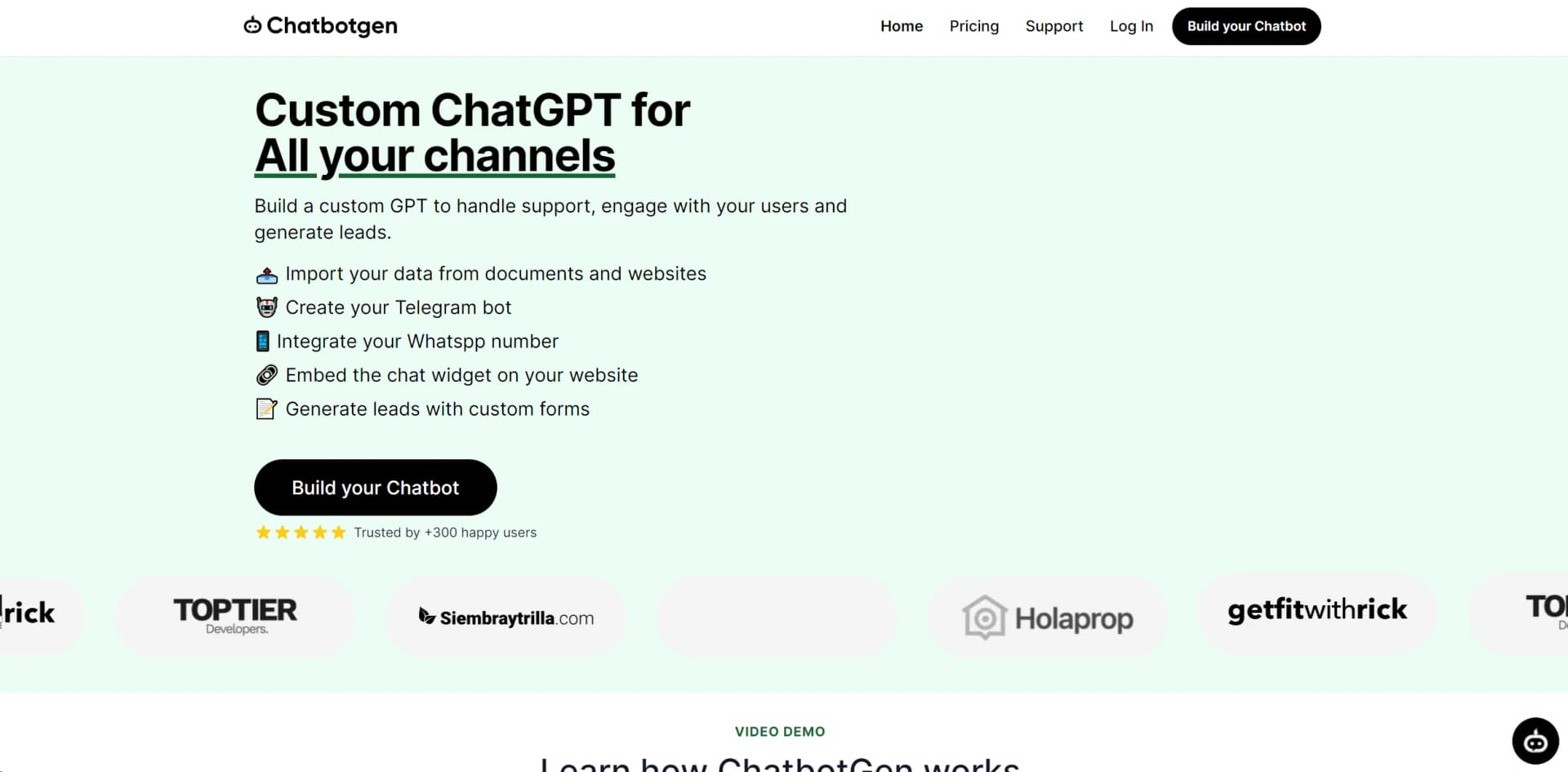
🔗 Embed your chatbot on your website
📱 Telegram and WhatsApp integration
📝 Generate leads with custom forms
📤 Train your chatbot with your website and documents
ChatbotGen distinguishes itself with its no-code automation platform that allows users to create a highly customized chatbot in a fraction of the time typically required. Its focus on ease of use, combined with sophisticated features like behavior customization and multilingual support, sets it apart in the crowded field of chatbot builders.
ChatbotGen is a powerful tool that excels in providing a no-code solution for creating custom chatbots with ease. It stands out with its extensive customization options and multilingual support, making it a versatile choice for businesses looking to enhance their customer interaction and service quality. Whether you're a small business owner or part of a larger organization, ChatbotGen offers an unmatched advantage in building and deploying intelligent chatbots that are aligned with your brand identity and operational needs.
Who is Using ChatbotGen?
E-commerce Businesses
Employing ChatbotGen to engage with customers and answer queries round-the-clock.
Educational Institutes
Utilizing the tool to provide instant responses to student inquiries and administrative questions.
Real Estate Agents
Leveraging the chatbot to answer property-related queries and capture leads.
Customer Support Teams
Using ChatbotGen to handle common support questions, freeing up human agents for more complex issues.
Uncommon Use Cases
Restaurants are using ChatbotGen to automate table reservations and menu inquiries; Event organizers are employing the tool for real-time event information and updates.
Key Features
Rating Breakdown
Pricing Plans
Pro Plan
$42. for a year of access
- Originally $120
Which ChatbotGen plan should you pick?
Start with Free to build and test; upgrade to Starter for a production website bot, Growth for AI tools, or Business for human handoff and higher volume.
Free
Good for testing one chatbot with limited messages, documents, URLs, and training characters.
Starter
Good for solo founders deploying a chatbot to one site with more messages and content.
Growth
Good for businesses that need lead capture, booking, email, webhooks, and higher usage limits.
Business
Good for teams running multiple bots that need human handoff, priority support, and serious volume.
ChatbotGen Use Cases
Customer support
Answer questions from business documentation and escalate conversations to humans when needed.
Outcome: Customers receive faster answers while difficult conversations reach a team member.
Sales assistance
Qualify visitors, capture contact details, and book demos or appointments.
Outcome: Businesses automate initial lead qualification and capture.
Real estate assistance
Answer property questions, search listings, qualify budgets, and schedule viewings.
Outcome: Prospects can find relevant properties and request follow-up.
E-commerce support
Answer product, shipping, returns, sizing, and order-related questions.
Outcome: Shoppers get immediate help across supported channels.
Healthcare or clinic reception
Answer appointment, insurance, practitioner, and preparation questions.
Outcome: Routine reception questions are handled before safe human handoff.
Workflow Ideas with ChatbotGen
Launch a website support bot
- 1Paste the website URL or upload documentation
- 2Customize the system prompt and widget appearance
- 3Copy the generated script onto the website
Automate lead capture
- 1Enable Lead Capture from the chatbot Tools tab
- 2Configure when the contact form should appear
- 3Review captured leads and export them to CSV
Connect WhatsApp support
- 1Open the WhatsApp channel setup
- 2Scan the QR code with the business phone
- 3Let the chatbot reply automatically and hand off conversations when needed
How ChatbotGen fits into your stack
Website Integration
Seamlessly connects with your existing website.
WhatsApp Integration
Enables chatbots to interact with users on WhatsApp.
API Integrations
Offers API access for more advanced customizations and integrations.
Team Collaboration
Supports inviting team members for collaborative chatbot management.
Pros
- +Accessibility: Empowers users to create chatbots quickly and easily, without needing to write code.
- +Customization: Offers a high degree of customization, from behavior to aesthetics, to make the chatbot truly your own.
- +Integration Capabilities: Supports a variety of integrations, making it versatile for different business needs.
- +Collaborative Features: Encourages teamwork by allowing multiple users to manage and edit the chatbot.
Cons
- −Learning Curve: Despite being user-friendly, there's an initial learning curve as users familiarize themselves with the features and customization options.
- −Message Limitations: The Pro plan limits users to 3,000 messages per month, which may not suffice for all businesses.
- −Document Upload Limitations: There's a cap on the number of file documents that can be uploaded, which could be restrictive for content-rich enterprises.
Limitations & when to consider alternatives
Known limitations
- No visual flow builder. ChatbotGen does not provide step-by-step decision-tree diagrams or a visual flow builder.
- Limited channel coverage. The documented channels are web, WhatsApp, and Telegram; Instagram, Messenger, SMS, and voice are not currently offered.
- Message-based usage limits. Plans limit monthly messages, so very high support volume may require a custom quote.
- File and training limits. Files are limited to PDF, DOCX, or TXT uploads up to 10 MB each, with additional per-plan document and character limits.
- Lead Capture is web-only. Lead Capture currently runs on the web widget; WhatsApp and Telegram visitors do not see the form.
Look elsewhere when
- You need Instagram, Messenger, SMS, or voice channels.
- You need a visual decision-tree flow builder.
- You need native image or scanned-document understanding.
How to Use ChatbotGen
- 1
ChatbotGen provides a video demo and tutorial to help users understand the setup process and customization options, ensuring a smooth learning curve.
Who is ChatbotGen For?
Small and mid-sized businesses
They can automate repetitive customer questions without hiring a developer.
Spanish-speaking teams
The interface, documentation, and support are available in Spanish as well as English.
Real estate agencies
They can answer property questions, search listings, qualify budgets, and request viewings.
Education organizations
Schools and institutes can train bots on their manuals, admissions information, fees, and calendars.
Agencies
Agencies can run several chatbots for different clients from one account.
Frequently Asked Questions
Does ChatbotGen offer a free tier?
Yes. The Free plan costs $0 and includes one chatbot, 50 monthly messages, and 400K training characters.
What can ChatbotGen train on?
It supports website URLs, PDF/DOCX/TXT files, question-and-answer pairs, and text snippets.
Which channels does ChatbotGen support?
ChatbotGen supports a web widget, WhatsApp, and Telegram.
How does WhatsApp connection work?
Connect a WhatsApp number by scanning a QR code; Meta approval and a Business app are not required.
What happens when the message limit is reached?
The chatbot stays running but replies to new visitors with a try-later message until the next billing period or an upgrade.
Can plans be changed later?
Plans can be upgraded instantly with prorated billing or downgraded at the end of the billing cycle.
Community reviews
Be the first to share your experience.
Sign in to leave a review for ChatbotGen.
ChatbotGen Alternatives
Looking for alternatives to ChatbotGen? Here are similar tools in the same category:
Learn to Master ChatbotGen
With Skill Leap courses
Get in-depth training on ChatbotGen and 50+ other AI tools with our expert-led video courses.
Start 7-Day Free Trial