
BashSenpai
AI assistant transforms instructions into terminal commands seamlessly.
Key Takeaways
- What it is
- AI assistant transforms instructions into terminal commands seamlessly.
- Pricing
- Freemium
- Best for
- AI-Driven Command Generation
- Contextual Understanding
- Self-Reflective Answering
- Rating
- 4.4/5
What is BashSenpai?
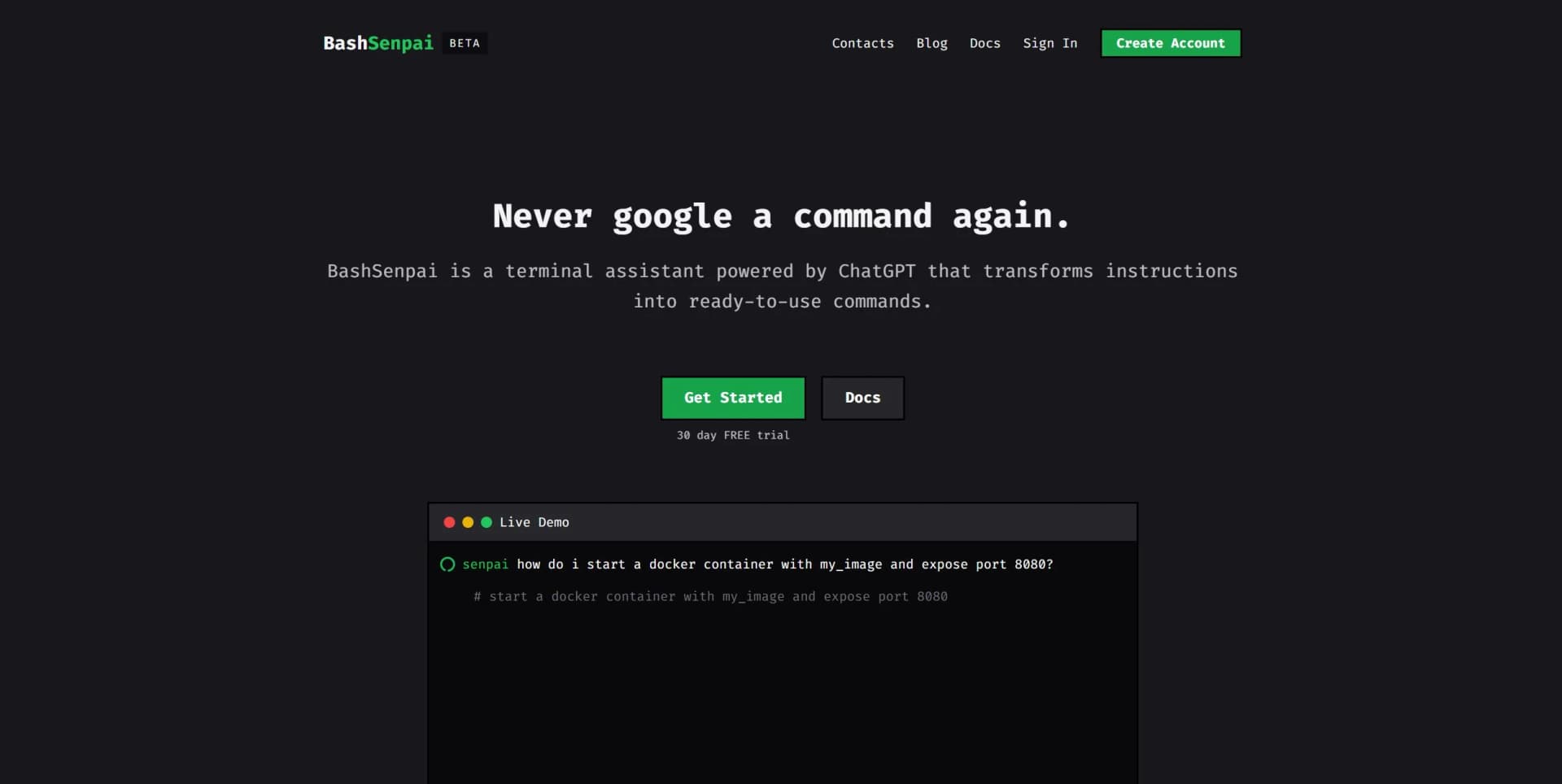
BashSenpai is an innovative AI-powered terminal assistant designed to enhance your command-line experience by transforming instructions into ready-to-use commands. Developed with the capabilities of ChatGPT, BashSenpai offers a seamless integration of AI into the terminal, aimed at professionals and enthusiasts looking to streamline their workflow. Whether you're a seasoned developer or a novice, BashSenpai simplifies complex command-line tasks, reducing the need to search for commands online.
BashSenpai stands out with its ability to transform natural language instructions into precise terminal commands, a game-changer for those who frequently use command-line interfaces. Its self-reflective answering process ensures high-quality responses, setting it apart from other terminal assistants.
BashSenpai offers a robust solution for those seeking to enhance their terminal productivity with the power of AI. Its ability to deliver precise, context-aware commands directly within the terminal makes it an invaluable tool for developers, system administrators, and beyond. With its unique features and user-friendly approach, BashSenpai is poised to revolutionize how we interact with command-line interfaces. Whether you're looking to save time, reduce errors, or simply enjoy a more engaging terminal experience, BashSenpai has something to offer.
Who is Using BashSenpai?
Software Developers
Streamlining coding and debugging processes with quick command access.
System Administrators
Enhancing efficiency in managing servers and networks.
Data Scientists
Simplifying data manipulation and analysis tasks in terminal environments.
DevOps Engineers
Automating and optimizing CI/CD pipelines with ease.
Uncommon Use Cases
Employed by hobbyist programmers exploring creative coding projects; adopted by educators for teaching command-line proficiency.
Key Features
Rating Breakdown
Pricing Plans
Paid Tier
Free
- Tokens
BashSenpai Use Cases
Generate shell commands
Describe a terminal task in natural language and receive a ready-to-use command.
Outcome: A command can be reviewed and executed without searching externally.
Explain a command
Ask BashSenpai to explain commands such as tar and receive common use cases with comments.
Outcome: Users understand what command examples do.
Troubleshoot terminal tasks
Ask contextual questions such as how to disable SSH connections.
Outcome: The user receives a context-aware shell solution.
Find files or directories
Ask the assistant to locate items such as a CUDA directory using shell commands.
Outcome: The terminal returns commands for checking environment variables or searching the filesystem.
Run generated commands
Use the post-response menu to choose whether to execute returned commands.
Outcome: Commands can be run directly from the terminal workflow.
Workflow Ideas with BashSenpai
Ask, review, and execute a command
- 1Enter a natural-language shell request
- 2Review the generated command and explanatory comments
- 3Use the execution menu to run the command
Maintain conversational terminal context
- 1Ask an initial shell-scripting question
- 2Ask a follow-up without repeating the context
- 3Use --new when a fresh conversation is needed
Improve environment-specific answers
- 1Enable OS metadata collection
- 2Ask a command or troubleshooting question
- 3Disable metadata with --no-meta when privacy or a different target environment matters
How BashSenpai fits into your stack
Desktop / IDE
BashSenpai sits directly in the terminal as a command-line assistant, using context and self-reflection to produce shell commands and scripting help.
Pros
- +Time Efficiency: Eliminates the need to constantly search for command syntax, saving valuable time.
- +User-Friendly: Offers an intuitive experience, even for users with limited command-line expertise.
- +Convenience: Integrates seamlessly into the terminal, providing answers without the need to switch platforms.
- +Free Trial: Offers a 30-day free trial, allowing users to explore its capabilities without financial commitment.
Cons
- −Limited to Terminal Use: Primarily beneficial for users who frequently work in a terminal environment.
- −Learning Curve for Advanced Features: Some advanced functionalities may require time to master.
Limitations & when to consider alternatives
Known limitations
- Usage-based billing. The service charges by prompt-token usage at $0.003 per 1,000 tokens.
- API token required. Users must authenticate the CLI with a personal API token obtained from the BashSenpai dashboard.
- Optional environment metadata. The CLI can send OS type, OS version, shell type, and architecture to improve responses; users can disable this.
- Command execution requires review. Generated commands are presented for user approval through a menu rather than being silently executed.
- Linux package coverage is selective. Official packages target specific Ubuntu, Fedora/RHEL/CentOS, Arch-based, and openSUSE distributions; additional distributions are listed as planned.
How to Use BashSenpai
- 1
Install the CLI
Install the package for your platform: Linux package manager, Homebrew on MacOS, or the Windows installer.
- 2
Create or access your account
Use the BashSenpai dashboard to obtain the personal API token required for CLI authentication.
- 3
Authenticate
Run `senpai login` and provide the API token so the CLI can access the BashSenpai service.
- 4
Ask a terminal question
Run `senpai` followed by a natural-language prompt, such as a request to disable SSH connections.
- 5
Review and execute output
Inspect the generated commands and use the execution menu when you want to run them.
- 6
Adjust context and formatting
Use options such as `--new`, `--no-meta`, `--run`, and color settings to control context, metadata, execution, and display.
Who is BashSenpai For?
Beginners
The tool provides informative shell-scripting answers, comments, and executable examples directly in the terminal.
Experienced users
Experienced terminal users can get contextual command suggestions and follow-up answers without leaving the shell.
Linux users
BashSenpai offers packages for Ubuntu-based, RPM-based, Arch-based, and openSUSE Linux distributions.
MacOS users
MacOS users can install the CLI through Homebrew.
Windows users
Windows users can install BashSenpai through the official installer.
Frequently Asked Questions
What is BashSenpai?
BashSenpai is a ChatGPT-powered terminal assistant that answers shell-scripting questions and produces ready-to-use commands.
Which operating systems are supported?
Official documentation provides installation paths for Linux, MacOS, and Windows.
How does BashSenpai use context?
The CLI can include previous conversation history and optional operating-system metadata to improve responses.
Can BashSenpai execute commands?
The CLI can display a menu for executing returned commands directly in the terminal.
Can the assistant's personality be customized?
Users can change the persona with commands such as “senpai become angry pirate,” or enter their own persona.
How is BashSenpai priced?
Usage is billed at $0.003 per 1,000 tokens, with no minimum usage, inactivity fee, or hidden fee.
Community reviews
Be the first to share your experience.
Sign in to leave a review for BashSenpai.
BashSenpai Alternatives
Looking for alternatives to BashSenpai? Here are similar tools in the same category:
Learn to Master BashSenpai
With Skill Leap courses
Get in-depth training on BashSenpai and 50+ other AI tools with our expert-led video courses.
Start 7-Day Free Trial