
Alpha3D
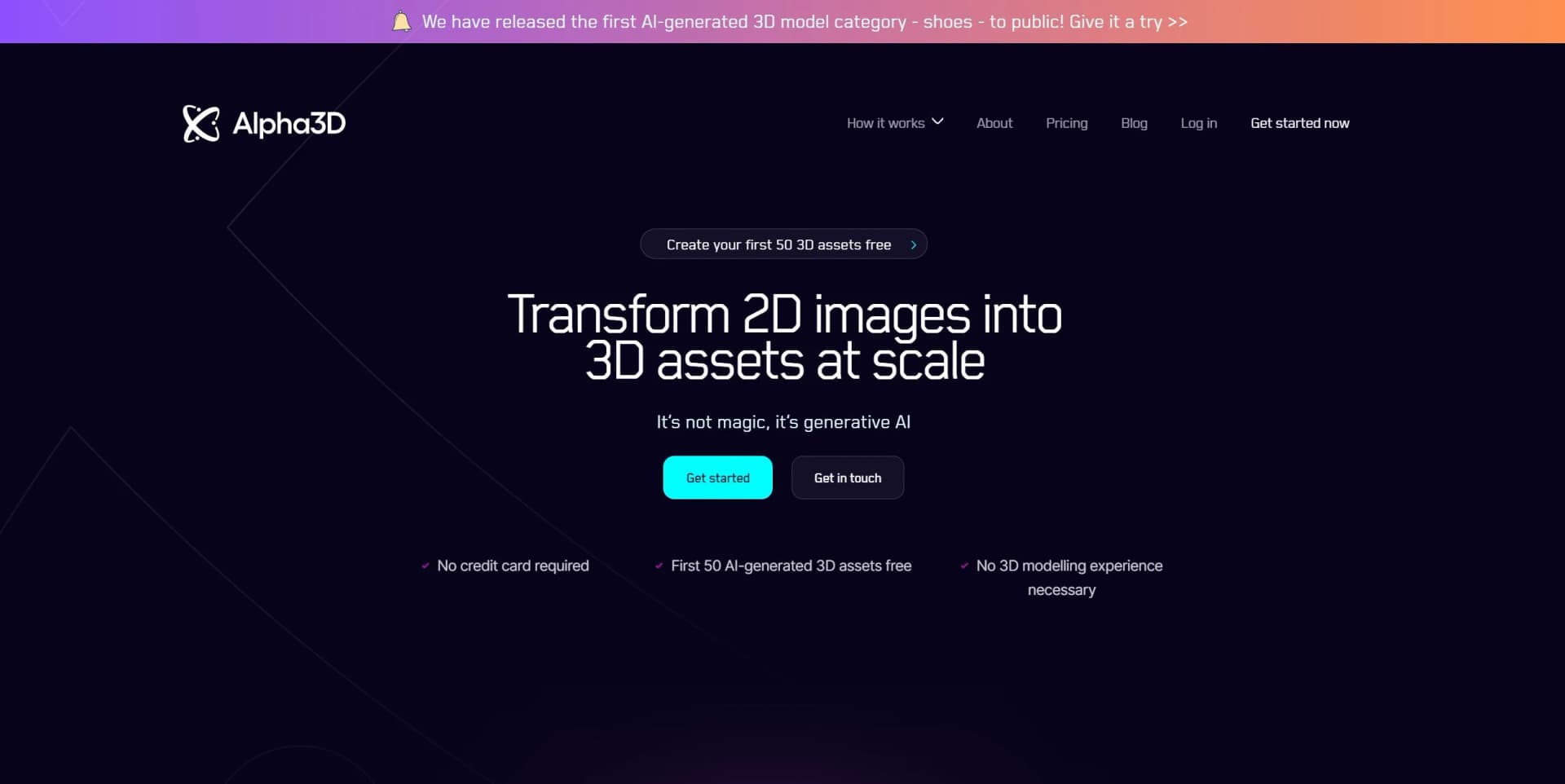
Alpha3D is a revolutionary generative AI-powered platform that transforms 2D images into high-quality 3D assets at scale.
Key Takeaways
- What it is
- Alpha3D is a revolutionary generative AI-powered platform that transforms 2D images into high-quality 3D assets at scale.
- Best for
- Text and 2D Image Conversion
- User-Friendly Interface
- Rapid Model Generation
- Rating
- 4.4/5
What is Alpha3D?
Alpha3D is a cutting-edge tool designed to empower users to effortlessly transform text and 2D images into fully-realized 3D models. This generative AI-powered platform is a godsend for those involved in creating augmented reality (AR) content, as it streamlines the traditionally expensive and complex process of 3D model creation. With no need for in-depth 3D modeling expertise or advanced design skills, Alpha3D democratizes the creation of digital assets, making it accessible to a broad audience ranging from professionals to hobbyists.
Alpha3D distinguishes itself with its ability to generate 3D models from simple text or images, making it a standout solution for rapid content creation. This feature is particularly beneficial for industries requiring quick turnarounds and cost-effective production of 3D assets.
Alpha3D excels in enabling rapid and cost-effective generation of 3D models from text and images, positioning itself as an indispensable tool for various users, especially those in AR content development and e-commerce. Its user-friendly interface and free initial asset creation offer make it an attractive option for those looking to explore 3D content creation without the traditional barriers. Despite its current limitations in object categories and unknowns regarding data privacy, Alpha3D's unique value proposition lies in its simplicity and efficiency, making it a strong contender in the realm of digital asset production.
Who is Using Alpha3D?
AR Content Developers
Utilizing the tool to quickly generate assets for augmented reality applications.
E-Commerce Retailers
Creating interactive 3D visuals of products for online shoppers.
Game Developers
Leveraging the platform to create assets for games and virtual environments.
Marketing Professionals
Enhancing promotional materials with 3D visuals.
Uncommon Use Cases
Educational institutions might use it for creating visual aids, while event planners could utilize it for designing 3D layouts of venues.
Key Features
Rating Breakdown
Pricing Plans
Free Models
- New users can create their first 50 3D assets without any charge
Subscription Plans
- While specific pricing details are not provided
- Users are encouraged to create a free account to learn more about the available options
Which Alpha3D plan should you pick?
Start with Tester to evaluate the pipeline; upgrade to Basic for full refinement features, Creator for higher volume, or Enterprise for dedicated GPU capacity and custom pools.
Tester
Good for individuals validating image, text, and multi-view 3D generation with a small monthly credit allocation.
Basic
Good for creators who need the full feature set, including quality tiers, Smart Topology, and UV Unwrapping.
Creator
Good for higher-volume production requiring 3,200 monthly 3D credits and priority email support.
Enterprise
Good for teams needing custom credit and token pools, dedicated GPU nodes, beta access, and high-volume usage.
Alpha3D Use Cases
Generate game assets
Turn a text prompt, photo, or multi-view reference into a 3D model.
Outcome: A game-ready source mesh for further refinement.
Refine topology
Apply Smart Topology with configurable polygon counts and quad or triangle output.
Outcome: Production-ready geometry for target engines.
Create AR and VR assets
Generate low-poly GLB or USDZ assets with optimized UVs for mobile and headset renderers.
Outcome: Assets prepared for immersive experiences.
Prepare 3D-printable models
Generate models and export STL or OBJ files for printing workflows.
Outcome: Slicer-ready 3D assets.
Automate asset pipelines
Connect generation, retopology, UV, texturing, rigging, and conversion in reusable workflow graphs.
Outcome: Repeatable batch asset production.
Workflow Ideas with Alpha3D
Photo to game-ready asset
- 1Upload a product or object photo
- 2Generate a textured 3D model
- 3Run retopology and UV unwrapping
- 4Export GLB, FBX, OBJ, or STL
Prompt to rigged character
- 1Enter a character description
- 2Generate the base 3D model
- 3Apply topology and texturing refinements
- 4Run AI Rigging and export FBX
Reusable studio pipeline
- 1Create a workflow graph with generation and refinement nodes
- 2Set topology, polygon, texture, and export standards
- 3Run the graph repeatedly across new assets
How Alpha3D fits into your stack
Cross-Platform File Format
Supports glb format, ensuring compatibility with various 3D and AR platforms.
No Specific Integrations Mentioned
The tool's website does not provide details on specific software integrations or plugin support.
Pros
- +Speed of Production: Accelerates the creation process, enabling users to go to market faster with their 3D content.
- +Accessibility: Opens up the field of 3D content creation to those without specialist knowledge or skills.
- +Cost Savings: Offers a more budget-friendly solution compared to conventional 3D modeling techniques.
- +Initial Free Assets: New users can generate their first 50 3D assets for free, providing a risk-free opportunity to assess the tool’s capabilities.
Cons
- −Limited Object Categories: The AI model is currently trained primarily on two categories: shoes and furniture, which may limit versatility.
- −Dependence on Input Quality: The quality of the generated 3D model may be heavily reliant on the quality of the input image or text description.
- −Potential for Inaccuracy: While AI technology has made strides, there may be occasional inaccuracies in the translation from 2D to 3D.
Limitations & when to consider alternatives
Known limitations
- Tester plan has limited capabilities. The Tester plan provides 90 3D credits, supports up to two multi-view angles, and excludes low-poly, retopology, UV unwrapping, and rigging.
- Photo quality affects results. Clear, well-lit images with strong contrast and uncluttered backgrounds produce better outputs.
- Photo conversion is category-dependent. The photo workflow is currently optimized for categories such as shoes and furniture, with more categories added over time.
- Exact brand-precise assets may need manual work. Alpha3D’s documentation says brand-precise assets and hero characters may require skilled artist refinement.
- Native product variant switching is unavailable. The product configurator guide says Alpha3D does not support variant switching natively and requires custom JavaScript.
Look elsewhere when
- You need a native iOS or Android app.
- You need shared workspaces with named collaborators and roles.
- You need user-controlled model fine-tuning.
- You need built-in code generation.
How to Use Alpha3D
- 1
The website encourages users to sign up for an account to learn more about the tool, implying that tutorials or additional learning resources may be available post-registration.
Who is Alpha3D For?
Game developers
Generate, optimize, rig, and export game-ready assets for Unity, Unreal, and other engines.
Technical artists
Control topology, polygon counts, UVs, materials, and production pipeline outputs.
Indie creators
Create usable 3D assets without extensive modeling expertise or a large art team.
3D printing creators
Generate and export watertight STL and OBJ models for slicer workflows.
E-commerce teams
Create catalogue-ready product models from photos for web and AR commerce experiences.
Frequently Asked Questions
What is Alpha3D?
Alpha3D generates production-ready 3D models from images, multiple angles, or text, then supports retopology, UV unwrapping, and re-texturing.
What is Alphred?
Alphred is Alpha3D’s conversational AI agent that chains image generation, background removal, and 3D submission tools.
What are Tokens?
Tokens pay for Alphred’s AI-agent thinking time and are separate from 3D operation credits.
What are 3D credits?
3D credits pay for generation and refinement jobs that produce or modify meshes.
What plan tiers are available?
The plans are Tester, Basic, Creator, and Enterprise, with increasing credits, tokens, features, and support.
Can I buy extra credits without changing my plan?
Yes. Alpha Go credit packs are one-time purchases that top up the 3D credit balance and do not expire.
Community reviews
1 review from people who use Alpha3D.
Sign in to leave a review for Alpha3D.
Thibault BM
Alpha3D Alternatives
Looking for alternatives to Alpha3D? Here are similar tools in the same category:
Learn to Master Alpha3D
With Skill Leap courses
Get in-depth training on Alpha3D and 50+ other AI tools with our expert-led video courses.
Start 7-Day Free Trial