AirBrush AI Headshots
AI-driven tool for seamless, professional headshot enhancement.
Key Takeaways
- What it is
- AI-driven tool for seamless, professional headshot enhancement.
- Pricing
- Freemium
- Best for
- AI-Powered Retouch
- Photo Eraser
- Image Background Remover
- Rating
- 4.6/5
What is AirBrush AI Headshots?
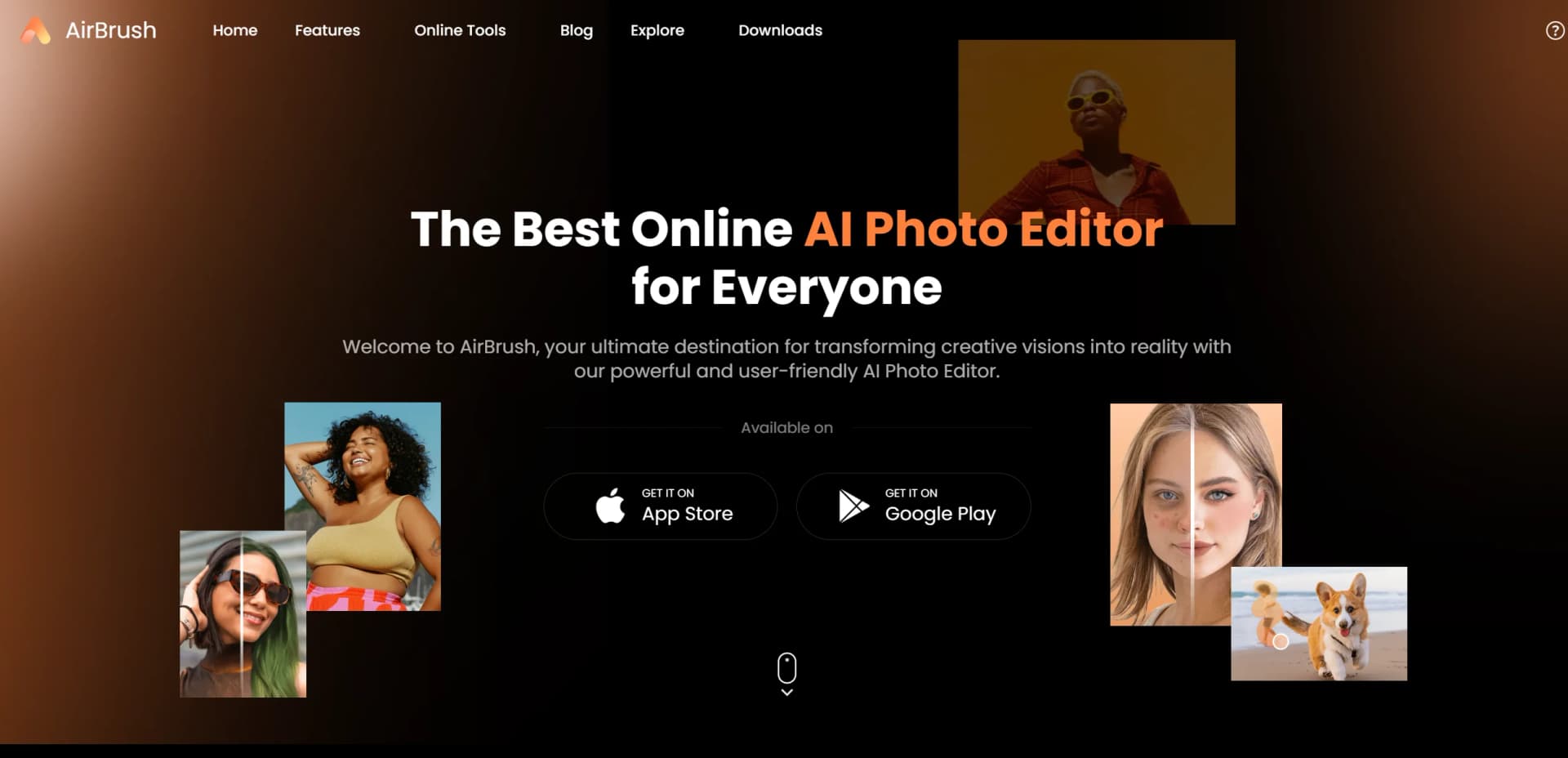
AirBrush AI Headshots is a revolutionary tool designed to elevate portrait editing through advanced AI technology. It offers a suite of features aimed at enhancing, retouching, and transforming headshots to achieve professional-quality results effortlessly. Perfect for photographers, social media influencers, and creative professionals, AirBrush AI Headshots simplifies the process of creating flawless images with just a few clicks.
AirBrush AI Headshots stands out with its comprehensive suite of AI-powered editing tools, making it a game-changer for anyone looking to produce high-quality imagery effortlessly. Its capability to seamlessly integrate advanced AI features like face swap and background removal sets it apart, offering users an unparalleled editing experience.
AirBrush AI Headshots offers a powerful blend of AI technology and user-friendly design, making it an essential tool for anyone aiming to enhance their portrait editing capabilities. With its array of features and competitive pricing, it provides exceptional value for photographers, influencers, and creative professionals seeking to produce stunning images with minimal effort. Whether you're a seasoned editor or a beginner, AirBrush AI Headshots is sure to streamline your workflow and elevate the quality of your visual content.
Who is Using AirBrush AI Headshots?
Photographers
Leveraging the tool for efficient and professional photo editing.
Social Media Influencers
Using it to enhance and perfect images for engaging online content.
Creative Professionals
Employing the tool for versatile editing in various creative projects.
Marketing Teams
Utilizing the tool for producing high-quality visual content for campaigns.
Uncommon Use Cases
Adopted by educational institutions for teaching digital content creation; used by fashion designers for visualizing garment designs on models.
Key Features
Rating Breakdown
Pricing Plans
Free Tier
Free
- Experience basic features of AirBrush AI Headshots with limited access
Which AirBrush AI Headshots plan should you pick?
Start with Free for occasional edits, choose Web Plus for online exports, or upgrade to Studio Pro or Studio Master for desktop batch editing and more AI credits.
Free
Good for users who need basic editing and limited free usage before paying for exports or additional credits.
Web Plus Monthly
Good for online users who need 80 monthly credits, 10 GB upload space, and unlimited exports within available credits.
Web Plus Annually
Good for regular web users who want the same 80-credit monthly allowance at an annual discount.
Studio Pro - Annual
Good for desktop portrait editors who need unlimited portrait-retouching exports, 50 AI credits, batch processing, and two-device support.
Studio Master - Annual
Good for heavier desktop users who need 500 AI credits, advanced generative editing, text-to-image models, and batch processing.
AirBrush AI Headshots Use Cases
LinkedIn profile photos
Transform an existing photo into a polished professional headshot.
Outcome: A clean profile image suitable for LinkedIn.
Company team headshots
Apply consistent lighting, backgrounds, and styling across employee photos.
Outcome: A visually consistent team directory or company website.
Graduation headshots
Upload student photos and apply a shared preset across the class.
Outcome: Consistent graduation portraits without a studio session.
Professional profile images
Create photos for resumes, doctor profiles, real estate listings, speaker bios, and email signatures.
Outcome: Ready-to-use professional profile imagery.
Batch portrait editing
Save retouching, color, and background settings and apply them to multiple photos.
Outcome: Faster, more consistent headshot delivery.
Workflow Ideas with AirBrush AI Headshots
Create a consistent team headshot set
- 1Upload employee photos
- 2Create or select a headshot preset
- 3Apply the preset across the batch and export
Make a professional LinkedIn photo
- 1Upload a clear, well-lit photo
- 2Apply the Headshot preset
- 3Fine-tune the result and export
Process graduation portraits
- 1Upload student photos
- 2Apply shared retouching and background settings
- 3Export consistent portraits for the class
How AirBrush AI Headshots fits into your stack
Browser
Airbrush provides browser-based photo editing and AI headshot generation without requiring installation. Users upload images, apply presets or AI edits, and export the result.
Desktop / IDE
Airbrush Studio is a dedicated Windows and macOS application for batch imports, smart presets, synchronized edits, fine-tuning, and batch exports.
Mobile
The Airbrush native mobile app provides portrait retouching, background editing, AI tools, video editing, and Pro Headshots on iOS and Android.
Pros
- +User-Friendly Interface: The intuitive design makes it accessible for users of all skill levels, from beginners to professionals.
- +Time Efficiency: Significantly reduces the time required for photo editing, allowing for quicker turnarounds.
- +Cost-Effective: Offers powerful editing tools without the hefty price tag associated with traditional software.
- +Versatile Tools: Provides a wide range of features that cater to various editing needs, from simple retouches to complex transformations.
Cons
- −Limited Free Features: Some advanced functionalities require a paid subscription for full access.
- −Initial Learning Curve: Users may need time to explore and become comfortable with all available tools.
- −Internet Dependency: Online tools require a stable internet connection for optimal performance.
Limitations & when to consider alternatives
Known limitations
- Headshot uploads have format and size limits. The online headshot generator accepts JPG, PNG, JPEG, WEBP, and GIF files up to 10 MB.
- Clear, well-lit source photos work best. Airbrush recommends centered, visible faces and says cleaner originals produce better results.
- Subscription credits expire. Unused Web subscription credits expire at the end of the subscription term, while purchased credits remain valid for one year.
- Studio credits do not roll over. Unused Studio generative credits expire at the end of each billing cycle.
- Studio language support is currently limited. Airbrush Studio currently supports English only.
Look elsewhere when
- You need a documented developer API.
- You need SSO or SAML authentication.
- You need a shared collaborative workspace.
- You need a browser extension.
How to Use AirBrush AI Headshots
- 1
Open the Headshot Generator
Use the online generator or open Airbrush Studio and locate the Headshot preset in Smart Presets.
- 2
Upload a suitable photo
Choose a clear, well-lit image with a centered and visible face; supported online formats include JPG, PNG, JPEG, WEBP, and GIF.
- 3
Choose a style or preset
Select the desired headshot style or save the Headshot preset to My Presets.
- 4
Apply the preset
Use the preset to apply consistent retouching, color, lighting, and background adjustments.
- 5
Customize the result
Fine-tune the image with Airbrush editing tools if additional adjustments are needed.
- 6
Export the headshot
Export the finished image in one click; paid credits or plan allowances may be required for exports.
Who is AirBrush AI Headshots For?
Job seekers
Create polished professional photos for LinkedIn profiles and resumes.
Photo editors
Use presets, retouching, backgrounds, and batch delivery to edit headshots more efficiently.
HR teams
Standardize employee headshots with consistent lighting, backgrounds, and styling.
Schools
Create consistent graduation headshots for an entire class.
Photographers and creators
Use desktop retouching, batch editing, and high-resolution exports for professional image work.
Frequently Asked Questions
What kind of photos can I use to create a professional headshot?
Use a clear, well-lit photo with the face centered and visible.
Can I edit multiple headshots at once?
Yes. Save retouching, color, and background settings as a preset and apply them across a batch.
Is my photo safe and private?
Uploaded photos are used to generate the headshot and are deleted from the server after processing.
Can I use the result for LinkedIn and other profiles?
Yes. Airbrush lists LinkedIn, resumes, company websites, team directories, and other professional profiles.
What operating systems does Airbrush Studio support?
Airbrush Studio supports Windows 10 and above and macOS 11 and above.
What happens when Studio credits run out?
Standard editing remains available, but AI generation features are unavailable until credits refresh or the plan changes.
Community reviews
1 review from people who use AirBrush AI Headshots.
Sign in to leave a review for AirBrush AI Headshots.
严佛调
AirBrush AI Headshots Alternatives
Looking for alternatives to AirBrush AI Headshots? Here are similar tools in the same category: