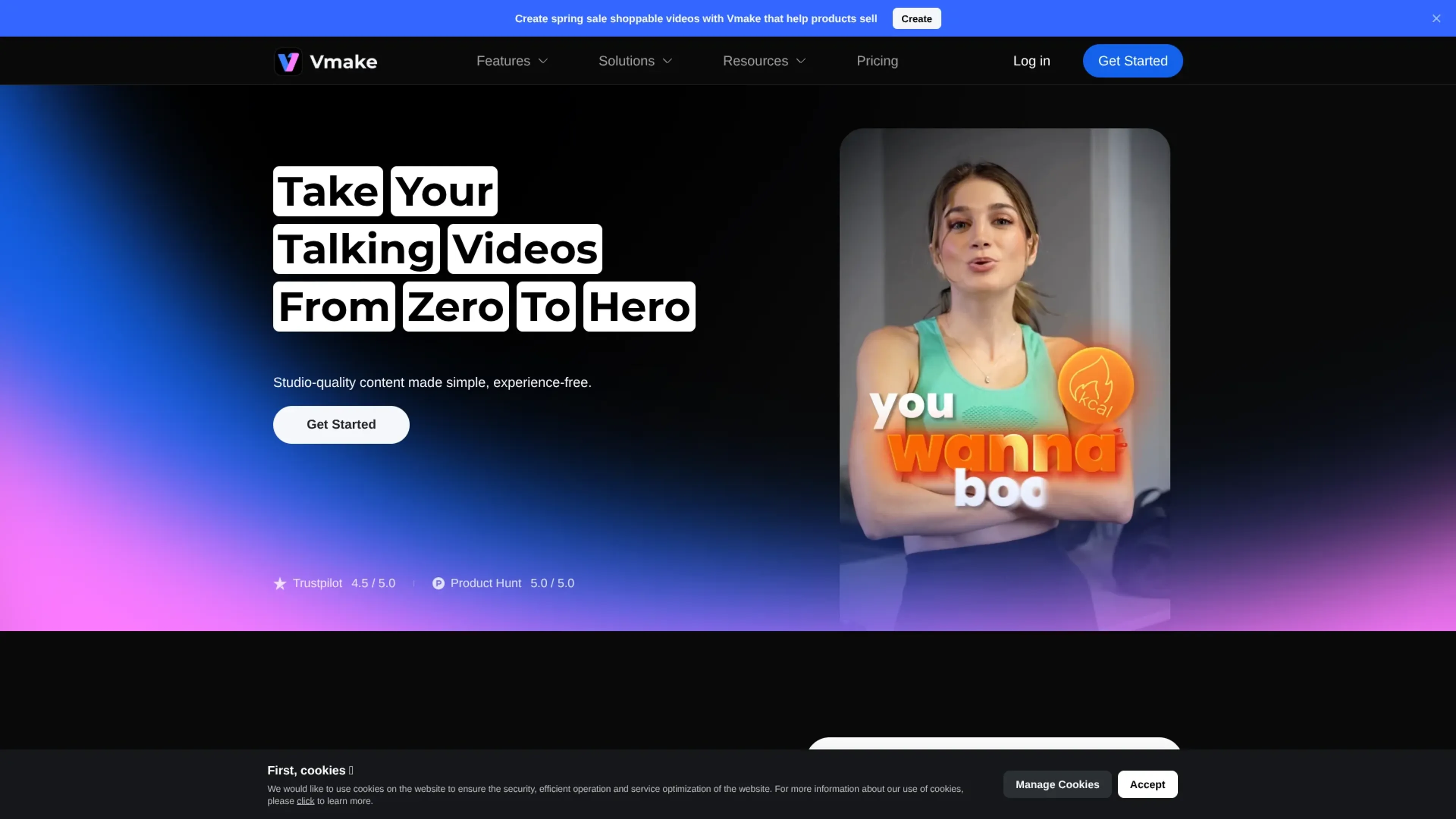
Vmake focuses on AI-first talking video creation, giving creators studio-style tools for recording, enhancing, captioning, and cleaning social-ready clips without traditional editing experience. It combines AI video enhancement, auto subtitles, watermark and text removal, background removal, image tools, and an app-only AI teleprompter in a single workflow targeted at short, talking-head and product videos.
Key Features:
AI talking video studio: Tools for UGC-style videos, viral video cloning, AI avatar generation, hook and caption generation, and product video templates, all tuned for social platforms.
AI enhancement suite: Video upscaling, denoising, sharpening, audio clean-up, and background removal to turn low-quality clips into sharper, cleaner content in a few clicks.
Auto captions and transcription: Automatic speech-to-text with styled captions, plus video and audio transcription to reuse scripts, repurpose content, or edit by text.
Watermark and text removal: Dedicated tools to remove watermarks, text overlays, logos and TikTok marks from video and images, including model-specific removers for Sora, Gemini, Kling and Nano Banana outputs.
AI image and thumbnail tools: Image enhancement, watermark removal, AI image generation and an AI thumbnail maker for scroll-stopping cover images and product photography.
AI Teleprompter (mobile app): An app-only teleprompter that scrolls scripts while recording, helping presenters maintain eye contact and natural delivery on camera.
Pros
Built around talking videos: Every major feature is oriented toward face-to-camera, short-form and product explainers, so creators are not wading through irrelevant pro-editing tools.
Strong quality boost for everyday footage: The enhancer, denoiser and upscaler can rescue noisy phone clips and improve clarity for platforms that punish low-quality uploads.
Fast repurposing workflow: Watermark and text removal, captioning, and transcription make it practical to recycle old assets or cross-post clips between platforms.
Cross-device availability: A browser-based editor, mobile apps, and a Chrome extension give creators flexibility in how and where they work.
Social proof and creator focus: Ratings surfaced from Trustpilot and Product Hunt plus industry-specific pages for agencies, e-commerce, fitness and real estate indicate a creator-centric roadmap.
Cons
Not a full nonlinear editor: Compared with traditional NLEs, timeline-level control, multi-layer compositing, and detailed audio mixing appear limited.
Cloud dependency: Processing higher resolutions or longer clips will depend on queue times and network speed, which some users may find slow compared with local tools.
Mixed third-party anecdotes on billing/support: A few external user reports mention subscription and support frustrations, so cautious users may prefer starting on the free tier before upgrading.
Who is Using Vmake?
Short-form creators and influencers: Producing TikTok, Reels, and Shorts content with talking-head hooks, captions, and quick clean-up tools.
E-commerce brands and DTC marketers: Creating AI-enhanced product explainers, demo videos, and polished thumbnails that can lift click-through and conversions.
Agencies and social media teams: Scaling batches of client clips, removing watermarks, standardizing captions, and outputting platform-specific versions at speed.
Fitness, health, and real estate professionals: Recording expert tips, listing tours, and social proof videos without hiring a dedicated editor.
Uncommon Use Cases: Used by SaaS startups to turn webinars into bite-sized talking clips for onboarding; adopted by HR and internal comms teams to standardize executive update videos.
Pricing:
Free: $0 per month. Includes 50 credits on first login, 20 credits daily, limited feature access, and limited AI models with watermark included.
Plus: $9.99 per month. Includes 1,000 credits per month, core tools up to 10 times daily, video and image enhancement tools, video and image generation, access to Sora 2, Veo 3.1, Seedream 4.0, and GPT Image 1, exports up to 1080p, and commercial use.
Pro: $29.99 per month. Includes 4,500 credits per month, core tools up to 50 times daily, everything in Plus, additional model access including Seedance 1.0 Pro / Lite, Wan 2.2, Kling O1, Kling 2.6, Nano Banana2, Nano Banana Pro, and Nano Banana, exports up to 2K and 4K, and commercial use.
Disclaimer: Please note that pricing information may not be up to date. For the most accurate and current pricing details, refer to the official Vmake website.
What Makes Vmake Unique?
Vmake stands out by tightly aligning its AI toolkit with the realities of creator workflows: talking-head clips, UGC ads, and social-first product videos. The combination of AI video enhancement, watermark and text removal, auto captions, and AI Teleprompter covers the full journey from idea and script to polished, platform-ready post. Few tools also highlight model-specific watermark removers alongside classic TikTok and logo cleaning, which signals a close eye on the new generation of AI-generated footage creators are remixing.
How We Rated It:
Accuracy and Reliability: 4.0/5
Ease of Use: 4.6/5
Functionality and Features: 4.4/5
Performance and Speed: 4.1/5
Customization and Flexibility: 3.9/5
Data Privacy and Security: 3.8/5
Support and Resources: 3.7/5
Cost-Efficiency: 4.3/5
Integration Capabilities: 3.5/5
Overall Score: 4.0/5
Fast AI Talking Videos For Busy Creators:
Vmake offers a focused set of AI tools that make short-form talking videos and social ads far more achievable for solo creators, small teams, and marketers who lack traditional editing expertise. Its strengths lie in speeding up boring but necessary steps: improving quality, cleaning footage, adding captions, and stripping watermarks so clips can live on multiple platforms. For users who want a creator-centric AI video assistant rather than a full-blown editing suite, Vmake presents a compelling, budget-friendly option, especially when starting on the free tier and scaling into Pro as content volume grows.