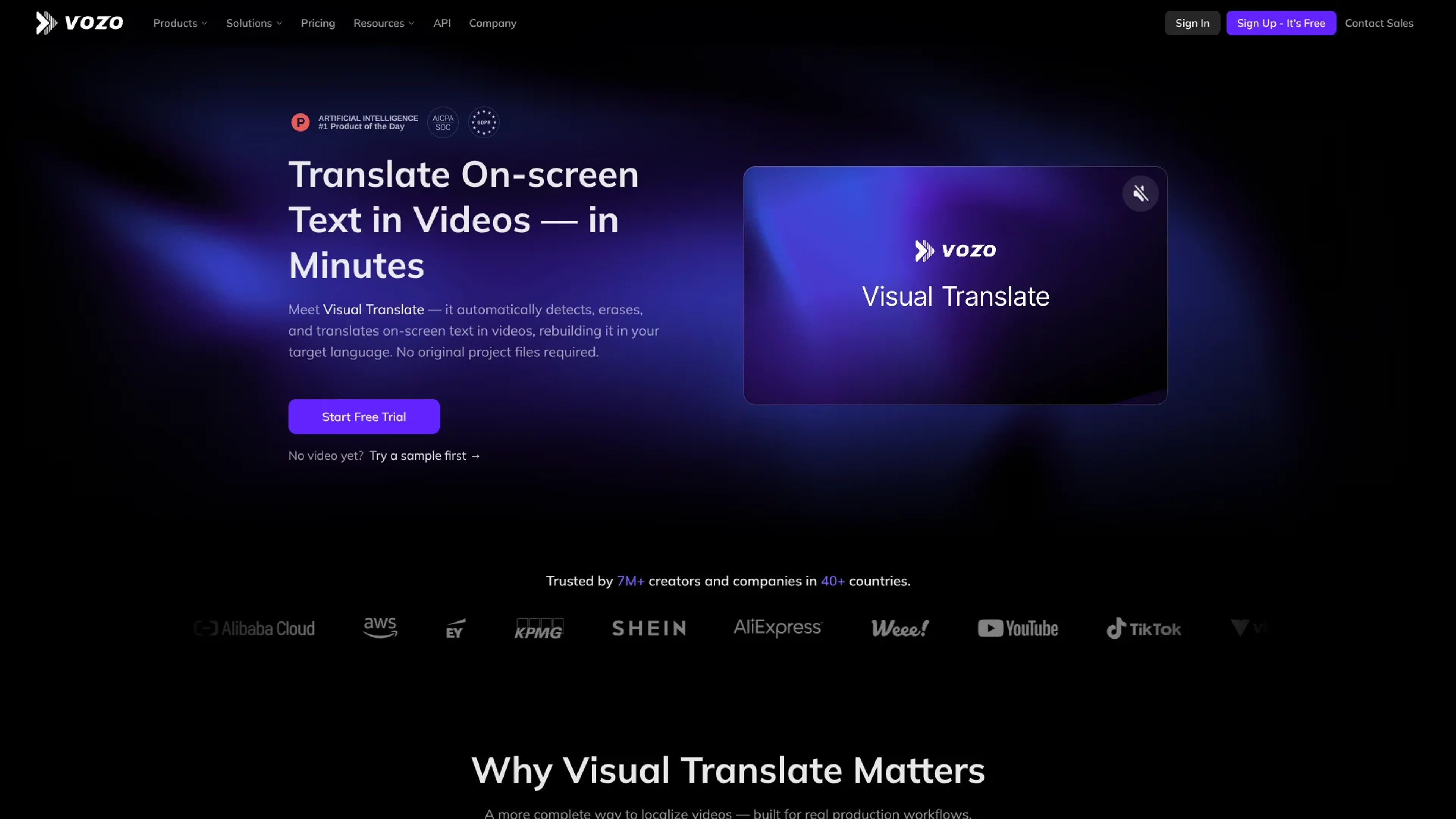
Visual Translate on vozo.ai focuses on one very specific headache in video localization: on-screen text. Instead of only translating audio or subtitles, it uses AI to detect titles, labels, captions, and annotations directly in the video frame, erase them, translate them, and then rebuild the visual layer in the target language. It aims this at creators, marketing teams, trainers, and enterprises that want localized videos without opening original editing project files.
Key Features:
AI on-screen text detection: Automatically finds text in slides, lower thirds, labels, UI callouts, and other visual elements.
Context-aware translation: Uses multilingual AI to translate with regard to meaning and terminology, backed by glossaries and custom prompts.
Rebuild engine and styling control: Erases original text then recreates it with adjustable font, size, color, layout, and per-scene readability.
Timeline and animation control: Lets users tweak when text appears, how long it stays, and how it animates to stay in sync.
Side-by-side proofreading editor: Shows original and translated frames together so users can review, edit, or retranslate specific elements.
Pipeline to other Vozo tools: Sits alongside Vozo’s subtitles, dubbing, and lip sync features for end-to-end video localization.
Pros
True visual localization: Addresses what viewers actually see on screen, not just what they hear or read in subtitles.
No project files required: Works from rendered video files, which suits agencies or teams lacking original edit timelines.
Strong creative control: Per-text styling, timing, and tone controls make it possible to keep brand identity intact.
Enterprise readiness: Team workspaces, admin controls, SOC 2 Type II controls in progress, and GDPR-aligned handling appeal to larger organizations.
Fast experimentation: Sample scenarios for slide decks, training videos, and promos help teams test outputs in minutes.
Cons
Clip length limit per job: Visual Translate currently supports up to around 5 minutes per file, so long videos need splitting.
Complex motion graphics may need polish: Very dense or highly animated layouts can still require manual tweaking after AI processing.
1080p output cap: Input supports up to 4K, but output for Visual Translate is limited to 1080p.
Who is Using Visual Translate?
Localization teams and agencies: Updating lower thirds, supers, and callouts across multi-language TV, social, and OTT campaigns.
Corporate training and L&D teams: Translating safety instructions, equipment labels, and on-screen steps in e-learning and compliance videos.
Marketing and growth teams: Adapting product walkthroughs, launch promos, and feature highlight reels for new regions.
Course creators and educators: Localizing slide-heavy lectures, webinar recordings, and MOOC content without rebuilding decks.
Uncommon Use Cases: Used by museums for localized exhibit walkthrough videos; adopted by NGOs for multilingual safety and public awareness clips.
Pricing:
Free: $0 per month; includes limited AI translation (3 projects), 20 AI points for trial use, ~6 AI dubbing minutes, ~2 lip sync minutes, ~2 visual translate minutes, access to AI tools for up to 3 projects, 1 seat with 1 concurrent task, and up to 20 minutes per video.
Creator: $29 per month; includes unlimited AI translation, 150 AI points per month, ~50 AI dubbing minutes, ~15 lip sync minutes, ~15 visual translate minutes, all AI tools unlocked, 1 seat with up to 2 concurrent tasks, up to 60 minutes per video, and watermark removal.
Studio: $99 per month; includes unlimited AI translation, 600 AI points per month, ~200 AI dubbing minutes, ~60 lip sync minutes, ~60 visual translate minutes, all AI tools unlocked, 3 seats with up to 6 concurrent tasks, up to 120 minutes per video, bulk upload, glossary & brand governance, and faster processing.
Studio XL: $249 per month; includes unlimited AI translation, 1,500 AI points per month, ~500 AI dubbing minutes, ~150 lip sync minutes, ~150 visual translate minutes, all Studio features, and 6 seats with up to 12 concurrent tasks.
Studio XXL: $649 per month; includes unlimited AI translation, 4,000 AI points per month, ~1,330 AI dubbing minutes, ~400 lip sync minutes, ~400 visual translate minutes, all Studio features, and 10 seats with up to 20 concurrent tasks.
Enterprise: Custom pricing; includes large volume discounts, security & compliance, no training on your data, API access, enterprise-grade SLA, contracts & invoicing, more seats & concurrency, dedicated account manager, and priority customer support.
Disclaimer: Please note that pricing information may not be up to date. For the most accurate and current pricing details, refer to the official Visual Translate website.
What Makes Visual Translate Unique?
Visual Translate stands out by attacking the “visual gap” in video localization. Many tools handle dubbing or subtitles while leaving on-screen English text untouched, which breaks immersion and clarity. Here, computer vision and OCR find text in the frame, translation models adapt it across dozens of languages, and a generative layout engine rebuilds the graphics so they still look designed, not pasted on. The tight connection to Vozo’s dubbing, subtitles, and lip sync tools means teams can build a full multilingual version of a video within one ecosystem rather than juggling several apps.
How We Rated It:
Accuracy and Reliability: 4.4/5
Ease of Use: 4.5/5
Functionality and Features: 4.6/5
Performance and Speed: 4.3/5
Customization and Flexibility: 4.5/5
Data Privacy and Security: 4.3/5
Support and Resources: 4.2/5
Cost-Efficiency: 4.6/5
Integration Capabilities: 4.1/5
Overall Score: 4.4/5
Fast On-screen Video Translation For Global Teams:
Visual Translate gives teams a focused tool for the part of localization that usually gets skipped or left to expensive manual re-editing. By combining AI-based detection, translation, and visual reconstruction in a browser-first workflow, it shortens turnaround times for localized assets while still letting users fine-tune brand styling and wording. For anyone regularly producing slide-based content, training videos, or promos for multiple regions, it offers a sharp, modern alternative to rebuilding every version inside a traditional video editor.