
Torq
Boost productivity with AI-driven task automation, prioritization, and seamless app integration.
Key Takeaways
- What it is
- Boost productivity with AI-driven task automation, prioritization, and seamless app integration.
- Pricing
- Freemium · $9.99 per month
- Best for
- Advanced Task Automation
- Intelligent Prioritization
- Seamless Integration
- Rating
- 4.6/5
What is Torq?
Torq is an innovative AI tool designed to serve as your ultimate productivity assistant. In the fast-paced world we navigate today, efficiency and time management are more crucial than ever. Torq steps in to revolutionize the way we approach our daily tasks, leveraging cutting-edge AI technology to streamline processes, automate repetitive actions, and significantly enhance productivity. Whether you're a professional looking to optimize your workflow, a student aiming to manage your study time better, or anyone in between, Torq is engineered to simplify your life.
Torq stands out with its unparalleled ability to adapt to individual user preferences and workflows, a game-changer for personal and professional productivity. Its intelligent task prioritization and customizable automation rules set it apart, offering users a truly personalized productivity boosting experience.
Torq excels in providing a highly customizable and intelligent productivity solution, making it an essential tool for a wide range of users. Its standout features, particularly the advanced task automation and intelligent prioritization, offer an unmatched advantage in managing time and tasks efficiently. Whether you're looking to optimize your personal or professional life, Torq's adaptable and user-friendly platform is designed to meet and exceed your productivity goals.
Who is Using Torq?
Project Managers
Utilizing the tool to streamline project coordination and task delegation.
Freelancers
Employing Torq to manage multiple client projects efficiently.
Students
Leveraging the tool to organize study schedules and academic responsibilities.
Entrepreneurs
Using Torq to keep track of various business operations and personal tasks.
Uncommon Use Cases
Professionals in creative industries use Torq to manage brainstorming and idea development processes; Health and wellness coaches use it for scheduling and client management.
Key Features
Rating Breakdown
Pricing Plans
Free Tier
Free
- Experience Torq with a generous free trial period
Pro Tier
$9.99 per month
Which Torq plan should you pick?
Start with the Free plan for browser-based text, search, translation, and email assistance; upgrade only if Torq introduces a documented paid tier that matches your needs.
Free
Good for users who need rapid text processing, ChatGPT responses integrated with Google searches, email generation, and flexible search management.
Torq Use Cases
Draft emails
Generate email messages quickly with one click.
Outcome: Faster email communication.
Reply to incoming emails
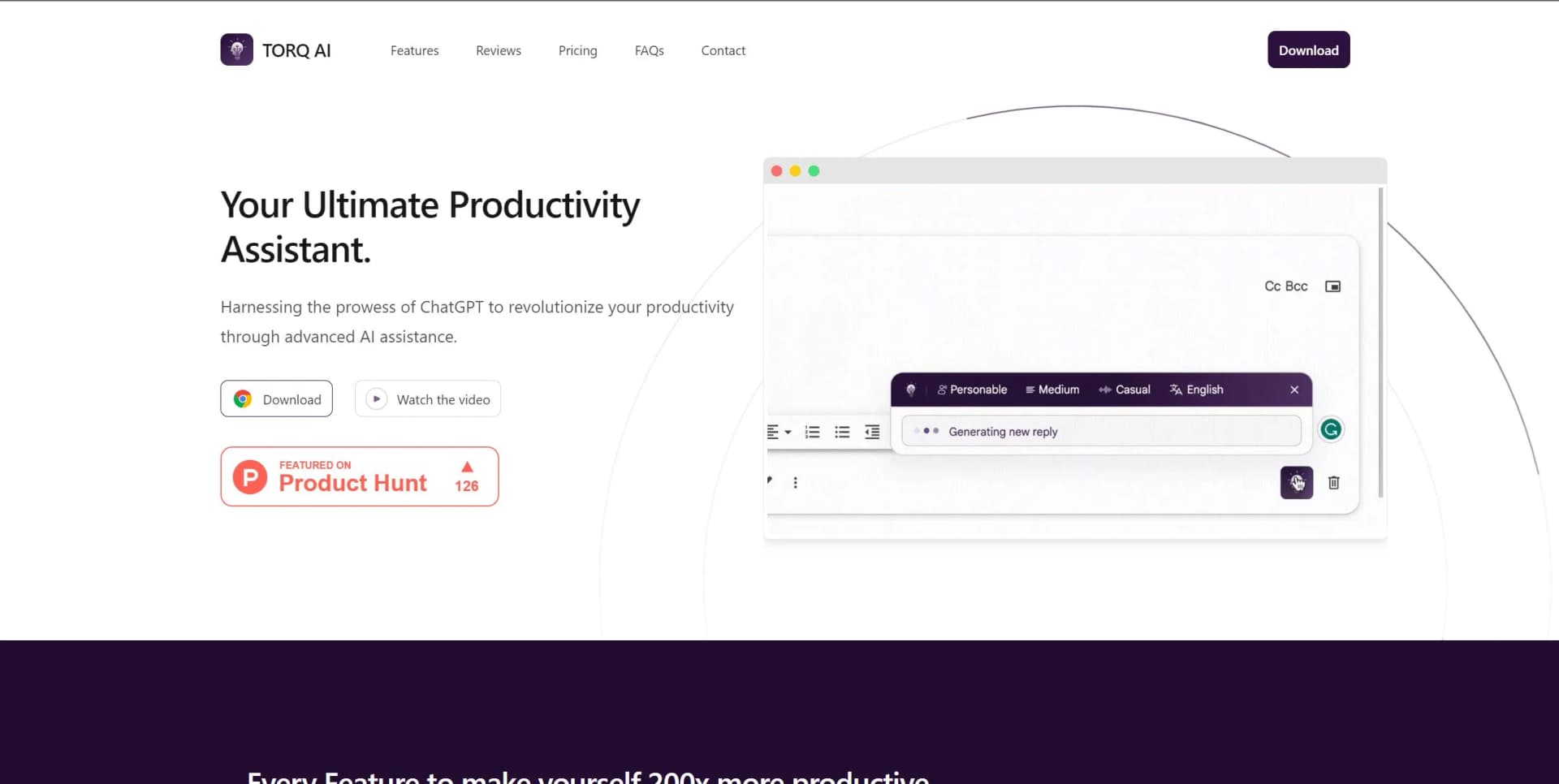
Use automated reply generation for incoming Gmail messages.
Outcome: Quicker responses.
Process webpage text
Select text on a webpage and use Torq for analysis, simplification, enhancement, or rephrasing.
Outcome: More efficient reading and writing.
Translate webpage text
Translate selected website text into a preferred human language.
Outcome: Easier multilingual browsing.
Search with AI assistance
Combine ChatGPT interactions with Google Search results inside the browsing experience.
Outcome: Faster access to information.
Workflow Ideas with Torq
Research and summarize a webpage
- 1Select text on the current webpage
- 2Click the Torq AI icon
- 3Ask Torq for an explanation or simplified response
Handle an incoming Gmail message
- 1Open the message in Gmail
- 2Use Torq's Gmail Smart Reply feature
- 3Review and send the suggested response
Translate selected content
- 1Highlight text on a website
- 2Open Torq AI from the browser
- 3Request translation into the preferred language
How Torq fits into your stack
Popular Productivity Suites
Torq integrates with tools like Microsoft Office and Google Workspace.
Task Management Apps
Seamlessly works with apps like Trello and Asana.
Email Platforms
Integrates with email services for efficient communication management.
Custom API Access
For businesses and developers looking to build custom integrations.
Pros
- +Increased Productivity: By automating routine tasks, it allows you to focus on high-value activities.
- +Time-Saving: Reduces the time spent on manual task management and organization.
- +User-Friendly Interface: Its intuitive design ensures a smooth user experience, even for those new to AI tools.
- +Adaptable: Can be tailored to suit various professional and personal productivity needs.
Cons
- −Initial Setup Time: Requires some upfront investment of time to configure and learn the tool's full capabilities.
- −Dependency on Integrations: Its effectiveness is partly dependent on the seamless integration with other tools you use.
- −Learning Curve: While user-friendly, mastering its advanced features and customization options may take some time.
Limitations & when to consider alternatives
Known limitations
- Chrome-based access. The official product is distributed as a Chrome extension, rather than as a native desktop or mobile application.
- No documented developer API. The official feature and pricing material describes end-user browser functionality but does not publish API documentation, API keys, or endpoints.
- No file or image processing documented. The published capabilities cover text, email, translation, ChatGPT, and search; file uploads and image understanding are not listed.
- No collaboration or enterprise identity features documented. The published plan and feature material does not list shared workspaces, user roles, SSO, or SAML.
- Automation is limited in scope. The documented email features generate or suggest replies with one click rather than executing multi-step workflows across services.
Look elsewhere when
- You need a native iOS or Android application.
- You need a documented developer API.
- You need file uploads or image analysis.
- You need shared workspaces or SSO.
How to Use Torq
- 1
Explore a comprehensive tutorial series on the Torq website, covering everything from basic setup to leveraging advanced features for maximum productivity.
Who is Torq For?
Individual users
Torq positions its free product for one person seeking faster text processing, email generation, and browsing assistance.
Big firms
The official site also mentions big firms as potential users of its productivity assistant.
Frequently Asked Questions
What is Torq AI?
Torq AI is a ChatGPT-powered browsing assistant delivered through a Chrome extension.
What can Torq AI do?
It provides text processing, email generation and replies, ChatGPT responses, Google search results, and translation.
Is Torq AI free?
Yes. The official site lists a free plan priced at $0.
How do I use Torq AI?
Install the Torq AI Chrome extension, then interact with it from the browser.
Does Torq AI work with Gmail?
The product provides Gmail smart replies and real-time suggestions for email responses.
Does Torq AI support translation?
Yes. It can translate selected website text into a preferred language.
Community reviews
5 reviews from people who use Torq.
Sign in to leave a review for Torq.
bhaijaan_oo7 e
Ishita Srivastava
Vishu Huge
Deepak Singh
Bablu Singh
Torq Alternatives
Looking for alternatives to Torq? Here are similar tools in the same category:
Learn to Master Torq
With Skill Leap courses
Get in-depth training on Torq and 50+ other AI tools with our expert-led video courses.
Start 7-Day Free Trial