
Thinkforce
Maximize productivity with AI-driven task automation and real-time insights.
Key Takeaways
- What it is
- Maximize productivity with AI-driven task automation and real-time insights.
- Pricing
- Freemium · $50 per month · $100 per month
- Best for
- GPT-4 Technology
- Data Integration
- App Integrations
- Rating
- 4.4/5
What is Thinkforce?
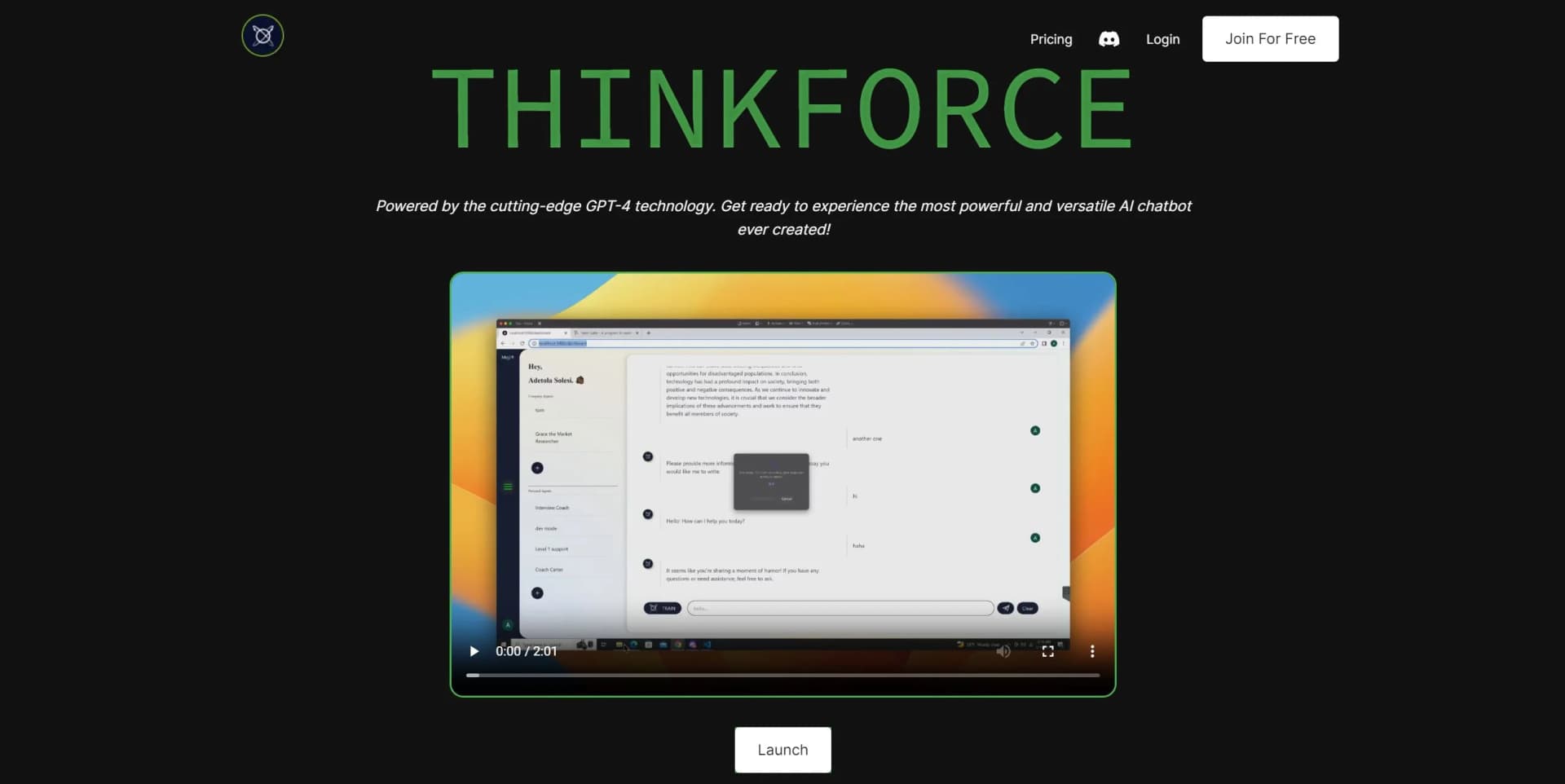
Thinkforce represents more than just your typical AI chatbot; it's a comprehensive digital assistant engineered to optimize business processes and decision-making. Leveraging the advanced capabilities of GPT-4 technology, Thinkforce stands out as one of the most adaptable and robust tools available to professionals today. Its primary objective is to eliminate uncertainty by providing precise and instant answers to a wide array of business inquiries. Tailored to cater to various users, ranging from small businesses to large corporations, Thinkforce is meticulously designed to enhance efficiency, automate tasks, and facilitate smarter workflows.
Thinkforce stands out with its integration of cutting-edge GPT-4 technology, allowing for nuanced and contextually aware interactions. Its ability to build a personalized knowledge base from diverse data types and formats ensures tailored and accurate responses, setting it apart from traditional AI chatbots.
Thinkforce excels in providing actionable insights and streamlining business workflows, making it an invaluable asset for a diverse range of users. Its implementation of GPT-4 technology offers both intuitive and sophisticated interactions, catering to users seeking to boost productivity and foster a creative work environment.
Who is Using Thinkforce?
Small to Medium Enterprises
Employ Thinkforce for data analysis and decision support, aiding in business growth.
Tech Support Teams
Utilize Thinkforce for rapid resolution of technical issues, enhancing customer satisfaction.
Project Managers
Integrate Thinkforce with project management tools like Trello and Asana to streamline project tracking and management.
Content Creators
Leverage Thinkforce for brainstorming sessions and content ideation, fostering innovation.
Uncommon Use Cases
Non-profits may utilize Thinkforce for donor data management, while educational institutions could automate administrative tasks using the platform.
Key Features
Rating Breakdown
Pricing Plans
Free Tier
Free
- Start using Thinkforce for free
- 100 daily credits included
Basic Tier
- Includes 1000 daily credits and access to GPT-4.0 capabilities
Pro Tier
$50 per month
- Offering 8000 daily credits and all features included in the Basic tier
Premium Tier
$100 per month
- Providing 20000 daily credits and access to all features from the Basic tier
Which Thinkforce plan should you pick?
Start with Bring Your Own Model for free if you have a compatible provider key; upgrade to Pro for included credits and premium models, or Team/Enterprise for more members.
Bring Your Own Model
Good for users who already have a compatible model-provider API key and want full tool access without a ThinkForce subscription fee.
Pro
Good for individual users who need monthly credits, premium models, media generation, and up to 2 members.
Team
Good for teams needing up to 10 members, shared usage, roles, permissions, and lower overage rates.
Enterprise
Good for larger organizations needing up to 50 members, enterprise credit allocations, white labeling, and the lowest overage rate.
Thinkforce Use Cases
Research reports
Research a topic across multiple sources and have agents synthesize the findings.
Outcome: A completed research report.
App and website creation
Describe an app or website and use ThinkForce agents to generate code and the finished experience.
Outcome: A generated app or website.
Recurring workflow automation
Automate recurring workflows, outreach, and reporting with multi-agent execution.
Outcome: Automated end-to-end task execution.
Media generation
Generate images, video, music, and voice content using the available media tools.
Outcome: Generated media assets.
Collaborative agent work
Invite members and collaborate in a workspace with role and permission controls.
Outcome: Shared work managed by a team.
Workflow Ideas with Thinkforce
Research-to-report workflow
- 1Describe the research question
- 2Let agents browse and gather information
- 3Receive a synthesized report
App-building workflow
- 1Describe the application or website
- 2Have agents generate code and supporting assets
- 3Review and deploy the finished result
Automated outreach workflow
- 1Define the outreach objective
- 2Connect the required tools or integrations
- 3Run the recurring outreach and reporting process
How Thinkforce fits into your stack
OpenAI Code Interpreter
This integration facilitates the development and refinement of code, leveraging AI to assist in debugging and optimizing programming tasks.
Stable Diffusion
Enhances creative projects by integrating advanced image generation capabilities, enabling teams to produce high-quality visuals directly within their workflow.
Vector Databases
Supports complex data analysis and machine learning projects by integrating seamlessly with databases designed to handle large-scale vector operations.
Zapier
Connects and automates workflows between various apps and services, increasing productivity by creating efficient, automated task flows.
Pros
- +Instant Business Insights: Provides immediate answers to various business-related queries, enhancing decision-making.
- +User-Friendly Interface: Designed for ease of use, ensuring accessibility regardless of technical expertise.
- +Versatile App Integration: Works seamlessly with numerous applications, streamlining operations and workflow.
- +Productivity Booster: Automates tasks, thereby increasing team efficiency and productivity.
Cons
- −Learning Curve: Users may require some time to fully explore and utilize its advanced features effectively.
- −Daily Credit Limitation: Free and basic plans come with a cap on daily usage credits, potentially limiting usage for heavy users.
- −Internet Dependency: Relies on a stable internet connection for optimal performance, which could be a drawback in certain situations.
Limitations & when to consider alternatives
Known limitations
- BYOK usage requires a model provider. The $0 plan requires your own model-provider API key, and usage is billed directly by that provider.
- Paid plans have member limits. Pro supports up to 2 members, Team supports up to 10, and Enterprise supports up to 50.
- Usage limits apply. The pricing page states that usage limits apply and that prices may change.
- Canva integration is not yet available. Canva integration is listed as coming soon on the pricing page.
- No native mobile app is currently documented. The official product site says the mobile app is still in the works.
Look elsewhere when
- You need a native iOS or Android app.
- You need a public developer API with endpoints and API documentation.
- You need a browser extension or desktop installer.
- You need SSO or SAML.
How to Use Thinkforce
- 1
Thinkforce offers a wide range of tutorials to assist users in maximizing the platform's capabilities, covering everything from basic setup to advanced feature utilization.
Who is Thinkforce For?
Researchers
ThinkForce can research topics across multiple sources and produce synthesized reports.
Developers and app builders
The platform generates code, websites, apps, and dashboards through AI agents.
Marketing teams
ThinkForce names marketing campaigns, outreach, and reporting as supported work.
Automation users
Users can describe recurring workflows and have agents plan and execute multi-step tasks.
Teams
Team and Enterprise plans support multiple members, roles, permissions, and shared workspace activity.
Frequently Asked Questions
What does the free plan include?
The Bring Your Own Model plan costs $0 when you provide your own model-provider API key. Provider usage is billed directly by that provider.
What can ThinkForce build?
ThinkForce describes support for reports, dashboards, apps, automations, marketing campaigns, code, websites, documents, images, and video.
Does ThinkForce support team workspaces?
Yes. Paid plans include multiple members, and the Team plan includes user roles and permissions.
Which integrations are available?
The pricing page lists Zapier integration with access to more than 5,000 apps. Canva integration is marked as coming soon.
How does usage pricing work?
Pro, Team, and Enterprise plans include monthly credits. Additional usage can be charged through pack credits or overage rates.
Community reviews
Be the first to share your experience.
Sign in to leave a review for Thinkforce.
Thinkforce Alternatives
Looking for alternatives to Thinkforce? Here are similar tools in the same category:
Learn to Master Thinkforce
With Skill Leap courses
Get in-depth training on Thinkforce and 50+ other AI tools with our expert-led video courses.
Start 7-Day Free Trial