
Taiga
Open-source tool for agile project management and collaboration.
Key Takeaways
- What it is
- Open-source tool for agile project management and collaboration.
- Pricing
- Freemium
- Best for
- Kanban and Scrum Boards
- Issue Tracking and Management
- Customization Options
- Rating
- 4.4/5
What is Taiga?
Taiga is an open-source agile project management tool designed to streamline the workflow of cross-functional teams. It revolutionizes project management by offering a feature-rich software that is both intuitive and easy to start using. Tailored for agile teams looking to enhance their productivity and collaboration, Taiga simplifies the complexities of agile methodologies, making it accessible and effective for teams of all sizes.
Taiga stands out with its open-source nature, offering unparalleled flexibility and control for teams that require customized project management solutions. Its ability to seamlessly integrate Kanban and Scrum methodologies, combined with extensive customization options, sets it apart as a versatile tool for agile teams worldwide.
Taiga offers a robust and flexible solution for agile project management, empowering teams to work more effectively and collaboratively. Its open-source platform provides the customization and control needed to adapt to any project or team structure, making it an invaluable tool for organizations committed to agile methodologies. With its user-friendly interface and comprehensive feature set, Taiga is an excellent choice for teams seeking to enhance their project management capabilities.
Who is Using Taiga?
Software Development Teams
Leveraging Taiga for agile project management and streamlined workflows.
Consulting Firms
Using Taiga to manage client projects and improve communication and deliverables.
Educational Institutions
Implementing Taiga for project-based learning and teaching agile methodologies.
Non-Profit Organizations
Employing Taiga to manage diverse projects and volunteer coordination.
Uncommon Use Cases
Adopted by art collectives to manage creative projects; utilized by research labs for tracking experiments and results.
Key Features
Rating Breakdown
Pricing Plans
Free Tier
Free
- Taiga offers a free plan with access to core features
- Ideal for small teams or individuals
Taiga Use Cases
Learn programming concepts
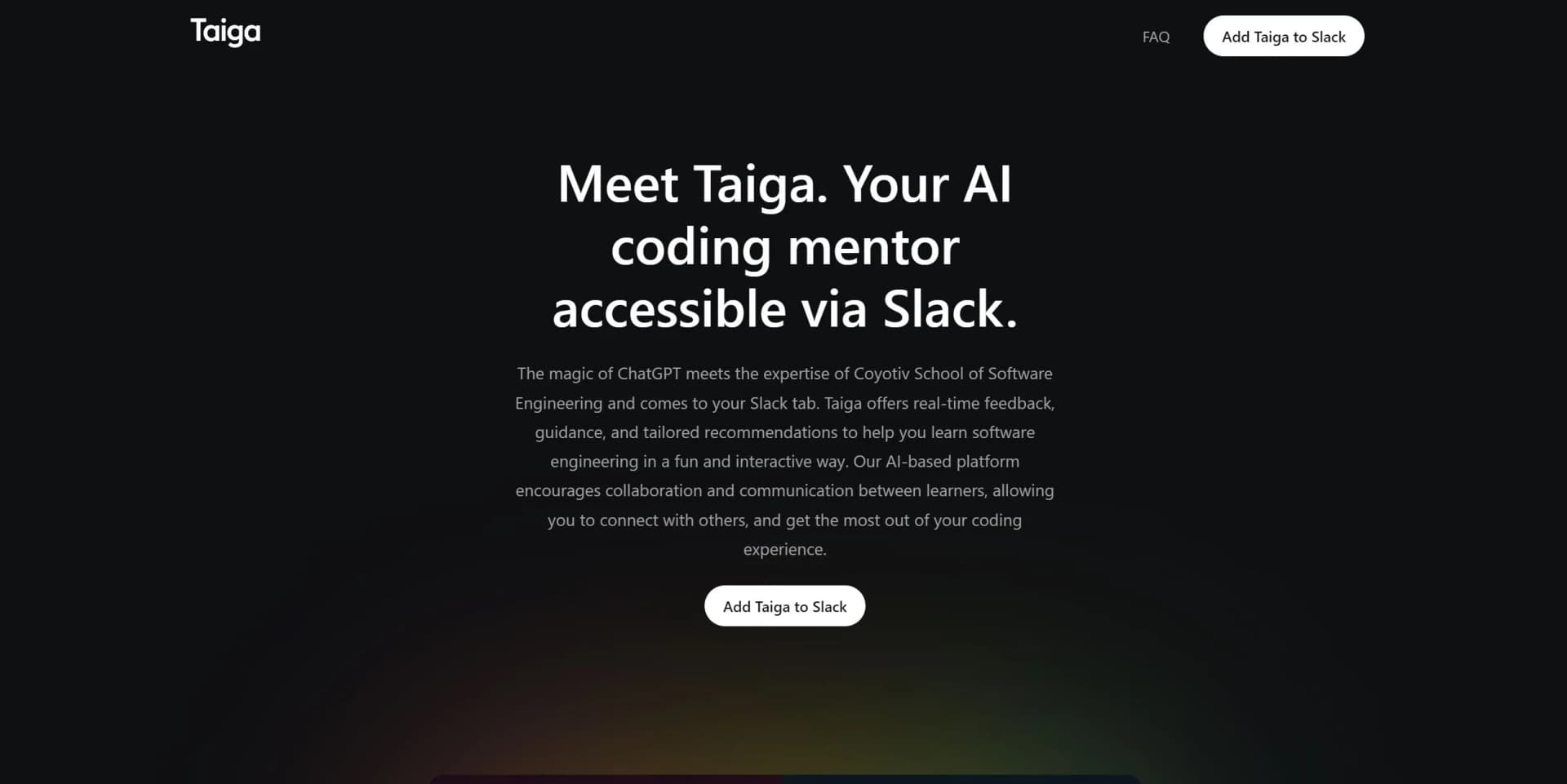
Ask Taiga software-engineering questions and receive explanations with examples and practical tips.
Outcome: Deeper understanding of programming topics.
Review code
Share code-related questions in Slack and ask Taiga to identify areas for improvement.
Outcome: Feedback that helps improve code quality.
Understand error messages
Discuss programming errors with Taiga through a Slack channel or direct message.
Outcome: Guidance for diagnosing and resolving coding problems.
Prepare for coding interviews
Use Taiga as an interviewer and request personalized recommendations for coding assignments.
Outcome: Practice for coding interviews and assignments.
Learn collaboratively
Invite Taiga into Slack channels and share learning progress and insights with teammates.
Outcome: A shared programming-learning experience within Slack.
Workflow Ideas with Taiga
Start a Slack learning session
- 1Add Taiga to the Slack workspace
- 2Invite Taiga to a channel or open a direct message
- 3Ask a programming question and continue the discussion
Work through a coding problem
- 1Send the coding question or error message to Taiga
- 2Review Taiga's explanation, examples, and practical tips
- 3Apply the guidance and ask follow-up questions
Learn with teammates
- 1Invite Taiga to a shared Slack channel
- 2Discuss programming topics with Taiga in the channel
- 3Share learning progress and insights with teammates
How Taiga fits into your stack
Team chat and tickets
Taiga lives inside Slack channels and direct messages, where users ask programming questions, review code, and share learning progress with teammates.
Pros
- +User-Friendly Interface: Taiga’s intuitive design requires no complex setup or training, allowing teams to start quickly and evolve as needed.
- +Open Source Flexibility: As a 100% open-source tool, Taiga offers unparalleled security and control, with the option for on-premise hosting for larger teams or those needing data sovereignty.
- +Comprehensive Agile Support: Whether using Scrum or Kanban, Taiga supports both methodologies seamlessly, even allowing teams to switch between them.
- +Extensive Language Support: Available in over 20 languages, Taiga is accessible to a global user base, enhancing collaboration across diverse teams.
Cons
- −Initial Learning Curve for Advanced Features: While starting with Taiga is simple, utilizing its advanced features may require some time to master.
- −Limited Direct Integrations: Although Taiga supports various integrations, some are accessible only through third-party services like Zapier.
- −Customization Overhead: The extensive customization options might be overwhelming for teams preferring a more out-of-the-box solution.
Limitations & when to consider alternatives
Known limitations
- Slack-only availability. Taiga's support page says it is currently available only as a bot for Slack.
- Open beta availability. Taiga operates as an open beta with limited availability.
- Pay-as-you-go billing. Taiga charges for conversations rather than offering per-seat pricing plans.
- Potentially inaccurate or offensive responses. Taiga warns that, like any AI system, it may occasionally generate offensive or inaccurate responses.
- Credit must be topped up. Users add more credit through Taiga's Slack home section and are advised to top up before credit reaches zero.
Look elsewhere when
- You need an experience outside Slack.
- You need SAML single sign-on.
How to Use Taiga
- 1
Add Taiga to Slack
Use the Add Taiga to Slack button and authorize access to the Slack workspace.
- 2
Open a conversation
Invite Taiga to a channel, mention @Taiga, or send it a direct message.
- 3
Ask a programming question
Request explanations, code snippets, error-message help, code-review feedback, or interview practice.
- 4
Continue interactively
Use follow-up questions to receive tailored guidance and recommendations.
- 5
Collaborate with teammates
Share learning progress and insights in the Slack channel.
- 6
Manage credit
Open Taiga's Slack home section to add credit when needed.
Who is Taiga For?
New learners
Taiga provides step-by-step explanations, examples, practical tips, and practice problems for people learning software engineering.
Experienced programmers
Experienced developers can use Taiga for code review, error-message explanations, and identifying areas for improvement.
Coding students
Taiga was created to support students at Coyotiv School of Software Engineering and is available to broader learners.
Engineering teams
Slack-based discussions let teammates share learning progress and insights in a collaborative workspace.
Frequently Asked Questions
How does Taiga integrate with other platforms?
Taiga is currently available as a bot for Slack and can be invited to channels or used through direct messages.
How much does Taiga cost?
Taiga uses a pay-as-you-go model. Users pay for conversations rather than per-seat subscriptions.
Can Taiga help with coding assignments?
Yes. Taiga provides personalized recommendations for coding assignments and can act as an interviewer for coding-interview preparation.
Which programming languages does Taiga support?
Taiga supports many programming languages, including Python, Java, JavaScript, and C++, along with programming concepts, frameworks, and libraries.
How do users talk to Taiga?
Users can mention @Taiga in a Slack channel or send Taiga a direct message.
When can users start using Taiga?
Taiga operates as an open beta with limited availability and does not require joining a waitlist.
Community reviews
1 review from people who use Taiga.
Sign in to leave a review for Taiga.
Deniz Kaynak
Taiga Alternatives
Looking for alternatives to Taiga? Here are similar tools in the same category:
Learn to Master Taiga
With Skill Leap courses
Get in-depth training on Taiga and 50+ other AI tools with our expert-led video courses.
Start 7-Day Free Trial