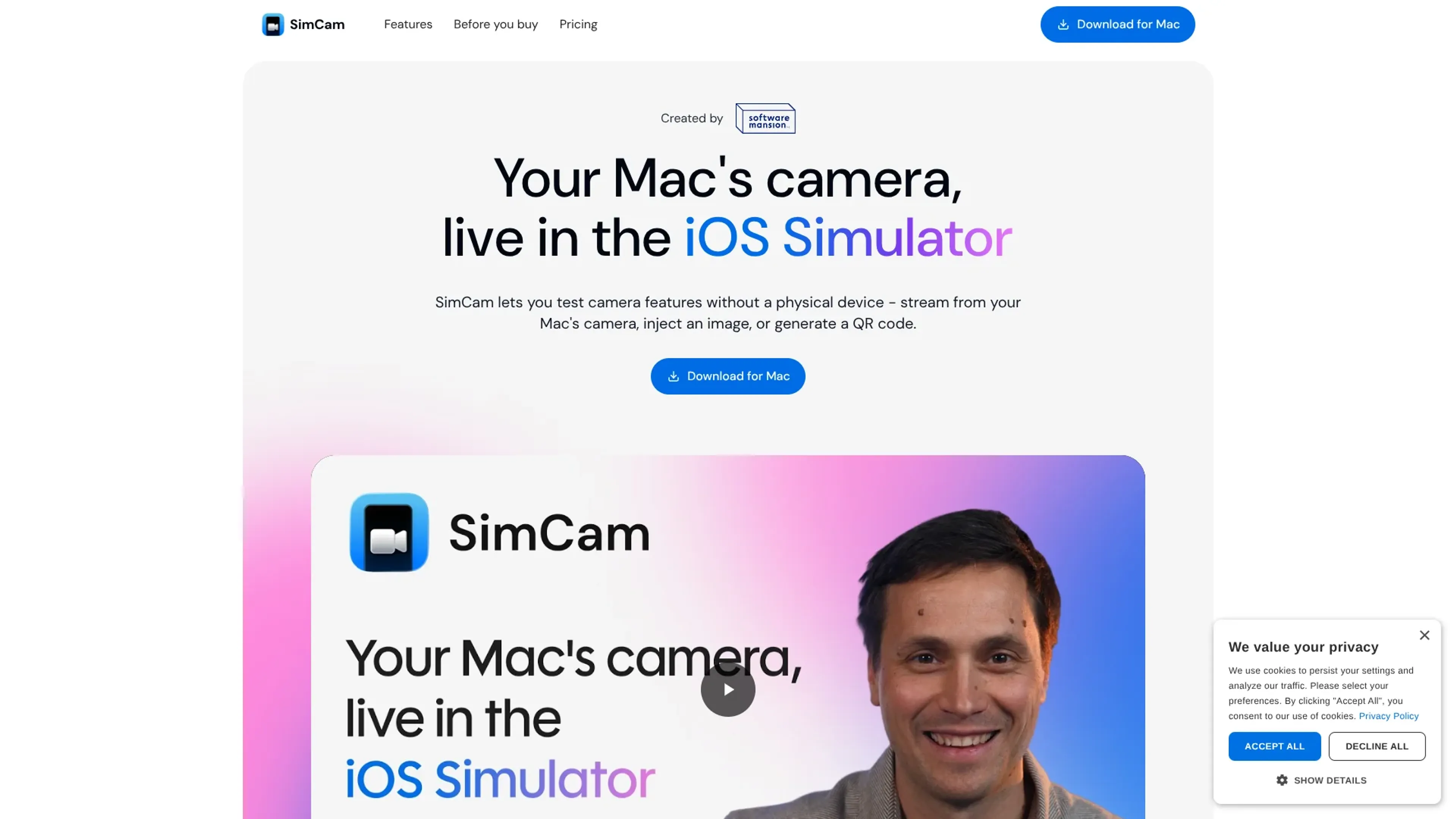
SimCam is a macOS tool that brings a live, controllable camera feed into the iOS Simulator. It registers as a virtual camera that iOS apps see through standard AVFoundation APIs, so most camera code runs unmodified. Developers can stream from the Mac’s own camera, inject static images or videos, or pipe in QR codes, and they can drive all of this programmatically through a CLI, which makes it very friendly for automation and AI agent workflows.
Key Features:
Virtual camera inside the iOS Simulator: Registers as a system-level camera, including front and back views, so simulator builds can be tested as if they were on real hardware.
Multiple source types: Switch between the Mac’s camera, image files, video clips, and generated QR codes to cover anything from login flows to credit card or barcode scanning.
QR code generation and injection: Create QR codes from strings or tokens and inject them directly into the camera feed, removing the need to point a phone at a monitor.
CLI for automation and AI agents: The simcamctl command lets scripts and AI agents change sources, generate QR codes, and read diagnostics without human clicks.
Pros
No hardware juggling: Removes the need for a stack of test iPhones or awkward scanning of codes from screens during development.
Great for vision and AI features: Stable, repeatable visual input makes it easier to test computer vision, OCR, and ML-powered flows.
Agent-friendly control surface: CLI access fits nicely into CI pipelines, shell scripts, and AI agent setups that need to drive the simulator end to end.
Developer-centric design: Uses standard AVFoundation patterns, so most camera features work without app-side changes.
Cons
Apple-only focus: Works with macOS and the iOS Simulator, so teams building for Android or other platforms still need separate tools.
Limited free tier: The trial build is mainly for compatibility checks and relies on a built-in demo video rather than full custom sources.
CLI learning curve: Less terminal-savvy users may need a bit of time to get comfortable automating SimCam with the command line.
Who is Using SimCam?
iOS app developers: Testing camera-based onboarding, QR login, payment, and document-scanning flows without waiting on device provisioning.
QA and automation engineers: Building reproducible simulator test suites that depend on visual input, tied into CI jobs or scripted runs.
Computer vision and ML teams: Feeding controlled image or video samples into experimental models and vision pipelines running in the simulator.
Developer experience and tools teams: Creating polished, camera-heavy demos that work reliably in workshops, talks, and internal tooling.
Uncommon Use Cases: Used by AI agent researchers to let autonomous agents handle QR-based auth steps; adopted by internal platform teams to create self-testing demo apps that switch camera feeds mid-scenario.
Pricing:
Trial: $0 per month. Free evaluation version with a built-in demo video source to verify SimCam works with your apps.
Pro: $19 one-time payment. Lifetime license with no subscription; includes camera, image, video, and QR code sources, front and back camera support, CLI and agent support, and 12 months of free updates.
Disclaimer: Please note that pricing information may not be up to date. For the most accurate and current pricing details, refer to the official SimCam website.
What Makes SimCam Unique?
SimCam focuses very narrowly on bringing flexible, scriptable camera behavior into the iOS Simulator, instead of trying to be a general-purpose virtual camera. That focus shows in how naturally it fits AVFoundation-based apps and how directly it plugs into automated and AI-driven workflows through its CLI. Combined with Software Mansion’s background in real-time multimedia and AI tooling, SimCam feels tuned for teams building serious camera and vision features rather than a generic utility.
How We Rated It:
Accuracy and Reliability: 4.6/5
Ease of Use: 4.3/5
Functionality and Features: 4.5/5
Performance and Speed: 4.7/5
Customization and Flexibility: 4.0/5
Data Privacy and Security: 4.2/5
Support and Resources: 4.0/5
Cost-Efficiency: 4.8/5
Integration Capabilities: 4.4/5
Overall Score: 4.4/5
Focused Camera Virtualization For Simulator-First Testing:
SimCam gives iOS teams a practical way to treat the simulator as a serious camera test bench, not just a quick UI preview. By combining a virtual camera, media and QR injection, and a scriptable CLI that plays nicely with AI agents, it trims a lot of manual, device-bound friction out of camera-heavy development and QA. For a modest one-off price, it is an appealing addition to the toolkit of anyone building or testing camera-centric iOS features.