
Opera One Browser
Revolutionary tab organization, AI integration, privacy-focused, multi-platform browser.
Key Takeaways
- What it is
- Revolutionary tab organization, AI integration, privacy-focused, multi-platform browser.
- Pricing
- Freemium
- Best for
- Tab Islands
- Modular AI-Ready Design
- Integrated Browser AI
- Rating
- 4.5/5
What is Opera One Browser?
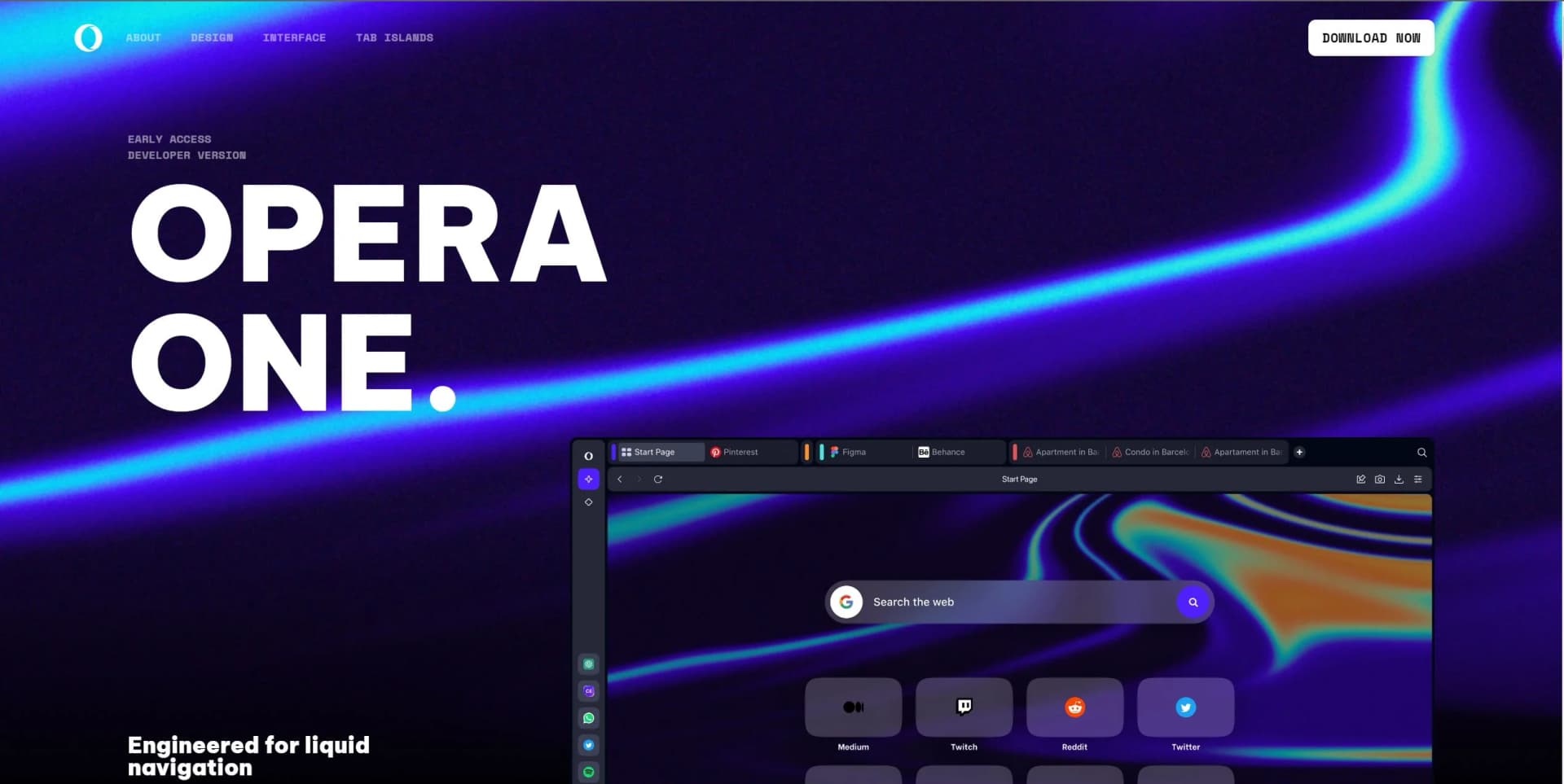
When I first heard about Opera One Browser, I was intrigued by its promise of a reimagined browsing experience. Opera One Browser is the latest iteration from the renowned Opera browser lineage, which has been known for its innovative features and user-centric design. This new version introduces cutting-edge functionalities like Tab Islands and a modular, AI-ready design, aiming to enhance the way we navigate the web. Engineered for smooth, intuitive browsing, Opera One Browser adapts to your needs, providing more space, effortless tab management, and seamless interaction with your content.
Opera One Browser stands out with its innovative Tab Islands, a game-changer for users who juggle multiple tabs and projects simultaneously. Its commitment to integrating AI tools like Aria within the browsing experience sets it apart from the competition, providing users with a glimpse into the future of web navigation.
Opera One Browser excels in providing an innovative and organized browsing experience, making it an essential tool for those who value efficiency and privacy. Its Tab Islands feature, in particular, offers an unmatched advantage for managing multiple tasks effortlessly. With its robust privacy tools and the integration of AI, Opera One Browser is not just a gateway to the internet but a step into the future of digital interaction.
Who is Using Opera One Browser?
Tech Enthusiasts
Exploring the latest browser innovations and AI integrations.
Privacy-Conscious Users
Taking advantage of the free VPN and ad blocker for secure browsing.
Multitaskers
Utilizing Tab Islands to manage complex browsing sessions efficiently.
Social Media Managers
Leveraging integrated messaging and social media for streamlined workflows.
Uncommon Use Cases
Podcast enthusiasts using the built-in Player for easy access to content; Remote workers relying on the browser's organization features to separate work from personal browsing.
Key Features
Rating Breakdown
Pricing Plans
Free Tier
Free
- Opera One Browser is available free of charge
- Including access to AI tools and privacy features
Opera One Browser Use Cases
Organize research tabs
Group related pages into Tab Islands, name and color-code them, and use Opera AI to analyze the island’s content.
Outcome: A cleaner research workspace and faster access to relevant information.
Analyze uploaded documents
Upload PDFs, spreadsheets, documents, or other supported files and ask Opera AI questions about them.
Outcome: Answers and summaries based on the uploaded material.
Understand images
Upload an image and ask Opera AI what it contains or request information about it.
Outcome: Image-based answers without leaving the browser.
Work beside communication tools
Open Gmail, Google Calendar, Slack, Discord, WhatsApp, or other services in Opera’s sidebar.
Outcome: Communication and browsing in one window.
Generate code files
Ask Opera AI to create Python, JavaScript, TypeScript, HTML, JSON, or other supported file formats.
Outcome: A downloadable generated file for further use or editing.
Workflow Ideas with Opera One Browser
Research and summarize a topic
- 1Open related webpages in a Tab Island
- 2Ask Opera AI to use the current tab or Tab Island context
- 3Review the generated summary and compare sources
Review an uploaded document
- 1Open Opera AI and attach a supported file
- 2Ask a specific question about the file
- 3Download a generated text, JSON, CSV, or code output if needed
Manage a crowded browser session
- 1Open the Tab Commands interface
- 2Ask Opera AI to close, group, or pin selected tabs
- 3Rename or color-code the resulting Tab Islands
How Opera One Browser fits into your stack
Cross-Platform Availability
Opera One Browser is designed to work seamlessly across various operating systems.
AI Tools Integration
Ready for integration with emerging AI technologies and extensions.
Music and Messaging Services
Integrated access to popular streaming and communication platforms.
Privacy and Security Features
Built-in VPN and ad blocker for enhanced protection.
Pros
- +Innovative Tab Management: The Tab Islands feature brings a new level of organization to tab-heavy browsing.
- +Forward-Thinking Design: The browser's adaptable design is ready for future AI integrations and extensions.
- +Privacy Tools: Built-in VPN and ad blocker provide a safer and cleaner browsing experience.
- +Built-In Entertainment and Communication: Easy access to music, podcasts, and messaging apps directly from the browser.
Cons
- −Learning Curve: New features like Tab Islands may require an adjustment period for users accustomed to traditional tab management.
- −AI Integration Depth: While Aria provides AI capabilities, the extent and depth of its functions may be limited compared to standalone AI applications.
- −Resource Usage: As with many feature-rich browsers, Opera One may demand more system resources, potentially impacting performance on older hardware.
Limitations & when to consider alternatives
Known limitations
- Three-file upload limit. Opera AI supports uploading up to three files at one time.
- Temporary storage for unsigned uploads. Uploads from users who are not signed in are stored for only six hours.
- One-year storage for signed-in uploads. Signed-in users’ uploaded files are automatically deleted after one year.
- Uploads require a prompt. Opera AI does not analyze an uploaded file automatically; users must provide a prompt.
- Sensitive-site caution. Opera recommends avoiding AI features such as image understanding or page-content access on banking, medical, and other sensitive websites.
Look elsewhere when
- You need a shared multi-user workspace with roles or invites.
- You need documented SSO or SAML administration.
- You need fine-tuning or model training on your own data.
How to Use Opera One Browser
- 1
Discover a range of tutorials on the Opera website and YouTube, guiding users from basic navigation to making the most of advanced features.
Who is Opera One Browser For?
Professionals
Opera One provides workspaces, split-screen browsing, Gmail and Google Calendar access, and integrated messengers.
Developers
Opera One supports browser extensions, developer APIs, code generation, and integrated developer-oriented services.
Students
Opera One can organize research tabs, summarize webpages, analyze files, and compare information across tab groups.
Social media enthusiasts
Integrated messengers and social platforms let users chat, share media, and browse without switching applications.
Frequently Asked Questions
What is Opera One?
Opera One is Opera’s flagship browser with evolved tabs, built-in AI, workspaces, sidebar apps, and modular design features.
What can Opera AI do?
Opera AI can answer questions, use webpage or tab context, summarize content, generate text and images, translate, analyze files, and understand images.
What file types can Opera AI understand?
Supported formats include images, spreadsheets, video, audio, PDF, CSV, TXT, JSON, ODT, DOC, and DOCX files.
How many files can be uploaded at once?
Opera AI allows up to three uploaded files at a time.
How long are uploaded files stored?
Signed-in users’ uploads are stored for one year; unsigned users’ uploads are stored for six hours.
Can Opera One organize browser tabs?
Tab Islands group related tabs by browsing context and can be collapsed, expanded, moved, named, and color-coded.
Community reviews
1 review from people who use Opera One Browser.
Sign in to leave a review for Opera One Browser.
David Thompson
Opera One Browser Alternatives
Looking for alternatives to Opera One Browser? Here are similar tools in the same category:
Learn to Master Opera One Browser
With Skill Leap courses
Get in-depth training on Opera One Browser and 50+ other AI tools with our expert-led video courses.
Start 7-Day Free Trial