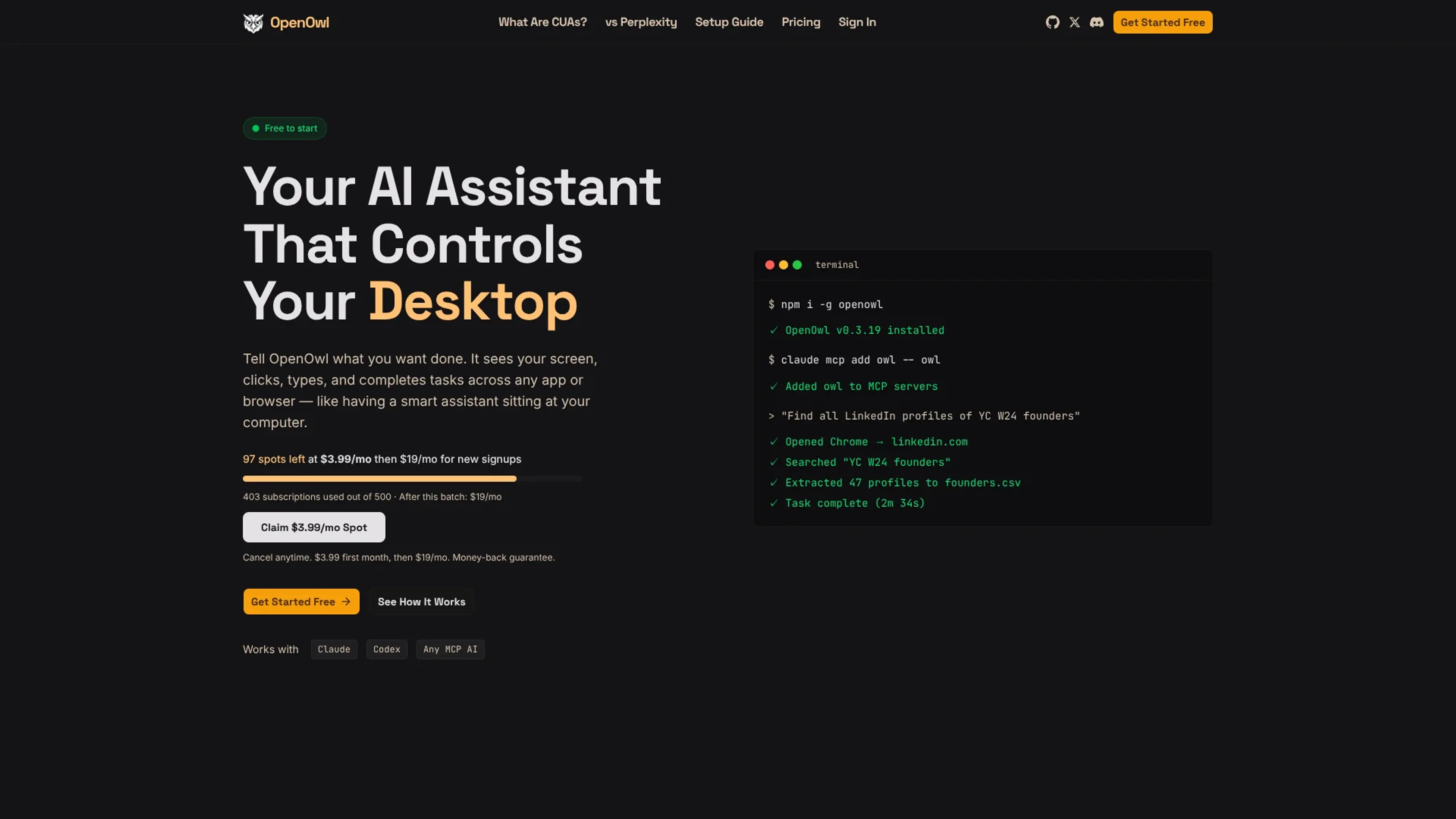
OpenOwl is a local desktop automation agent that plugs into MCP compatible AI assistants such as Claude, Codex, and Gemini. Instead of stopping at written instructions, the assistant can actually see the user’s macOS screen, move the cursor, click, type, and navigate between apps or browser tabs. Users describe goals in plain language, and OpenOwl executes multi step workflows like prospect research, Shopify admin edits, CRM updates, or spreadsheet work while keeping all screenshots and keystrokes on the machine.
Key Features:
MCP-based desktop control: Runs as an MCP server so compatible assistants can call tools to see, click, type, and scroll.
Natural language workflows: Accepts high level prompts like “find 50 LinkedIn leads and save them to a CSV” and breaks them into stepwise actions.
Cross app automation: Moves data between websites, SaaS tools, and desktop apps, handling tasks such as UGC sourcing, investor research, and multi channel launches.
Local only execution: Uses a locally compiled binary so screenshots, keystrokes, and file contents stay on device, with only a lightweight license check over the network.
Configurable MCP tools: Offers dozens of fine grained tools that can be enabled, limited, or gated for higher risk actions.
Pros
Hands on automation: Handles tasks APIs cannot reach, like messy admin panels and legacy tools.
Assistant agnostic: Works with any MCP compatible AI assistant instead of locking users into one provider.
Strong privacy posture: Automation, screenshots, and inputs run locally, which suits sensitive data and accounts.
Fast initial setup: Installation is a single npm command plus a short MCP configuration step.
Cons
macOS first: Current public messaging and community posts focus on Mac support.
Technical onboarding: Requires terminal use and MCP configuration, which may intimidate non technical teams.
Dependent on LLM quality: Complex UIs or prompts can still confuse the assistant, so supervision remains important.
Who is Using OpenOwl?
Marketing and growth teams: Using it for influencer discovery, UGC outreach, and coordinated campaign launches across social platforms.
Sales and revenue operations: Applying it to LinkedIn prospecting, contact enrichment, and drafting tailored outreach inside desktop email clients.
Founders and indie hackers: Offloading investor research, CRM hygiene, pricing updates, and other repetitive back office chores.
Analysts and research teams: Automating competitive pricing checks, sentiment captures, and structured exports into CSVs or spreadsheets.
Uncommon Use Cases: Adopted by solo creators for scanning social feeds for UGC talent; Used by operations staff to pull KPIs from legacy dashboards that lack APIs.
Pricing:
Free: $0.00 per month, includes 50 tool calls per day, full desktop automation, and local private execution.
Pro: $19.00 per month, includes 1,000 tool calls per day, everything in Free, plus priority support and optional top up packs.
Max: $49.00 per month, includes unlimited tool calls, everything in Pro, priority support, and automatic recharge for heavy usage.
Launch promotion: As of early 2026, new signups can access a limited batch where the first month costs $3.99 per month before renewing at $19.00 per month.
Disclaimer: Pricing information may change. For the most accurate and current pricing details, refer to the official OpenOwl website.
What Makes OpenOwl Unique?
OpenOwl stands out by pairing full desktop control with an open, MCP based design and a strict local only data model. Unlike cloud hosted computer use services or proprietary hardware devices, it runs on the user’s existing Mac, speaks to many assistants, and never streams screen contents away.
How We Rated It:
Accuracy and Reliability: 4.3/5
Ease of Use: 3.8/5
Functionality and Features: 4.6/5
Performance and Speed: 4.4/5
Customization and Flexibility: 4.5/5
Data Privacy and Security: 4.9/5
Support and Resources: 3.9/5
Cost-Efficiency: 4.7/5
Integration Capabilities: 4.6/5
Overall Score: 4.4/5
Local AI Desktop Automation That Actually Clicks For You:
For teams already comfortable with Claude, Codex, or similar tools, OpenOwl offers a practical bridge from chat to actual execution on macOS. It suits marketers, founders, and analysts who want to reclaim hours of clicking while keeping their accounts and data under tight local control, often while they do something more pleasant.