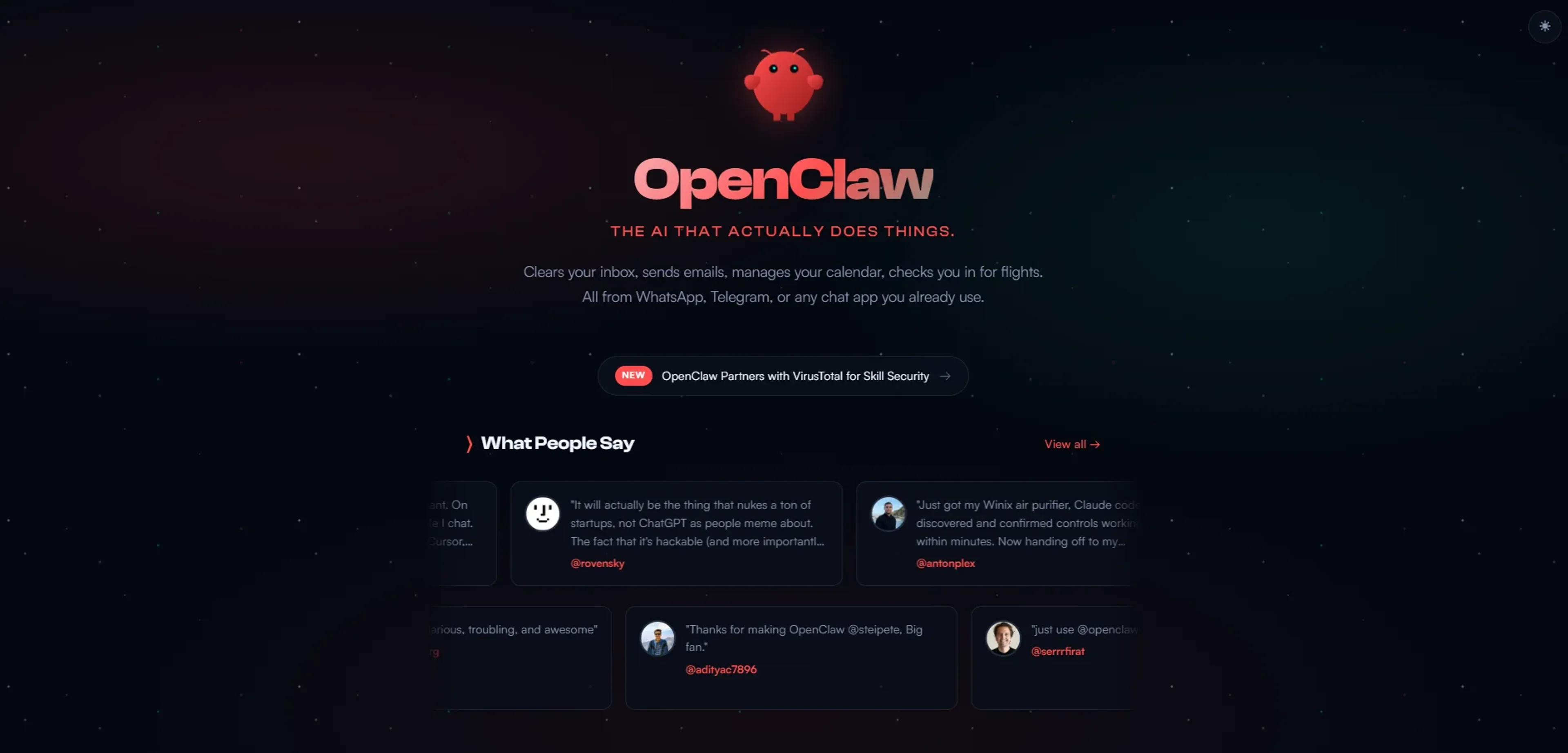
OpenClaw is an open source personal AI assistant that runs on the user’s own computer and connects chat apps to automation on that machine. Large language models from providers such as Anthropic and OpenAI, or local models, act as the brain while browser control, file access, and system commands give it hands. From WhatsApp or Telegram, users can clear inboxes, manage calendars, check in for flights, and trigger complex workflows.
Key Features:
On-device runtime and model choice: Runs on macOS, Windows, and Linux, connects to Anthropic, OpenAI, or local models, and gains direct access to files, shell, and apps.
Multi-channel chat interface: Single assistant reachable from WhatsApp, Telegram, Discord, Slack, Signal, and iMessage across DMs and group chats.
Persistent long-term memory: Stores memory about preferences, projects, and contacts so conversations feel continuous instead of stateless prompts.
Browser and app control: Uses browser automation and integrations to browse sites, fill forms, scrape data, post content, and control services.
Skills, plugins, and security: Supports community-built skills, virus-scanned extensions, and even auto-generated skills that OpenClaw can write for itself.
Pros
Serious automation from chat: Lets users clear inboxes, coordinate calendars, and run code or tests just by sending messages.
Privacy and control: Open source and local-first design appeals to privacy-conscious users who dislike handing SaaS full account access.
Extensible for power users: Highly extensible via plugins, skills, and scripts, so power users can shape the assistant around niche workflows.
Broad life coverage: Works across personal, academic, and business contexts, replacing many small tools and even some virtual assistants.
Cons
Technical setup expectations: Installer helps, but advanced configuration still expects comfort with terminals, APIs, and debugging integrations.
Model and API dependence: Quality and latency depend heavily on chosen models and cloud providers, which may change pricing or limits.
High-privilege risk: Granting file system and browser control carries risk if prompts, skills, or permissions are not carefully reviewed.
Who is Using OpenClaw?
Indie Developers and Builders: Using OpenClaw to automate coding chores, manage deployments, and prototype new products from chat.
Solo Founders and Small Teams: Running outreach, content pipelines, documentation, and light support without hiring full-time virtual assistants.
Knowledge Workers and Creators: Offloading research, email triage, drafting, and publishing across Gmail, browsers, note apps, and publishing tools.
Technical Students and Educators: Turning OpenClaw into a teaching assistant for coding exercises, project scaffolding, and course logistics.
Uncommon Use Cases: Adopted by quantified-self enthusiasts to connect wearables and home devices; used by hobbyists to build sites or quirky projects from their phones.
Pricing:
Open source core: OpenClaw’s codebase is free to install and run on macOS, Windows, or Linux.
Bring-your-own models: Users typically pay separately for Claude, ChatGPT, or other APIs, so spending scales with usage.
Infrastructure and extras: Persistent agents on dedicated machines or cloud servers create additional hardware and hosting costs.
Disclaimer: Please note that pricing information may not be up to date. For the most accurate and current pricing details, refer to the official OpenClaw website.
What Makes OpenClaw Unique?
OpenClaw stands apart by giving an AI assistant its own machine, full system access, and a chat front-end. Instead of living inside a browser tab, it drives the browser, file system, and apps, remembers context across channels, and even writes new skills. Open source code and local hosting keep power users firmly in control.
How We Rated It:
Accuracy and Reliability: 4.4/5
Ease of Use: 3.6/5
Functionality and Features: 4.8/5
Performance and Speed: 4.1/5
Customization and Flexibility: 4.9/5
Data Privacy and Security: 4.5/5
Support and Resources: 4.0/5
Cost-Efficiency: 4.3/5
Integration Capabilities: 4.7/5
Overall Score: 4.4/5
OpenClaw As Your Always-On Computer Sidekick:
OpenClaw fits technical users and small teams who want a chat-first assistant on hardware they control, trading some setup for real automation. It can drive the browser, access files, and run commands to handle workflows like inbox and calendar cleanup, research, and repeatable tasks across your chat apps, as long as you’re comfortable managing permissions and model costs.