
Langdock
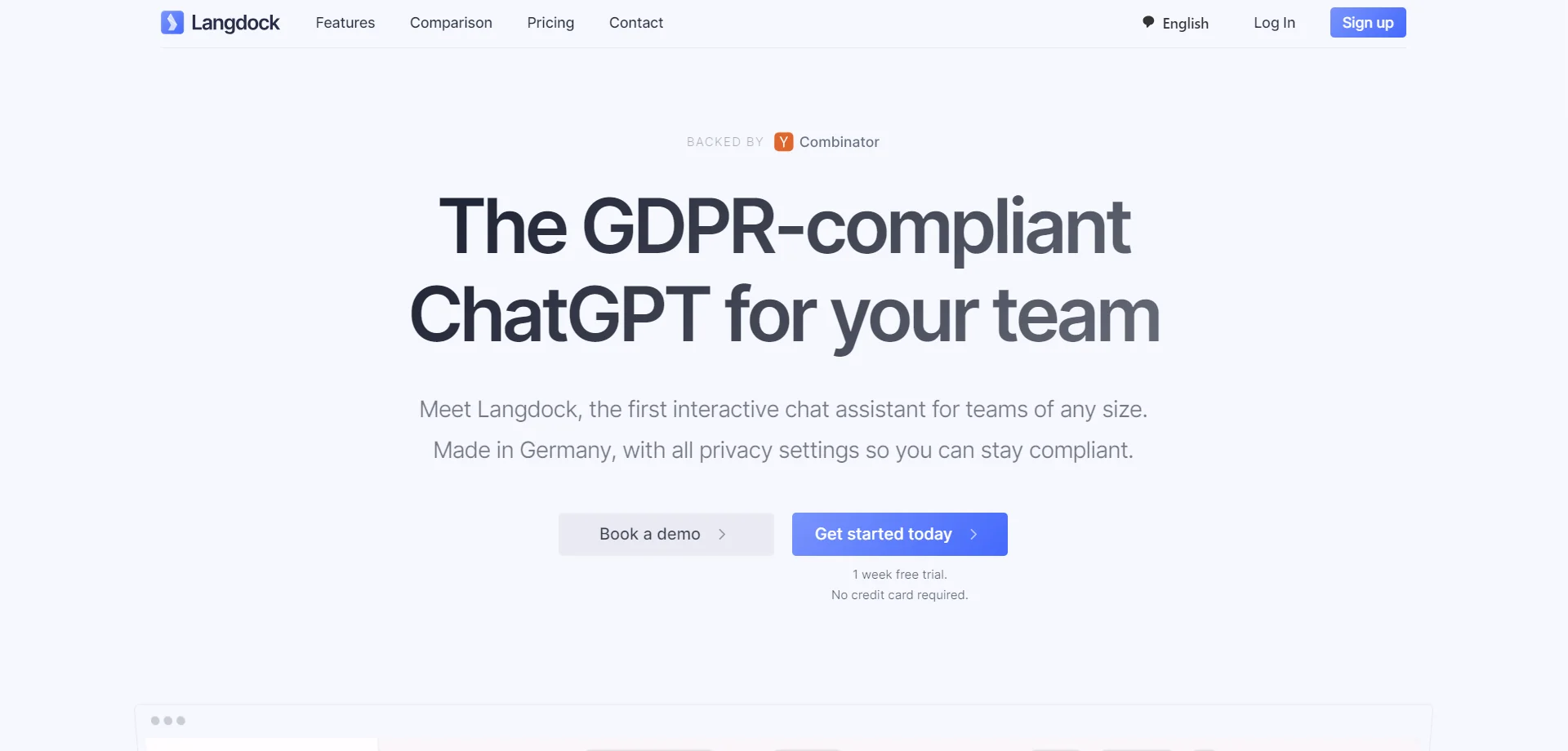
Empower teams with AI-driven chat, data analysis, and workflow automation.
Key Takeaways
- What it is
- Empower teams with AI-driven chat, data analysis, and workflow automation.
- Best for
- Chat Assistance
- Data Interaction
- Workflow Automation
- Rating
- 4.5/5
What is Langdock?
As someone who is constantly on the lookout for tools that enhance team productivity, I was intrigued to explore Langdock. This AI platform is a powerhouse designed to boost team efficiency by harnessing the capabilities of large language models (LLMs). Langdock offers a suite of features including chat assistance, data interaction, workflow automation, and custom assistant creation, all while maintaining a strong commitment to data security and privacy.
Langdock distinguishes itself with its enterprise-scale focus and robust security features. The platform's capability to integrate seamlessly with a company's existing tools and data, coupled with the ability to create custom AI assistants, positions Langdock as a uniquely adaptable solution for businesses.
Langdock is a formidable AI platform that excels in optimizing team productivity through its advanced chat, data interaction, and workflow automation capabilities. Its commitment to data security and the ability to customize and integrate with existing tools make it a compelling choice for businesses looking to empower their workforce with AI while maintaining control over their data.
Who is Using Langdock?
Global Enterprises
Leveraging the tool for intricate data analysis and workflow automation.
Local Startups
Utilizing the platform to streamline operations and boost productivity.
Agencies
Employing AI to enhance client services and creative processes.
Technology Firms
Integrating Langdock for developing custom AI solutions.
Uncommon Use Cases
Academic institutions may use it for research purposes, while NGOs could deploy it for data management and engagement strategies.
Key Features
Rating Breakdown
Pricing Plans
Flexible User-Based Pricing
- Langdock offers a pricing model that scales with the number of users
- Eliminating hidden costs
Free Initial Usage
- New users can start with a free week to experience the platform's capabilities
Which Langdock plan should you pick?
Start with Trial to evaluate Langdock, choose Business for regular team use, and upgrade to Enterprise for large-scale deployments and dedicated support.
Trial
Good for teams that need to test the platform and invite team members before committing.
Business
Good for organizations needing the full Chat and Agents platform, team usage, and SSO / SCIM / SAML.
Enterprise
Good for organizations with 1,000+ users that need scale, dedicated deployment, and custom support.
Starter
Good for teams experimenting with workflow automation, including 2,500 workflow runs per month.
Langdock Use Cases
Customer ticket routing
Classify incoming customer emails and route them by issue type.
Process incoming leads
Review, qualify, and schedule follow-ups for new leads.
IT help desk
Answer IT questions, guide diagnosis, escalate Jira issues, and draft Outlook emails.
Outcome: Faster issue resolution with standardized answers and escalation.
Spreadsheet analysis
Analyze large spreadsheets and create chart overviews with the built-in data analyst.
Outcome: Turn spreadsheet data into understandable insights.
Internal knowledge assistant
Search connected company data and answer employee questions using internal documents.
Outcome: Employees find organizational information in natural language.
Workflow Ideas with Langdock
Inbound lead follow-up
- 1Receive a new lead
- 2Review and qualify the lead
- 3Schedule follow-up actions
Customer email triage
- 1Receive an incoming customer email
- 2Classify the issue type
- 3Route it to the appropriate destination
Personal email drafting
- 1Check incoming emails
- 2Decide whether a response is needed
- 3Create a draft reply
How Langdock fits into your stack
Tool Integration
Langdock can connect with a variety of tools and applications, enhancing the existing tech ecosystem of an organization.
Model Selection
Users can choose from AI models hosted both in the EU and US, depending on their requirements.
API for Developers
The unified API allows for extensive customization and integration into company systems.
Collaborative Features
The platform is designed to support efficient collaboration among team members.
Pros
- +Enhanced Productivity: Langdock significantly reduces the time spent on routine tasks, allowing teams to focus on higher-value work.
- +Data Sovereignty: With servers and models hosted within the EU, Langdock adheres to GDPR compliance and other data protection regulations.
- +Customization: The platform offers high customizability, including a prompt library for tailored user experiences.
- +Collaboration: Langdock is built for multi-user collaboration, enabling teams to work together more efficiently.
Cons
- −Learning Curve: New users may require some time to fully leverage the advanced features and integrations.
- −API Limitations: While an API is available, some users may find limitations until the full suite of API capabilities, including Assistants and Workflows, is released.
- −Regional Availability: Some features, like GPT-4 Turbo, are initially available only in certain regions, which may limit global accessibility.
Limitations & when to consider alternatives
Known limitations
- Trial duration. The free trial lasts seven days and is not a permanent free plan.
- Workflow activation. Workflows must be enabled by a workspace administrator before users can build, test, or deploy them.
- Workflow execution limits. The Starter workflow package includes 2,500 runs per month; unused runs expire and default fair-use limits allow up to 2,000 steps per workflow.
- Workflow retention. Workflow execution history is retained for 30 days on the listed workflow packages.
- Mobile feature scope. The mobile app includes Chat and Agents, while Workflows and workspace settings require the desktop version.
Look elsewhere when
- You need customer-data model training or fine-tuning
- You need workflows from the mobile app
How to Use Langdock
- 1
Langdock provides users with educational resources to ensure they can make the most out of the platform. These tutorials cover everything from basic setup to advanced feature utilization.
Who is Langdock For?
Sales
Use AI chat, agents, integrations, and workflows for sales research, lead processing, and follow-ups.
Marketing
Create on-brand content, analyze marketing data, and automate recurring marketing processes.
HR & Recruiting
Use AI for recruiting, internal knowledge, employee support, and recurring HR tasks.
Finance
Analyze spreadsheets and financial documents, retrieve data, and support finance workflows.
Engineering
Generate technical documentation, support software development, and connect engineering tools.
Frequently Asked Questions
What are Langdock Agents?
Specialized chatbots configured for specific use cases or documents, with saved instructions and context.
What are Langdock Workflows?
Multi-step automations connecting agents, apps, and decision rules into continuous processes.
Do I need coding skills to build a Workflow?
No. Workflows use a visual builder with nodes, variables, and drag-and-drop integrations.
What happens to uploaded data?
Uploaded files are processed securely, isolated within the workspace, and not used for model training.
Does Langdock support MCP or custom actions?
Yes. Langdock supports custom actions and MCP for connecting internal systems and creating tailored workflows.
Does the mobile app include all desktop features?
No. The mobile app includes Chat and Agents; Workflows and workspace settings require the desktop version.
Community reviews
Be the first to share your experience.
Sign in to leave a review for Langdock.
Langdock Alternatives
Looking for alternatives to Langdock? Here are similar tools in the same category:
Learn to Master Langdock
With Skill Leap courses
Get in-depth training on Langdock and 50+ other AI tools with our expert-led video courses.
Start 7-Day Free Trial