
Kits AI
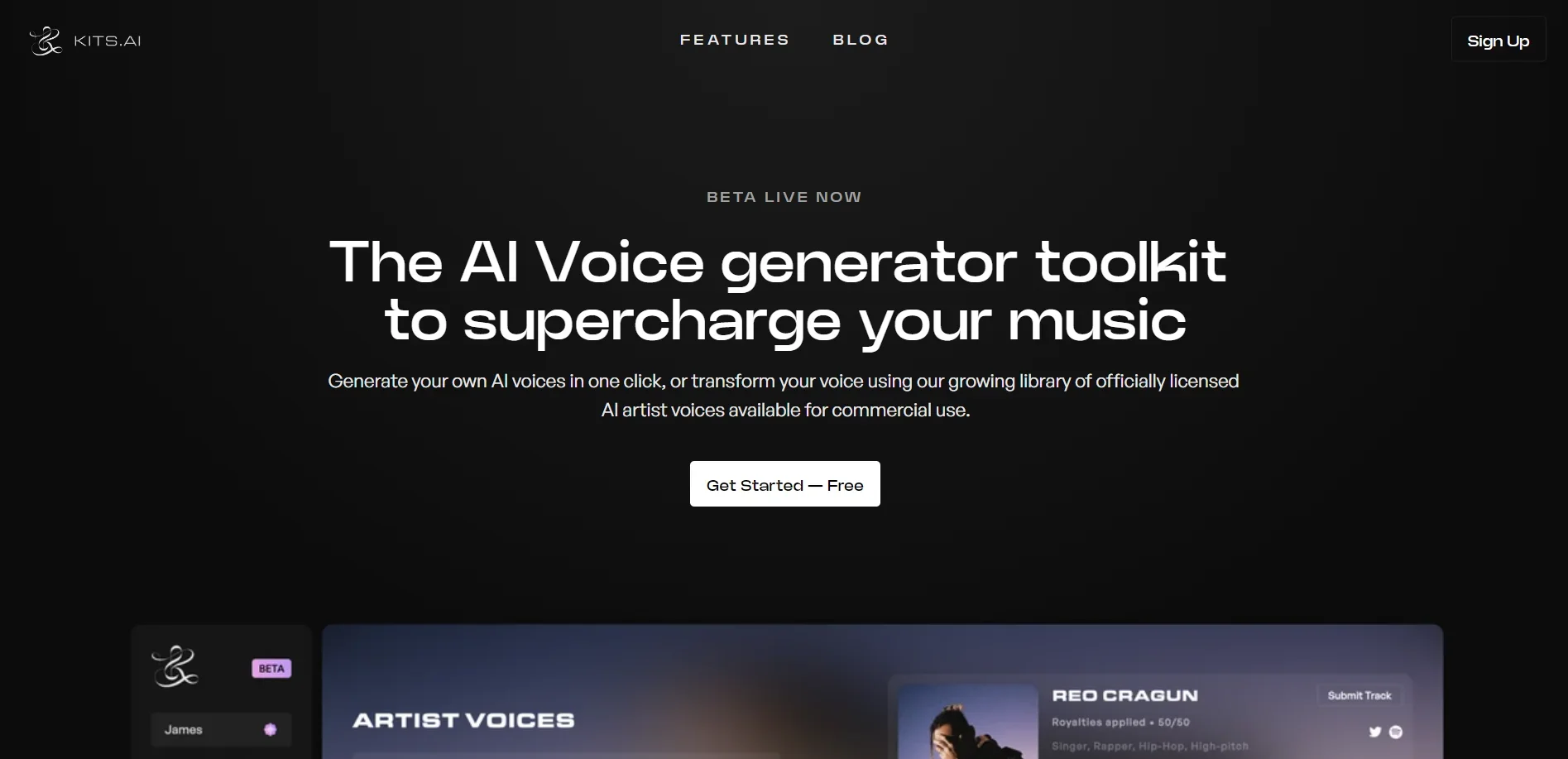
Revolutionize music creation with AI-powered voice generation and vocal removal.
Key Takeaways
- What it is
- Revolutionize music creation with AI-powered voice generation and vocal removal.
- Pricing
- Freemium
- Best for
- AI Voice Generator
- Vocal Remover
- Studio-Quality Conversions
- Rating
- 4.3/5
What is Kits AI?
As someone who has spent countless hours exploring the landscape of AI tools, I'm always thrilled to dive into new technologies that push the boundaries of creativity and efficiency. Kits AI is one such tool that has caught my attention. It's a cutting-edge platform that offers studio-quality AI music tools, including an AI Voice Generator and Vocal Remover. Designed for musicians, producers, and audio enthusiasts, Kits AI aims to transform the way we create and experience music. With its plethora of features, it promises to be a game-changer for anyone looking to infuse AI innovation into their audio projects.
Kits AI stands out with its focus on high-quality audio and voice generation tools specifically designed for the music industry. Its ability to train custom voice models is particularly unique, offering artists and producers the power to create truly distinctive sounds and vocals.
Kits AI excels in providing innovative solutions for modern music production, making it an essential tool for those seeking to push the boundaries of audio creation. Its standout feature, the ability to train and use custom AI voices, offers artists and producers a level of creative freedom that is hard to match. With its user-friendly interface and a robust set of features, Kits AI is poised to become a staple in the digital audio landscape.
Who is Using Kits AI?
Music Producers
Utilizing the tool to create and experiment with new vocal elements in their tracks.
Podcast Creators
Employing AI voices to add narration or character to their podcasts.
Content Creators
Leveraging AI-generated music to enhance their videos and online content.
Audio Engineers
Using the tool for post-production tasks such as vocal isolation and mastering.
Uncommon Use Cases
Utilized by educators for teaching music technology; Adopted by game developers for creating dynamic soundscapes.
Key Features
Rating Breakdown
Pricing Plans
Free Tier
Free
- Get started with Kits AI without any upfront cost
- Ideal for testing its capabilities
Subscription Plans
- Various tiers available
- Catering to different levels of usage and feature access
Which Kits AI plan should you pick?
Start with Free to test voice tools; upgrade to Starter for your own voice, Producer for unlimited voice slots, or Professional for unlimited downloads.
Free
Good for testing Kits voice designer, blending, generative vocals, and 30 conversion minutes.
Starter
Good for users who need instant voice cloning, advanced settings, two voice slots, and 15 download minutes.
Producer
Good for serious work requiring unlimited voice slots and 60 download minutes.
Professional
Good for users who need unlimited voice slots and unlimited download minutes.
Kits AI Use Cases
Create instant vocal demos
Upload a melody or topline and test it across different vocal styles.
Outcome: Hear ideas quickly without booking a recording session.
Clone a custom voice
Upload vocal files or record source audio to train a professional or instant voice clone.
Outcome: Generate vocals using a reusable custom voice model.
Transform vocal recordings
Upload spoken or singing audio and convert it into another voice while preserving the original delivery.
Outcome: Experiment with different vocal colors, ranges, genders, and timbres.
Generate harmonies
Use Kits tools to create layered harmony voices from a vocal idea.
Outcome: Build choir-like vocal stacks and explore arrangements.
Produce voiceovers
Type lines or use a voice recording to create narration, callouts, and other content audio.
Outcome: Create polished voice content without repeated recording sessions.
Workflow Ideas with Kits AI
Custom voice demo workflow
- 1Upload 10–60 minutes of vocal training audio
- 2Train a professional custom voice model
- 3Convert a melody or vocal track with the trained voice
Vocal conversion and mastering workflow
- 1Upload a vocal MP3 or WAV file
- 2Convert it with a selected Kits voice
- 3Send the converted file to AI Mastering
Voice experimentation workflow
- 1Upload a vocal track to Kits Studio
- 2Try multiple voices or voice models
- 3Compare outputs and download the preferred result
How Kits AI fits into your stack
Web-Based Platform
Accessible from various browsers, ensuring compatibility across different devices.
API Access
For those looking to integrate Kits AI's capabilities into their own applications.
Community Library
A resource for sharing and discovering voices and tools within the user community.
Regular Updates
The team's commitment to improving and expanding the tool's capabilities.
Pros
- +Innovation in Music Production: Offers a new realm of possibilities for music creation with AI-powered tools.
- +User-Friendly Interface: Even with advanced features, Kits AI remains accessible to users of varying skill levels.
- +Commercial Use: Access to a library of voices that can be used for commercial projects is a significant plus.
- +Continuous Updates: Regular product updates show a commitment to improvement and new features.
Cons
- −Niche Market: Primarily caters to those involved in music production, which might limit its appeal to a broader audience.
- −Learning Curve: Some users may need time to fully leverage the capabilities of advanced AI music tools.
- −Beta Stage: Being in beta, there could be potential bugs or stability issues that need ironing out.
Limitations & when to consider alternatives
Known limitations
- Free plan has no download minutes. The Free plan includes 30 conversion minutes but lists 0 download minutes.
- Professional cloning requires a substantial dataset. Professional Voice Cloning requires approximately 10–60 minutes of vocal audio, with 30 minutes recommended.
- Training can take hours. Professional voice training may take from 30 minutes to multiple hours depending on dataset size.
- Studio multi-file projects are limited. Kits Studio supports voice changes for up to five files at once in a project.
- API text-to-speech was deprecated. Kits states that text-to-speech functionality was deprecated from its API as of September 22, 2025.
Look elsewhere when
- You need API-based text-to-speech.
- You need a native mobile app.
- You need third-party integrations.
How to Use Kits AI
- 1
Dive into a variety of guides and tutorials provided on Kits AI's website, which cover everything from creating a UK House track with AI vocals to training your own AI voice model.
Who is Kits AI For?
Vocalists
Vocalists can practice, create demos, generate harmonies, clone voices, and license a voice through Kits Earn.
Music producers
Music producers can create vocal demos, test vocal styles, remix ideas, and develop tracks with custom or library voices.
Content creators
Content creators can make narration, callouts, voiceovers, and branded voice content for videos and social media.
Composers
Composers can prototype vocal parts and explore how performers or characters might sound before production.
Frequently Asked Questions
What can I do on the Kits AI Free Plan?
The Free plan costs $0 and includes 30 conversion minutes, voice designer/blender access, and Kits generative vocals, but no download minutes.
What is Professional Voice Cloning?
Professional Voice Cloning creates a custom voice model from approximately 10–60 minutes of vocal audio and may take from 30 minutes to several hours to process.
What is Instant Voice Cloning?
Instant Voice Cloning creates a voice clone from minimal audio and makes the new voice available immediately in a Studio project.
What audio formats can Kits Studio upload?
The Voice Changer accepts spoken or singing audio in MP3 or WAV format.
Does Kits offer a desktop application?
Yes. Kits offers a downloadable desktop application for Mac and Windows.
Does Kits offer an API?
Yes. API access is available to Starter, Producer, and Professional users through an API access token and documented endpoints.
Community reviews
Be the first to share your experience.
Sign in to leave a review for Kits AI.
Kits AI Alternatives
Looking for alternatives to Kits AI? Here are similar tools in the same category:
Learn to Master Kits AI
With Skill Leap courses
Get in-depth training on Kits AI and 50+ other AI tools with our expert-led video courses.
Start 7-Day Free Trial