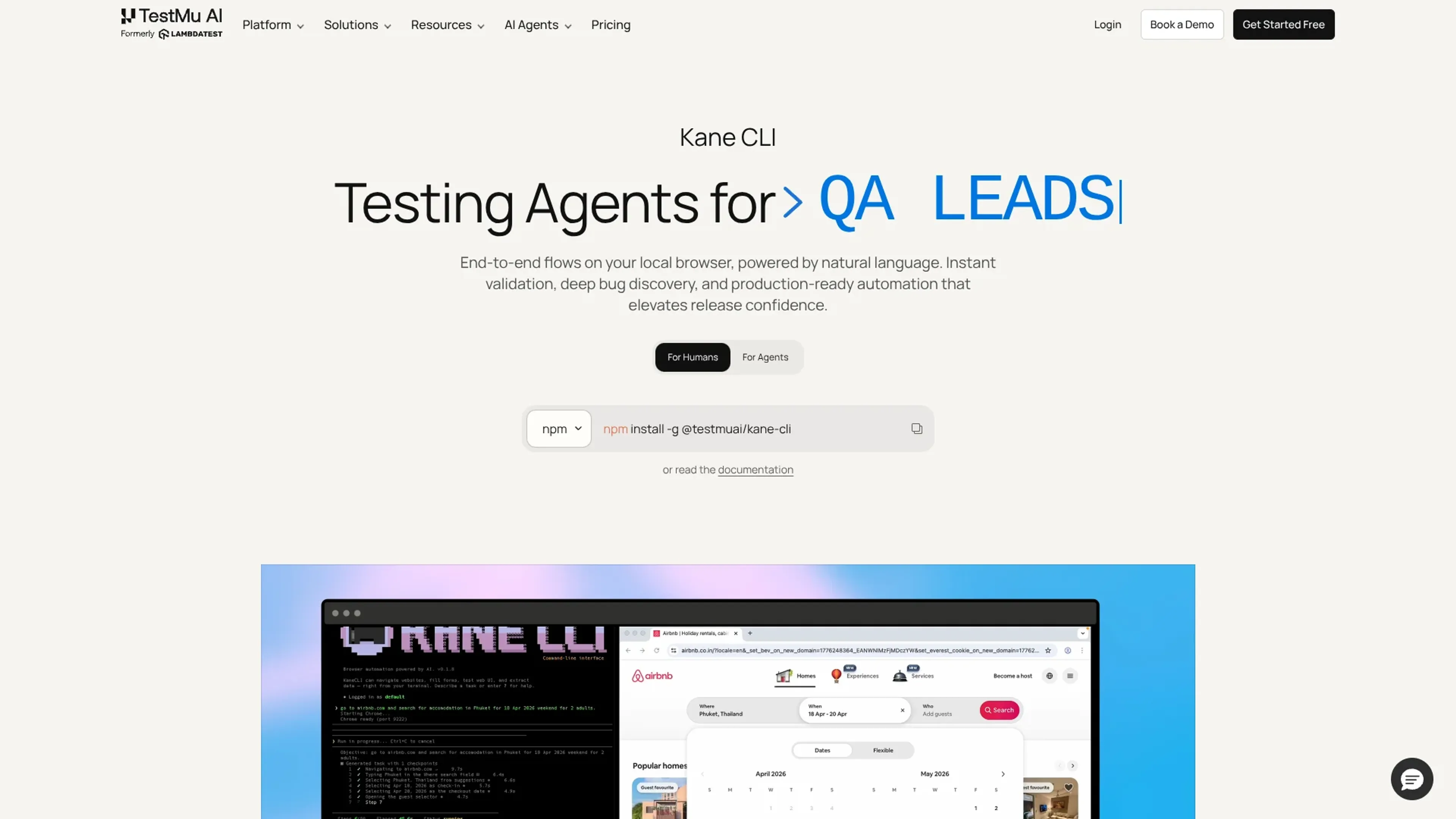
Kane CLI, by TestMu AI, is a terminal-native browser automation tool that drives real browsers from natural language instructions for humans and AI agents. It targets developers, QA engineers, and platform teams who want end-to-end validation on local machines before code reaches shared environments. The CLI ties into the broader TestMu AI cloud so runs sync to the KaneAI dashboard for replays, logs, and production-ready automation artifacts.
Key Features:
Natural Language E2E Automation: Lets users describe goals like "log in and verify billing plan" while Kane CLI drives a real browser to perform each step.
Agent-Native Browser Control: Connects directly from tools such as Cursor, Claude Code, ChatGPT, and Gemini so AI coding agents can run and validate flows themselves.
Auto-Heal And Smart Waiting: Handles flaky selectors, timing, and changing states automatically so tests stay stable across UI changes without manual script maintenance.
Test.md Agent-Native Test Format: Records any session into replayable markdown with imports, variables, and replays, which turns exploratory work into repeatable automation.
DevTools Assertions For Browser Internals: Lets teams assert network calls, console logs, storage, and performance signals in plain English instead of writing custom wiring to DevTools APIs.
Playwright Script Export: Exports flows into native Playwright test code so engineers can extend, version, and integrate them with existing automation suites.
Pros
Strong fit for AI agents: Native integrations with coding agents make it practical to move from generated code to verified browser behavior in one step.
Fast feedback on local changes: Running flows from a terminal against a real browser gives developers a clear pass or fail signal before opening pull requests.
Tight link to TestMu AI cloud: Automatic upload of runs, evidence links, and test cases gives teams a central place to review and share results.
Built-in hardening for flaky flows: Auto-heal, smart waiting, and stateful sessions reduce the effort needed to keep end-to-end checks green over time.
Cons
Requires TestMu AI account: Users must authenticate with TestMu AI, which rules out fully disconnected or on-premise-only use.
Credits-based pricing: Heavy cloud usage consumes credits from TestMu AI plans, so budgeting for large suites needs active monitoring.
CLI-first workflow: Teams that prefer point-and-click recorders or pure UI tooling may face a learning curve with a terminal-centric experience.
Who is Using Kane CLI?
Backend and full-stack developers: Trigger checkout or login flows from the terminal before pushing branches or opening pull requests.
QA engineers and SDETs: Describe regression scenarios in natural language and turn them into reusable flows, Test.md sessions, and Playwright suites.
AI platform and tooling teams: Wire Kane CLI to agents like Cursor, Claude Code, or Gemini so autonomous workflows include real browser checks.
DevOps and platform engineers: Add Kane CLI to CI pipelines as headless checks against staging and production URLs for every deploy.
Product and experimentation teams: Use shareable evidence links and replays to discuss UI issues and validate fixes across environments.
Uncommon Use Cases: Security and compliance teams replay flows to confirm cookie and storage behavior during audits; data teams script extraction flows that pull structured information from internal dashboards.
Pricing:
Free:$0 per month. Includes 200 credits per month (resets every 30 days), local test authoring via CLI, auto-heal and vision, Test Manager Free tier, and test case viewing in the UI.
Kane CLI Starter:$19 per month. Includes 2,000 credits per month (launch offer: 4,000 total credits), local test authoring via CLI, auto-heal and vision, test case viewing in the UI, and Test Manager Free tier.
Kane CLI Pro:$99 per month. Includes 10,000 credits per month (launch offer: 15,000 total credits), everything in Starter, a complimentary Test Manager license, remote execution on HyperExecute, 100 minutes per month of HyperExecute execution, tunnel support, advanced features, and scheduled runs.
Enterprise:Custom pricing. Includes higher credit allocations, additional HyperExecute execution time, more Test Manager seats, dedicated 24×7 support, custom solutions, SSO, advanced access control, enterprise-grade security, customer success and onboarding, IP whitelisting, and advanced data retention rules.
Disclaimer: Please note that pricing information may not be up to date. For the most accurate and current pricing details, refer to the official Kane CLI website.
What Makes Kane CLI Unique?
Kane CLI stands out by treating both humans and AI agents as first-class users of the same natural language browser runner. Where most testing tools either focus on low-code UIs or traditional code-based suites, Kane CLI offers a terminal-native flow that can be called from Cursor, Claude Code, ChatGPT, and Gemini while still exporting to Playwright and Test.md, which keeps exploratory testing, automation, and agent workflows aligned.
How We Rated It:
Accuracy and Reliability: 4.3/5
Ease of Use: 4.0/5
Functionality and Features: 4.5/5
Performance and Speed: 4.2/5
Customization and Flexibility: 3.9/5
Data Privacy and Security: 4.1/5
Support and Resources: 4.4/5
Cost-Efficiency: 4.6/5
Integration Capabilities: 4.2/5
Overall Score: 4.2/5
Kane CLI As An Agent-First Browser Test Companion:
Kane CLI offers a focused way for teams and AI agents to exercise real browsers from the terminal using everyday language. It is strongest for organizations that already invest in automated testing and want faster validation loops on local machines and in CI, plus a bridge into the TestMu AI cloud. Teams that expect a purely visual recorder or need offline execution may find better fits elsewhere, but for agent-centric workflows Kane CLI is well aligned.