
GPT Engineer
Transforms natural language into executable code; boosts development efficiency.
Key Takeaways
- What it is
- Transforms natural language into executable code; boosts development efficiency.
- Pricing
- Freemium
- Best for
- Natural Language Understanding
- Interactive Clarification Process
- Automated Code Generation
- Rating
- 4.4/5
What is GPT Engineer?
GPT Engineer is an intriguing tool that seems to be straight out of a developer's sci-fi dream. It's designed to transform natural language instructions into functioning software, streamlining the development process in a way that could potentially revolutionize how we approach programming. Its core functionality revolves around interpreting user specifications, engaging in dialogue for clarifications, and then proceeding to build the requested software.
What sets GPT Engineer apart is its ability to directly convert natural language instructions into executable code, effectively acting as a bridge between conceptualization and creation. This unique feature could be a game-changer for rapid prototyping and iterative development.
GPT Engineer excels in bridging the gap between idea and implementation, making it an indispensable tool for those looking to streamline their development workflows. Its ability to interpret natural language and generate code is particularly beneficial for rapid prototyping and automating routine coding tasks. While it may have some limitations, its strengths in efficiency and user-friendly design make it a standout option for developers and innovators alike.
Who is Using GPT Engineer?
Software Developers
Streamlining the coding process for new projects or enhancements.
Project Managers
Using the tool to quickly prototype software solutions.
Educators
Employing GPT Engineer to teach coding and software development.
Hobbyist Programmers
Experimenting with automated coding for personal projects.
Uncommon Use Cases
Non-profit organizations utilizing the tool to develop in-house software; Artists leveraging it to create interactive digital installations.
Key Features
Rating Breakdown
Pricing Plans
Free Tier
Free
- GPT Engineer is open-source and free to use
- Subject to the MIT license
Support Options
- Users can sponsor the project via Patreon for additional support
GPT Engineer Use Cases
Generate a new software project
Write requirements in a prompt file and run GPT Engineer against an empty project directory.
Outcome: Generated source files are saved in the project workspace.
Improve an existing codebase
Place a prompt file in an existing project and run GPT Engineer with the improvement option.
Outcome: The tool proposes and applies code improvements.
Clarify software requirements
Use the clarification workflow to interactively refine what the project should build.
Outcome: The requirements become more specific before implementation.
Run local open-source models
Connect GPT Engineer to an OpenAI-compatible local model server such as llama.cpp.
Outcome: Code-generation experiments can run with local model inference.
Benchmark custom agents
Use the included bench interface with supported public coding datasets.
Outcome: Custom agent implementations can be compared across benchmark tasks.
Workflow Ideas with GPT Engineer
Generate a new project
- 1Create an empty project folder
- 2Write requirements in a prompt file
- 3Run gpte against the project directory
Improve an existing codebase
- 1Locate the existing project folder
- 2Add instructions to its prompt file
- 3Run gpte with the -i option
Use a local model
- 1Install and start a local OpenAI-compatible model server
- 2Set OPENAI_API_BASE, OPENAI_API_KEY, MODEL_NAME, and LOCAL_MODEL
- 3Run gpte with the selected project and model
How GPT Engineer fits into your stack
Python Version Support
Compatible with multiple Python versions for broad developer reach.
Docker Integration
Offers Docker support for containerized environments.
Browser-Based Usage
Allows running the tool entirely within a web browser for ease of access.
Custom AI Models
Supports integration with custom AI models, including local and Azure-hosted options.
Pros
- +Efficiency Booster: Accelerates the coding process by automating routine tasks.
- +User-Friendly: Simplifies complex coding tasks for both technical and non-technical users.
- +Continuous Learning: Adapts and learns from each interaction, potentially improving over time.
- +Open Source Community Support: Benefits from a community-driven approach to development and enhancements.
Cons
- −Potential for Misinterpretation: As with any AI, there's a risk of misinterpreting complex instructions.
- −Dependence on Clear Specifications: Requires clear and structured input to produce accurate results.
- −Limited to Web-App Generation: The current focus is on web-app generation, which may limit its use for other types of software.
Limitations & when to consider alternatives
Known limitations
- Python version requirements. The project documentation states that the supported Python versions are 3.10 through 3.12; Python 3.8 and 3.9 support ended with version 0.2.6.
- API credentials are normally required. The standard quickstart requires configuring an OPENAI_API_KEY or another compatible model endpoint.
- Local models require suitable hardware. The documentation describes local models as a free, privacy-oriented option when users possess the proper hardware.
- Open-model support is experimental. The documentation calls open LLM support experimental and says open models currently behave worse with too many instructions.
- Repository is archived. GitHub identifies the AntonOsika repository as archived and read-only as of April 22, 2026.
Look elsewhere when
- You need a managed, opinionated service rather than a terminal-based open-source project.
- You need a maintained hackable CLI alternative.
How to Use GPT Engineer
- 1
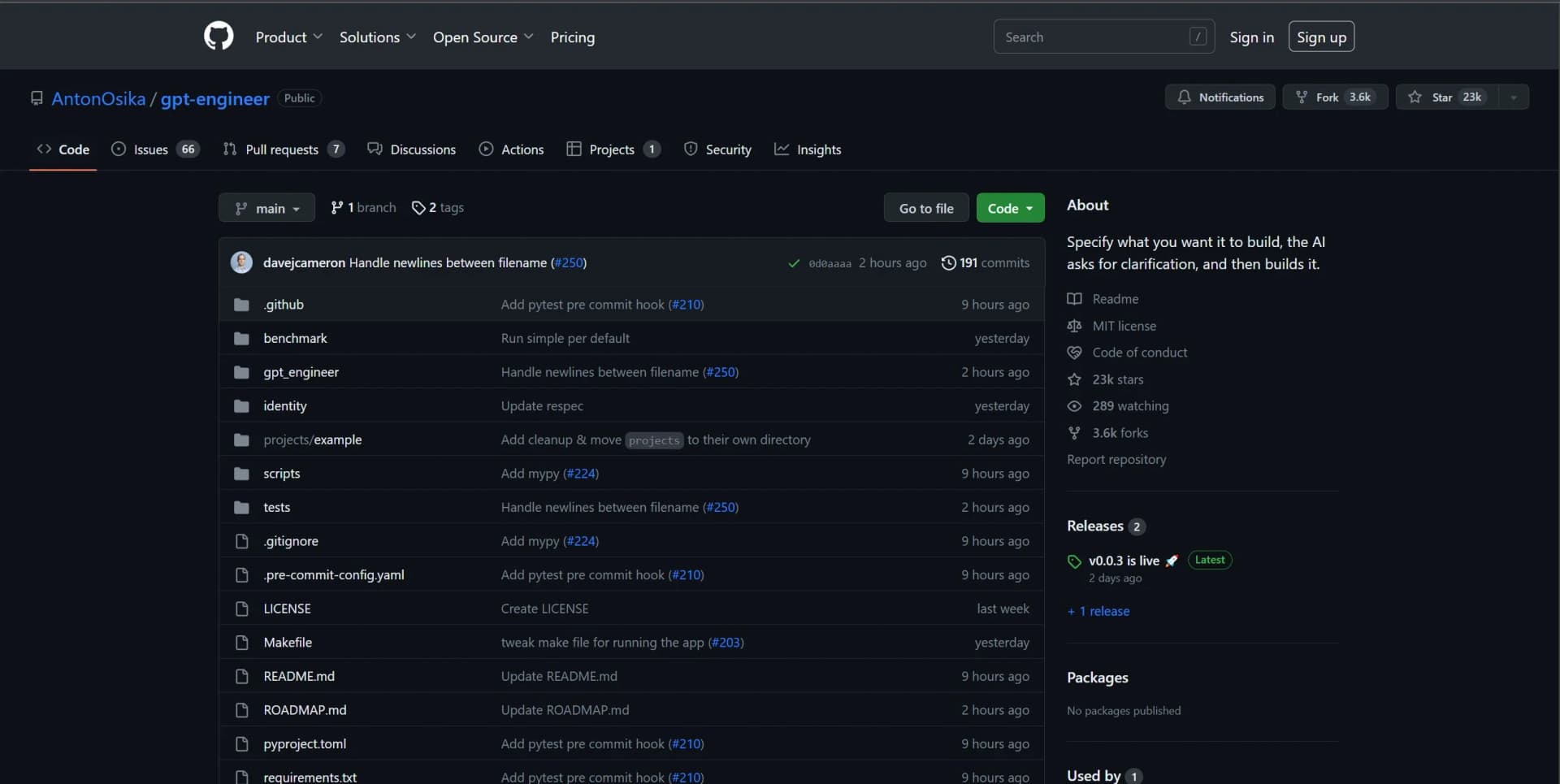
The GitHub repository provides detailed setup instructions and usage examples to get started with GPT Engineer. Additional community-generated tutorials may be available on platforms like YouTube.
Who is GPT Engineer For?
Software engineers
The tool is designed to automate software engineering tasks, generate code, clarify requirements, and improve existing projects.
Developers using local models
Developers with suitable hardware can connect GPT Engineer to open-source models through an OpenAI-compatible API.
AI-agent researchers
The project includes benchmarking support for custom agents and datasets such as APPS and MBPP.
Open-source contributors
The documentation includes contribution, pull-request, code-style, licensing, and roadmap guidance.
Frequently Asked Questions
What is GPT Engineer?
GPT Engineer uses large language models to automate software engineering, including requirement clarification, specification generation, and code generation.
How do I install GPT Engineer?
Install the stable release with python -m pip install gpt-engineer, or install from the source repository.
What credentials are required?
The standard setup requires an OPENAI_API_KEY environment variable or .env entry. Local and compatible model options are also documented.
Can GPT Engineer improve existing code?
Yes. Create a prompt file in an existing project folder and run gpte with the -i option.
Can GPT Engineer use local models?
Yes. The documentation describes OpenAI-compatible local-model setups using llama.cpp and llama-cpp-python.
Can I run GPT Engineer in a browser?
The README and quickstart point to GitHub Codespaces for running the project in a browser.
Community reviews
Be the first to share your experience.
Sign in to leave a review for GPT Engineer.
GPT Engineer Alternatives
Looking for alternatives to GPT Engineer? Here are similar tools in the same category:
Learn to Master GPT Engineer
With Skill Leap courses
Get in-depth training on GPT Engineer and 50+ other AI tools with our expert-led video courses.
Start 7-Day Free Trial