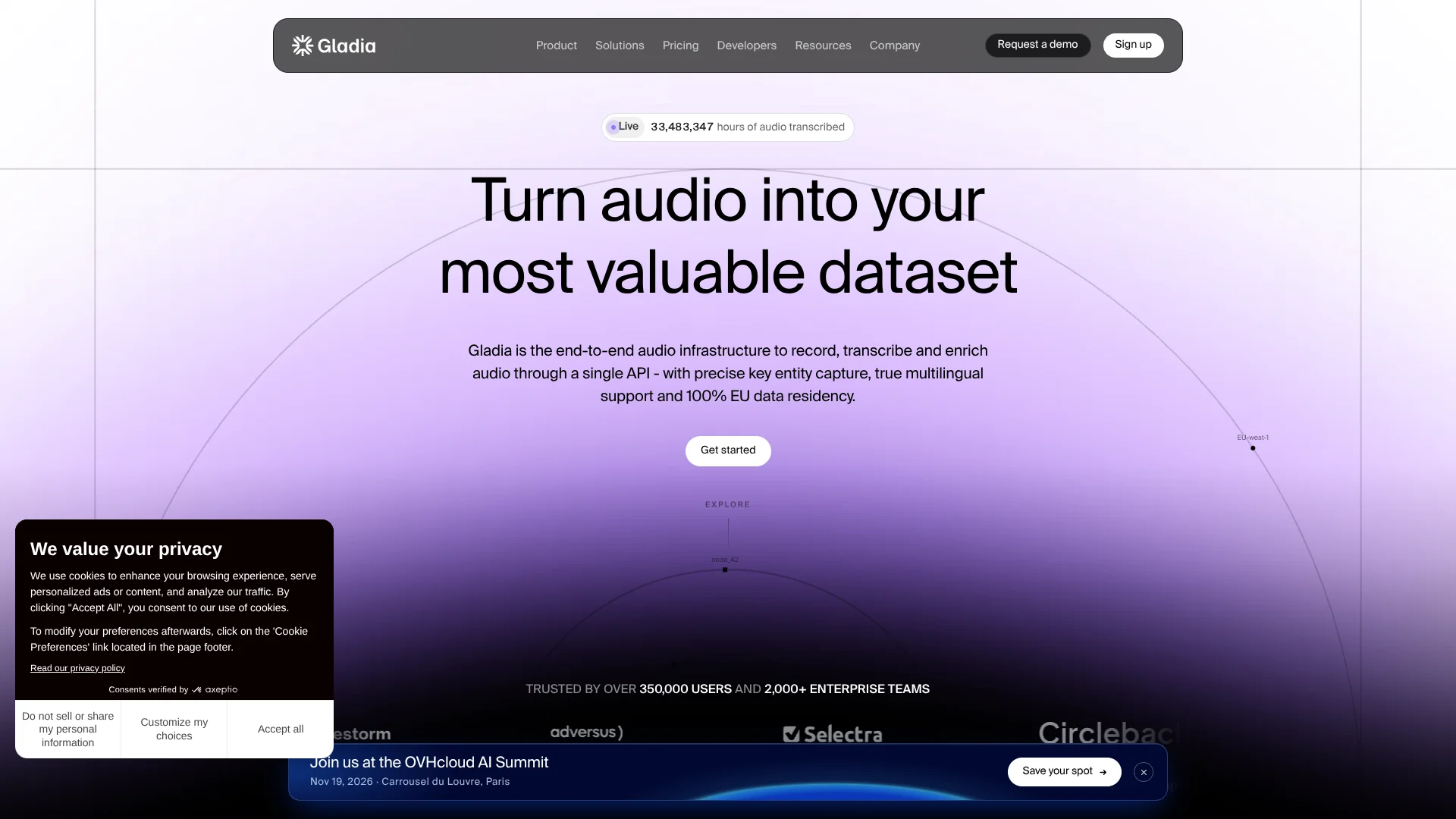
Gladia
Live speech transcription for developers building voice-enabled products.
Key Takeaways
- What it is
- Live speech transcription for developers building voice-enabled products.
- Best for
- Live transcription
- Pre-recorded transcription
- Audio Intelligence
- Rating
- 4.3/5
What is Gladia?
Gladia turns live or recorded audio into transcripts developers can use in voice agents, meeting tools, call-center software, and media apps. Its API can stream words as people speak or process uploaded recordings afterward. Product teams can add speech recognition without building their own transcription system.
Beyond transcripts, Gladia can label speakers, detect names, mask personal details, assess sentiment, translate speech, or summarize audio. Some intelligence features cost extra when enabled. Its GladiaFlow desktop app also turns speech into text in other apps, using Gladia's real-time transcription service.
Gladia suits teams building voice-enabled products, especially developers who need live transcription, multilingual speech, or transcripts routed into other software. It is less suited to people seeking a ready-made meeting-notes workspace: its core product is an API, with GladiaFlow as a desktop dictation app.
Who is Using Gladia?
Voice AI engineers
Live transcripts and end-of-turn events help them build voice agents that respond at the right time.
Contact center developers
Speaker labels, sentiment, and redaction can turn call audio into useful support data.
Meeting app engineers
Transcription and language features can power live captions and meeting records.
Media platform developers
Batch transcription and subtitles help make recorded audio and video searchable or accessible.
Uncommon Use Cases
Dictating prompts into AI tools with GladiaFlow; routing transcribed support calls into CRM or data systems.
Key Features
Rating Breakdown
Pricing Plans
Self-serve
- Converted from €0.16 per hour; Gladia publishes prices in euros, not USD.
- Async Solaria-3 starts at this rate; volume discounts can lower the hourly cost.
- Real-time transcription starts at about $0.75 per hour, converted from €0.68.
- New accounts receive €50 in credits, valid for one year.
Enterprise
- Annual plan with custom models and fine-tuning.
- Includes unlimited concurrent requests, zero data retention, custom hosting, and SLAs.
- Dedicated Slack support and an account manager are included.
Which Gladia plan should you pick?
Start with Self-serve to test transcription or run usage-based workloads; consider Enterprise when you need custom models, hosting, or service-level agreements.
Self-serve
Good for builders who want to try Gladia or pay for transcription as they process audio.
Enterprise
Good for organizations that need custom models and fine-tuning, higher concurrency, custom hosting, or dedicated support.
Gladia Use Cases
Voice agents
Live speech recognition and end-of-turn detection give an agent text to act on while a call is underway.
Outcome: The agent can respond after the caller finishes a turn.
Call analysis
Call recordings can be transcribed and enriched with speaker labels, sentiment, named entities, or redaction.
Outcome: Audio becomes structured information for downstream tools.
Meeting captions
Live transcription, speaker diarization, and translation support captions for meetings and events.
Outcome: Spoken content is available as text during the session.
Podcast and video subtitles
Recorded media can be processed into transcripts and subtitle files.
Outcome: Audio and video gain readable text and subtitles.
Desktop voice dictation
GladiaFlow puts spoken words into the active text field in apps on Mac or Windows.
Outcome: Typing can be replaced with voice input across desktop apps.
Workflow Ideas with Gladia
Turn a recorded call into usable data
- 1Submit the recording to the pre-recorded transcription API.
- 2Enable speaker labels and the audio intelligence features needed for the call.
- 3Send the completed results to your application through a webhook.
Add live transcription to a voice agent
- 1Create a live session with the needed language and transcription settings.
- 2Stream incoming audio and receive partial and final transcripts.
- 3Pass the transcript and end-of-turn events to the agent.
Dictate into desktop apps
- 1Install GladiaFlow for Mac or Windows.
- 2Add a Gladia API key and set a dictation shortcut.
- 3Speak while focused on a text field in an app such as Slack, Notion, or Cursor.
How Gladia fits into your stack
Live audio
The live API streams speech and returns transcript updates during a session. It fits voice agents, call tools, and live captions.
Recorded audio
The pre-recorded API processes existing files, making it suitable for call archives, podcasts, and video.
Transcript enrichment
Audio Intelligence adds options such as summaries, translation, sentiment, named entities, and redaction to transcription workflows.
Voice and automation integrations
SDKs and integrations including Pipecat, LiveKit, Twilio, Zapier, Make, and n8n connect Gladia with voice products and workflow tools.
Desktop dictation
GladiaFlow uses the real-time transcription service to place dictated text into desktop apps on Mac and Windows.
Pros
- +Live and batch options: Transcribe speech while it happens or process existing audio files.
- +Audio insights: Add summaries, sentiment, translation, and redaction to transcript workflows.
- +Usage-based billing: Self-serve has no subscription, and async rates drop with monthly volume.
- +Desktop dictation: GladiaFlow brings real-time voice input to Mac and Windows apps.
Cons
- −Developer-first setup: The main product is an API, so using it in your own app requires technical integration.
- −Variable costs: Your bill depends on audio volume, transcription mode, and any paid add-ons.
- −Separate dictation app: GladiaFlow is for desktop dictation, not a full meeting-notes workspace.
Limitations & when to consider alternatives
Known limitations
- Pre-recorded file duration. The documented default maximum is 2 hours and 15 minutes per audio file; a workspace can be configured for up to 12 hours.
- Self-serve concurrency. Self-serve allows 25 simultaneous pre-recorded jobs and 30 simultaneous real-time sessions; requests above those limits can receive an error.
- Model training setting. Self-serve is opted in to model training by default, though users can opt out at no extra cost.
- Some intelligence features cost extra. Summarization, sentiment, translation, named entity recognition, and redaction are billed separately when enabled.
Look elsewhere when
- You need flat monthly subscription billing instead of prepaid credits based on usage.
- You need unlimited concurrent jobs on a self-serve plan.
- You need a ready-made meeting-notes workspace rather than an API and a desktop dictation app.
How to Use Gladia
- 1
Get an API key
A key from the Gladia dashboard authenticates your API requests.
- 2
Choose the audio path
Live sessions fit speech being captured now; the pre-recorded API fits audio files that already exist.
- 3
Try a sample
The Gladia playground lets you test audio and transcription settings before adding them to an app.
- 4
Set useful transcript options
Custom vocabulary can help with names and jargon, while optional Audio Intelligence features add analysis or redaction.
- 5
Connect the result to your product
SDKs, webhooks, and integrations such as Twilio, Zapier, and n8n can pass transcripts into other systems.
- 6
Dictate from a desktop
GladiaFlow is the separate Mac and Windows option for putting speech into text fields across apps.
Who is Gladia For?
Voice product builders
Developers can add live or recorded speech transcription and audio insights to their own apps.
Voice agent teams
Low-latency transcripts and end-of-turn detection can help agents respond when callers finish speaking.
Contact center teams
Call workflows can use speaker separation, sentiment, named entities, and personal-data redaction.
Meeting and media products
Transcription, speaker labels, translation, and subtitles support meeting tools and content workflows.
Frequently Asked Questions
Can I try Gladia for free?
New accounts get €50 in credits, valid for one year. The credits cover usage rather than creating an ongoing free plan.
How does Gladia billing work?
Self-serve uses a prepaid credit wallet with manual or automatic top-ups, and there is no subscription.
Does Gladia support live and recorded audio?
Yes. Its live API streams audio and returns transcript updates, while its pre-recorded API processes existing files.
Can I opt out of model training?
Yes. Self-serve users can opt out at no extra cost from their profile; Enterprise is opted out by default.
Does Gladia have a desktop app?
GladiaFlow is a separate desktop dictation app available for Mac and Windows.
Community reviews
1 review from people who use Gladia.
Sign in to leave a review for Gladia.
Thibault BM
Gladia Alternatives
Looking for alternatives to Gladia? Here are similar tools in the same category: