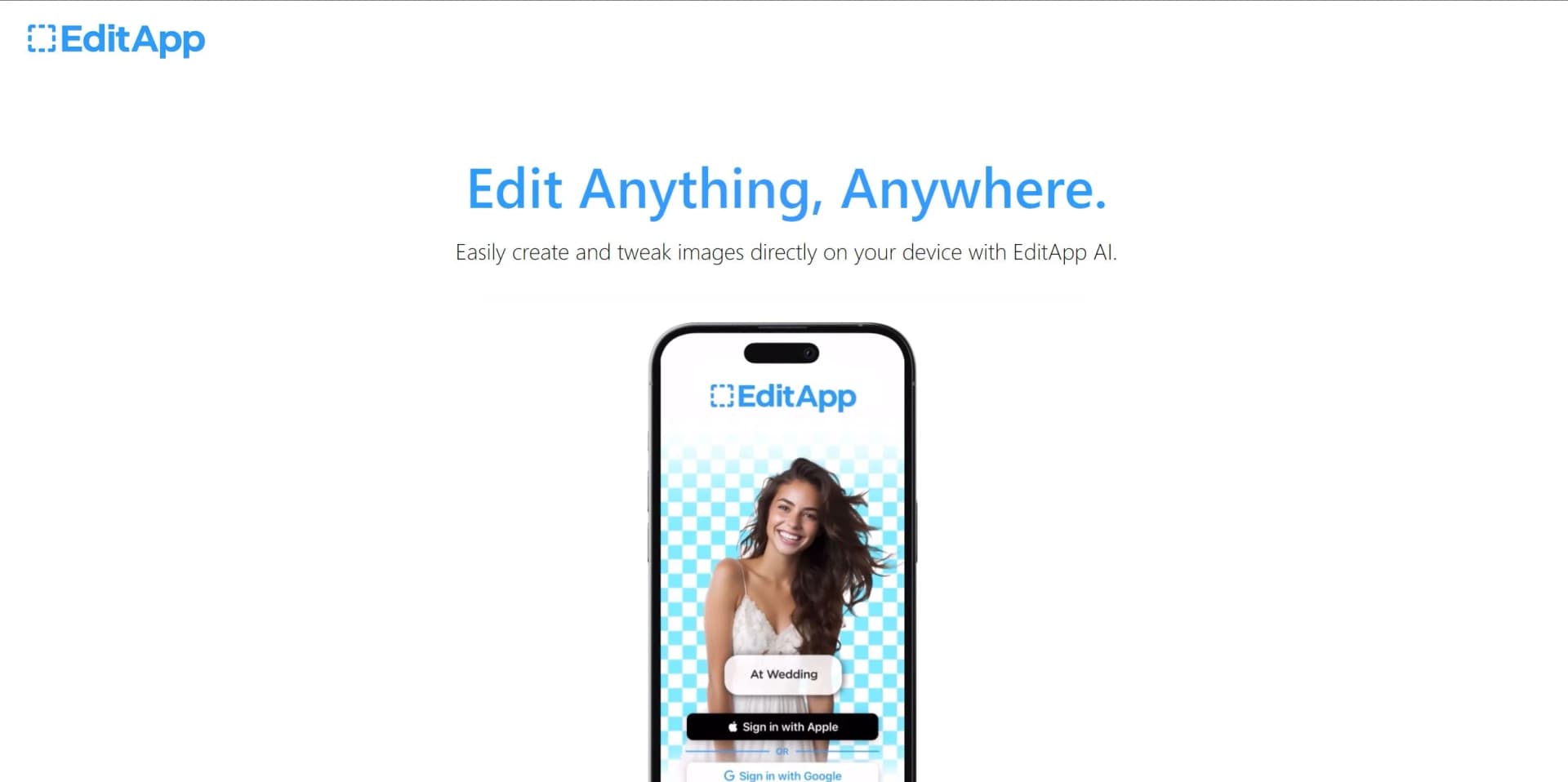
EditApp AI
Revolutionize your editing workflow with advanced AI-powered tools. Streamline photo editing, video editing, and graphic design tasks
Key Takeaways
- What it is
- Revolutionize your editing workflow with advanced AI-powered tools. Streamline photo editing, video editing, and graphic design tasks
- Pricing
- Freemium · $10 per month
- Best for
- AI-Powered Editing
- Versatile Toolset
- Collaborative Features
- Rating
- 4.4/5
What is EditApp AI?
EditApp AI is a groundbreaking tool that leverages artificial intelligence to streamline editing processes. Designed for content creators, marketers, and professionals, it simplifies tasks such as photo editing, video editing, and graphic design, thereby enhancing productivity and creativity.
EditApp AI stands out with its AI-powered editing capabilities, a game-changer for content creation. Its ability to automate complex editing tasks sets it apart, making it a must-have tool for professionals and creatives.
EditApp AI excels in providing AI-powered editing capabilities, making it an essential tool for content creators, marketing professionals, and graphic designers. Its ability to automate complex editing tasks in particular, offers an unmatched advantage, enhancing productivity and creativity.
Who is Using EditApp AI?
Content Creators
Using EditApp AI to automate their editing tasks and enhance their creative output.
Marketing Professionals
Employing EditApp AI to create visually appealing marketing content.
Graphic Designers
Leveraging the versatility of EditApp AI for their design projects.
Video Editors
Using EditApp AI to streamline their video editing processes.
Uncommon Use Cases
Used by non-profit organizations for creating promotional materials; Adopted by teachers for creating engaging educational content.
Key Features
Rating Breakdown
Pricing Plans
Free Tier
Free
- Experience EditApp AI with a 7-day free trial
Pro Tier
$10 per month
EditApp AI Use Cases
AI selfies
Upload a selfie and describe a desired scenario or setting.
Outcome: A lifelike generated image in a selected visual style.
Adding imaginative elements
Insert described objects, animals, or characters into an existing photo.
Outcome: A transformed image with unexpected visual elements.
Virtual background changes
Replace the scenery behind a subject with a real or imagined destination.
Outcome: A photo situated in a new environment.
Appearance experimentation
Paint changes onto clothing, hairstyles, or facial hair.
Outcome: A personalized look without changing the original photo session.
Expanding images
Zoom out from an existing photo and let AI fill the newly revealed area.
Outcome: A wider composition beyond the original frame.
Workflow Ideas with EditApp AI
Create an AI selfie
- 1Upload a selfie
- 2Describe the desired situation or setting
- 3Choose a realistic, anime, or artistic style
Transform a travel photo
- 1Select an existing photo
- 2Use Background Swap to describe a new destination
- 3Generate and share the transformed image
Try a new appearance
- 1Open a photo in AI Paint
- 2Describe clothing, hairstyle, or facial-hair changes
- 3Generate the personalized result
How EditApp AI fits into your stack
Adobe Suite Compatibility
EditApp AI seamlessly integrates with Adobe Suite, enhancing the creative workflow.
Google Drive Integration
Users can easily access and save their projects on Google Drive.
Social Media Integration
Directly share your creations on social media platforms.
API Access
Developers can harness EditApp AI's API for custom integrations.
Pros
- +Saves Time: Automates complex editing tasks, reducing the time spent on manual editing.
- +Enhances Creativity: With a wide range of tools and features, users can enhance their creative output.
- +Encourages Collaboration: The tool's collaborative features make it easy for teams to work together on projects.
- +Accessible Anywhere: Being a cloud-based platform, EditApp AI can be accessed from any device with an internet connection.
Cons
- −Requires a Steady Internet Connection: As a cloud-based platform, EditApp AI requires a stable internet connection to function smoothly.
- −May Be Overwhelming for Beginners: The wide range of tools and features might be overwhelming for beginners.
How to Use EditApp AI
- 1
EditApp AI offers a comprehensive tutorial series on their website, covering everything from basic setup to advanced features.
Frequently Asked Questions
What can I do with EditApp AI?
Transform photos with AI selfies, added elements, background swaps, photo expansion, and appearance changes.
How does AI Selfie work?
Upload a selfie, describe a situation or setting, and generate a lifelike image in realistic, anime, or artistic styles.
Can I add unexpected elements to photos?
Yes. AI Select can add described elements such as animals, objects, or other imaginative subjects.
Can I change a photo's background?
Yes. Background Swap replaces the existing scenery with a described location or environment.
Can I change clothing or hairstyles?
Yes. AI Paint lets users alter clothing, hairstyles, and facial hair in photos.
Can I share my creations?
Users can publish AI-generated creations to their profile and the app's public feed.
Community reviews
Be the first to share your experience.
Sign in to leave a review for EditApp AI.
EditApp AI Alternatives
Looking for alternatives to EditApp AI? Here are similar tools in the same category: