
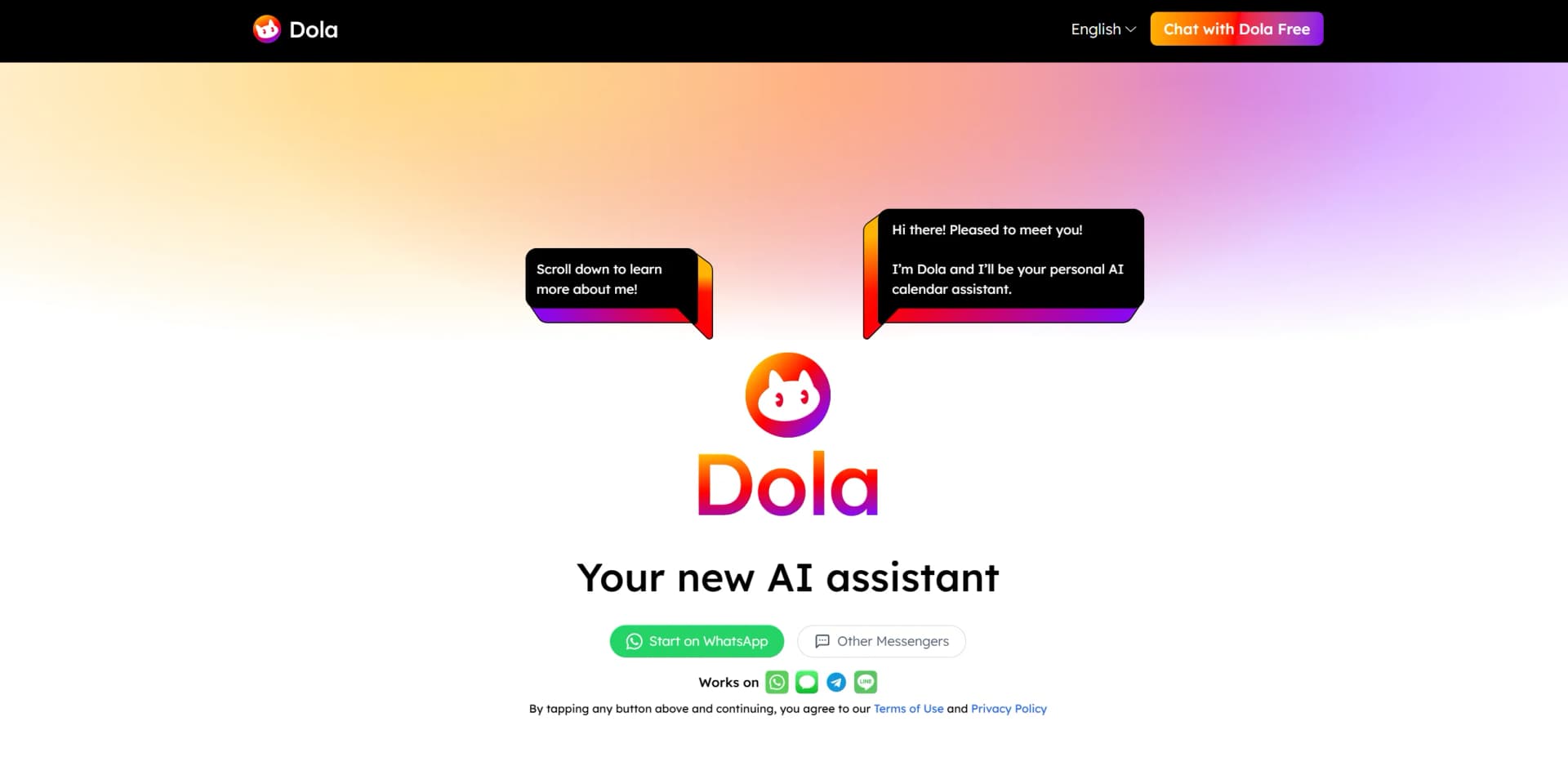
Dola
AI-driven assistant revolutionizing scheduling with natural language integration.
Key Takeaways
- What it is
- AI-driven assistant revolutionizing scheduling with natural language integration.
- Pricing
- Freemium
- Best for
- Natural Language Scheduling
- Cross-Platform Integration
- Multi-Modal Input
- Rating
- 4.5/5
What is Dola?
Dola AI revolutionizes the way we manage our schedules by offering a smart, AI-driven calendar assistant. Designed for professionals and individuals who want to streamline their daily tasks, Dola AI transforms the traditional scheduling process into a seamless, intuitive experience. It simplifies event organization by allowing users to create, manage, and adjust calendar events through natural language processing, all within their favorite messaging apps.
Dola AI stands out with its natural-language, chat-like interface, making calendar management both innovative and efficient. Its seamless integration with messaging apps and smart recognition of natural language commands set it apart as a truly intuitive scheduling assistant.
Dola AI offers a transformative experience for anyone looking to simplify and optimize their scheduling process. With its intuitive interface and powerful AI capabilities, it provides an efficient, user-friendly solution for managing daily tasks and events. Whether you're a professional, freelancer, or student, Dola AI ensures you can focus on what matters most—while it takes care of organizing your day.
Who is Using Dola?
Busy Professionals
Managing meetings and appointments effortlessly.
Freelancers
Organizing diverse work schedules and client interactions.
Travel Enthusiasts
Keeping track of travel itineraries and reminders.
Students
Managing classes, study sessions, and extracurricular activities.
Uncommon Use Cases
- Event Planners: Streamlining scheduling for large-scale events.; - Writers & Creatives: Managing writing deadlines and production schedules.
Key Features
Rating Breakdown
Pricing Plans
Free Tier
Free
- Experience Dola AI with a free trial
- Allowing users to explore its full capabilities
Dola Use Cases
Create calendar events
Send a natural-language request such as booking a flight or scheduling lunch.
Outcome: Dola creates the event with its date, time, notes, and alert.
Schedule appointments
Describe an appointment, meeting, or activity through a messaging conversation.
Outcome: The event is added to the connected calendar.
Set reminders
Include a reminder request with an event, such as remembering to bring an item.
Outcome: Dola attaches reminder details to the scheduled event.
Manage calendar events
Use conversations to add, delete, modify, or search calendar events.
Outcome: Calendar information can be managed without using a traditional calendar interface.
Sync calendars
Connect Google Calendar, Apple Calendar, or CalDAV.
Outcome: Calendar changes synchronize across supported calendar services and devices.
Workflow Ideas with Dola
Schedule an event from a message
- 1Open Dola in WhatsApp, Apple Messages, Telegram, or LINE
- 2Send the event details in natural language
- 3Review the created event and reminder
Keep calendars synchronized
- 1Connect Google Calendar, Apple Calendar, or CalDAV
- 2Create or modify an event through Dola
- 3Confirm the change in the connected calendar app
Create a reminder with an appointment
- 1Message Dola with the appointment details
- 2Add the requested reminder or alert timing
- 3Receive notifications through the messaging and calendar apps
How Dola fits into your stack
Browser
The official website is the discovery and onboarding surface, while the assistant itself is used through connected messaging apps.
Team chat and tickets
Dola lives inside messaging apps, where users send text, voice messages, or images to create and manage calendar events.
Automation and APIs
Dola connects calendars through Google Calendar, Apple Calendar, and CalDAV synchronization, but no public developer API is documented.
Pros
- +User-Friendly: No need to download additional apps—Dola integrates seamlessly with existing messaging platforms.
- +Time-Saving: Using natural language for scheduling makes the process significantly faster and more intuitive.
- +Global Reach: With over 1.4 million users, Dola AI has proven its effectiveness worldwide.
- +Comprehensive Reminders: Dola AI not only sets up events but also sends timely reminders to ensure nothing is missed.
Cons
- −Learning Curve: Some users may initially struggle with the natural language processing feature.
- −Limited Integration Options: While it syncs with major calendar apps, integration with other third-party tools is limited.
Limitations & when to consider alternatives
Known limitations
- Messaging-based access. The official site positions Dola as a service used through messaging apps rather than a dedicated native application.
- Calendar-focused functionality. The documented feature set centers on adding, deleting, modifying, searching, and synchronizing calendar events.
Look elsewhere when
- You need a dedicated native mobile app.
- You need an API for programmatic integration.
- You need enterprise SSO or SAML.
How to Use Dola
- 1
Choose a messaging platform
Open Dola through WhatsApp, Apple Messages, Telegram, or LINE.
- 2
Connect a calendar
Link Google Calendar, Apple Calendar, or CalDAV so events can synchronize.
- 3
Describe your schedule request
Send a natural-language message containing the event, date, time, location, notes, or reminder.
- 4
Review the created event
Check Dola's confirmation and verify the event in the connected calendar.
- 5
Modify or search events conversationally
Ask Dola to update, delete, or find calendar events through the same chat.
Who is Dola For?
Individuals
Dola is positioned as a personal calendar assistant for scheduling events, reminders, and daily plans through messaging.
Groups
Dola supports group-calendar scenarios and can coordinate plans through supported messaging apps.
Frequently Asked Questions
Who is Dola?
Dola is an AI calendar assistant that helps manage calendars through messaging conversations.
What's special about Dola?
Dola supports conversational calendar management and can process voice, image, and text inputs.
Where can I use Dola?
Dola is available through WhatsApp, Apple Messages, Telegram, and LINE.
I don't know how to use it. Where can I get help?
Start a conversation with Dola through one of the supported messaging platforms.
Any upcoming features?
The official site includes an upcoming-features FAQ but does not provide a specific feature roadmap in the available page content.
Is my data safe?
Dola's privacy policy describes password protection, encryption, web security protocols, and additional authentication methods.
Community reviews
Be the first to share your experience.
Sign in to leave a review for Dola.
Dola Alternatives
Looking for alternatives to Dola? Here are similar tools in the same category:
Learn to Master Dola
With Skill Leap courses
Get in-depth training on Dola and 50+ other AI tools with our expert-led video courses.
Start 7-Day Free Trial