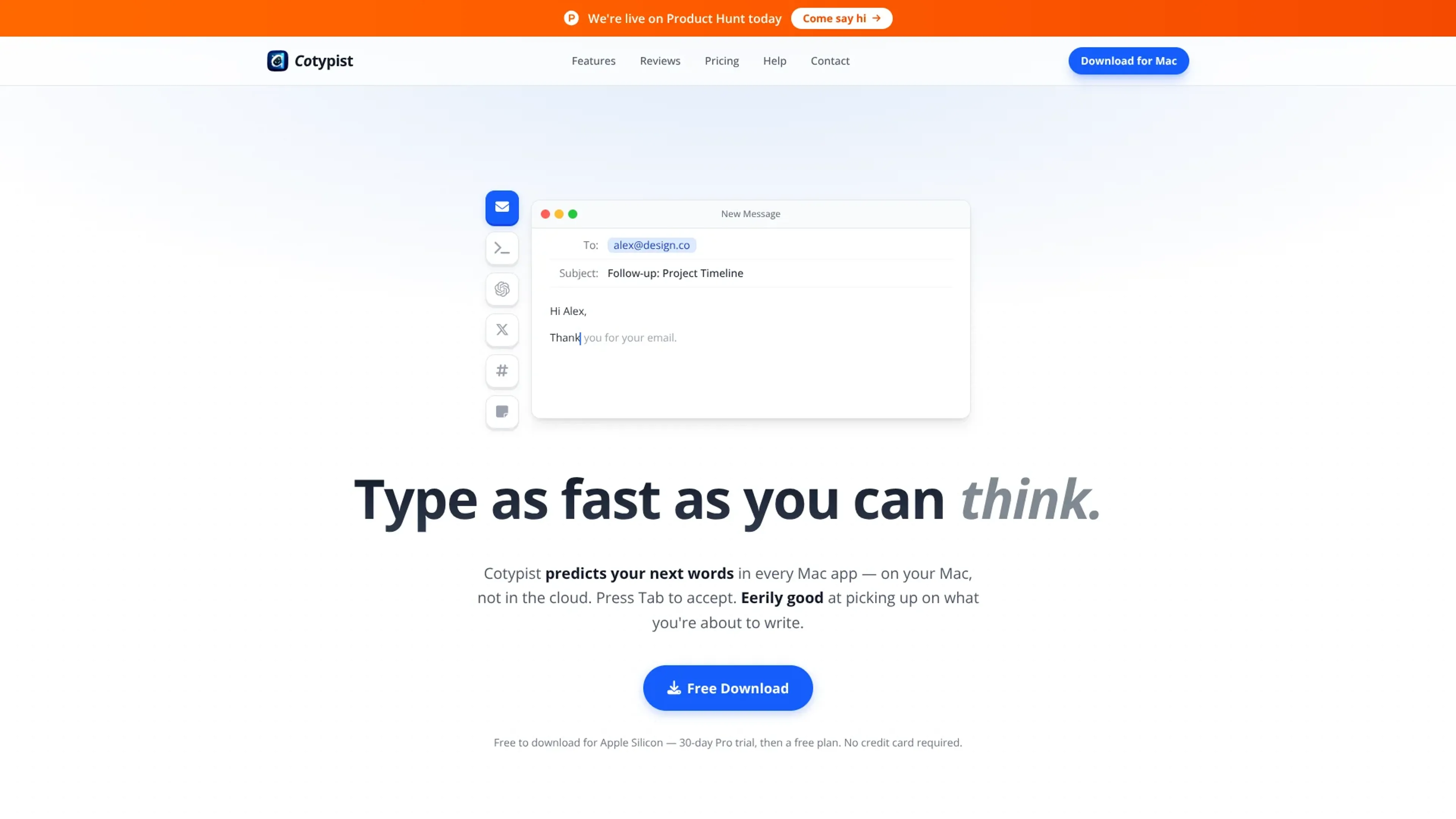
Cotypist is a local AI autocomplete utility for Apple Silicon Macs that predicts your next words in almost any text field. It runs entirely on-device, shows inline suggestions as you type, and accepts them with Tab. The tool targets people who spend hours writing email, docs, support replies, and AI prompts.
Key Features:
System-wide inline autocomplete: Shows AI suggestions in most Mac text fields and accepts them with Tab.
Local-only processing on Apple Silicon: Runs language models entirely on-device, keeping text private and latency low.
Style learning and personalization: Adapts to each writer's vocabulary and phrasing so completions sound familiar.
Typing helpers built in: Offers word-by-word acceptance, inline typo fixes, and emoji suggestions without extra pop-ups.
Pros
Noticeable time savings: Users often cut keystrokes significantly in email, support replies, and documentation.
Strong privacy posture: No prompts or documents leave the Mac, and password fields stay unread.
Stays inside existing workflows: Removes the need to switch to a chatbot or craft prompts to get help.
Cons
Limited platform support: Requires an Apple Silicon Mac running macOS 14 or later, excluding Intel, Windows, and Linux.
Heavy writers pay in money and memory: Subscriptions plus 1-2.5 GB RAM usage can feel costly to some users.
Who is Using Cotypist?
Marketing and content writers: Draft campaigns, newsletters, and posts faster while keeping brand voice intact.
Customer support agents: Shorten repetitive ticket and email responses across help desks and inboxes.
Technical and documentation writers: Speed through release notes and internal docs where sentences repeat.
Non-native English and accessibility-focused users: Reduce errors and strain for slower typists, including dyslexic or one-handed writers.
Uncommon Use Cases: Neuralink implant testers capturing quick notes; power users who write prompts all day for AI agents.
Pricing:
Free: $0 per month; includes 30-day Pro free trial, 100 completed words per day, works in every Mac app, private on-device writing, basic suggestions, and screen-aware suggestions.
Plus: $8 per month; includes 30-day Pro free trial, unlimited completions on 1 Mac, full autocorrect, balanced personalization, configurable completion length, and custom writing instructions.
Pro: $12 per month; includes 30-day Pro free trial, unlimited completions on up to 3 Macs, full model catalog, strong personalization, clipboard awareness, per-app instructions, early Labs access, and mid-line completion.
Billing Options: Monthly pricing is shown; annual billing saves 25%.
Disclaimer: Please note that pricing information may not be up to date. For the most accurate and current pricing details, refer to the official Cotypist website.
What Makes Cotypist Unique?
Cotypist stands out by running small language models fully on-device while working across most Mac text fields, giving writers style-aware completions and strong privacy without routing drafts through cloud services or a single locked-in editor. That combination makes it feel closer to a native Mac typing upgrade than a traditional AI writing assistant.
How We Rated It:
Accuracy and Reliability: 4.4/5
Ease of Use: 4.6/5
Functionality and Features: 4.1/5
Performance and Speed: 4.3/5
Customization and Flexibility: 3.5/5
Data Privacy and Security: 4.8/5
Support and Resources: 4.0/5
Cost-Efficiency: 4.2/5
Integration Capabilities: 3.9/5
Overall Score: 4.2/5
Cotypist As A Local-First Autocomplete Companion For Apple Silicon Writers:
Cotypist gives Apple Silicon users fast, local autocomplete inside the Mac apps they already use. It works best for people who live in text and care about privacy, while those needing cross-platform tools or very low costs may favor open-source alternatives. For Mac-first writers who want AI help that feels like their own voice rather than a chatbot, it is a compelling option.