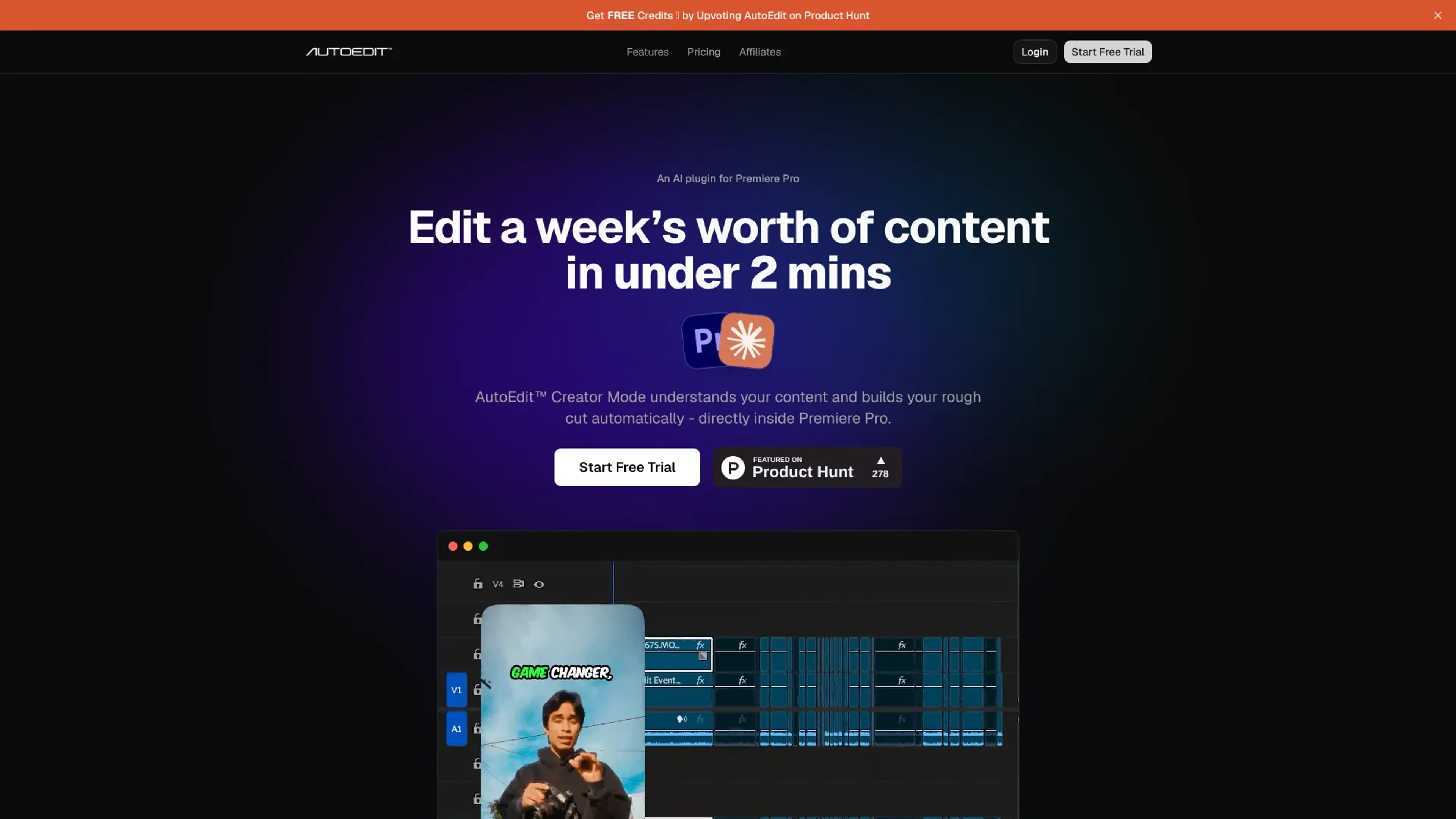
AutoEdit is an AI video editing plugin that runs directly inside Adobe Premiere Pro and automates the first pass on talking-head content. It focuses on tasks like removing silences, filler words, repeated takes, and bad takes, then building a structured rough cut and captions in minutes. It targets YouTube, TikTok, Instagram, LinkedIn, and podcast creators who want to speed up repetitive timeline cleanup without leaving Premiere.
Key Features:
Creator Mode Rough Cut Builder: An AI “Creator Mode” understands spoken content and assembles a rough cut automatically inside Premiere Pro, so editors start from a cleaner timeline instead of a blank one.
AI Context Editing with Claude: Powered by Claude AI, AutoEdit analyzes meaning rather than just audio waveforms, keeping stronger takes and trimming weak or repeated sections.
Silence, Filler, and Bad Take Removal: Automatically detects dead air, “um/uh/like” filler, restarts, and stutters, then removes them while aiming to preserve natural pacing.
Repetition Detection: Identifies when the same idea or sentence is delivered multiple times and keeps the best version while discarding the rest.
Auto Captions in 99+ Languages: Generates captions across dozens of languages with creator-style presets or custom designs, with unlimited captioning on all paid plans.
Timeline Auto Build in Premiere Pro: Rebuilds the Premiere Pro timeline for talking-head or voiceover content in seconds, so editors can immediately refine cuts, pacing, and style.
Pros
Significant time savings: Turns hours of manual trimming for talking-head footage into a machine-generated starting cut in under a few minutes.
Native Premiere Pro workflow: Runs as a plugin, so editors avoid round-tripping to external web apps or separate editors.
Clear scope and expectations: The site openly positions AutoEdit as a rough-cut tool, not a full creative editor, which reduces surprises.
Strong social proof: Cites 15,000+ editors and 100+ verified Trustpilot reviews with an average score around 4.67 out of 5.
Cons
Premiere-only support: Works only inside Adobe Premiere Pro, so users of other NLEs cannot use it.
Metered AI hours: Starter, Pro, and Business plans cap monthly AI editing time at 2, 5, and 15 hours, which can limit heavy users.
Trial requires payment details: A credit card is required to start the 3-day free trial, which some potential customers may dislike.
Who is Using AutoEdit?
YouTube educators and vloggers: Clean long talking-head recordings, remove filler and failed takes, and get a structured rough cut before fine-tuning.
Short-form social editors (Reels/TikTok/Shorts): Turn batches of vertical clips into tight drafts for rapid posting schedules.
Podcast and interview producers: Auto-clean multi-speaker conversations and generate captions for video podcasts without hand-cutting every pause.
Freelance video editors and agencies: Use Creator Mode as a first pass on client footage to improve turnaround times and margins.
Corporate and LinkedIn creators: Polish thought-leadership videos by trimming meandering sections and adding captions for feed consumption.
Uncommon Use Cases: Turning webinar recordings into clip libraries; helping newer Premiere users get a professional-looking starting edit.
Pricing:
Free Trial: 3-day free trial available on all paid plans.
Starter: $29 per month; includes 2 hours per month, all AI editing features, unlimited captions, and Premiere Pro plugin.
Pro: $79 per month; includes 5 hours per month, all AI editing features, unlimited captions, and Premiere Pro plugin.
Business: $199 per month; includes 15 hours per month, all AI editing features, unlimited captions, and Premiere Pro plugin.
Billing Options: Monthly pricing is shown; yearly billing is available and saves up to 27%.
Disclaimer: Please note that pricing information may not be up to date. For the most accurate and current pricing details, refer to the official AutoEdit website.
What Makes AutoEdit Unique?
AutoEdit differentiates itself by bringing meaning-aware AI editing directly into Adobe Premiere Pro instead of living as a separate app. Its Creator Mode and Claude-powered context editing are tightly focused on the repetitive, talk-first edits that YouTube, short-form, and podcast creators handle daily, with honest messaging that it delivers a fast rough cut rather than promising a fully polished final video.
How We Rated It:
Accuracy and Reliability: 4.3/5
Ease of Use: 4.4/5
Functionality and Features: 4.1/5
Performance and Speed: 4.6/5
Customization and Flexibility: 3.5/5
Data Privacy and Security: 3.9/5
Support and Resources: 4.0/5
Cost-Efficiency: 4.2/5
Integration Capabilities: 3.2/5
Overall Score: 4.0/5
AutoEdit As A Focused AI Accelerator For Premiere Pro Editors:
AutoEdit offers a focused way for Premiere Pro users to hand off the slowest parts of talking-head editing to AI while still keeping creative control. It works best for creators and editors who already live in Premiere and want faster rough cuts, captions, and cleanup, not a one-click final video. Those comfortable with metered AI hours and a Premiere-only setup will likely see meaningful time savings, especially on recurring content formats.