Airbrush
AI campaign content for social creators and online product sellers.
Key Takeaways
- What it is
- AI campaign content for social creators and online product sellers.
- Pricing
- Freemium · $39 per month
- Best for
- Create
- Edit
- Headshots
- Rating
- 4.0/5
What is Airbrush?
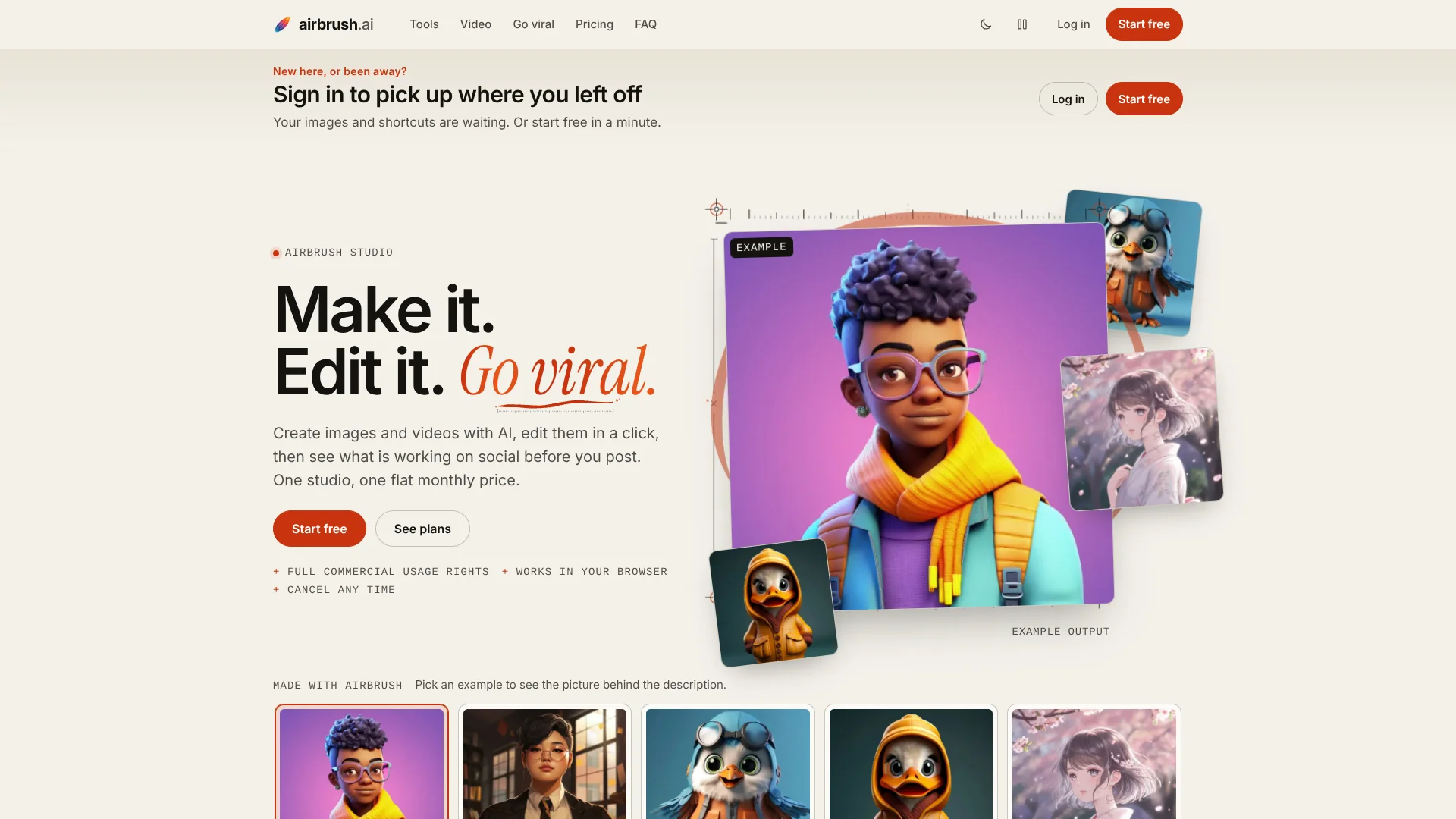
Airbrush Studio brings AI image creation and video editing together with tools for researching social trends. A creator can make product photos or ad graphics from a description, generate headshots from selfies, and turn one video into several edited versions with different pacing and captions. The browser-based studio saves finished work in a library, and its tools are aimed at people making content for brands and social channels.
One specific video feature takes a finished clip and produces several fresh edits, each with its own style, pacing, and captions, so creators can compare versions or tailor posts for different accounts.
Airbrush Studio is a fit for marketers, social media creators, and product sellers who need images and short videos for campaigns. The free plan starts with five credits, while the Monthly plan includes 500 credits; video creation uses about one credit per second, so frequent video work can use the allowance quickly.
Who is Using Airbrush?
Social media manager
A library of alternate video edits gives them versions to post and test.
E-commerce marketer
Product photos and ad creatives give campaigns visuals made from short descriptions.
Video content creator
Captioned edits and voiceover videos help turn ideas or existing footage into social content.
Brand designer
Background removal, object erasing, and image upscaling help prepare visuals for campaigns.
Uncommon Use Cases
A small business owner can check niche product trends before planning a promotion; a creator can review a draft video for likely performance before posting.
Key Features
Rating Breakdown
Pricing Plans
Free
Free
- 5 starter credits when you sign up
- Try the studio tools with your credits
- Keep creations in your library
- Commercial usage rights
Monthly
$39 per month
- 500 credits every month, renewing on the 1st
- Create, Edit, Headshots, and Video
- Full commercial usage rights
- Cancel any time, no contract
Which Airbrush plan should you pick?
Start with Free to try the studio, then choose Monthly if you need the full set of tools and 500 credits each month.
Free
Good for people who want to try the studio with five starter credits and keep their creations in the library.
Monthly
Good for regular image and video work, social research, and commercial projects that need 500 monthly credits.
Airbrush Use Cases
Product campaign visuals
Product photos and ad creatives start from a short written description.
Outcome: Campaign-ready images for product promotion.
Alternate social video edits
A single source video becomes multiple edits with different pacing, styles, and captions.
Outcome: Several versions to post or compare.
Professional profile photos
A few selfies are turned into headshots for LinkedIn, team pages, and profiles.
Outcome: Studio-style headshots from personal photos.
Niche trend research
Viral research reports surface videos, hooks, and formats gaining attention in a niche.
Outcome: Examples and angles to inform upcoming content.
Pre-post video review
A draft video gets a performance read and suggested fixes before publication.
Outcome: A review with clear improvements to consider.
Workflow Ideas with Airbrush
Prepare a product launch
- 1Research viral formats and product trends in your niche.
- 2Create product photos or ad creatives in Airbrush.
- 3Make video versions for social posts and review them before posting.
Repurpose a finished video
- 1Add an existing video to Video.
- 2Generate alternate edits with different styles, pacing, and captions.
- 3Save the versions to the library and choose which to post or test.
Refresh a team profile
- 1Choose Headshots.
- 2Add a few selfies for each profile image.
- 3Save the finished headshots in the library for download.
How Airbrush fits into your stack
Browser-based studio
Airbrush runs in a browser, with separate Create, Edit, Headshots, and Video tools for producing visual content.
Social content workflow
Viral research, trending sounds and hooks, ad research, and pre-post video checks help inform what to make before publishing.
Media library
Generated images and videos are saved in a library for download or reuse.
API and MCP
The API and MCP server are available on all plans, with endpoints and credit costs described on the API page.
Pros
- +Video variations: Produces multiple captioned edits from one source clip for posting or testing.
- +Commercial rights: The pricing page includes commercial usage rights on both Free and Monthly plans.
- +One saved library: Images and videos are kept in a library for later download or reuse.
- +API access: The API and MCP server are listed as available on all plans.
Cons
- −Small free allowance: Five starter credits leave limited room to try several tools.
- −Credit-based video: At about one credit per second, longer video generation can use credits quickly.
- −Few plan choices: The published studio pricing offers a free plan and one monthly subscription.
Limitations & when to consider alternatives
Known limitations
- Free credit allowance. The Free plan starts with five credits.
- Monthly credit allowance. The Monthly plan includes 500 credits that renew on the first of each month.
- Video credit use. Video Studio uses about one credit per second of video.
How to Use Airbrush
- 1
Choose a studio tool
Start in Create, Edit, Headshots, or Video based on the content you need.
- 2
Add a photo, video, or description
Airbrush accepts uploaded media or a short description, depending on the tool.
- 3
Review the result
Check the generated image or video and make another version if needed.
- 4
Save or download
Keep the result in your library, then download it for your project or social channel.
- 5
Check credit use
Every tool runs on credits; video creation uses about one credit per second.
- 6
Connect through the API when needed
The pricing page lists API and MCP access on all plans; use the API page for endpoints and credit costs.
Who is Airbrush For?
Social media creators
Video variations, trend research, and captions support a steady flow of posts.
Marketers
Ad creatives, product visuals, and ad research help shape campaign content.
Product sellers
Product photos and short promotional videos can support online listings and ads.
Teams building a public profile
AI headshots help create profile images for team pages and professional accounts.
Frequently Asked Questions
Is Airbrush Studio free?
Yes. The Free plan costs $0 and includes five starter credits, access to studio tools with those credits, a library for saved work, and commercial usage rights.
How much does Airbrush Studio cost?
The Monthly plan is $39 per month and includes 500 credits that renew on the first of the month.
Can I use Airbrush creations commercially?
Yes. The pricing page lists full commercial usage rights on both the Free and Monthly plans.
Does Airbrush have an API?
Yes. The pricing page says the API and MCP server are available on all plans; its API page covers endpoints and credit costs.
Does Airbrush work in a browser?
Yes. Airbrush Studio is browser-based, and its tools let you create, edit, and download images and videos.
Community reviews
2 reviews from people who use Airbrush.
Sign in to leave a review for Airbrush.
Thomas Prausse
Jay Sonavane
Airbrush Alternatives
Looking for alternatives to Airbrush? Here are similar tools in the same category: